
Last Updated on August 22, 2026 by Caleb Warren
Your electric scooter is usually going slow because of a battery problem, low tire pressure, brake drag, motor or controller issues, extra load, or a restricted riding mode. Start with simple checks: charge level, tire condition, brakes, and settings. Then inspect electrical connections and components if the problem continues.
Quick Answer
An electric scooter often slows down because the battery cannot deliver enough power, tires create extra resistance, brakes are rubbing, or the motor controller is limiting output. Check charging, tire pressure, brake release, ride mode, and wiring before replacing parts.
Key Takeaways
- Low battery voltage can reduce available power and speed.
- Correct tire pressure and free-spinning brakes help maintain efficiency.
- Motor, controller, wiring, and throttle faults can limit acceleration.
- Eco modes, app settings, and load weight can reduce top speed.
At a Glance
| Time Required | 15–45 minutes for basic checks |
| Difficulty | Easy to moderate |
| Tools Needed | Tire gauge, charger, flashlight, optional multimeter |
| Cost | Free for inspection; parts vary if repairs are needed |
Disclosure: As an Amazon Associate I earn from qualifying purchases. Some links on this page are affiliate links, at no extra cost to you.
Why Is Your Electric Scooter Going Slow?
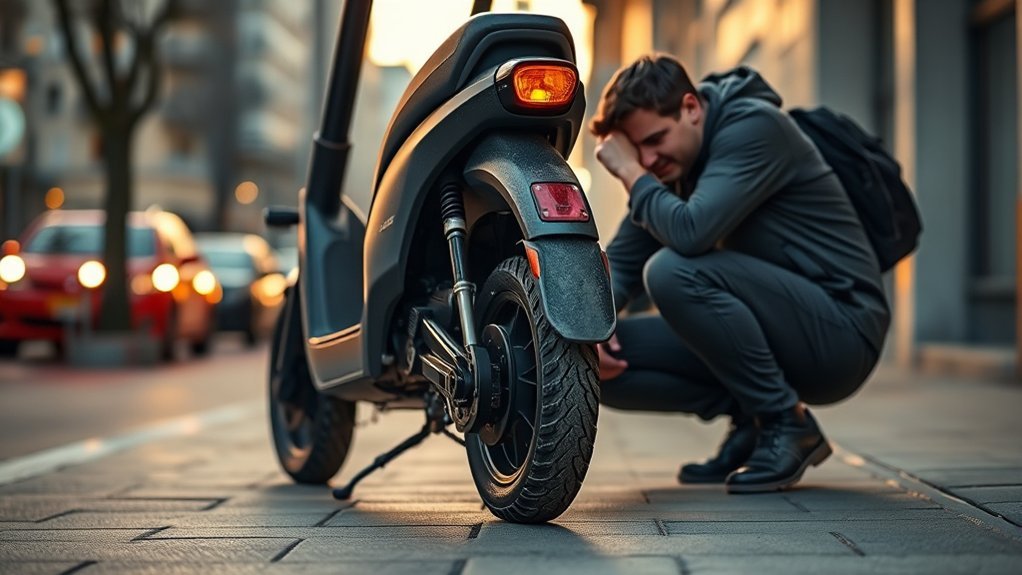
If your electric scooter is going slow, the cause is usually related to power delivery, resistance, or settings. A weak battery can reduce available output, while under-inflated tires and dragging brakes make the motor work harder. Cold weather, heavy loads, hills, and restricted ride modes can also reduce speed.
The fastest way to find the problem is to start with simple checks before opening the scooter. Confirm the battery condition, inspect the tires, make sure the wheels spin freely, and verify that your scooter is not limited by an app or riding mode.
Check The Battery And Charger
The battery is the first place to look because a scooter needs stable voltage and current to maintain speed. A low charge level, aging battery cells, poor connections, or a charger problem can reduce acceleration and top speed.
- Charge the battery fully and test the scooter again.
- Check whether the charger reaches its normal full-charge indication.
- Inspect battery terminals for corrosion or loose connections.
- Use a multimeter only if you understand the correct voltage range for your battery.
A battery that appears full but quickly loses power may be aging or developing internal problems. Lithium battery behavior can also change in cold temperatures, causing temporary performance loss.
Warning: Do not open or repair a damaged lithium battery pack unless you have the proper training. Battery failures can create fire and safety risks.
Inspect Tire Pressure And Brake Drag
Tires and brakes can reduce speed even when the electrical system works correctly. Low tire pressure increases rolling resistance, while brake pads that stay slightly engaged create constant friction.
Check each tire against the manufacturer’s recommended pressure. Look for cracks, unusual wear, or flat spots. Then lift the scooter safely and spin each wheel by hand. A wheel that stops quickly or rubs may indicate brake adjustment issues.
Pro Tip: After adjusting brakes or tire pressure, take a short test ride before making additional changes. One simple correction can restore normal speed.
Inspect The Motor And Controller
If the battery, tires, and brakes look normal, inspect the motor and controller. These parts manage power delivery from the battery to the wheel.
- Look for loose connectors or damaged wiring.
- Check for unusual heat, burning smells, or discoloration.
- Listen for grinding, clicking, or unusual motor sounds.
- Test whether the throttle responds smoothly.
A controller fault can limit current flow and make the scooter feel weak even when the display appears normal. Motor problems may also cause reduced speed, especially under load or on hills.
Check Weight Limits And Speed Settings
Your scooter’s speed depends partly on rider weight, cargo, terrain, and riding mode. A heavier load requires more power, which can reduce acceleration and maximum speed.
Check that you are within the manufacturer’s recommended weight limit. Also review your scooter’s settings. Many modern scooters include Eco mode, beginner mode, or app-based speed limits that intentionally reduce performance.
If changing the riding mode restores speed, the scooter may not have a mechanical problem. If speed remains low in every mode, continue checking the battery and hardware.
Note: Speed limits and settings vary by brand. Always follow your scooter manufacturer’s instructions and local riding laws.
A slow scooter is often caused by a simple loss of efficiency before it becomes a major mechanical failure.
Frequently Asked Questions
Why does my electric scooter go slow all of a sudden?
A sudden speed drop can come from a low battery, loose connection, brake drag, tire problem, overheating protection, or a changed riding mode. Start with basic checks before replacing parts.
Why is my scooter losing speed?
A scooter may lose speed because battery output is reduced, the motor is under extra load, tires create resistance, or settings limit power. Checking each area helps identify the cause.
How do I take a scooter off slow mode?
Check the scooter display, mobile app, or riding settings for Eco mode or speed limits. If the scooter remains slow, inspect battery condition, brakes, tires, and electrical connections.
Is 30 mph fast for an e-scooter?
Yes. A 30 mph electric scooter is faster than many commuter models, but actual performance depends on motor power, battery capacity, rider weight, terrain, and safety conditions.
Conclusion
If your electric scooter feels slow, begin with the basics: battery health, tire pressure, brake drag, motor condition, controller connections, and riding settings. Most speed problems come from reduced efficiency rather than a single major failure.
By checking each possible cause in order, you can restore smoother acceleration, improve range, and avoid replacing parts you do not need.
Sources
- U.S. Consumer Product Safety Commission — electric mobility safety information.
- Segway Support — manufacturer troubleshooting and manuals.
- Xiaomi User Guides — manufacturer manuals and operating guidance.
