
Last Updated on August 25, 2026 by Caleb Warren
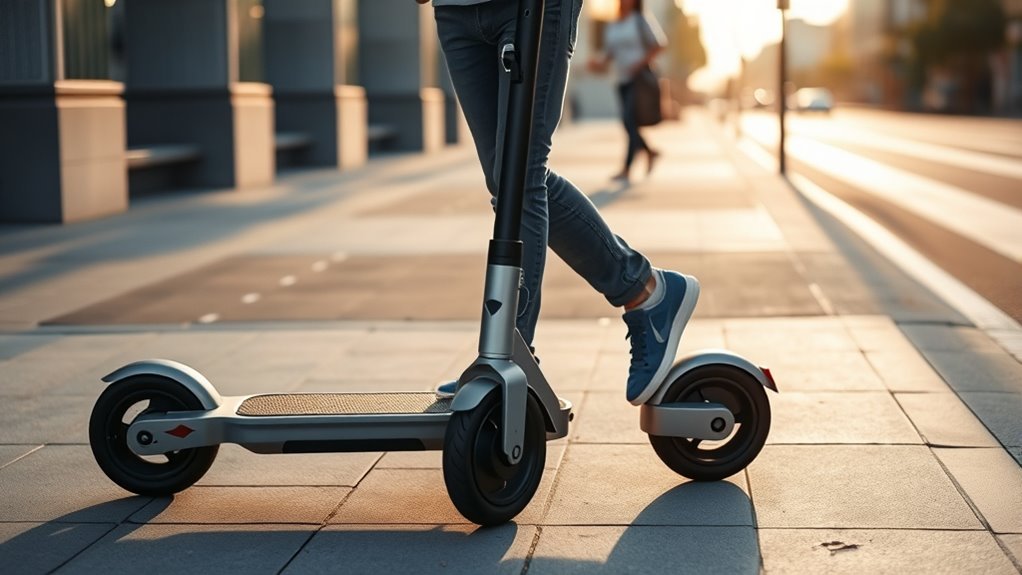
Walk mode on an electric scooter is a specialized, low-speed motor assist setting that caps your speed at approximately 1.8 to 3.7 mph (3 to 6 km/h) and limits motor power to a fraction of its normal output. This feature allows you to guide the scooter effortlessly through crowded sidewalks, pedestrian plazas, hallways, transit stations, or up steep inclines without having to push its full deadweight or risk sudden throttle surges.
Quick Answer
Walk Mode (or Pedestrian Mode) is a safety-oriented speed setting that caps an electric scooter’s top speed at walking pace (typically 3.1 mph / 5 km/h). Activated via a dashboard button or companion mobile app, it delivers gentle motor assistance so you can comfortably walk alongside a heavy scooter without pushing it manually or accidentally accelerating into pedestrians.
Key Takeaways
- Speed-Capped Safety: Limits speed to 1–3.7 mph (3–6 km/h) to match human walking pace in crowded zones.
- Effortless Maneuvering: Uses 5–15% motor output to propel heavy 30–70 lb scooters up pedestrian ramps and through transit hubs.
- Multiple Activation Methods: Engaged via companion apps, power button multi-clicks, holding the “-” button, or setting toggles depending on the brand.
- Visual Alerts: Many models (like Xiaomi and NIU) automatically flash the rear taillight while in pedestrian mode to alert nearby walkers.
- Negligible Battery Drain: Consumes only 0.1% to 0.3% of battery capacity for several minutes of continuous low-speed walking.
At a Glance
| Time Required | Instant (< 5 seconds to activate) |
| Difficulty | Beginner (Plug-and-play setting) |
| Tools Needed | Scooter Display / Companion Mobile App (Bluetooth) |
| Cost | Free (Standard firmware feature on compatible scooters) |
Disclosure: As an Amazon Associate I earn from qualifying purchases. Some links on this page are affiliate links, at no extra cost to you.
What Is Walk Mode on an Electric Scooter?
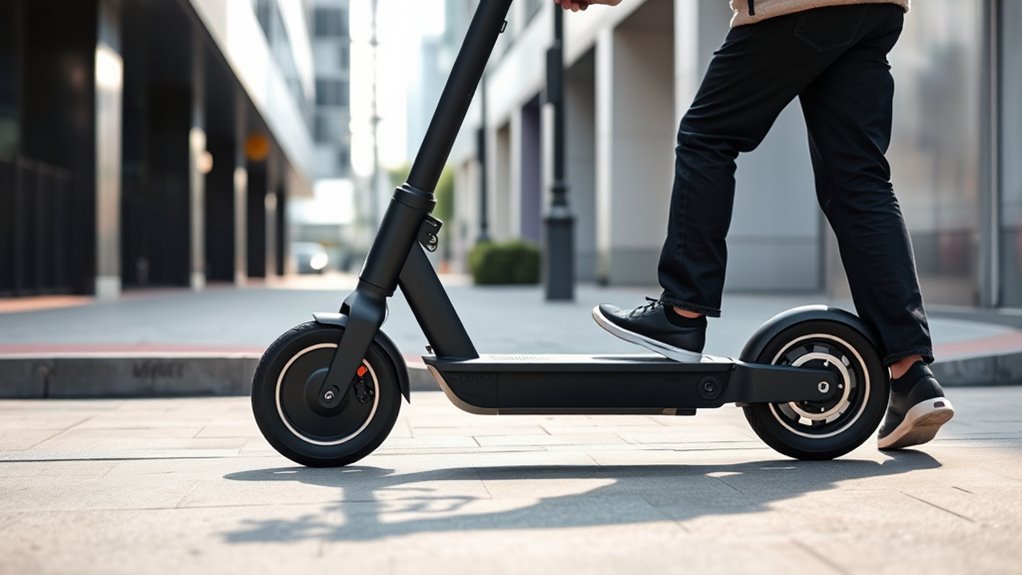
Walk mode (often labeled as Pedestrian Mode or Walk Assist) is a firmware-governed operational state designed specifically for times when riding at normal commuting speeds is unsafe, impractical, or prohibited by local bylaws. While standard riding modes (Eco, Drive, Sport) provide rapid acceleration up to 15–25+ mph, walk mode reconfigures the throttle mapping to output a gentle crawl.
In this mode, the scooter delivers just enough electric power to move its own weight plus a small amount of resistance—such as an attached backpack or an inclined walkway. This eliminates the physical fatigue of dragging a dead-weight motor and heavy lithium-ion battery pack through airports, train stations, indoor lobbies, or densely packed sidewalk cafes.
How Walk Mode Works: Technical Mechanics
When you engage walk mode, the scooter’s internal motor controller alters its Pulse Width Modulation (PWM) signal, capping current delivery to roughly 5% to 15% of peak amperage. The speed governor actively monitors wheel speed via hall effect sensors, cutting or modulating power if the scooter exceeds roughly 3.7 mph (6 km/h).
| Component | Walk Mode Action | Rider Benefit |
|---|---|---|
| Motor Controller | Dampens throttle sensitivity curve | Prevents sudden wheel spins and jerky starts |
| Speed Governor | Hard-caps speed at 3.1–3.7 mph (5–6 km/h) | Matches average human walking cadence |
| Regenerative Braking | Softened or temporarily disabled | Allows smooth rolling without magnetic motor drag |
| Lighting System | Automated flashing taillight (select brands) | Alerts surrounding pedestrians in low-light zones |
Note: Under European standard EN 17128 for personal light electric vehicles (PLEVs), manufacturers must provide a dedicated pedestrian mode capped at a maximum of 6 km/h (3.7 mph) to facilitate compliant sidewalk transit where local regulations allow.
Why Walk Mode Improves Scooter Safety
Attempting to ride or feather the throttle at walking pace in standard riding modes is notoriously difficult. Modern brushless DC (BLDC) motors deliver instant torque from a standstill. A slight twitch of the throttle in “Drive” or “Sport” mode can cause the scooter to surge forward unexpectedly, risking collisions with pedestrians, scraping building walls, or slipping out of the rider’s grip.
Walk mode eliminates sudden throttle surges by limiting peak motor torque, ensuring the scooter never accelerates faster than human walking speed.
By enforcing a strict speed cap, walk mode provides three essential safety layers:
- Pedestrian Parity: Moving at 1–3 mph keeps your kinetic energy low, preventing high-impact incidents in shared walkways.
- Predictable Throttle Response: Even if the throttle is accidentally pressed down fully, the controller will not release dangerous bursts of acceleration.
- Stable Footing on Ramps: When pushing a scooter up parking garage ramps or steep pedestrian bridges, walk assist provides continuous forward momentum so you do not have to struggle against gravity.
Warning: Walk mode is primarily engineered for walking beside the scooter, not riding on the deck. Riding on the deck at 2 mph requires extreme balancing effort and can cause wobble or tip-overs in narrow spaces.
When to Use Walk Mode on a Scooter
Switching into walk mode is recommended whenever standard riding poses a hazard or violates facility rules:
- Crowded Pedestrian Areas: Farmers’ markets, busy retail plazas, school campuses, and boardwalks.
- Transit Hubs & Multi-Modal Commutes: Guiding your scooter through subway stations, train platforms, or bus terminals.
- Indoor Transfers: Rolling into office lobbies, elevators, parking structures, and storage corridors.
- Steep Incline Assistance: Walking up steep hills or accessibility ramps where pushing a 40–60 lb electric scooter manually would cause strain.
- Walking Alongside Friends: Strolling comfortably beside a walking companion without having to repeatedly brake and balance at sub-5 mph speeds.
How to Turn On Walk Mode
Because scooter manufacturers use different firmware and user interfaces, the activation sequence depends on your specific make and model. Below are the standard activation steps across top manufacturers.
Activation Methods by Major Brands
1. Segway-Ninebot (Ninebot Max G2, G30P, F-Series, E-Series)
- Via Dashboard: Double-press the main power button to cycle through speed modes until the walking pedestrian icon (🚶) illuminates on the LED screen.
- Via App: Open the official Segway-Ninebot App, connect via Bluetooth, navigate to Device Settings, and toggle Walk Mode / Pedestrian Mode to active.
2. Xiaomi Mi Electric Scooters (Pro 2, 3, 4 Pro, Essential)
- Press the single control button twice in rapid succession to cycle modes: Pedestrian Mode (🚶) → Standard (D) → Sport (S).
- When activated, the dashboard displays a walking figure, maximum speed is capped at 5 km/h (3.1 mph), and the rear light automatically pulses. Refer to Xiaomi Support for model-specific firmware notes.
3. NIU KQi Series (KQi2 Pro, KQi3 Pro, KQi3 Max, KQi Air)
- Press the power button repeatedly until the pedestrian symbol appears on the halo display, or enable “Pedestrian Mode” directly within the NIU Mobility App.
- The scooter automatically lowers power delivery and flashes its tail lamp for safety.
4. Apollo Scooters (City Pro, Air, Phantom) & Display-Based Throttles (QS-S4 / EY3)
- On Apollo models, toggle to the lowest gear (Gear 1 / Eco Walk) via the handlebar toggle or configure low-speed limits in the Apollo App.
- On performance scooters equipped with generic QS-S4 or LH-100 LCD throttle units, long-press the Mode or Down (-) button while in Gear 1 to initiate walk-assist crawl.
Pro Tip: When walking alongside your scooter, keep one hand hovering lightly over the mechanical brake lever. Even in walk mode, having immediate brake control prevents accidental rolling if you encounter an unexpected drop-off or curb.
Which Scooters Have Walk Mode?
Walk mode is standard on most contemporary commuter scooters from tier-one manufacturers, but availability varies widely across market tiers.
Models With Dedicated Walk Mode
Modern urban commuters designed for multi-modal travel generally integrate walk mode natively:
- Segway-Ninebot: Max G2, Max G30P, F2 Pro, E2 Plus, Zing series.
- Xiaomi: Electric Scooter 4 Pro, 4 Ultra, Mi Pro 2, Mi Scooter 3.
- NIU: KQi1 Pro, KQi2 Pro, KQi3 Pro/Max, KQi Air.
- Apollo: Apollo Air (2023+), Apollo City Pro, Apollo Go.
- Unagi: Model One Voyager (via app speed-limit customization).
Budget Scooters Without Walk Mode
Ultra-budget e-scooters (often under $300) and older generic models frequently omit dedicated walk assist to reduce manufacturing and controller firmware complexity. On these models:
- The throttle delivers abrupt power even in the lowest gear.
- Riders must rely entirely on unassisted manual pushing.
- Attempting to apply throttle while walking can cause the deck to pull away from your hands.
Walk Mode vs. Manual Pushing
Understanding when to rely on the motor versus pushing manually preserves both battery life and personal energy.
| Feature / Metric | Walk Mode Assist | Manual Pushing (Motor Off) |
|---|---|---|
| Physical Effort | Near zero; motor handles vehicle inertia | Moderate to high (especially on heavy 40+ lb decks) |
| Incline Assistance | Excellent; pushes scooter up ramps easily | Tiring; rider pushes entire scooter weight |
| Battery Consumption | Minimal (~0.1%–0.3% per minute) | Zero battery draw |
| Control on Crowded Sidewalks | Smooth, continuous, speed-governed glide | Total physical control, but prone to awkward rolling resistance |
Walk Mode Limitations and Battery Use
While walk mode is highly convenient, it has a few operational boundaries you should keep in mind:
- Low Battery Consumption: Because the motor operates under virtually no payload (carrying only the frame, not your body weight), energy consumption remains minimal—typically under 30 to 50 Watts of power draw.
- Kick-to-Start Conflicts: If your scooter is programmed with a “Zero-Start” safety lockout (requiring a manual kick up to 1.8–3.0 mph before the motor engages), walk mode might require an initial push before motor assist activates.
- Auto-Sleep Timeouts: Some brands automatically disengage walk mode if the scooter remains stationary for more than 30 to 60 seconds, reverting back to the default Eco or Drive mode.
What to Do If Your Scooter Lacks Walk Mode
If your electric scooter does not have a dedicated pedestrian mode setting, you can still manage tight pedestrian areas safely using these alternative techniques:
1. Eco Mode Throttle Feathering
Switch your scooter into its lowest speed setting (typically Eco Mode or Gear 1). Rest your thumb lightly on the throttle, applying only millimeters of pressure while walking beside the deck. Keep your index and middle fingers wrapped over the brake lever at all times to counter any unexpected surges.
2. True Manual Walking (Power Off)
If the lowest gear is still too aggressive, turn off the scooter’s display power or let the throttle rest completely. Walk on the left side of the scooter, holding both handlebars firmly. This prevents accidental throttle actuation and gives you 100% mechanical control through crowded hallways or building doorways.
Tips for Using Walk Mode Effectively
- Walk on the Non-Kickstand Side: Walk on the left side of your scooter to avoid catching your ankles on the kickstand or rear disc brake assembly.
- Keep Both Hands on the Handlebars: Maintain full two-handed steering control even at low speeds to prevent the front wheel from tracking into sidewalk seams or expansion joints.
- Check Dashboard Icons Before Moving: Confirm the walking pedestrian icon (🚶) or mode indicator is illuminated on your display before applying throttle near other people.
- Practice in an Open Area: Test how your scooter’s walk mode engages while walking alongside it in an empty driveway or parking lot before using it in crowded transit terminals.
Frequently Asked Questions
How fast does an electric scooter travel in walk mode?
On most commercial electric scooters (including Segway-Ninebot, Xiaomi, and NIU), walk mode is electronically capped between 1.8 and 3.7 mph (3 to 6 km/h). This speed range matches natural human walking pace, ensuring safe passage in pedestrian zones.
Can you ride on the scooter deck while in walk mode?
While the motor will technically move under rider weight, riding at 2–3 mph makes balancing difficult and can cause unstable wobbling. Walk mode is specifically engineered for walking alongside the scooter to assist with moving its weight.
Why does my taillight flash when pedestrian mode is active?
Many manufacturers (such as Xiaomi and NIU) program the rear LED brake light to pulse or blink continuously while in pedestrian mode as an active visual warning to nearby pedestrians in low-light or crowded conditions.
Does walk mode drain the scooter battery quickly?
No. Because the motor is not supporting rider body weight, it consumes minimal energy—typically only 0.1% to 0.3% of total battery capacity for every 5 minutes of continuous walk assist.
Conclusion
Walk mode on an electric scooter transforms a heavy, awkward piece of micromobility hardware into an easily maneuverable companion. By restricting top speed to a controlled 1–3.7 mph and smoothing out throttle torque curves, walk mode protects surrounding pedestrians, reduces rider fatigue on inclines, and ensures seamless transitions through transit hubs and crowded walkways. Check your scooter’s manual or companion app to identify your activation shortcut, and utilize walk mode whenever riding at regular speeds is unsafe.
Sources
- Segway-Ninebot Official Support — KickScooter user manuals, speed mode configurations, and firmware specifications.
- Xiaomi Global Official — Mi Electric Scooter user documentation and EN 17128 pedestrian compliance details.
- NIU Mobility — KQi Series smart dashboard operation and companion app pedestrian mode settings.
- European Standard EN 17128 — Technical safety requirements and test methods for personal light electric vehicles (PLEVs).
