
Last Updated on July 23, 2026 by Caleb Warren
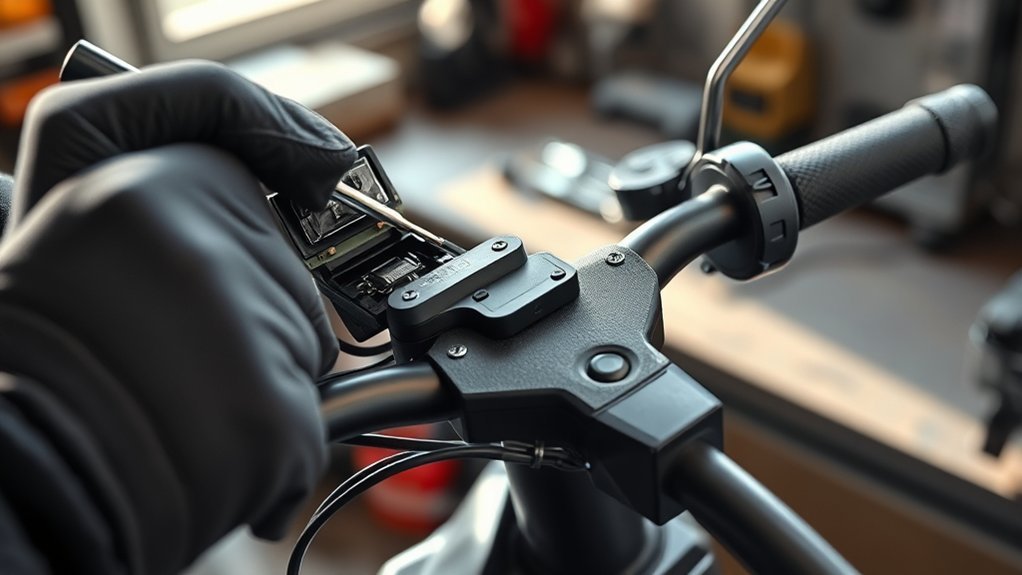
A stuck Xiaomi M365 throttle is often caused by the rubber grip pressing against the moving throttle assembly, dirt around the lever, or an assembly that has shifted on the handlebar. Start with the scooter switched off, check the gap beside the grip, and confirm that the thumb lever returns freely. Do not ride until the throttle snaps back on its own.
Quick Answer
Turn off the Xiaomi M365 and pull the rubber grip slightly outward so it does not rub against the throttle. If the lever still sticks, loosen the throttle assembly clamp, create a small gap, and retighten it evenly. Clean accessible dirt with a damp cloth. Replace or professionally service a damaged throttle or one showing Error 14.
Key Takeaways
- Switch the scooter off before touching or repositioning the throttle.
- Leave a small gap between the rubber grip and the moving throttle assembly.
- Moving the assembly changes its clearance. It does not electronically calibrate the throttle.
- Do not spray lubricant or cleaner inside the throttle housing.
- Stop riding if the lever does not return, acceleration is intermittent, or the scooter reports Error 14.
At a Glance
| Time Required | 10–20 minutes for an external inspection and adjustment |
| Difficulty | Easy for grip clearance; professional help recommended for electrical faults |
| Tools Needed | Correct metric hex key, soft cloth, water, and a flashlight |
| Cost | Usually no cost for a clearance adjustment; replacement parts and labor vary by region |
Warning: Do not ride an M365 if the throttle sticks, returns slowly, accelerates without a clean input, or works only sometimes. Keep the scooter switched off during adjustments. Do not open the battery compartment or perform internal electrical repairs unless you have the correct technical skills and service information.
Disclosure: As an Amazon Associate I earn from qualifying purchases. Some links on this page are affiliate links, at no extra cost to you.
Fix a Stuck Xiaomi M365 Throttle Fast
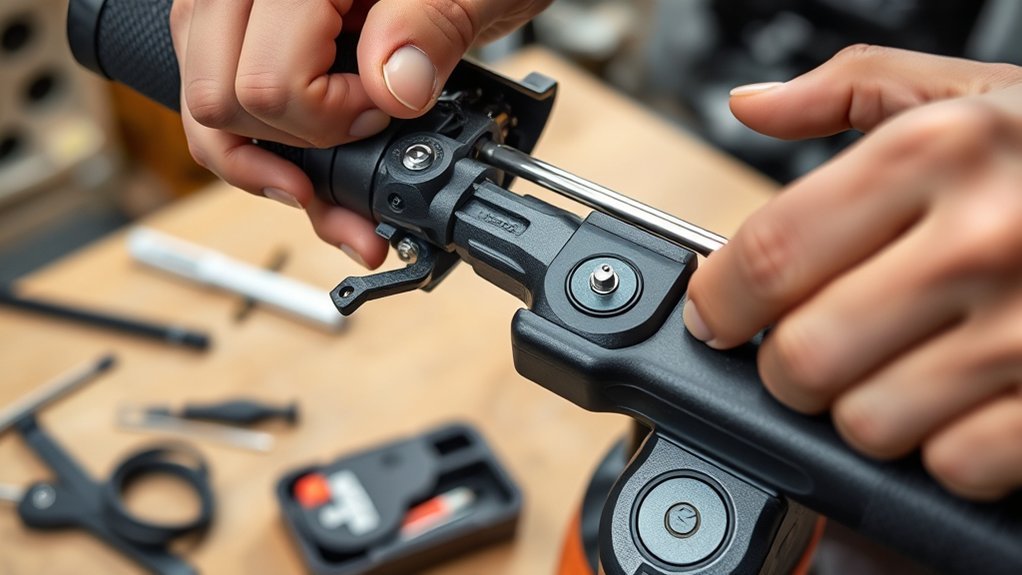
Before loosening any screws, identify what the throttle is doing. A lever that physically catches or returns slowly usually has a clearance, dirt, wear, or impact-related problem. A lever that moves smoothly but produces no acceleration may be behaving normally at a standstill, or it may have a battery, sensor, wiring, or controller fault.
| Symptom | Likely Cause | First Action |
|---|---|---|
| Lever rubs or will not return | Grip interference, dirt, misalignment, or physical damage | Turn off the scooter and check the gap beside the grip |
| Lever moves normally but does nothing at a stop | Normal M365 kick-start operation | Push off and exceed about 5 km/h before pressing the accelerator |
| Acceleration cuts in and out | Damaged throttle, internal sensor fault, loose connection, or damaged wire | Stop riding and arrange a qualified inspection |
| Error 14 or repeated fault beeps | Accelerator fault | Contact Xiaomi support, the seller, or a qualified scooter repairer |
Pull the Rubber Grip Outward to Create Clearance
The rubber handlebar grip can move inward and press against the rotating part of the throttle. This friction may make the lever feel stiff or prevent it from returning fully.
- Switch the scooter off and place it securely on its kickstand.
- Press and release the throttle by hand to feel where it catches.
- Hold the rubber grip and pull it a small distance toward the end of the handlebar.
- Leave a visible gap between the grip and the moving throttle assembly.
- Press and release the throttle several times while the scooter remains off.
The lever should move through its full range without touching the grip and should return immediately when released. You normally do not need to remove the rubber grip completely.
Pro Tip: Watch the narrow gap while pressing the lever. If the grip moves with the throttle or touches it at any point, pull the grip slightly farther outward before loosening the throttle assembly.
Reposition the Throttle Assembly on Your M365
If moving the grip does not remove the friction, the complete throttle assembly may have shifted along the handlebar. Repositioning it changes the physical clearance. It does not electronically calibrate the throttle.
- Keep the scooter switched off.
- Find the clamp screw that secures the throttle assembly to the handlebar.
- Use the correctly sized metric hex key and loosen the screw only enough for the assembly to move.
- Slide the complete assembly slightly away from the rubber grip.
- Keep the housing straight and make sure the throttle wire is not stretched, twisted, or pinched.
- Tighten the clamp screw evenly. Do not overtighten it or crack the housing.
- Press and release the lever at least ten times with the power still off.
The housing should remain secure, and the lever should return to its resting position every time. If the housing is cracked, the lever is bent, or the return action remains inconsistent, replace the throttle or arrange professional service instead of repeatedly moving it.
Note: The throttle uses an electrical wire, not a mechanical accelerator cable. Do not try to adjust cable tension. Check only that the visible wire is not crushed, sharply bent, or pulled tight.
Clean the Throttle and Avoid Unapproved Lubricants
Dirt around the lever and the gap beside the housing can restrict movement. Clean only the accessible external surfaces unless you have a manufacturer-approved service procedure.
| Step | Safe Action |
|---|---|
| 1 | Switch off the scooter and disconnect the charger. |
| 2 | Use a dry cloth or soft brush to remove loose dust from the lever and surrounding gap. |
| 3 | For stuck dirt, wipe the external surface with a lightly damp cloth. |
| 4 | Keep water away from openings, the dashboard, connectors, and charging port. |
| 5 | Let all cleaned surfaces dry before switching the scooter on. |
Do not spray silicone lubricant, penetrating oil, grease, alcohol, gasoline, or strong cleaner into the throttle housing. Liquid can carry dirt farther inside, affect plastic parts, or reach the electronic sensor. The Xiaomi M365 user manual recommends external cleaning with a damp cloth and warns against corrosive or volatile chemical solvents.
Check Normal M365 Kick-Start Operation
A throttle that does not accelerate the scooter while it is stationary may be working normally. The original M365 is designed as a kick-start scooter. According to the user manual, the accelerator activates after the scooter is coasting faster than approximately 5 km/h, or 3.1 mph.
- Confirm that the battery has enough charge.
- Switch the scooter off, wait several seconds, and switch it on again.
- Check that the throttle lever moves and returns normally.
- Move to a clear, flat area away from traffic and pedestrians.
- Wear a helmet and protective equipment.
- Push off with one foot and reach a gentle coasting speed before pressing the accelerator.
If the motor starts after the scooter is moving, the standstill behavior was normal. If the throttle still does not respond, stop the test and continue with fault diagnosis.
Error 14 and Electrical Throttle Faults
Error 14 indicates an accelerator fault on Xiaomi electric scooters. Depending on the scooter and display, you may see the number 14 or hear a fault sequence instead of seeing a number. Xiaomi’s official Error 14 support guidance directs owners to after-sales service when the accelerator is not operating normally.
Stop basic DIY work and arrange service when you notice any of these conditions:
- Error 14 remains after restarting the scooter.
- The lever moves freely but acceleration cuts in and out.
- The scooter accelerates without a clean, deliberate press.
- The throttle or handlebar was damaged in a fall or collision.
- The housing is cracked, loose, bent, or unable to hold its position.
- The visible throttle wire is cut, crushed, stretched, or damaged.
- Creating grip clearance does not restore a consistent return action.
An internal sensor, connector, wiring, dashboard, or controller problem requires a different diagnosis from a rubbing grip. Contact Xiaomi support, the seller, or a qualified electric-scooter repairer rather than opening the battery or replacing electrical components by guesswork.
Test the Throttle Before Riding Normally
Complete the test in two stages. First, keep the scooter switched off and press the lever repeatedly. It must move smoothly and return immediately every time. Turn the handlebar fully left and right while repeating the test to make sure the wire does not tighten or affect the lever.
Next, check the brakes and perform a low-speed powered test in a flat, open area. Keep both hands on the handlebar, cover the brake lever, push the scooter above its kick-start speed, and apply only a small amount of throttle. Release it and confirm that acceleration stops cleanly.
A throttle repair is not complete until the lever returns by itself and the scooter stops accelerating as soon as you release it.
Do not continue riding if the response is delayed, jerky, intermittent, or different when the handlebar turns.
Prevent Xiaomi M365 Throttle Problems
Inspect the throttle briefly before every ride. The U.S. Consumer Product Safety Commission recommends checking an e-scooter’s throttle, handlebars, brakes, lights, tires, cables, and frame for damage before use.
- Confirm that the rubber grip is not touching the throttle.
- Press and release the lever before switching on the scooter.
- Keep the handlebar and throttle area free from grit and dried mud.
- Do not hang heavy items from the handlebar.
- Inspect the housing and lever after a fall or impact.
- Keep the throttle wire free from sharp bends and crushing.
- Store the scooter indoors in a dry area.
- Stop riding immediately if the throttle action changes.
Also check whether your scooter is covered by Xiaomi’s M365 safety notice and repair program. Although that campaign focuses on the folding hook, Xiaomi’s inspection guidance emphasizes regular checks of major controls, including the throttle and brakes.
Frequently Asked Questions
How do I fix a throttle that physically sticks on a Xiaomi M365?
Switch off the scooter and pull the rubber grip slightly outward so it does not touch the throttle. Clean accessible dirt with a dry or lightly damp cloth. If necessary, loosen the throttle assembly clamp, move the complete assembly away from the grip, and retighten it evenly. Replace or service it if the lever still fails to return.
Why does my Xiaomi M365 throttle not work from a standstill?
The original M365 uses a kick-start system. Its manual says the accelerator becomes active after the scooter is coasting faster than about 5 km/h, or 3.1 mph. Push off first and test it at low speed in a safe area before assuming the throttle has failed.
What does Error 14 mean on a Xiaomi scooter?
Error 14 indicates an accelerator fault. Restart the scooter once and make sure the lever is fully released and not touching the grip. If the error returns, stop riding and contact Xiaomi support, the seller, or a qualified repairer for throttle and wiring diagnosis.
Can a Xiaomi M365 throttle be repaired?
A grip-clearance or external alignment problem can often be corrected without replacing the throttle. A cracked housing, damaged lever, internal sensor fault, damaged wire, or recurring Error 14 normally calls for replacement or professional repair.
Should I lubricate a sticking M365 throttle?
Do not spray lubricant into the throttle housing. Start by correcting the grip clearance and cleaning accessible surfaces with a dry or lightly damp cloth. Internal lubrication is not part of Xiaomi’s normal owner-maintenance instructions and may contaminate the electronic assembly.
How much does it cost to fix an electric-scooter throttle?
Creating a gap between the grip and throttle may cost nothing. A replacement throttle and professional installation vary by country, part quality, scooter condition, and labor rates. Ask for a local written quote rather than relying on a general online price range.
Conclusion
Start with the simplest cause when your Xiaomi M365 throttle sticks. Switch off the scooter, move the rubber grip away from the lever, clean the accessible surfaces, and correct the throttle assembly’s position if needed. Remember that this is a clearance adjustment, not electronic calibration.
Do not ride until the lever returns immediately and the scooter stops accelerating as soon as you release it. If the throttle is damaged, works intermittently, or produces Error 14, stop troubleshooting and arrange qualified service.
Sources
- Xiaomi Mi Electric Scooter M365 User Manual — kick-start operation, pre-ride checks, cleaning instructions, and repair safety.
- Xiaomi Support: Electric Scooter Throttle Troubleshooting — grip clearance, obstruction checks, power cycling, and Error 14 guidance for related Xiaomi scooter models.
- Xiaomi Support: Error 14 — official accelerator-fault and after-sales guidance.
- Xiaomi M365 Scooter Safety Notice — regular inspection and professional repair recommendations.
- U.S. Consumer Product Safety Commission Micromobility Information Center — pre-ride throttle, brake, cable, handlebar, tire, light, and frame checks.
