

Last Updated on September 11, 2026 by Tyler Morgan
You can get an American Airlines receipt online without an AAdvantage account. Ticket, fee, and many ancillary receipts use American’s ticket-receipt portal, while food, drinks, Wi-Fi, and other onboard purchases use a separate inflight tool. The key is knowing which receipt you need and which number or payment details to enter.
Quick Answer
For a ticket or fee receipt, use American Airlines’ Your Receipts portal with the 13-digit ticket number and passenger last name. AA says these receipts are available starting 24 hours after purchase or a change for up to 18 months. Inflight receipts use a separate tool starting 72 hours after the flight.
Key Takeaways
- Ticket and fee receipts and inflight purchase receipts use different American Airlines tools.
- An American-issued ticket number is 13 digits and begins with 001; it is different from the 6-character confirmation code or record locator.
- Seats, upgrades, and bags can have their own ticket or document numbers, so an extra charge may need to be looked up separately.
- If another travel seller issued or charged your ticket and AA cannot retrieve the receipt, contact the seller or issuing agency for the payment record.
Get Your American Airlines Receipt Online
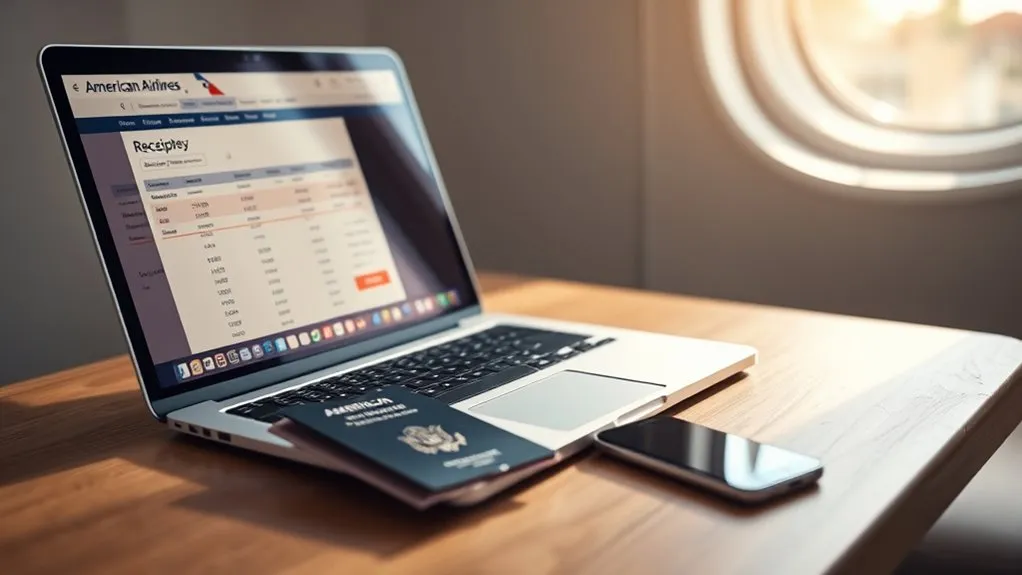
For an American Airlines ticket or fee receipt, open aa.com/your-receipts. Enter the passenger’s 13-digit ticket number and last name as requested by the portal. You do not need to sign in to an AAdvantage account just to use this receipt lookup.
American’s current Receipts and Refunds page says ticket, fee, and ancillary receipts become available starting 24 hours after the purchase or change and remain available online for up to 18 months.
After the portal returns the receipt, review the fare and cost information, then use the page’s print option or your browser’s print command to print it or save it as a PDF.
The ticket receipt portal uses the 13-digit ticket number and passenger last name; an AAdvantage account login is not required for the basic lookup.
Note: Food, drinks, Wi-Fi, and other onboard purchases use AA’s separate inflight-receipt tool. They are not looked up with the standard ticket number.
If you regularly collect receipts for expense reports, a third-party receipt-management service such as WellyBox may also collect documents from a connected mailbox. That is optional; American Airlines’ own receipt tools remain the direct source for AA records.
Find Your Ticket Number and Last Name
Before you can pull up a ticket receipt, find the 13-digit ticket number. American Airlines states that its ticket numbers begin with 001.
Check these places first:
- Your American Airlines booking confirmation email.
- Your cancellation email, if the trip was canceled.
- Your credit-card statement, where the ticket number may appear with the transaction.
- Your saved e-ticket or an airport or ticket-office receipt.
American’s Reservations and Tickets FAQ confirms that the booking or cancellation email and credit-card statement are places to look for the ticket number.
Ticket Number vs. Confirmation Code
Do not confuse the ticket number with your confirmation code. The ticket number is 13 digits. The confirmation code, also called the record locator, is a 6-character booking reference used to find and manage your trip.
An AAdvantage account can help you locate the associated trip, but the ticket-receipt portal itself asks for the ticket number rather than the confirmation code.
Warning: Do not post your confirmation code, full ticket number, or payment-card information publicly on social media. If you cannot find the number, use American Airlines customer service, chat, or Reservations instead.
Tickets Booked Through an Agency or Other Website
A third-party booking does not always mean the same thing. A site such as a metasearch service may send you to American Airlines to complete payment, while a travel agency or online agency may issue or charge the ticket itself.
Check the confirmation and your card statement to see who sold the ticket. If you have an American-issued 13-digit ticket number beginning with 001, you can try AA’s receipt portal. If AA cannot retrieve the payment record, or another seller issued the transaction, request the receipt from that seller or travel agency.
Check When Your Receipt Is Available
American Airlines uses different processing and retention windows depending on what you bought. Ticket, fee, and ancillary receipts start becoming available 24 hours after the purchase or change. Inflight purchase receipts become available 72 hours after the flight.
At a Glance
| Ticket / Fee Receipts | Available starting 24 hours after purchase or change; online for up to 18 months |
| Inflight Receipts | Available starting 72 hours after the flight; online for up to 6 months |
| Ticket / Fee Information | 13-digit ticket or document number + passenger last name |
| Inflight Information | Last name + last 4 card digits + starting and ending travel dates |
| Difficulty | Easy once you have the correct identifying information |
| Cost | AA does not list a fee for using its online receipt lookup tools |
AA’s dedicated receipts page currently states an 18-month online window for tickets and fees. One older AA customer-service FAQ still references “most tickets” from the past 9 months, so use the dedicated Receipts and Refunds page as the current portal-specific guidance.
Pro Tip: Save the receipt as a PDF when you retrieve it. That gives you your own permanent copy instead of depending on AA’s online retention window.
Print or Save Your American Airlines Receipt
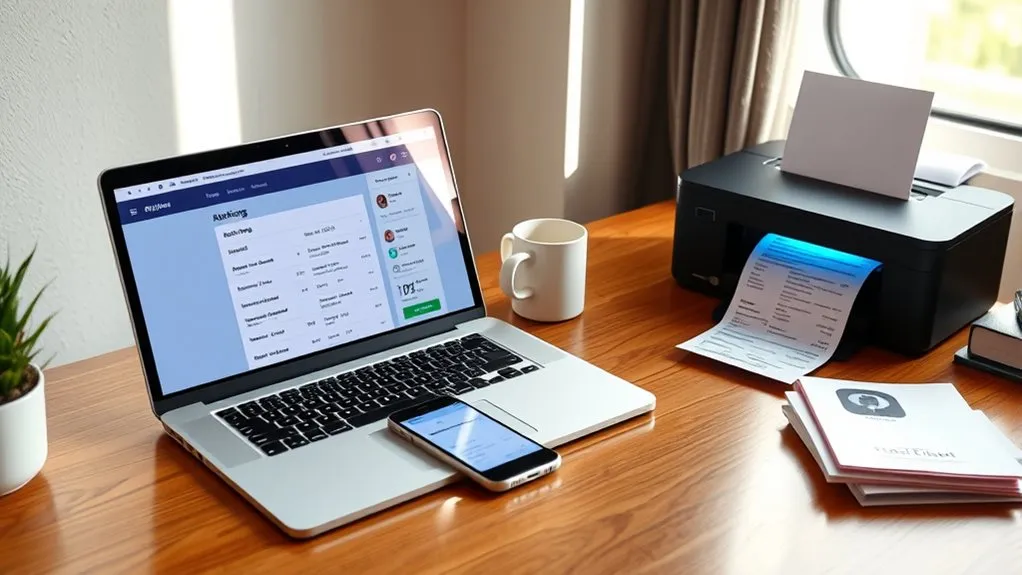
Once your American Airlines receipt opens, you can print it or keep a digital copy.
- Use the receipt page’s Print option when available.
- On Windows, press Ctrl+P.
- On a Mac, press Command+P.
- Select Save as PDF or your browser’s equivalent to keep a digital copy.
- On a phone or tablet, use the browser or share menu’s print or PDF options if supported by your device.
If printing fails but the receipt itself loads correctly, first try the browser’s built-in print command. You can also reload the page, allow pop-ups if the print view uses one, or try a current version of another browser.
Find Receipts for Tickets, Fees, and Extras
American Airlines’ receipt system covers tickets, fees, and ancillaries such as seats. However, that does not mean every charge is combined under your original flight ticket number.
Ticket and Fee Receipts
- Open American Airlines’ ticket and fee receipt portal.
- Enter the 13-digit ticket or document number.
- Enter the passenger’s last name.
- Open the returned receipt and review the charges.
- Print it or save it as a PDF.
If the receipt does not appear after the normal processing period, verify the ticket number and passenger name before contacting American Airlines customer service.
Ancillary Purchase Records
Seats, upgrades, checked bags, and other extras can have separate ticket or document numbers. American’s own guidance notes that seats, upgrades, and bags may be assigned numbers separate from the main flight ticket.
If you need an expense record for one of those charges, check the confirmation email or other purchase record for that extra and use its number in the same ticket-and-fee receipt portal. Do not assume your main flight ticket number will display every ancillary transaction.
Receipt Timing and Limits
- Ticket, fee, and ancillary receipts: starting 24 hours after purchase or change.
- Ticket, fee, and ancillary online window: up to 18 months according to AA’s dedicated receipt page.
- Inflight purchase receipts: starting 72 hours after the flight.
- Inflight online window: up to 6 months.
Saving each receipt as soon as you retrieve it makes reimbursement and expense tracking easier, especially when a trip has separate ticket, seat, bag, and inflight transactions.
Get Inflight Purchase Receipts
Food, drinks, Wi-Fi, and other purchases made onboard use a separate receipt lookup. American Airlines says these receipts become available starting 72 hours after your flight and remain available for up to 6 months.
Open AA’s inflight receipt tool. Instead of a ticket number, it asks for:
- Your last name.
- The last 4 digits of the credit card used for the purchase.
- A starting date for the travel-date range.
- An ending date for the travel-date range.
Ticket receipts and inflight receipts are not interchangeable: one lookup uses the ticket number, while the onboard-purchase lookup uses card and travel-date information.
Once the inflight receipt appears, save it and match it to the correct trip and expense report. If you have a question specifically about inflight Wi-Fi service rather than the receipt itself, American’s Receipts and Refunds page directs customers to the applicable Wi-Fi service provider.
Receipt vs. Refund: Use the Right Tool
A receipt proves what was purchased or charged. A refund request asks for money to be returned, and a refund-status check tells you whether that request has been processed. Retrieving a receipt does not request a refund.
If you need money returned rather than proof of payment, use American’s refund tool. AA states that separate refund requests may be needed for separate ticket numbers, including ticket numbers assigned to extras such as seats and bags.
For tickets bought from a travel agent or another website, American directs customers to the seller for refund help. That is another reason to identify who actually issued and charged the transaction.
Find Receipts Faster With WellyBox

If you process many travel expenses, WellyBox is one optional third-party tool for collecting and organizing receipts from connected email accounts and supported online sources.
- Connect a mailbox so receipt emails can be collected in one place.
- Review extracted receipt information from a dashboard.
- Export supported records to formats such as PDF, CSV, or Excel.
- Check WellyBox’s current American Airlines guidance for its latest features and plan terms rather than assuming a free offer will remain unchanged.
For companies using SAP Concur, the current American Airlines integration in the SAP Concur App Center supports connecting an AAdvantage account with Concur TripLink in the United States and Canada. When the organization’s integration is enabled, AA.com booking data and supported e-receipts can flow into Concur Travel and Expense.
Fix Missing Ticket Numbers and Print Errors
If you cannot retrieve an American Airlines receipt, first decide whether the problem is the lookup or only the printing. A browser print problem is different from AA returning no receipt at all.
Find Ticket Number
Look for the 13-digit American-issued ticket number beginning with 001.
- Check the original booking confirmation email.
- Check the cancellation email if the flight was canceled.
- Review a saved e-ticket or airport receipt.
- Check the credit-card statement associated with the purchase.
- Remember that seats, upgrades, and bags may have separate numbers.
- If you still cannot find the number, contact American through its official customer-service page, chat, or Reservations.
Receipt Not Found
If AA’s portal returns no result:
- Make sure at least 24 hours have passed since a ticket, fee, or ancillary purchase or change.
- For an inflight purchase, wait at least 72 hours after the flight.
- Confirm you are using the correct portal for the type of purchase.
- Re-enter the ticket number and passenger last name carefully.
- For inflight purchases, verify the last 4 card digits and travel-date range.
- Check whether the purchase was issued or charged by a travel agency or another website.
- For an extra such as a bag or seat, look for a separate ticket or document number.
Note: If the correct waiting period has passed and the details are right, AA’s customer-service FAQ notes that some transactions can still take longer to appear. Contact American if the record remains unavailable.
Resolve Print Errors
If the receipt appears on screen but will not print, the ticket number is no longer the main problem. Try these steps instead:
- Use Ctrl+P on Windows or Command+P on Mac.
- Choose Save as PDF to test whether the browser can generate a printable copy.
- Reload the receipt page.
- Allow the site’s print window if your browser blocks pop-ups.
- Try a current version of another browser or device.
If the receipt itself will not load, return to the lookup troubleshooting steps above or contact AA customer support.
Frequently Asked Questions
Can I get a receipt for a canceled American Airlines flight?
Try the ticket-and-fee receipt portal with the original 13-digit ticket number while it is within AA’s online receipt window. Keep the cancellation email as well, because American says that email can contain the original ticket number. If the portal does not return the receipt, contact American for help.
How long does American Airlines keep receipt records online?
AA’s dedicated Receipts and Refunds page currently says ticket and fee receipts are available starting 24 hours after purchase or change for up to 18 months. Inflight purchase receipts are available starting 72 hours after the flight for up to 6 months.
Can I request a receipt without an AAdvantage account?
Yes. The ticket-and-fee receipt lookup uses the 13-digit ticket number and passenger last name, and the inflight lookup uses the passenger last name, last 4 card digits, and travel-date range. An AAdvantage account is not required for those basic lookups.
Are refundable ticket receipts different from standard receipts?
American does not publish a separate receipt-retrieval process for refundable fares. Use the same ticket-and-fee receipt portal. Whether a ticket is refundable depends on the fare rules and circumstances, so do not rely on the receipt alone to determine refund eligibility.
Can I get a receipt for a flight booked through a travel agency?
Possibly. If you have an American-issued 13-digit ticket number beginning with 001, try AA’s receipt portal. If another seller issued or charged the transaction and AA cannot retrieve the record, request the payment receipt from the travel agency or website that sold the ticket.
Why is my American Airlines receipt not showing up?
Check the waiting period first: at least 24 hours for tickets and fees or 72 hours after the flight for inflight purchases. Then verify that you are using the correct portal and identifying information. Extras such as seats and bags may also have separate ticket numbers.
Is my American Airlines confirmation code the same as my ticket number?
No. The American-issued ticket number is 13 digits and begins with 001. The confirmation code, also called a record locator, is a 6-character booking reference. The standard ticket-receipt portal uses the ticket number, not the confirmation code.
Conclusion
Getting an American Airlines receipt is straightforward once you use the right lookup. Use the ticket-and-fee portal with the 13-digit ticket or ancillary document number and passenger last name, or use the separate inflight tool with the last 4 card digits and travel dates. Save each receipt as a PDF when it becomes available, and keep separate records for flight tickets, seats, bags, upgrades, and onboard purchases when AA assigns them different numbers.
Sources
- American Airlines – Receipts and Refunds — official receipt types, availability periods, and refund guidance
- American Airlines – Your Receipts — official ticket and fee receipt lookup
- American Airlines – Inflight Receipt Lookup — required card and travel-date information for onboard purchases
- American Airlines – Reservations and Tickets FAQs — ticket-number format and places to find the ticket number
- American Airlines – Refund Request — confirms that extras such as seats and bags can have unique ticket numbers
- SAP Concur – American Airlines Integration — current Concur TripLink and AAdvantage integration information
