

Last Updated on July 30, 2026 by Caleb Warren
Packing for a digital nomad lifestyle is less about owning more gear and more about building a compact system that supports work, travel, health, and security. Start with the items that protect your income—your laptop, power, connectivity, backups, and documents—then add a small capsule wardrobe and destination-specific essentials. The best packing list is light enough to carry comfortably and complete enough to handle a missed connection, weak Wi-Fi, or a delayed bag.
Quick Answer
A practical digital nomad packing list includes a reliable laptop, compact chargers, a travel adapter, safe backup power, two ways to get online, a small capsule wardrobe, toiletries, medications, travel documents, payment backups, and secure data backups. Pack by function, verify airline and destination rules, then test-carry the finished bag before departure.
Key Takeaways
- Protect your ability to work first: laptop, power, internet access, backups, and account security.
- Choose a bag by its measured dimensions and loaded weight, not its liter rating alone.
- Keep power banks, medications, valuables, and critical documents in your carry-on.
- Pack clothing for one laundry cycle, not for every day of a long trip.
- Use a primary item and a backup for internet access, payments, and important files.
At a Glance
| Time Required | About 30–60 minutes to plan, pack, weigh, and test-carry |
| Difficulty | Easy, with extra planning for long trips or multiple climates |
| Tools Needed | Packing list, luggage scale, packing cubes or pouches, and your airline’s baggage rules |
| Cost | Variable; the main costs are any bag, adapter, backup power, insurance, or work accessories you do not already own |
Disclosure: As an Amazon Associate I earn from qualifying purchases. Some links on this page are affiliate links, at no extra cost to you.
Essential Technology for Digital Nomads
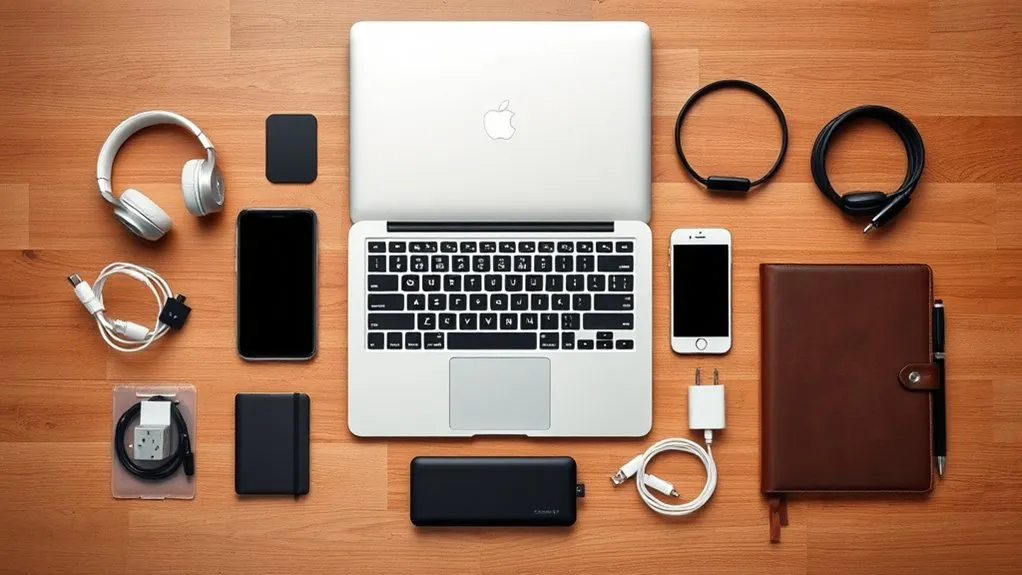
As a digital nomad, your technology is part of your livelihood. Choose a laptop that can handle your actual workload, fits securely in your bag, and can be repaired or replaced without derailing the trip. A padded sleeve or suspended laptop compartment adds protection, but it does not replace careful handling.
Digital Nomad Tech Packing List
- Laptop and phone: Install updates before departure and enable a strong screen lock, device encryption, and remote-find features.
- Compact charger: A multi-port USB-C charger can replace several separate charging bricks when its wattage supports your laptop and other devices.
- Travel adapter: A plug adapter changes the plug shape; it does not convert voltage. Check the input label on every device before connecting it.
- Charging cables: Carry one cable for each connector type you use, plus one spare for the device you cannot work without.
- Headset or earbuds: A microphone that handles background noise is useful for calls in shared spaces.
- Portable storage: An encrypted external drive or solid-state drive can provide a local backup when cloud access is slow.
- Power bank: Choose capacity by your devices and airline rules rather than treating 20,000mAh as a universal minimum.
Warning: Power banks are spare lithium batteries. The FAA requires them in carry-on baggage, not checked baggage. Most lithium-ion batteries are limited to 100Wh unless the airline approves a larger battery. Check the watt-hour marking and your carrier’s rules before flying.
A typical 20,000mAh power bank rated at a 3.7-volt cell voltage is about 74Wh, but the printed watt-hour rating is the number that matters for air travel. Protect exposed terminals and remove a power bank if your carry-on is gate-checked.
Internet Access and Connectivity Backups
Portable Wi-Fi is useful, but it is not required for every trip. Build a two-layer connection plan instead:
- Primary connection: A local SIM, regional eSIM, or reliable accommodation or coworking connection.
- Backup connection: Phone tethering, a second carrier, or a portable hotspot with coverage in your destination.
Hotspot products from Solis/Skyroam and GlocalMe are examples of this category, but supported countries, bands, data limits, and plan prices change. Compare current coverage before buying hardware.
Pro Tip: Test your phone’s tethering, hotspot, charger, cables, and video-call setup before the trip. A backup only helps when you know it works.
Versatile Clothing and Accessories
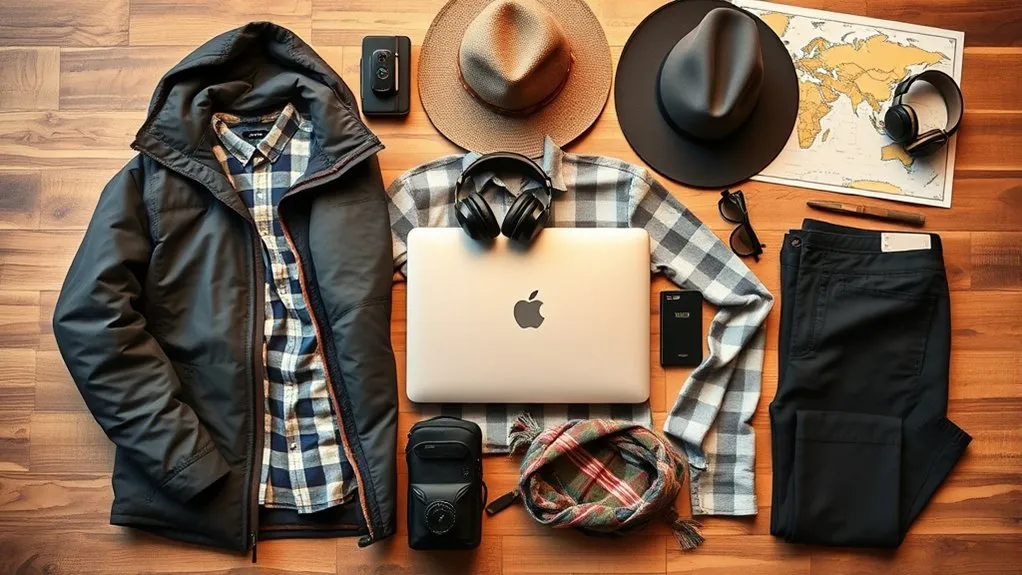
A small capsule wardrobe keeps your bag light without forcing you to wear the same outfit every day. Choose colors that work together, then pack for one laundry cycle. Darker or coordinated colors may make minor marks less noticeable and make it easier to move from casual work to dinner or travel days.
Sample Capsule Wardrobe
- 4–6 tops that can be layered
- 2–3 bottoms, including one comfortable travel option
- 1 light sweater, overshirt, or mid-layer
- 1 weather layer suited to the route
- 5–7 sets of underwear and socks
- Sleepwear that can double as lounge clothing
- 1–2 pairs of shoes, worn and packed
- Swimwear when relevant; swim trunks can also serve as casual shorts
Merino wool resists odor and often dries faster than cotton, while lightweight synthetic fabrics usually dry even faster. Choose fabrics based on climate, skin comfort, laundry access, and how formal your work needs to look. A travel scarf, packable hat, belt, and one compact accessory can expand your options without adding much weight.
Travel Packs and Organization Solutions
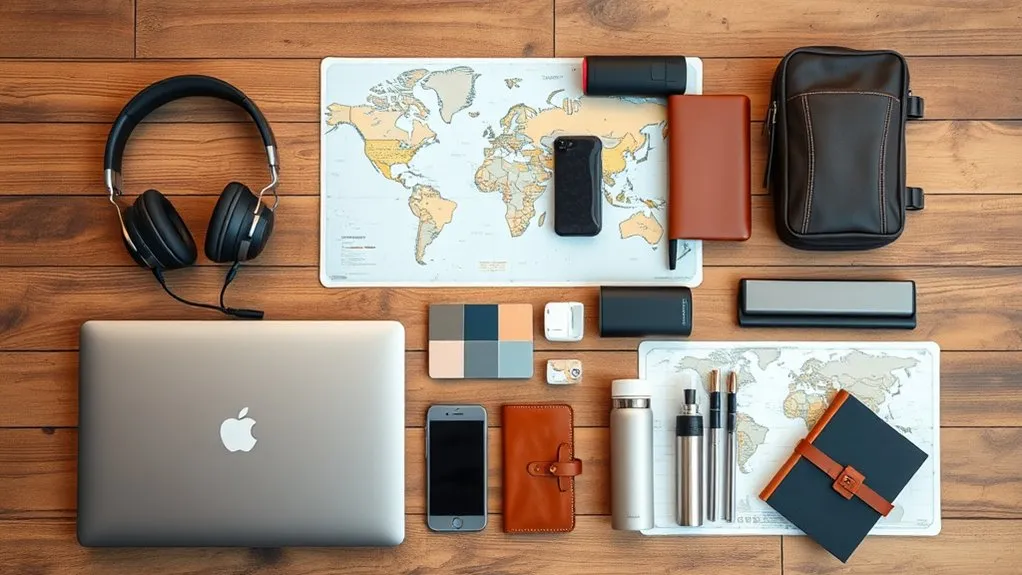
The right travel pack should fit your body, protect your work gear, and meet the rules for the flights you plan to take. A 35–40L bag is a useful one-bag range for many travelers, but liters do not determine carry-on compliance. Airlines can set different size, weight, and item limits, so measure the packed bag and check each carrier. IATA notes that cabin baggage allowances vary by airline, cabin class, and aircraft type.
Optimal Travel Pack Choices
These packs illustrate different one-bag approaches. Confirm the latest dimensions, weight, availability, and warranty on the manufacturer’s site before purchasing:
- Aer Travel Pack 3: A 35L carry-on pack with a suspended laptop pocket and structured organization. Aer now lists it as discontinued and directs buyers to the newer Travel Pack 4, so used buyers should check condition and warranty coverage.
- Tortuga Pro Backpack 40L: A clamshell carry-on with an adjustable harness, hip belt, and padded electronics storage. Its size and 4.4-pound listed weight make airline weight limits important.
- EVERGOODS Civic Travel Bag 35L: A structured one-bag option with a breathable back panel, side pockets, and weather-resistant fabric.
- Other durable brands: Tropicfeel and Samsonite offer travel-focused designs, but comfort, dimensions, repair support, and loaded weight matter more than the logo.
Try a loaded bag whenever possible. Check shoulder-strap placement, torso fit, hip-belt position, back ventilation, laptop access, zipper security, and whether the bag remains comfortable for a 20-minute walk.
Packing Cubes for Organization
Packing cubes separate clean clothing, underwear, workout gear, and laundry so you can find items without unpacking the entire bag. Mesh panels improve visibility and ventilation, while compression cubes can reduce bulk. Compression does not reduce weight, however, and overfilling can create a dense, uncomfortable load.
Use one cube for everyday clothing, one small cube for underwear and socks, and a separate washable pouch for laundry. Keep heavy items close to your back and avoid placing hard chargers where they press into the back panel.
Essential Travel Accessories Insights
A small day bag makes errands and coworking trips easier after you leave the main pack at your accommodation. The Bellroy Venture Ready Sling 2.5L suits a phone, wallet, keys, and small accessories. The Matador ReFraction Packable Backpack offers a larger 16L day-pack format that folds into its own pocket.
Useful organization accessories include a cable pouch, reusable laundry bag, small luggage scale, refillable bottle, and a compact lock for hostel lockers. Choose only the accessories that solve a recurring problem; empty organizers can become unnecessary weight.
Hygiene and Personal Care Items
Pack personal-care items in quantities you will use before the next easy restock. Solid products can reduce leaks, but they still need a dry storage method. For U.S. airport screening, carry-on liquids, aerosols, gels, creams, and pastes generally must follow the TSA 3-1-1 liquids rule; rules may differ elsewhere.
| Item | Benefit | Packing Tip |
|---|---|---|
| Travel toothbrush | Compact daily oral care | Use a ventilated cover and let it dry before sealing. |
| Shampoo bar | Reduces liquid volume and packaging | Carry it in a draining case so it does not stay wet. |
| Hand sanitizer | Useful when soap and water are unavailable | Keep it accessible and follow local transport rules. |
| Microfiber towel | Compact backup for hostels, beaches, or gyms | Dry it fully before packing to prevent odor. |
Add deodorant, dental supplies, a comb or brush, shaving or menstrual products, nail care, and destination-specific skin care. A reusable water bottle reduces disposable-plastic use, but empty it before airport security and refill it after screening.
Health and Safety Essentials
A basic travel health kit should match your destination, medical needs, and planned activities. The CDC travel health kit guidance includes regular prescriptions, wound-care supplies, common medicines, preventive items, and medical documentation as appropriate.
- Prescription medication: Carry enough for the trip plus a reasonable delay buffer when permitted. Keep medicine in your carry-on and retain prescription information or original labeling where required.
- Basic first aid: Adhesive bandages, blister care, antiseptic, pain relief, and any supplies recommended by your clinician.
- Sun and insect protection: Broad-spectrum sunscreen, sunglasses, a hat, and destination-appropriate repellent.
- Travel insurance: Compare emergency medical care, medical evacuation, trip length, destinations, exclusions, activities, and electronics coverage. Providers such as SafetyWing market nomad-focused policies, but no single policy fits every traveler.
- Emergency information: Allergies, medications, blood type if known, emergency contacts, and the address of your accommodation.
Note: This packing guide is general information, not medical advice. Check medication legality, vaccine guidance, and health requirements for each destination, and ask a qualified clinician about personal risks.
Productivity Tools for Remote Work
Productivity comes from a reliable setup, not the number of gadgets in your bag. Start with the laptop, charger, and connection plan described above. Then add only the accessories that improve work you perform often.
- Project management: Trello, Asana, or your team’s existing system can keep tasks and deadlines visible across time zones.
- Cloud storage: Google Drive, Dropbox, OneDrive, or another approved service keeps current files available across devices. Do not rely on cloud storage as your only backup.
- Laptop stand: Raises the screen for longer work sessions.
- External keyboard and pointing device: Useful when a raised laptop would otherwise force an awkward wrist position.
- Small notebook: Works when batteries, internet, or apps do not.
For regular full-day work, use a stable chair and table when possible. A laptop stand paired with an external keyboard and mouse can improve screen and hand position, but it adds weight. Pack it when the comfort benefit is worth carrying it.
Packing Strategies for Minimalism
A minimalist packing strategy reduces weight, clutter, and decision fatigue. It should not remove items that protect your health, income, or legal ability to travel.
- Set a bag limit: A 35–40L pack is a useful target for many one-bag trips, but use the dimensions and weight allowed by your airlines.
- Pack by frequency: Daily-use items earn space first. Rare “just in case” items should be easy to buy locally or important enough to justify carrying.
- Use the one-in, one-out rule: When you add a nonessential item, remove another item of similar size or weight.
- Plan laundry: A seven-day clothing cycle can support months of travel when washing is available.
- Review after each move: Mark items you did not use and reconsider them before the next trip.
Five-Pass Digital Nomad Packing Method
- Confirm the route: Check climate, work needs, visa rules, baggage limits, medication rules, and planned activities.
- Pack work essentials: Laptop, phone, power, cables, connectivity, and backups.
- Pack clothing: Build one coordinated laundry-cycle wardrobe and wear the bulkiest practical items in transit.
- Add health and documents: Medication, toiletries, insurance details, passport, visas, and payment backups.
- Weigh and test: Walk with the loaded bag, remove low-value items, and confirm it fits within every carrier’s limits.
The lightest useful packing list is not the one with the fewest items; it is the one with the fewest single points of failure.
Complete Digital Nomad Packing Checklist
Work and Tech
- Laptop, protective sleeve, phone, and chargers
- Travel adapter and any required power strip
- Power bank with a visible Wh rating
- Primary and spare charging cables
- Earbuds or headset with microphone
- Local SIM, eSIM plan, or hotspot option
- Encrypted external backup or approved cloud backup
- Laptop stand, keyboard, and mouse when needed
Clothing and Daily Living
- Mix-and-match tops and bottoms for one laundry cycle
- Underwear, socks, sleepwear, and one weather layer
- One versatile main shoe and an optional second pair
- Packing cubes, laundry bag, and compact day bag
- Toiletries, towel, reusable bottle, and destination-specific items
Health, Documents, and Money
- Passport, required visas or permits, and travel confirmations
- Travel insurance details and emergency contacts
- Prescription medication and a basic first-aid kit
- Two payment methods stored separately
- Physical and encrypted digital copies of important documents
Data Security and Backup Plan
Digital nomads carry valuable devices and often access work accounts from unfamiliar locations. Reduce the risk before you leave:
- Install operating-system, browser, and app updates on a trusted connection.
- Use unique passwords and enable multifactor authentication or passkeys where available.
- Encrypt the laptop and phone, and enable automatic screen locking.
- Keep at least two copies of critical work, with one copy separate from the laptop.
- Save recovery codes securely and separate from the device used for authentication.
- Do not leave devices unattended in cafes, shared workspaces, or unlocked accommodation.
Public Wi-Fi is not automatically unsafe. The FTC explains that widespread HTTPS encryption makes public Wi-Fi usually safe, but you should still confirm the correct network name, keep software updated, use two-factor authentication, and avoid suspicious sites. Use a reputable VPN when required by your employer, when accessing private organizational systems, or when it fits your privacy needs. A VPN does not stop phishing, malware, or a fraudulent website from stealing information you submit.
Important Documents and Security Measures
Carry your passport, visas or permits, travel insurance information, medical documents, and booking details in a secure, accessible place. The U.S. Department of State international travel checklist recommends making multiple copies of required travel documents, keeping a set separate from the originals, and leaving copies with a trusted person.
Store encrypted digital copies in a secure account you can reach from another device. A travel wallet can keep documents organized during transit. An RFID-blocking sleeve is optional; it is not a substitute for keeping your wallet physically secure, using account alerts, and carrying backup payment methods separately.
Warning: Do not place your only passport copy, only bank card, and only authentication device in the same bag. One theft or loss should not lock you out of travel, money, and work accounts at the same time.
Money and Payment Backups
Carry at least two payment methods from different accounts or networks when possible. Keep them in separate secure locations. Before departure, confirm foreign transaction fees, ATM access, card travel controls, and the phone number for reporting a lost card. Keep a modest amount of destination-appropriate cash for transport, food, or locations that do not accept cards.
Turn on transaction alerts and avoid displaying large amounts of cash. A backup card stored separately is more useful than an overloaded wallet.
Tips for Staying Connected While Traveling
Reliable internet begins before arrival. Check whether your phone is unlocked, compare local SIM and eSIM coverage, and ask accommodations for realistic speed information when your job depends on video calls or large uploads.
- Save offline maps, addresses, translation data, tickets, and contact details before travel days.
- Keep a backup way to authenticate important accounts if your main phone is lost.
- Schedule large uploads and software updates on trusted, stable connections.
- Use coworking day passes or a second location when accommodation Wi-Fi cannot support your work.
- Carry the cable or adapter needed to connect directly by Ethernet when that is part of your work plan.
Preparing for Different Climates and Environments
Research the climate for the exact season and region, not just the country. Pack a modular layering system: a breathable base, an insulating layer when needed, and a weather layer. Lightweight, quick-drying fabrics make hand washing and humid conditions easier.
Add a compact umbrella or rain jacket for wet routes, sun protection for exposed climates, and warmer accessories only when the forecast and elevation justify them. For trips that cross hot and cold regions, consider renting, buying, or shipping bulky specialty gear instead of carrying it for the entire journey.
Final Pre-Departure Test
- Pack the bag exactly as it will travel.
- Measure its outside dimensions, including full pockets and handles.
- Weigh the main bag and personal item.
- Walk for at least 15–20 minutes and climb stairs if possible.
- Open the laptop compartment, documents, toiletries, and charger as you would at a checkpoint or coworking space.
- Remove anything that is uncomfortable, duplicated without purpose, or easy to buy at the destination.
Pro Tip: Leave a little empty space. It makes daily repacking easier and gives you room for food, a jacket, or a small purchase without straining zippers.
Frequently Asked Questions
How can I find affordable accommodation as a digital nomad?
Compare monthly rates on reputable booking platforms, local rental sites, hostels, coliving spaces, and trusted community groups. Ask about internet speed, workspace, utilities, deposits, cancellation terms, and neighborhood safety before paying. Longer stays may qualify for discounts, but avoid sending money outside a platform until you have verified the property and contract.
What types of visas do digital nomads need?
Requirements depend on nationality, destination, length of stay, source of income, and whether local law treats remote work as employment. Some countries offer digital nomad or remote-work visas; others require a different residence or work status. Check the destination’s official immigration or embassy website and do not assume a tourist entry permits remote work.
How do I stay motivated while working remotely?
Use a repeatable start time, choose one or two priority tasks each day, and separate work space from sleep space when possible. Schedule breaks, limit location changes during demanding projects, and use coworking sessions or accountability calls when isolation affects focus.
What are the best destinations for digital nomads?
Bali, Lisbon, and Medellín remain well-known nomad hubs, but the best destination depends on current visa rules, cost, time zone, internet reliability, climate, safety, health care, and community fit. Verify current entry and work rules because policies and local conditions can change quickly.
How can I effectively network with other digital nomads?
Join coworking events, skill-based meetups, professional groups, language exchanges, and small community activities. Introduce yourself with a clear description of your work, ask specific questions, and follow up with people you genuinely connected with instead of collecting contacts.
Can I travel indefinitely with a 35–40L backpack?
Many travelers can, especially with weekly laundry and a mild-climate wardrobe. The limiting factors are usually airline weight rules, specialty work gear, medications, cold-weather clothing, and personal comfort—not trip length alone.
Should I use a VPN on every public Wi-Fi network?
Not necessarily. Modern HTTPS protects most web traffic, but you should still verify the network, keep devices updated, use multifactor authentication, and follow your employer’s security policy. A VPN is useful for approved access to private work systems or added privacy, but it does not make phishing or malicious websites safe.
Conclusion
A successful digital nomad packing list protects your work without weighing down the journey. Build around reliable technology, safe power, backup connectivity, secure documents, a compact wardrobe, and destination-specific health needs. Then measure, weigh, and test-carry the bag. The goal is not to pack for every possible problem; it is to carry a simple system that can recover when one thing goes wrong.
Sources
- Federal Aviation Administration — Airline Passengers and Batteries — power-bank placement and watt-hour limits.
- International Air Transport Association — Passenger Baggage Rules — airline-specific cabin baggage allowances.
- Transportation Security Administration — Liquids, Aerosols, and Gels Rule — U.S. carry-on toiletry limits.
- U.S. Department of State — International Travel Checklist — document copies, insurance, and pre-travel planning.
- Centers for Disease Control and Prevention — Travel Health Kits — medication, first-aid, and health-document guidance.
- Federal Trade Commission — Public Wi-Fi Safety — modern encryption and account-security practices.

