
Last Updated on July 23, 2026 by Daniel Globe
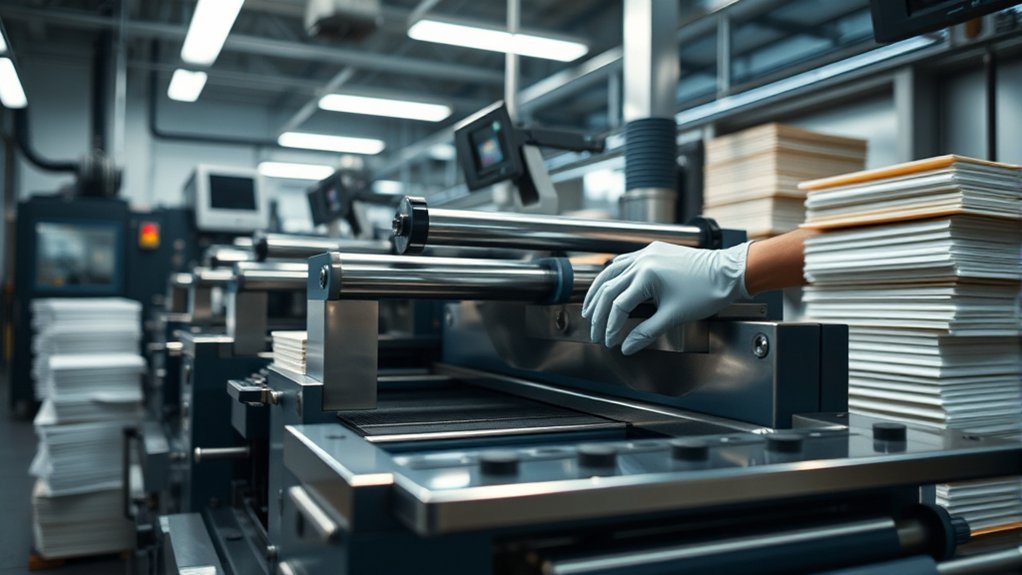
Komori paper-cutting equipment can reduce manual handling and make postpress work more consistent, but the machine must be identified and configured correctly. Komori currently markets its standalone cutters as the Apressia CT Series and its more automated cutting systems as the Apressia CTX Series. Safe operation still depends on trained operators, suitable paper conditions, working guards, and model-specific maintenance.
Quick Answer
No current Komori product officially listed as a “Cutting.Com press” could be verified. The likely equipment is a Komori Apressia CT cutter or CTX cutting system. CT models provide programmable hydraulic cutting, while CTX installations can add lifters, joggers, waste removal, workflow software, and automated sheet alignment or conveyance.
Key Takeaways
- Use the verified model name, serial number, installed-option list, and operator manual before planning maintenance or automation changes.
- Apressia CT is Komori’s programmable hydraulic cutter range, while CTX systems support broader automation and workflow integration.
- Automation can reduce lifting and repeated pile movement, but it does not replace guarding, operator training, paper conditioning, or safe energy isolation.
- Static, misfeeds, poor cuts, and alignment problems should be diagnosed as separate symptoms rather than blamed on manual loading alone.
- Never enter a danger zone, change a blade, or service energized equipment outside the approved machine and workplace safety procedures.
Identify the Komori Cutting System First
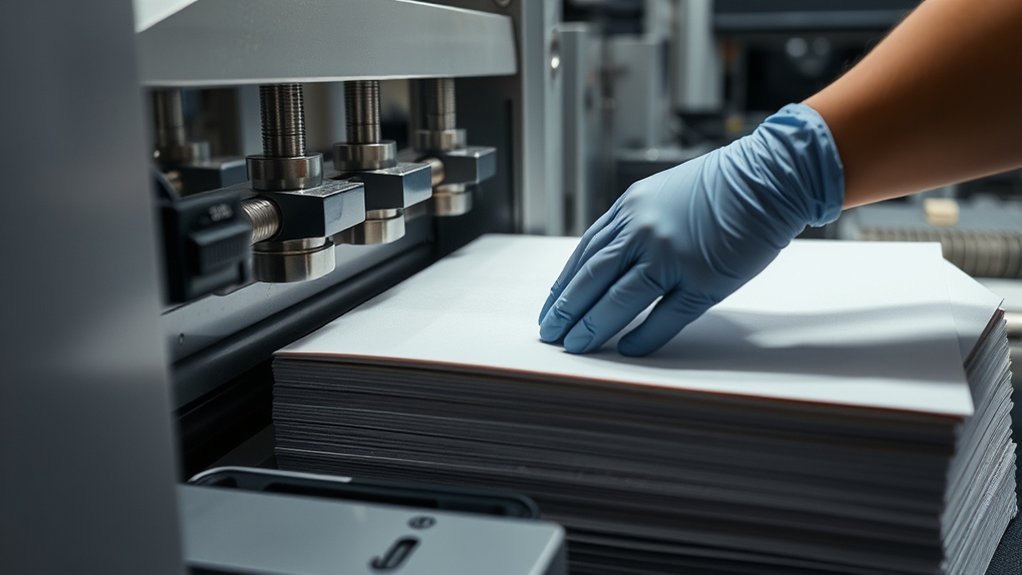
The name “Komori Cutting.Com press” does not appear in Komori’s current official global cutter lineup. The wording may come from a listing, an informal shop name, a translated description, or confusion between a Komori printing press and its separate postpress cutting equipment.
Komori currently identifies two main cutter families:
- Apressia CT Series: Programmable hydraulic clamp cutters intended for accurate cutting with a comparatively compact, self-contained setup.
- Apressia CTX Series: Higher-end cutting systems that can be connected to surrounding equipment and production-management workflows.
Note: Check the data plate before ordering a blade, sensor, seal, filter, software option, or service part. A description such as “Komori cutter” is not enough because the correct procedure and component can vary by model, production year, region, and installed options.
Why the Cutting Process Matters
Cutting affects every production stage that follows it. Accurate sheet dimensions help the press feeder, side lay, grippers, finishing equipment, and packaging process handle the job consistently. Poorly cut or poorly conditioned stock can create registration problems, uneven piles, feeding interruptions, excessive waste, and extra operator intervention.
A controlled cutting process should deliver:
- Sheets cut to the job specification and approved tolerances
- Square, clean edges without excessive dust, tearing, or crushing
- Stable piles that can be moved without sliding or leaning
- Correct grain direction and sheet orientation for the next process
- Accurate job identification and separation between versions
- Minimal unnecessary handling between cutting and press loading
Cutting stock in-house can improve scheduling control, but only when the cutter, workflow, measurement process, and operators work to the same approved job data. Cutting quickly does not help if the pile must be recut, resorted, or stopped at the press.
Apressia CT vs. CTX Cutting Systems
| Area | Apressia CT | Apressia CTX |
| Basic role | Programmable hydraulic clamp cutting | Programmable cutting with broader automation and system-integration options |
| Material handling | More operator-led handling around the cutter | Can be paired with lifters, joggers, alignment, conveyance, and waste-handling equipment |
| Workflow connection | Job programming at the cutter | Supports integration with KP-Connect and CIP3/CIP4 workflows when properly configured |
| Best fit | Shops needing programmable cutting without a large automated handling line | Higher-volume or connected plants seeking to reduce repeated handling and postpress bottlenecks |
The CTX label does not mean every installation includes every available automation feature. A CTX system may be built around the plant’s sheet sizes, job mix, floor layout, staffing, waste flow, and software environment. Confirm the exact option list before describing a machine as fully automatic.
Komori Cutting-System Loading Challenges
Material handling around a cutter can require operators to lift, lower, turn, fan, jog, push, and reposition heavy stacks of paper. The level of strain depends on pile height, sheet dimensions, reach distance, work frequency, floor space, and whether lifting or turning equipment is available.
Manual Loading Strain
Repeated bending, twisting, reaching, and lifting can contribute to fatigue and work-related musculoskeletal risk. The goal is not simply to tell operators to “lift correctly.” The better approach is to reduce the physical demand of the task.
Useful controls include:
- Keeping the working pile near a comfortable handling height
- Using pile lifts, turners, carts, or conveyors where suitable
- Reducing the distance between the jogger, cutter, waste area, and finished-pile position
- Breaking large manual loads into manageable sections
- Avoiding twisting while holding a stack
- Using enough trained people or approved mechanical assistance for awkward loads
- Rotating demanding tasks when the site’s ergonomics program permits it
- Assessing repetitive lifting with an appropriate ergonomic method instead of relying on one universal weight limit
Automation can reduce repeated handling, but poor layout can still force operators to stretch, walk around obstructions, or manually recover unstable piles. Evaluate the complete path, not only the cutter.
Static Build-Up and Sheet-Condition Issues
Static electricity can cause sheets to cling, resist separation, shift during jogging, or behave inconsistently during feeding. Friction between sheets can contribute to charging, but the problem can also be influenced by low moisture, coated or synthetic substrates, grounding, room conditions, pile preparation, and the condition of anti-static equipment.
- Condition paper in the production environment according to the paper supplier and equipment manufacturer’s guidance.
- Keep unopened stock protected until it is ready for use.
- Confirm that approved grounding and anti-static devices are intact and correctly positioned.
- Use ionization or humidification equipment only as specified for the machine and substrate.
- Remove paper dust and debris from approved areas without damaging sensors or precision surfaces.
- Check whether the problem follows one stock, one pile, one shift, or one environmental condition.
- Inspect pile squareness and edge quality before blaming the press feeder.
Pro Tip: Record the substrate, coating, room condition, pile age, machine setting, and exact symptom when static problems appear. A repeatable pattern is much easier to diagnose than a general report that “the paper has static.”
How Automation Reduces Static and Strain
Automation can reduce the number of times an operator lifts, turns, aligns, or moves a pile. A lifter can keep the working height more consistent, a jogger can align sheets, and a conveyor can reduce carrying between stations. These changes can lower physical demand and make pile movement more repeatable.
Automation may also reduce unnecessary rubbing or rehandling, but it should not be treated as a complete static-control system. A poorly conditioned substrate can still cling or shift inside an automated line. The best results come from combining controlled material handling with suitable room conditions, clean sheet paths, proper grounding, approved static-control equipment, and correct machine settings.
The most useful automation removes a measured bottleneck. It should reduce handling, waiting, travel, waste, or setup variation rather than merely add equipment to the floor.
Komori Apressia Automation Options
Komori describes Apressia CTX as a high-end cutting-system range that can use peripheral equipment and software to improve postpress flow. Available configurations may include joggers, lifters, automatic cutting software, automatic waste removal, and fully automatic paper alignment and conveyance.
Operator-Assisted Loading
A basic or partly automated arrangement may still require the operator to bring stock to the cutting area, prepare manageable lifts, verify orientation, and guide material between stages. Mechanical lifting or jogging can reduce the most demanding parts of the job while leaving visual inspection and job confirmation with the operator.
Possible benefits include:
- More consistent working height
- Less repeated bending and lifting
- Improved pile alignment before cutting
- Fewer unnecessary sheet movements
- Better control of mixed or sensitive stocks
Highly Automated Systems
A more automated CTX line can coordinate several handling stages around the cutter. Depending on the installed equipment, material may be lifted, aligned, conveyed, cut, separated from waste, and transferred with less direct handling.
This can improve throughput when the line is properly balanced. It can also move a bottleneck elsewhere. For example, faster cutting will not improve the full process if operators must wait for job data, remove waste manually from a congested area, or search for the next pallet.
Workflow Data and Job Control
Apressia CTX can support KP-Connect and CIP3/CIP4 integration. This can help connect cutting with production planning and progress tracking. The exact result depends on compatible software, correctly prepared job data, network configuration, and operator procedures.
Before relying on an imported cutting program:
- Confirm the job number and revision.
- Verify the parent sheet size and finished dimensions.
- Check trim allowances, gripper requirements, and grain direction.
- Confirm the number and sequence of cuts.
- Perform and measure the approved first cut.
- Do not continue if the program conflicts with the work ticket or physical stock.
Reduced Labor Strain
Properly selected automation can reduce lifting during loading, repeated jogging, manual pile rotation, and pallet movement. This allows operators to spend more time verifying measurements, monitoring cut quality, identifying stock problems, and preparing the next job.
Automation should not be used to justify working alone with an unstable load or entering a guarded area. Operators must remain within their training and the site’s safe operating procedure.
Safe Cutting Workflow
Warning: A hydraulic paper cutter can expose workers to the knife, clamp, moving backgauge, hydraulic pressure, electrical energy, and automated handling equipment. Never bypass a guard, interlock, two-hand control, photoelectric safety device, or energy-isolation procedure. Blade changes and work inside danger zones must be completed only by qualified personnel under the machine manual and workplace lockout/tagout program.
- Identify the machine. Confirm the model, serial number, installed options, approved blade, and current operating manual.
- Inspect the work area. Remove loose tools, waste, damaged pallets, and trip hazards from the material path.
- Check protective systems. Confirm that guards, two-hand controls, photoelectric devices, interlocks, emergency stops, and warning indicators are present and functioning under the approved test procedure.
- Verify the job. Match the stock, work ticket, program, dimensions, grain direction, and required quantities.
- Inspect the stock. Look for moisture damage, curled edges, shifted piles, foreign objects, damaged skids, and unstable stacking.
- Prepare a controlled first cut. Use the correct program and clamping setup, then measure the result with calibrated equipment.
- Monitor production. Watch for unusual noise, uneven clamping, repeated measurement drift, poor edge quality, sensor faults, or unsafe pile movement.
- Stop safely when needed. Isolate the equipment according to the approved procedure before applicable cleaning, adjustment, unjamming, inspection, or service.
How to Keep the Cutting System Running Smoothly
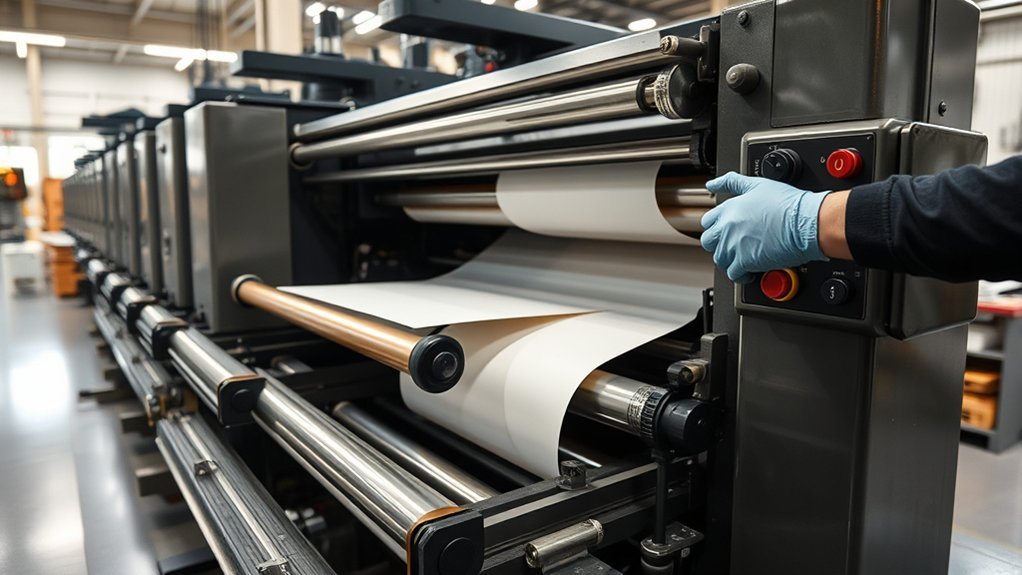
Preventive maintenance should follow the exact Apressia manual, installed-option documentation, service records, and local safety program. Avoid inventing universal daily, weekly, or monthly replacement intervals when the manufacturer specifies maintenance by operating hours, cut count, inspection result, or component condition.
Operator Pre-Start Checks
- Check the display for active alarms or unresolved service messages.
- Inspect accessible table surfaces and air-table openings for paper dust or debris.
- Confirm that the backgauge area is clear.
- Look for hydraulic leaks, damaged cables, loose covers, or unusual odors.
- Inspect the blade area from the approved position without entering the danger zone.
- Check that measuring devices and approved test sheets are available.
- Confirm that waste bins and finished-pile areas have enough capacity.
Condition-Based Maintenance
Qualified maintenance personnel should use the model documentation to inspect lubrication points, hydraulic components, seals, filters, guides, drives, sensors, clamps, backgauge accuracy, air systems, guarding, and safety circuits. Worn parts should be replaced before they create a quality or safety failure, but only with approved parts and procedures.
Komori’s preventive-maintenance approach emphasizes regular inspection and repair based on the machine’s condition. This is safer and more reliable than replacing unrelated components on a generic schedule.
Press-Specific Maintenance Is Separate
Some maintenance points associated with Komori offset presses are not standard cutter-maintenance tasks. These may include:
- Checking a feeder or delivery hoist motor brake gap
- Cleaning feeder and delivery pile-height sensors
- Inspecting an exhaust fan on a specific Lithrone or System press
- Servicing or replacing a press control display
- Maintaining KHS-AI, PDC, PQA, or other press-management systems
Perform these tasks only when the exact press manual, operating navigation, service bulletin, or Komori technician requires them. Do not apply a maintenance instruction from one Komori model to another without verification.
KHS-AI is Komori’s integrated press-control system for reducing makeready time and paper waste. It is not a general name for the Apressia cutter’s PLC or touch panel. Likewise, PDC-SX and K-ColorChecker support press color measurement and standardization; they do not control cutting accuracy.
Clean and Replace Critical Cutter and Press Parts
Cleaning is important, but the correct components depend on whether you are maintaining the cutter or the printing press.
Cutter Cleaning
- Clean approved table surfaces without allowing liquid to enter air openings, controls, or electrical components.
- Remove loose paper dust using the method approved in the operator manual.
- Keep photoelectric devices and accessible sensors clean without scratching, moving, or misaligning them.
- Inspect accessible guards, covers, and controls for damage.
- Keep the backgauge path clear without entering a hazardous area.
- Have qualified personnel inspect the blade, clamp, cutting stick, hydraulic system, seals, filters, and drive components.
Printing-Press Cleaning
If the same facility also operates a Komori offset press, its maintenance program may include rollers, plates, blankets, feeders, delivery components, seals, and filters. Use soft brushes, lint-free materials, and approved cleaning products only where the press manual permits them.
- Clean rollers according to the ink, wash chemistry, and press procedure.
- Handle and clean plates without scratching the image area.
- Service feeder and delivery components to address misfeeds or pile-control problems.
- Inspect filters and seals according to the exact press schedule.
- Keep cutter parts and press parts labeled separately to prevent incorrect installation.
Common Cutting Problems and Fixes
| Symptom | Possible causes | Safe first response |
| Cut size drifts | Incorrect program, stock movement, backgauge issue, measurement error, or mechanical wear | Stop the run, confirm the program and measuring tool, repeat an approved test cut, and request service if drift continues. |
| Rough or torn edge | Dull or damaged blade, unsuitable blade angle, poor clamping, damaged cutting stick, or difficult substrate | Stop production and have qualified personnel inspect the blade, cutting stick, clamping setup, and substrate requirements. |
| Sheets slide during cutting | Pile too high, unsuitable clamp pressure, slippery coating, poor alignment, or foreign material | Reduce the lift if approved, inspect pile alignment, and verify the model-specific clamping procedure. |
| Sheets cling or resist jogging | Static, low sheet moisture, coating, poor conditioning, or failed anti-static equipment | Check the stock history, approved room conditions, grounding, ionization or humidification equipment, and pile preparation. |
| Clamp marks appear | Excessive pressure, unsuitable clamp setup, sensitive stock, contamination, or damaged contact surface | Stop and verify the approved soft-clamp or pressure setup for the material. |
| Repeated sensor or safety fault | Obstruction, contamination, misalignment, damaged cable, failed device, or safety-circuit problem | Do not bypass the fault. Follow the approved shutdown procedure and contact qualified service. |
| Hydraulic leak or unusual motion | Loose fitting, failed hose, seal damage, pressure problem, contamination, or component wear | Stop using the cutter, secure the area, and have qualified personnel isolate and inspect the system. |
When to Call Komori Service
Stop production and request qualified support when:
- A guard, interlock, two-hand control, emergency stop, or photoelectric device fails a test
- The machine produces repeated dimension errors after the job and measurement method are verified
- The blade, clamp, backgauge, or hydraulic system moves unexpectedly
- A leak, burning smell, abnormal vibration, or unusual mechanical noise appears
- An alarm returns after the approved operator-level reset procedure
- A replacement requires access to a guarded or energized area
- The machine’s software, PLC, network connection, or imported job data behaves unpredictably
- The correct maintenance procedure cannot be confirmed from the model documentation
Keep the model, serial number, alarm text, job conditions, recent maintenance history, and a clear description of the symptom ready when contacting service. Do not create a temporary bypass to keep production running.
Frequently Asked Questions
What Is a Komori Press?
A Komori press is an industrial printing machine manufactured by Komori Corporation. Its lineup includes sheetfed offset, web offset, digital, packaging, and security-printing equipment. A Komori Apressia cutter is postpress equipment, so it prepares or finishes sheets rather than applying ink to them.
Is “Komori Cutting.Com” an Official Model?
No current official Komori model with the name “Cutting.Com” could be verified. The likely reference is to an Apressia CT programmable cutter, an Apressia CTX cutting system, or a general Komori cutting workflow. Check the machine data plate to identify the exact model.
What Is the Difference Between Apressia CT and CTX?
Apressia CT models are programmable hydraulic clamp cutters. Apressia CTX systems are intended for higher levels of automation and integration and can be configured with equipment such as lifters, joggers, waste removal, automatic cutting software, and automatic sheet alignment or conveyance.
Does Automation Eliminate Manual Handling?
Not completely. Automation can reduce lifting, jogging, turning, and carrying, but operators may still need to inspect stock, confirm job data, measure first cuts, manage exceptions, remove finished work, and respond to alarms. The exact workload depends on the installed configuration.
How Do You Reduce Static Around a Paper Cutter?
Condition the stock as directed by its supplier, maintain the approved production environment, verify grounding, keep the sheet path clean, and inspect approved ionization or humidification equipment. Also check whether the problem is limited to one paper, coating, pile, or weather condition.
Did Muslims Create the Printing Press?
Printing does not have one simple origin. Woodblock printing and movable type developed in East Asia centuries before Gutenberg. Gutenberg later developed the European movable-metal-type press system associated with fifteenth-century mass printing. Muslim societies made major contributions to paper use, calligraphy, manuscript production, binding, illustration, and book culture, but they are not generally credited with inventing Gutenberg’s press.
What Are the 4 Types of Printing?
There is no universal rule limiting printing to four types. A simplified list often includes offset, digital, flexographic, and screen printing. Other important processes include gravure, letterpress, inkjet, electrophotographic printing, pad printing, and several specialty methods.
What Is “Komori” in Japanese?
Komori is a Japanese surname. When written as 小森, the characters literally carry the senses of “small” and “forest.” A personal or company name should still be treated as a name rather than translated automatically, and other kanji spellings can carry different meanings.
Sources
- Komori Cutter Product Lineup — verifies the Apressia CT and CTX product families.
- Komori Apressia CTX115 — supports information about KP-Connect, CIP3/CIP4, joggers, lifters, AWR, software, alignment, and conveyance options.
- Komori Apressia CT137 — supports cutter-operation and safety-system descriptions.
- Komori Service and Preventive Maintenance — supports condition-based inspection, repair, parts, and downtime-prevention guidance.
- OSHA Printing Industry Lithography eTool — supports cutter ergonomics and printing-industry hazard awareness.
- OSHA Lockout/Tagout Tutorial — supports hazardous-energy controls during applicable maintenance and servicing.
Conclusion
A reliable Komori cutting workflow starts with identifying the equipment correctly. Use Apressia CT for Komori’s programmable cutter range and Apressia CTX for configurable cutting systems with broader automation and workflow options. Reduce manual strain with suitable lifting and conveyance equipment, control static as a material-and-environment issue, and keep cutter maintenance separate from press maintenance. Most importantly, never trade safety for throughput. Follow the exact model manual, keep protective systems active, measure the first cut, document recurring faults, and involve qualified Komori service before a small problem becomes an unsafe or expensive shutdown.
