Last Updated on July 30, 2026 by Caleb Warren
Packing a travel backpack for remote work is a balance between mobility, reliable technology, personal comfort, and travel rules. The right setup should protect your laptop, fit your airline’s limits, support a full workday, and leave room for clothing and health essentials. Instead of packing every possible gadget, build a compact system with a primary tool, a backup for likely failures, and an offline option for times when power or internet service disappears.
Quick Answer
Pack a carry-on-sized backpack with a protected laptop, one suitable charger, a carry-on-safe power bank, a backup internet option, seven days of mix-and-match clothing, a small health kit, and encrypted document backups. Confirm airline, destination, employer, and battery rules before leaving.
Key Takeaways
- Choose your backpack by its external measurements and loaded weight, not its liter rating alone.
- Keep your laptop, power bank, medications, important documents, and essential work tools in your carry-on.
- Use a primary internet connection, a separate backup, and downloaded files for offline work.
- Protect work accounts with device encryption, software updates, strong screen locks, and multifactor authentication.
- Pack enough clothing for one laundry cycle instead of trying to cover every possible situation.
At a Glance
| Time Required | About 45–90 minutes, plus time to test chargers, backups, and connectivity |
| Difficulty | Easy to moderate |
| Tools Needed | Airline baggage rules, tape measure, luggage scale, packing cubes, tech pouch, and checklist |
| Cost | $0 if you already own suitable gear; otherwise the total depends on your charger, power, connectivity, and bag needs |
Disclosure: As an Amazon Associate I earn from qualifying purchases. Some links on this page are affiliate links, at no extra cost to you.
Confirm Your Travel and Work Rules First
Before choosing what to pack, confirm that the trip itself works for your job. Check your employer’s remote-work policy, approved countries, cybersecurity requirements, insurance coverage, working hours, and rules for handling confidential information. Some employers limit access from certain countries or prohibit work data on personal storage devices.
For international travel, review the destination’s entry requirements, local laws, visa conditions, medication rules, and travel advisory. The U.S. Department of State international travel checklist is a useful starting point for U.S. travelers. Entry as a tourist does not automatically mean that every form of remote work is permitted.
Warning: Immigration, employment, tax, insurance, and data-location rules depend on your citizenship, employer, clients, destination, and length of stay. Check the applicable official guidance or obtain professional advice before working abroad.
Next, check the operating airline’s baggage page. Carry-on allowances can change by airline, fare, cabin, route, and aircraft. The International Air Transport Association notes that airlines set their own size and weight limits. Measure the backpack after it is packed, including handles and filled exterior pockets.
Pack Like a Minimalist With a System

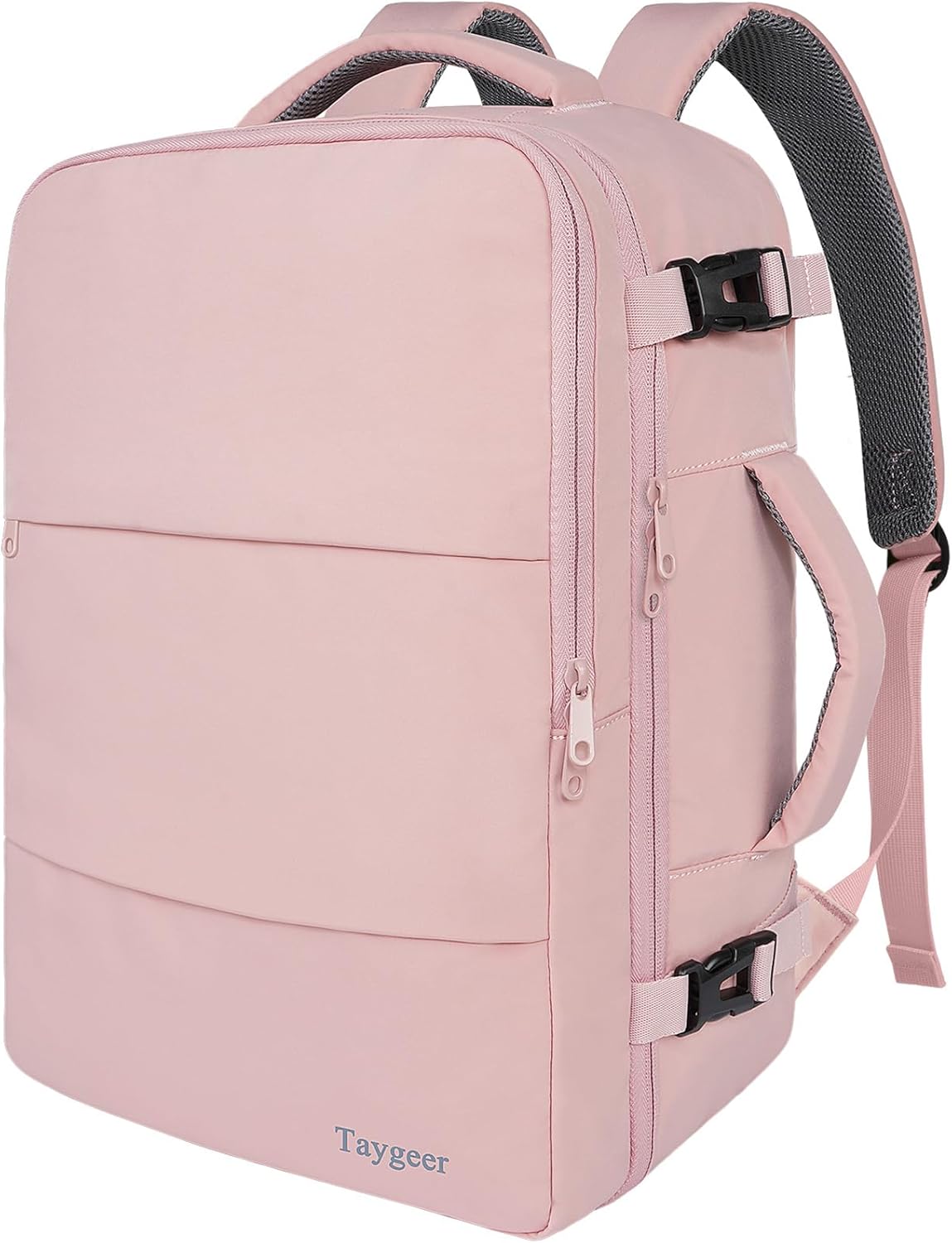
A 35–40-liter backpack is a practical range for many one-bag travelers, but capacity is only a starting point. A tall or overfilled 35-liter bag can fail an airline’s size test, while a compact 40-liter bag may fit. Choose the smallest backpack that holds your required work equipment, clothing, and health items without forcing the zippers or crushing the laptop compartment.
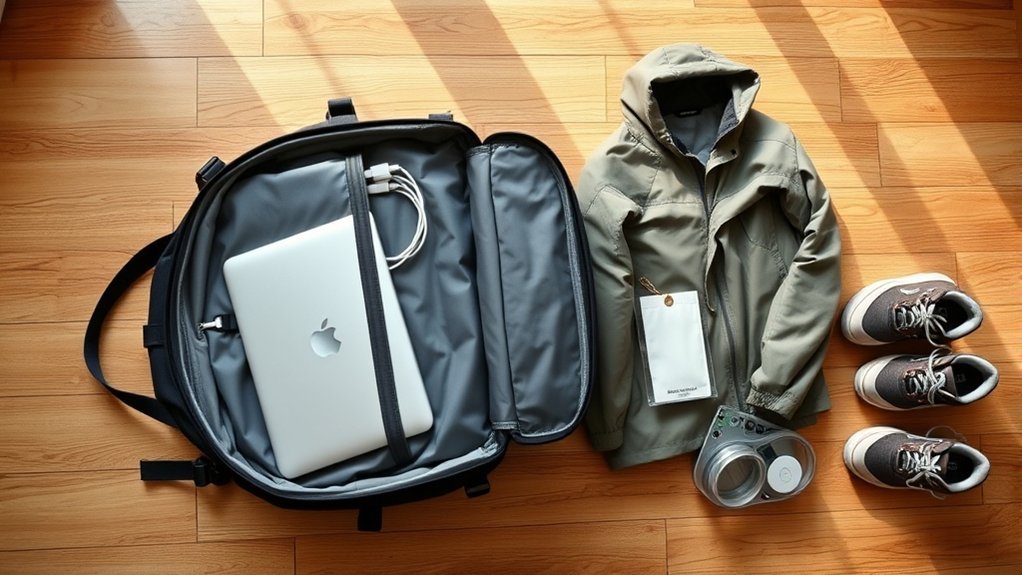
Look for a padded laptop sleeve that suspends the computer above the bottom of the bag. Comfortable shoulder straps, an adjustable sternum strap, a supportive back panel, and a removable or built-in hip belt can make a heavy load easier to carry. Water-resistant fabric and covered zippers add useful protection, although they do not make a bag fully waterproof.
Build a Repeatable Packing System
- List non-negotiable work items. Start with the equipment required to complete your actual job.
- Check dimensions and weight. Compare the packed bag with every airline on the itinerary.
- Pack for one laundry cycle. For most trips, this means about five to seven days of clothing.
- Give every small item a home. Use one tech pouch, one liquids pouch, and a small health pouch.
- Remove duplicates. Avoid carrying multiple items that solve the same unlikely problem.
- Test the complete load. Wear the packed backpack for at least 15 minutes before leaving.
Load the Backpack Correctly
Place soft, light clothing near the bottom. Position dense items, such as a charger or compact accessory pouch, close to your back and around the middle of the bag. Keep frequently used items near the top or in an easy-access pocket. The laptop should stay flat in its padded sleeve rather than bending around bulky items.
Pro Tip: Pack the bag completely, weigh it, and walk up a flight of stairs. Items that feel harmless on a bed can become uncomfortable after a long airport transfer.
Your Mobile Office: The Essential Tech Kit
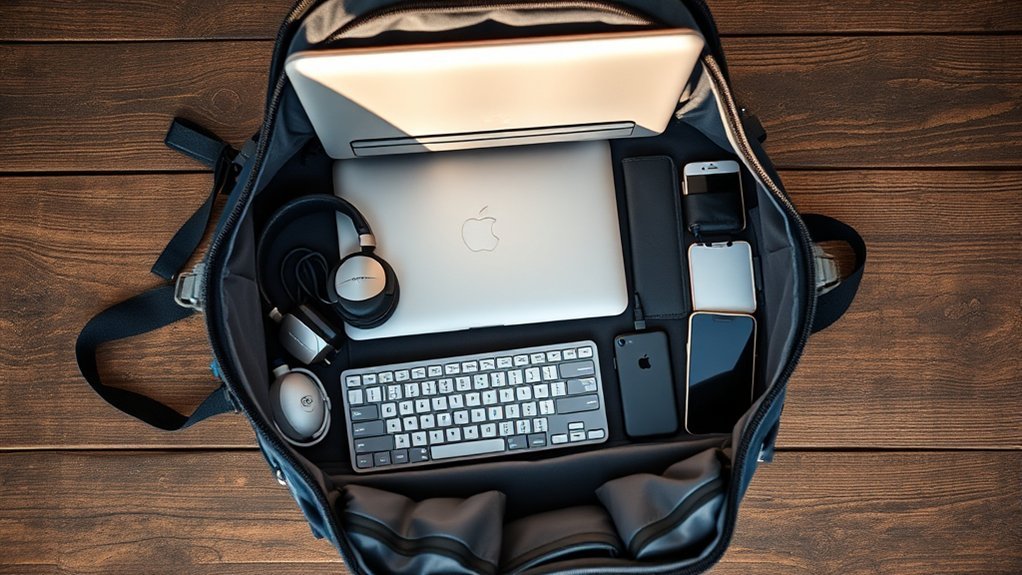
Your mobile office should match your work instead of a generic gadget list. A writer may need only a laptop and headphones, while a designer may need more storage, a drawing tablet, or a color-accurate display. Pack equipment you use regularly, then add a backup only where a failure would stop you from working.
Must-Have Tech Devices
| Device | Purpose | What to Check |
|---|---|---|
| Lightweight laptop | Primary work device | Required software, battery health, weight, storage, ports, webcam, and employer security support |
| Tablet or phone | Backup communication and light work | Offline access, hotspot support, keyboard compatibility, and required apps |
| USB-C charger | Charges several devices with fewer bricks | Enough output for the laptop, suitable ports, supported voltage, and certified cables |
| Portable power bank | Backup power during transit or outages | Printed watt-hour rating, output wattage, airline compliance, condition, and cable compatibility |
| Travel plug adapter | Fits chargers into destination outlets | Destination plug types, fuse protection, grounding, maximum load, and USB-C output |
| Headphones or headset | Calls and concentration | Microphone quality, comfort, battery life, and a wired fallback when useful |
| Portable SSD or approved storage | Backup or large project files | Encryption, employer approval, capacity, durability, and tested recovery |
Do not choose a laptop only because it is the smallest model available. It must run your required applications, support security updates, and provide enough battery life for your normal workload. A compact 13-inch laptop is often easier to use for full workdays than an unusually small screen, but the best choice depends on your job.
One high-output charger can often replace several charging bricks. Check the laptop manufacturer’s recommended charging wattage and make sure the charger can provide that output from the port you plan to use. A high-wattage charger still needs a cable rated for the required power.
Warning: Power banks and spare lithium batteries must remain in carry-on baggage, not checked baggage. Check the printed watt-hour rating. Under current FAA passenger battery guidance, batteries up to 100Wh are generally allowed, while batteries from 101–160Wh require airline approval. Protect exposed terminals and do not travel with a swollen, damaged, or recalled battery.
A travel plug adapter changes the plug shape; it usually does not change the electrical voltage. Check every charger’s input label for destination compatibility. Devices marked for a broad input range, commonly including 100–240V, can normally accept common international supply voltages when used with the correct plug adapter.
Connectivity Solutions Explained
Build your connection plan in three layers:
- Primary connection: A trusted home, hotel, coworking, or wired network that supports your normal work.
- Backup connection: A phone hotspot, compatible travel eSIM, local SIM, or dedicated mobile hotspot using a different provider when possible.
- Offline option: Downloaded files, offline notes, cached reference material, and a task list that does not require live access.
Before buying an eSIM, confirm that your phone supports eSIM, is unlocked where required, and supports the destination’s network bands. Check whether the plan includes tethering, voice service, text messages, or data only. Install the provider’s app and save the activation instructions before departure, but follow the provider’s directions about when to activate the plan.
A dedicated mobile hotspot can help when several devices need service, but it cannot guarantee coverage. Verify the exact destination, supported local networks, data allowance, speed limits, renewal rules, and number of connected devices. Keep authentication details available offline.
Protect Your Remote Work Devices
Update the operating system, browser, security software, and work applications before leaving. Turn on full-disk encryption, a strong screen lock, device-finding features, and multifactor authentication. Save account recovery codes in a protected location that is separate from the device.
Public Wi-Fi can be convenient but should not be treated as trusted. Confirm the exact network name with the hotel, café, airport, or coworking staff. Avoid sensitive work on an unknown network. Follow your employer’s VPN and security requirements, and prefer your own cellular connection for confidential work. The CISA cybersecurity while traveling guidance provides additional precautions.
Note: Keep your laptop within your control in public places. Do not leave it unattended in a café, shared workspace, vehicle, or unsecured room, even for a brief period.
A Capsule Wardrobe That Works Everywhere
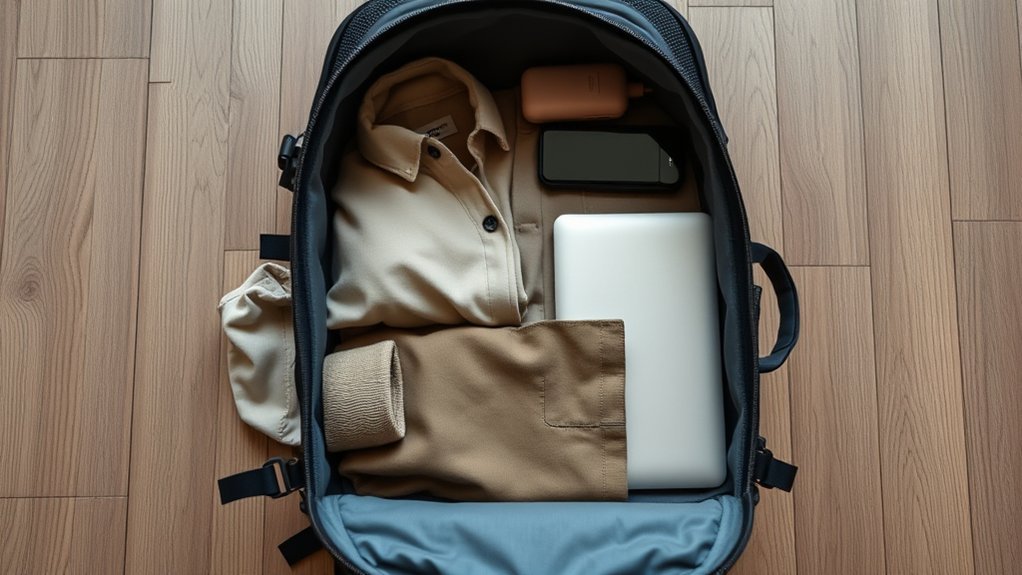
A useful capsule wardrobe covers work calls, travel days, casual activities, sleep, and the expected weather without creating a different outfit for every occasion. Plan around one laundry cycle and a simple color palette so that most tops work with every bottom.
Versatile Clothing Choices
A practical seven-day starting point is:
- Four or five tops, including at least one polished option for video calls or meetings
- Two or three bottoms that work with several tops
- Five to seven sets of underwear and socks
- One sleep outfit
- One light insulating layer
- One weather layer suited to the destination
- One or two pairs of shoes, including the pair worn in transit
- Swimwear or activity clothing only when the itinerary requires it
Quick-drying synthetic fabrics and merino wool can reduce laundry time, while cotton may be comfortable in dry conditions but can dry slowly after washing. Choose fabrics based on climate, care needs, skin comfort, workplace expectations, and the activities you have planned.
Clothing with secure pockets can help during travel days. However, avoid filling every pocket with dense items because uneven weight can make the backpack less comfortable.
Layering for All Climates
| Layer | Purpose | Packing Approach |
|---|---|---|
| Base layer | Comfort and moisture control | Pack lightweight tops that can be worn alone or under other layers |
| Insulating layer | Warmth in cool rooms and weather | Choose one compressible sweater, fleece, or light insulated jacket |
| Weather layer | Wind or rain protection | Match the layer to the forecast and planned outdoor exposure |
Wear the bulkiest suitable layer and heaviest shoes during transit. If the destination becomes colder than expected, buying or renting a local layer may be more practical than carrying bulky clothing through a long warm-weather itinerary.
The “One-In, One-Out” Rule
The One-In, One-Out Rule keeps the backpack from growing during a long trip. When you buy or receive a new non-consumable item, identify something of similar size or purpose to donate, mail home, or remove from the bag.
The rule works best for clothing, books, accessories, and duplicate toiletries. It should not force you to discard medicine, required safety equipment, legal documents, or tools that have become necessary because the trip changed.
Review the backpack after the first week. Items that have not been used may still be worth keeping if they solve a serious problem, but “just in case” should not protect every unnecessary object. Ask how likely the problem is, what the consequence would be, and whether the item can be obtained locally.
A Small Health & Comfort Kit Goes a Long Way
A travel health kit should reflect your health history, destination, planned activities, and access to local care. The CDC travel health kit guidance recommends bringing supplies for common minor problems, recurring conditions, and ongoing treatment.
A compact general kit may include:
- Adhesive bandages and antiseptic wipes
- Any appropriate over-the-counter medicine you already use safely
- Prescription medicine for the full trip, plus a reasonable delay allowance
- Copies of prescriptions and relevant medical information
- Hand sanitizer or wipes
- Eye mask and earplugs
- A fast-drying microfiber towel
- Sunscreen and insect protection when appropriate
- Electrolyte packets when heat, illness, or strenuous activity makes them useful
- Spare glasses or contact-lens supplies when needed
Keep essential medicine in your carry-on and in its original labeled container when possible. Check the destination’s rules because a prescription or over-the-counter product that is legal at home may be restricted elsewhere.
A familiar lavender or peppermint scent may be packed as a personal comfort item if you tolerate it, but it should not be presented as a substitute for appropriate medical care. Seal liquids carefully and follow airport liquid limits.
Warning: Do not start a new medicine, supplement, or concentrated essential-oil routine solely for a trip without checking whether it is appropriate for you. Seek medical advice for severe, persistent, or unusual symptoms.
Create an Always-Ready Travel Kit
An always-ready kit reduces forgotten items and makes short-notice trips easier. Keep a small pouch stocked with inexpensive duplicates that are not needed every day. Do not permanently store medication, batteries, or perishable products without checking dates and condition before each trip.
A useful ready-to-go tech pouch can contain:
- One compact charger with suitable output
- One tested charging cable for each required connector type
- A short extension lead only when permitted and genuinely useful
- A SIM ejector tool
- One USB drive only if your employer permits removable storage
- A wired headphone adapter or short wired headset when needed
- A small cable tie or hook-and-loop strap for each cable
- A pen and compact notebook
Keep a digital inventory with model names, serial numbers, receipts, warranty details, and support contacts for expensive devices. Do not place passwords or unprotected account details in that inventory.
Make Digital & Physical Backups of Everything
Backups should protect you from theft, damage, accidental deletion, account lockout, and poor connectivity. A strong approach keeps the working copy on the laptop, another copy on approved separate storage, and an off-device copy in a secure cloud or employer system.
The NIST guidance on protecting data from loss emphasizes maintaining and testing backups. A backup that has never been restored may fail when it is needed most.
Back Up Work Files
- Sync active work to the employer-approved system before departure.
- Create a separate encrypted backup when company policy permits it.
- Download only the files needed for offline work.
- Test that several sample files can be restored and opened.
- Confirm that account recovery does not depend only on the phone or laptop being carried.
- Repeat the backup after major project changes.
Protect Travel Documents
Store encrypted digital copies of your passport identification page, visas, insurance details, itinerary, emergency contacts, prescriptions, and important bookings. Keep a limited set of paper copies separate from the originals. A document copy may help with identification or replacement procedures, but it does not replace the original document.
Note: Do not keep sensitive identity documents on an unencrypted USB drive or in a publicly shared cloud folder. Use strong access controls and follow employer rules for any work information.
Pack for Your Work Style
The best packing list depends on how you spend the workday. Add equipment only when it solves a frequent problem that cannot be handled by your primary device.
| Work Essentials | Personal Items |
|---|---|
| Lightweight laptop in a padded sleeve | Comfortable mix-and-match clothing |
| Suitable charger and carry-on-safe power bank | One or two pairs of practical shoes |
| Organized tech pouch | Toiletries and destination-specific health supplies |
| Primary and backup connectivity | A compact leisure item, such as an e-reader |
For frequent video calls, prioritize a reliable microphone, headphones, a professional top, and a simple background plan. For long typing sessions, a lightweight laptop stand, compact keyboard, and pointing device may improve comfort, but the added bulk is worthwhile only when you use them regularly.
Designers, photographers, and video editors may need more storage, a card reader, or specialized input devices. Developers may need hardware security keys, adapters, or test devices. Confirm that removable drives and accessories comply with employer policy before packing them.
Connectivity Tools
Your connectivity kit should be simple enough to troubleshoot under pressure. Write down which connection is primary, which is the backup, and what work can continue offline.
Primary, Backup, and Offline Plan
- Primary: A verified hotel, residence, coworking, or wired connection.
- Backup: A phone hotspot, travel eSIM, local SIM, or dedicated hotspot.
- Power backup: A compliant power bank and a charger that works with local voltage.
- Offline work: Downloaded documents, meeting notes, drafts, reference files, and contact information.
- Communication fallback: A saved phone number or alternate channel for your manager, team, clients, and accommodation.
Test video calls, file access, authentication, hotspot tethering, and the VPN before the first important meeting. Do not wait until a deadline to discover that a travel data plan blocks tethering or that a login requires a phone number you cannot access abroad.
Reliable remote work does not depend on one perfect connection. It depends on a tested primary connection, an independent backup, and useful work that can continue offline.
Final Packing Order and Checklist
Packing Order
- Place soft clothing and sleepwear at the bottom.
- Put dense equipment near the middle and close to your back.
- Slide the laptop into its padded compartment with no hard object pressing against the screen.
- Keep the tech pouch, liquids, documents, medication, and weather layer easy to reach.
- Place the power bank where it can be removed quickly if the bag is gate-checked.
- Tighten compression straps without bending the laptop or crushing fragile equipment.
- Weigh and measure the loaded bag.
- Walk with it and remove anything that creates pain, instability, or unnecessary bulk.
Departure Checklist
- Airline dimensions and weight confirmed for every flight
- Passport, entry documents, and required authorizations checked
- Employer approval and work-location rules confirmed
- Laptop updated, encrypted, backed up, and tested
- Multifactor authentication and recovery access tested
- Primary and backup internet plans tested
- Power bank watt-hour rating checked and packed in carry-on
- Chargers and cables tested with every required device
- Travel adapter matched to the destination
- Medication packed legally in the carry-on
- Paper and encrypted digital document copies stored separately
- Emergency contacts available offline
- Bag measured, weighed, and worn fully loaded
Frequently Asked Questions
What type of backpack is best for remote work travel?
Choose a backpack that meets your airline’s external size and weight limits and has a suspended padded laptop sleeve, comfortable straps, useful organization, and weather-resistant construction. Capacity alone does not determine whether a backpack is carry-on compliant.
Is a 35–40-liter backpack enough for remote work travel?
It is enough for many travelers who pack for one laundry cycle and use compact technology. However, the bag’s shape, external measurements, empty weight, climate, work equipment, and airline allowance matter more than the liter label.
How can I organize my cables effectively?
Keep all work cables in one tech pouch. Use short hook-and-loop ties, label similar cables, and carry only the connector types your devices require. Test every cable before departure and separate a critical backup cable from the main charging set.
What lightweight devices should I consider for travel?
Start with the lightest laptop that reliably runs your required software and security tools. A phone or tablet can provide backup communication and light work. Add a keyboard, mouse, stand, storage device, or hotspot only when it supports a frequent need.
How do I choose the right portable charger?
Check the printed watt-hour rating, output wattage, port type, size, weight, safety certification, and airline rules. The charger must deliver enough power for the intended device. Keep it in carry-on baggage and do not use a swollen, damaged, or recalled unit.
Can I put a power bank in checked luggage?
No. Power banks and spare lithium batteries must be carried in the aircraft cabin. If your carry-on is taken for gate checking, remove the power bank and keep it with you. Check the airline’s current rules before travel.
What should I pack for unexpected work emergencies?
Pack a tested backup cable, compliant power bank, secondary internet option, offline work files, recovery codes, emergency contacts, a small notebook, and secure document backups. The goal is to continue essential work or communicate clearly when one device or service fails.
Sources
- International Air Transport Association — Passenger Baggage Rules — airline-specific carry-on size and weight considerations
- Federal Aviation Administration — Airline Passengers and Batteries — lithium-battery watt-hour limits and carry-on rules
- Cybersecurity and Infrastructure Security Agency — Cybersecurity While Traveling — device and public-network security precautions
- Centers for Disease Control and Prevention — Travel Health Kits — health-kit planning and medication considerations
- National Institute of Standards and Technology — Protecting Data from Data Loss — maintaining and testing backups
- U.S. Department of State — International Travel Checklist — entry, document, medication, and destination preparation
Conclusion
Packing for remote work is not about fitting the largest possible collection of gadgets into a backpack. It is about protecting the tools your job depends on while keeping the load small enough to carry comfortably and comply with travel rules.
Start with airline and destination requirements, then pack a dependable laptop setup, carry-on-safe power, secure connectivity, a one-week capsule wardrobe, essential health supplies, and tested backups. A primary tool, a realistic backup, and an offline plan will prepare you better than duplicate gear and unsupported promises of seamless work from anywhere.