
Last Updated on July 30, 2026 by Caleb Warren
Packing a laptop, phone, chargers, storage drives, headphones, and other electronics into one backpack takes more than finding an empty pocket. A good system protects fragile devices, keeps charging gear easy to reach, balances the load, and follows airline battery rules. The goal is to carry every item you need without adding duplicates, tangles, or preventable risk.
Quick Answer
Pack tech gear by placing laptops and other dense devices in padded sleeves close to your back. Store cables and chargers in a divided tech pouch, keep frequently used items in a secure accessible pocket, separate liquids from electronics, and carry power banks and spare lithium batteries in your carry-on bag.
Key Takeaways
- Make a device-and-cable checklist before packing so you do not carry unnecessary duplicates.
- Use padded sleeves for fragile devices and a divided tech pouch for chargers, adapters, and cables.
- Place dense items close to your back and keep the left and right sides of the backpack balanced.
- Check charger wattage, cable ratings, destination voltage, and plug type before an international trip.
- Keep power banks and spare lithium batteries in carry-on baggage, not checked baggage.
At a Glance
| Time Required | About 15–20 minutes |
| Difficulty | Easy |
| Tools Needed | Tech pouch, padded device sleeve, reusable cable ties, and optional packing cube |
| Cost | $0 when reusing organizers you own; otherwise the cost varies by pouch and sleeve |
Disclosure: As an Amazon Associate I earn from qualifying purchases. Some links on this page are affiliate links, at no extra cost to you.
Make a Tech Packing List Before You Pack
Start by placing every device and accessory you plan to carry on a table. Group the items by function: computers and tablets, charging equipment, audio gear, storage, photography equipment, and small accessories. This makes duplicates and missing cables easier to spot.
Give each device a clear purpose. A phone, laptop, tablet, e-reader, camera, and handheld game system may all be useful, but carrying all of them is unnecessary when two devices can perform the same job. Remove anything you are unlikely to use during the trip.
Next, match each device with the correct charging equipment. Check the charger’s output, the device’s charging requirement, and the cable’s power rating. Current USB Power Delivery supports compatible applications at power levels up to 240W, but the device, charger, and cable must all support the required level. A charger marked 100W does not guarantee 100W from every port when several devices are connected.
- Pack one primary cable for each connector type you use.
- Bring one spare only for a cable that would be difficult to replace during the trip.
- Confirm that a laptop USB-C cable supports the required charging wattage.
- Check whether any cable must also support video or high-speed data.
- Test the complete charger-and-cable setup before leaving home.
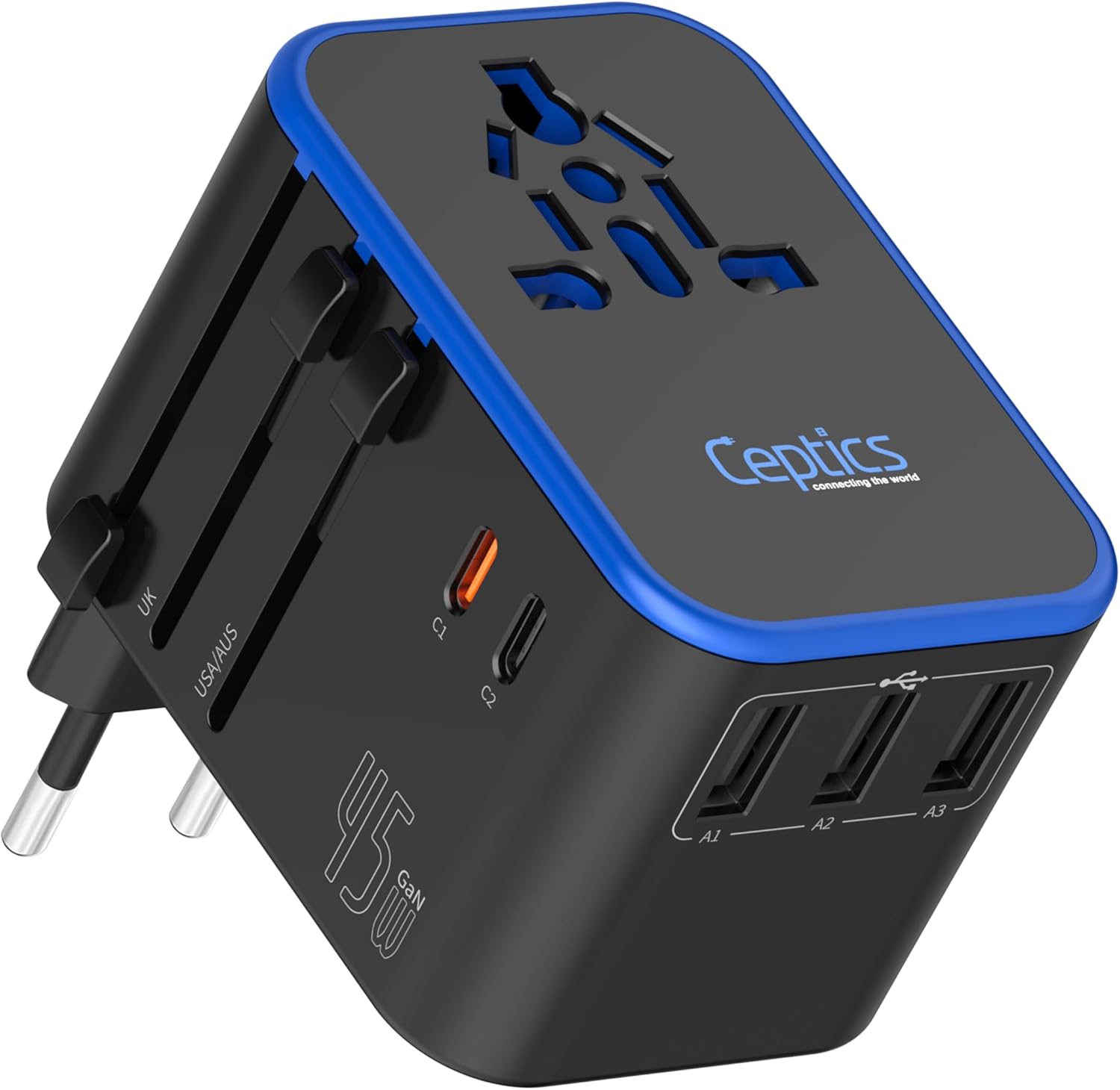
Note: A travel plug adapter changes the plug shape but usually does not convert voltage. Before an international trip, check the destination’s outlets and voltage and read the input label on each charger. A label such as “100–240V, 50/60Hz” generally indicates a multi-voltage charger. The U.S. Department of State also advises travelers to check destination voltage and plug requirements.
Organizing Your Tech Gear With a Dedicated Pouch
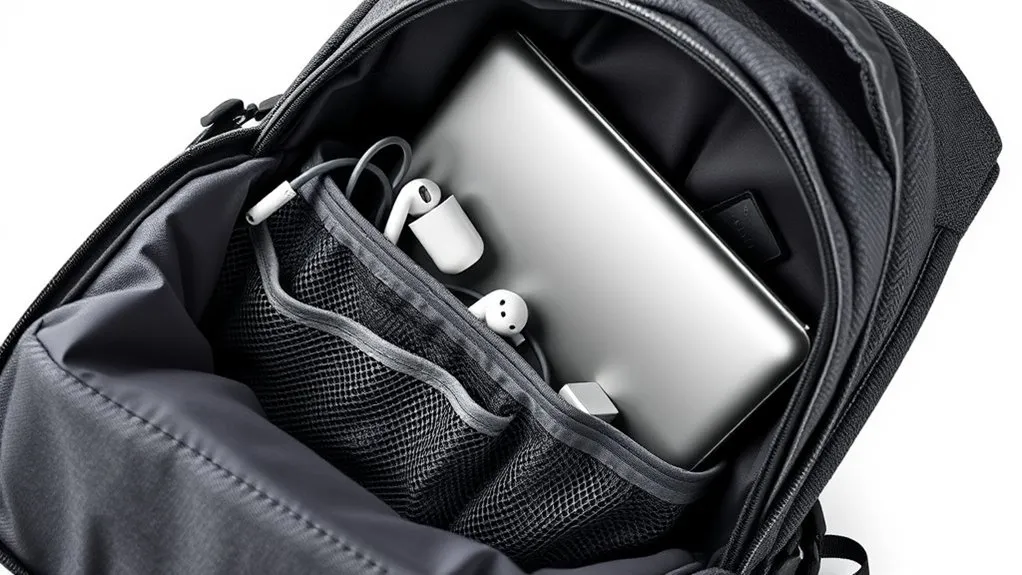
A dedicated tech pouch keeps chargers, cables, adapters, memory cards, and small gadgets together. A compact organizer such as the Peak Design Small Tech Pouch can work well, but the brand matters less than the layout. Choose a pouch with enough divided pockets to prevent heavy chargers from pressing against small adapters or storage cards.
Assign each item a permanent location. For example, keep charging cables on one side, wall power equipment in the center, and storage devices or card readers in a small zippered pocket. Returning every item to the same place makes it easier to notice when something is missing.
Loop each cable loosely and secure it with a reusable hook-and-loop tie. Avoid sharp bends near the connector because repeated bending can weaken the cable. Color-coded ties or small labels can identify cables that look similar but support different power or data speeds.
A water-resistant pouch offers useful protection from light splashes, but it should not be treated as waterproof. Keep the pouch inside the backpack and away from water bottles, toiletries, and wet clothing.
Pro Tip: Photograph the open pouch after organizing it. The picture becomes a quick visual checklist when you repack at a hotel, airport lounge, or shared workspace.
Utilizing Packing Cubes for Cables and Chargers
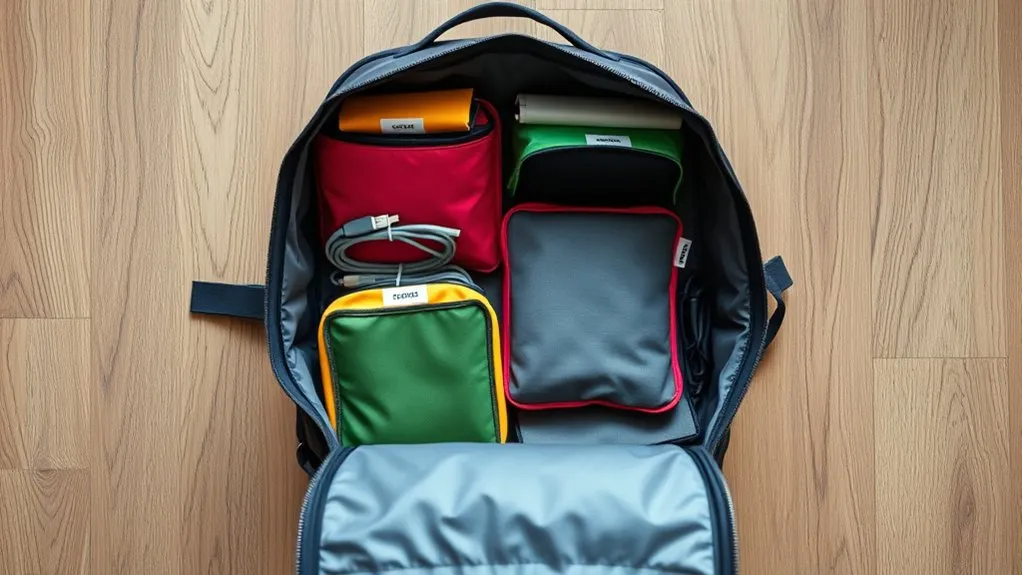
Packing cubes can help separate groups of equipment, but loose cables should not be dropped into a large clothing cube. They will still tangle, and small adapters may settle at the bottom. Use a divided tech pouch for individual accessories, then place the complete pouch inside a small packing cube when you need to separate work equipment from personal items.
Color coding is useful when carrying several cubes. One color might hold clothing, another camera accessories, and another work equipment. Clear mesh panels also help you identify the contents without opening every organizer.
A cube can provide an extra layer of containment, but it is not a substitute for padding. External SSDs, cameras, lenses, tablets, and other impact-sensitive items still need fitted cases or padded compartments.
Keep an extra charging cable only when its loss would prevent you from using an essential device. Carrying a duplicate of every cable and adapter adds weight and makes the pouch harder to search.
Pack around the trip, not around every gadget you own. Each device should have a clear job and a tested way to charge.
Choosing Lightweight and Compact Accessories
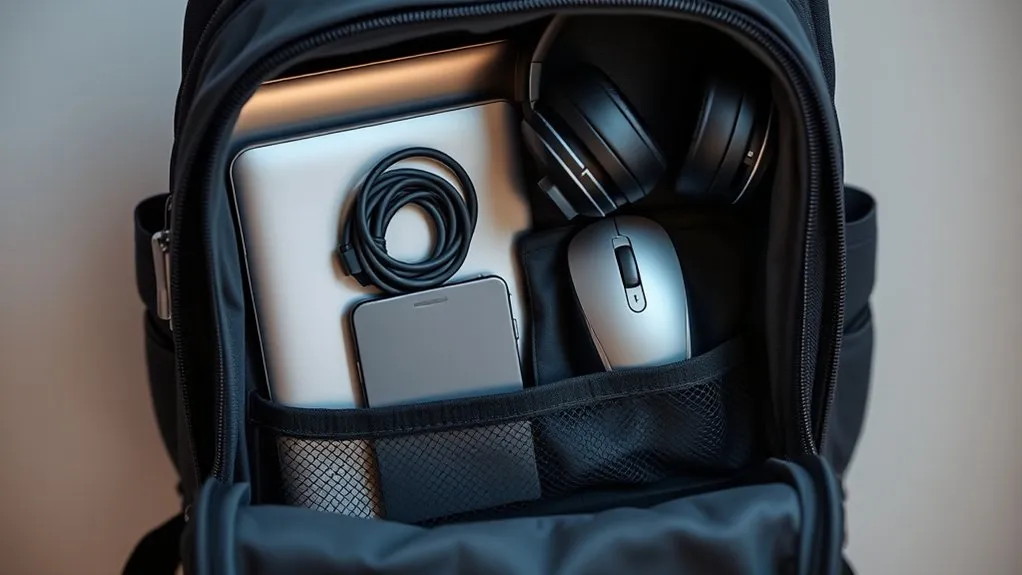
Selecting lightweight and compact accessories reduces bulk, but size should not come at the cost of compatibility. A multi-port GaN charger can replace several single-device power bricks when its total output is high enough for your laptop, phone, and other equipment.
For many travelers, a 65W to 100W USB-C charger is a practical range, but the correct capacity depends on the devices being charged. Check the laptop manufacturer’s requirements rather than choosing a charger by size alone. Also review the charger’s power-distribution table. A three-port charger may advertise 100W maximum output while providing less power to each port when all three are in use.
A compatible 3-in-1 charger can power an iPhone, Apple Watch, and wireless-charging AirPods from one wall adapter. This can reduce cable clutter for travelers who use that ecosystem. It is less useful when the trip includes devices with different connectors or when the charging station is heavier than the individual cables it replaces.
Lightweight external SSDs and SD cards can provide portable storage without taking much space. Keep them in a padded or zippered pocket rather than loose in the main compartment. Slim Bluetooth headphones or earbuds also save room, although wired earbuds can be a useful lightweight backup for aircraft entertainment systems.
Compact Accessory Checklist
- One multi-port charger with enough total output
- Correctly rated USB-C or device-specific cables
- Travel plug adapter when the destination requires one
- Power bank within airline watt-hour limits
- Compact headphones or earbuds
- External storage only when the trip requires it
- Small cleaning cloth for screens and camera lenses
Protecting Tech Gear From Impact and Moisture
Place a laptop or tablet in a fitted padded sleeve before putting it in the backpack’s device compartment. The sleeve should prevent side-to-side movement without being so tight that the zipper or seams press against the device.
Do not place wall chargers, keys, power banks, or other hard objects against a laptop screen. Keep those items in a separate pouch. Avoid filling the backpack so tightly that the outer contents push inward against the display.
Store liquids in an upright exterior bottle pocket when possible. Toiletries should remain in sealed containers inside a separate leak-resistant bag. A water-resistant backpack adds useful protection during light rain, but valuable electronics may still need a dry bag or waterproof liner in sustained wet conditions.
Cameras, lenses, handheld consoles, and external drives need enough padding to prevent movement when the backpack is set down. Fill small gaps with soft clothing, but do not wrap electronics in damp garments or place them beside unsealed food.
Warning: Do not travel with a lithium battery or device that is swollen, leaking, damaged, unusually hot, or producing an odor. Stop using it and follow the manufacturer’s disposal guidance. During a flight, tell a crew member immediately if a battery or device overheats, expands, smokes, or burns.
Optimizing Weight Distribution in Your Backpack
Pack heavier tech items, including laptops and dense power banks, close to your back and near the center of the bag. This creates a more stable center of gravity than placing the same items at the outer edge. General backpack-loading guidance from REI likewise recommends keeping dense items centered near the spine.
Balance the left and right sides. A heavy camera lens on one side may need to be offset by the charger pouch or another dense item on the other side. Use soft items to fill gaps so equipment cannot shift while you walk.
For quick access, place chargers, earbuds, and travel documents in secure zippered pockets near the top or front of the backpack. Avoid storing expensive devices in open or easily reached outer pockets.
There is no single body-weight percentage that works for every traveler and every type of backpack. Reduce the load if the bag pulls backward, causes numbness, changes your posture, or produces shoulder, neck, or back pain. You must also remain within the size and weight restrictions imposed by the airline or other carrier.
Adjust the shoulder straps so the backpack rests close to your body. Fasten the sternum strap without making it tight enough to restrict breathing. When the bag has a load-bearing hip belt, position it around the top of the hips so it can support part of the weight.
Pack Power Banks and Batteries Safely for Air Travel
Power banks and spare lithium batteries require special handling. Under current FAA passenger-battery guidance, spare lithium batteries and power banks must remain in carry-on baggage. They are not permitted in checked baggage.
- Up to 100Wh: Generally allowed for personal use in carry-on baggage.
- 101–160Wh: Airline approval is required, and no more than two spare batteries are allowed.
- Above 160Wh: Generally prohibited on passenger aircraft unless a separate exception applies.
Airlines may impose stricter limits, so check the operating carrier’s policy before departure. Protect exposed terminals with the original packaging, a battery case, terminal caps, or nonconductive tape. Do not let loose batteries contact coins, keys, or metal adapters.
You can estimate a battery’s watt-hours with this formula:
Watt-hours = volts × amp-hours
When capacity is listed in milliamp-hours, divide it by 1,000 first. For example, a 20,000mAh battery rated at 3.7V is approximately 74Wh: 3.7 × 20 = 74Wh. Use the manufacturer’s printed watt-hour rating when it is available.
Warning: If an airline requires you to gate-check your carry-on bag, remove every power bank and spare lithium battery first. Keep them with you in the aircraft cabin and protect them from accidental activation and short circuits.
Prepare Tech for Airport Security
Pack large electronics where they can be reached without emptying the entire backpack. The Transportation Security Administration may direct passengers to remove laptops, tablets, e-readers, or other electronics for screening. Procedures can vary by checkpoint equipment and traveler program, so follow the officer’s instructions.
Use a top-opening, side-access, or separate laptop compartment when you expect to pass through several checkpoints. After screening, move away from the conveyor before reorganizing the pouch so you do not block other travelers.
Count your trays before leaving the checkpoint. Confirm that you have your laptop, phone, watch, headphones, charger pouch, passport, and wallet. Add an email address or phone number to a removable label on the outside of a laptop or case, but avoid displaying unnecessary personal information.
Protect Your Data Before You Leave
Physical packing protects the hardware, but a lost laptop or phone can also expose personal information. Before traveling, install operating-system and app updates, back up important files, and confirm that you can restore the backup.
Use a strong screen-lock PIN or password and turn on multifactor authentication for important accounts. Enable device encryption when the operating system supports it. The Cybersecurity and Infrastructure Security Agency also recommends backing up portable-device data and protecting access to the device.
Remove files you do not need during the trip, especially confidential work records. Know how to locate, lock, or erase the device remotely, and confirm that the feature works before departure. Keep recovery codes somewhere separate from the device they unlock.
Tips for Easy Access and Efficient Packing
Easy access depends on giving every item one secure location. The best location is not always the closest outer pocket; valuable equipment should remain behind a zipper and against your body whenever possible.
- Keep a compact tech pouch near the top of the main compartment.
- Store the laptop in its padded compartment close to your back.
- Place a power bank where it is easy to remove if the bag must be checked.
- Keep liquids and toiletries in a separate sealed area.
- Use reusable ties to prevent cable tangles.
- Put memory cards and small adapters in zippered pockets.
- Carry frequently used earbuds in a secure pocket rather than an open pouch.
- Leave unused ports covered when the device includes protective covers.
Before leaving home, put on the loaded backpack and walk for five to ten minutes. Climb a flight of stairs, sit down, and retrieve your laptop and charger. Repack anything that shifts, digs into your back, or requires unloading most of the bag.
Step-by-Step Tech Packing Order
- List your devices. Remove anything without a clear purpose for the trip.
- Match chargers and cables. Verify connector type, charger output, cable rating, and destination voltage.
- Back up and secure your data. Install updates, enable a screen lock, and confirm that important files are backed up.
- Protect fragile devices. Place laptops, tablets, cameras, and storage drives in fitted padded sleeves or compartments.
- Organize small accessories. Coil cables loosely and place chargers, adapters, and card readers in assigned tech-pouch pockets.
- Load dense items near your back. Center the laptop and other heavy equipment and balance both sides of the backpack.
- Separate liquids. Put water bottles and toiletries in sealed areas away from electronics.
- Keep batteries in the carry-on. Protect the terminals and confirm the printed watt-hour rating.
- Make checkpoint items accessible. Position the laptop and power bank so they can be removed quickly.
- Test the finished setup. Walk with the bag, check comfort, and test every required charging combination.
Frequently Asked Questions
What Size Backpack Is Best for Packing Tech Gear?
A 20–30L backpack is a common range for a laptop, charger pouch, headphones, and a few personal items, but it is not ideal for everyone. Choose a bag that fits your largest device, provides padding, and complies with your airline’s personal-item or carry-on limits. Camera equipment or several large devices may require more capacity.
How Can I Protect My Tech Gear From Damage?
Use fitted padded sleeves, keep hard accessories away from screens, fill gaps so devices cannot shift, and avoid overstuffing the backpack. Separate liquids from electronics and place the heaviest devices close to your back. Do not assume that a water-resistant pouch is fully waterproof.
Should I Bring a Power Bank for My Devices?
A power bank is useful during long travel days, but check its watt-hour rating and your airline’s policy. Keep it in carry-on baggage, protect its terminals, and remove it if your carry-on bag must be gate-checked. Do not pack a swollen, damaged, leaking, or overheating power bank.
What Are Must-Have Tech Accessories for Travel?
Useful basics include a compatible multi-port charger, correctly rated charging cables, a compact tech pouch, a padded laptop or tablet sleeve, headphones, and an airline-compliant power bank. International travelers may also need a plug adapter. Add storage drives, card readers, or camera accessories only when the trip requires them.
How Do I Avoid Overpacking My Tech Gear?
Give each device a specific job and remove items with overlapping functions. Use one multi-port charger where practical, limit duplicate cables to critical backups, and weigh the finished bag. If you did not use an item on the previous similar trip, consider leaving it at home.
Is a Travel Adapter the Same as a Voltage Converter?
No. A plug adapter allows a plug to fit a different outlet shape, while a voltage converter changes the electrical voltage. Check the input label on the charger. Many phone and laptop chargers accept 100–240V, but you should verify every device before connecting it abroad.
Can I Pack a Laptop or Power Bank in Checked Baggage?
A laptop is best kept in carry-on baggage because it is fragile and contains a lithium battery. Power banks and spare lithium batteries must remain in carry-on baggage under FAA rules. If a carry-on bag is checked at the gate, remove the power bank and all spare batteries first.
Conclusion
An efficient tech backpack uses a simple system: bring only the devices you need, protect fragile equipment, assign every accessory a permanent location, and keep dense items close to your back. Check charger compatibility before departure, separate liquids from electronics, and keep power banks in your carry-on.
Finish by testing the loaded bag and every charging combination. A few minutes of preparation can prevent missing cables, uncomfortable weight, damaged devices, and battery problems once the trip begins.
Sources
- Federal Aviation Administration — Airline Passengers and Batteries — carry-on rules and watt-hour limits for power banks and spare lithium batteries
- Transportation Security Administration — Security Screening — screening procedures for laptops, tablets, and other electronics
- USB Implementers Forum — USB Power Delivery — current USB-C charging capabilities
- U.S. Department of State — International Travel Planning — checking destination voltage and plug requirements
- REI — How to Pack and Hoist a Backpack — load placement and weight distribution
- Cybersecurity and Infrastructure Security Agency — Protecting Portable Devices — backups and portable-device data security