

Last Updated on September 11, 2026 by Daniel Globe
If Manage Trip won’t let you change your flight, first check whether the airline changed your schedule or you are making a voluntary change. Then confirm who sold the ticket, verify that it was fully issued, and try the airline’s website, app, or customer service. Do not accept a changed itinerary until you have reviewed your rebooking and refund options.
Quick Answer
Manage Trip may block a flight change because of a website error, restricted fare, partner flight, travel-agency booking, unticketed reservation, special service, or airline schedule change. Try basic browser fixes, identify the ticket seller, and contact the correct airline or agent. Review refund rights before accepting an airline-initiated change.
Key Takeaways
- A failed online change does not always mean your ticket cannot be changed. The reservation may require manual handling.
- Do not click “accept” on a changed itinerary until you have compared rebooking and refund options.
- For flights to, from, or within the United States, a significant airline-initiated change may qualify for a refund if you decline continued travel and other compensation.
- If a travel agency or online booking site sold the ticket, contact that seller first.
- Save screenshots, error messages, fare options, call times, and written promises.
At a Glance
| Time Required | About 10–30 minutes for troubleshooting; longer if an agent must reissue the ticket |
| Difficulty | Easy to moderate |
| Tools Needed | Confirmation code, e-ticket receipt, airline app or browser, payment record, and alternative flight details |
| Cost | Troubleshooting is free; a voluntary change may involve a fare difference or fee under the ticket rules |
Disclosure: As an Amazon Associate I earn from qualifying purchases. Some links on this page are affiliate links, at no extra cost to you.
Why Manage Trip Changes Fail
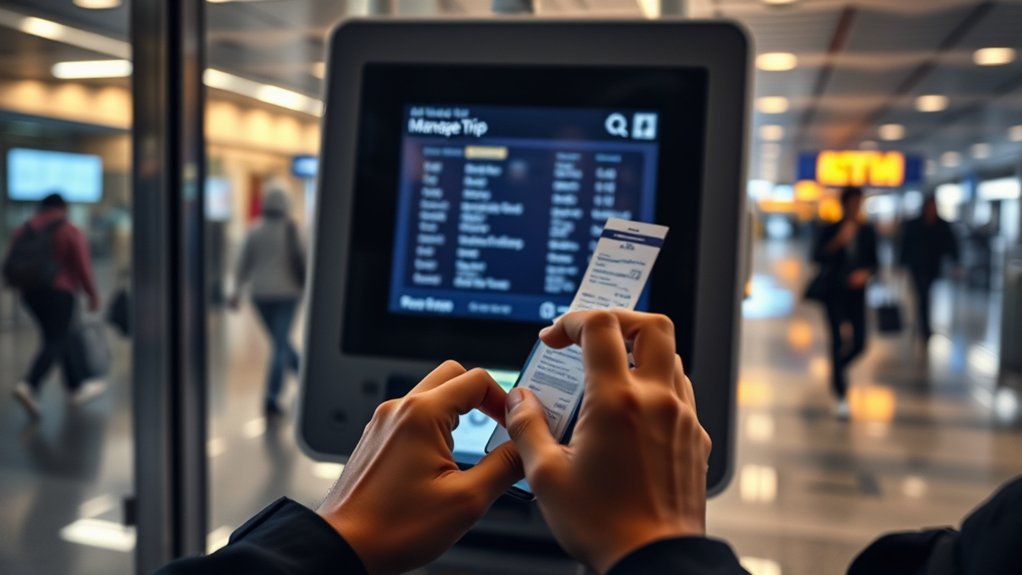
An airline’s self-service system may block a change even when an agent can complete it manually. The message on the screen may not explain the real reason.
Common causes include:
- Website or app problems: The page may have stale cookies, a timed-out login, an expired session, or a temporary server error.
- Travel-agency tickets: An online travel agency, corporate travel service, or local agent may control the ticket.
- Codeshare or partner flights: The airline that sold the ticket may be different from the airline operating the plane.
- Award tickets: Flights booked with miles or partner awards may require a loyalty-program agent.
- Credits or certificates: A ticket purchased with a voucher, travel credit, companion certificate, or mixed payment may need manual reissuing.
- Restricted fares: Some basic or promotional fares have strict voluntary-change rules.
- Special services: A reservation involving a pet, infant, wheelchair request, unaccompanied minor, group booking, or special seat may be locked from online changes.
- Multiple passengers: The system may not let you change only one person without first splitting the reservation.
- Incomplete ticketing: A confirmation code can exist before an e-ticket is fully issued.
- Airport control: Close to departure, check-in or airport staff may control the reservation.
- Schedule-change review: The airline may require you to accept, reject, or discuss its proposed itinerary before normal changes become available.
Note: A reservation number is not proof that the ticket was issued. Check your receipt for an e-ticket number and confirm that every flight segment shows as confirmed or ticketed.
First Identify the Type of Change
The correct solution depends on who is changing the itinerary.
Voluntary Flight Change
A voluntary change happens when the original flight is still operating as booked, but you want a different date, time, airport, or route. Your fare rules control whether the change is allowed and whether you must pay a change fee or fare difference.
The U.S. Department of Transportation’s 24-hour booking rule does not guarantee free ticket changes. For qualifying tickets purchased directly from an airline at least seven days before departure, the airline must generally offer either a 24-hour cancellation-and-refund option or a 24-hour hold. The rule does not require a free date or route change. See the DOT guidance on buying an airline ticket.
Airline-Initiated Schedule Change
An airline-initiated change happens when the airline cancels a flight or changes its time, airport, route, connections, cabin, or operating details. The airline may offer another itinerary, but you should review all available options before accepting it.
Warning: Do not click an “accept change” button or travel on the replacement itinerary until you have decided whether you want to keep the trip, request another flight, or reject continued travel for a refund. Accepting or using the changed transportation can end your right to a full refund under the DOT automatic-refund rule.
How to Fix Manage Trip Step by Step
1. Check the Reservation and Ticket Status
Open the confirmation email or e-ticket receipt and verify:
- The passenger name matches the travel document.
- The confirmation code is correct.
- An e-ticket number appears for each passenger.
- Every flight segment is confirmed.
- The itinerary has not been cancelled or replaced.
- The seller shown on your payment statement matches the company you are contacting.
If payment is pending, the ticket was recently exchanged, or the reservation does not show an e-ticket number, contact the seller before trying more online changes.
2. Try Basic Technical Fixes
- Sign out of the airline account.
- Close the airline app or browser tab.
- Clear the site’s cookies and cached data.
- Open a private or incognito window.
- Try a current version of another browser.
- Switch between the airline website and official app.
- Try a laptop or desktop if the mobile page is incomplete.
- Turn off browser extensions that may block scripts.
- Use a stable internet connection.
- Wait briefly and retry if the site reports a temporary error.
Save a screenshot of the error before refreshing the page. Include the time, error code, and page address when possible.
Warning: Do not submit the same payment repeatedly when a change page freezes. Check your email and payment account first so you do not create duplicate charges.
3. Identify Who Controls the Ticket
Look at the booking confirmation and your credit- or debit-card statement. The company shown as the ticket charge is usually the merchant of record and may be responsible for a refund when one is due.
- Booked directly with the airline: Contact that airline.
- Booked through an online or local travel agency: Contact the agency first.
- Booked through an employer or corporate portal: Contact the company’s travel desk.
- Booked with miles: Contact the loyalty program that issued the award.
- Booked as part of a vacation package: Contact the package seller unless the documents direct you elsewhere.
DOT explains that an airline may have limited ability to change a ticket purchased through a travel agent. See its guidance for tickets purchased through travel agencies.
4. Find Acceptable Flights Before Calling
Search the airline’s current schedule and write down two or three flights that could work. Include:
- Travel date
- Flight number
- Departure and arrival times
- Connection airport
- Cabin
- Nearby airport options you would accept
Third-party alert or flight-search services can help you notice changes, but confirm every option on the airline’s official website or app.
Pro Tip: Search one traveler at a time when checking seat availability. A flight may have one open seat even when it cannot accommodate everyone in a larger reservation.
5. Contact the Correct Support Channel
Use the official phone number, in-app chat, airport service desk, social-support channel, or written customer-relations form. Avoid telephone numbers found in unverified search ads or unofficial travel sites.
If departure is close, call while also using the app or airport desk. If the flight is days or weeks away, written chat or customer relations may provide a better record.
When a Schedule Change Qualifies for a U.S. Refund
For flights to, from, or within the United States, the U.S. Department of Transportation refund rule covers cancellations and defined significant changes when the passenger chooses not to accept the changed flight, alternative transportation, a travel credit, a voucher, or other compensation.
A significant change includes:
- Domestic itinerary: Departure moves at least three hours earlier or arrival moves at least three hours later.
- International itinerary: Departure moves at least six hours earlier or arrival moves at least six hours later.
- Airport change: The origin or destination airport changes.
- More connections: The new itinerary has more connection points than the original trip.
- Cabin downgrade: The passenger is involuntarily moved to a lower class of service.
- Disability-related connection change: A passenger with a disability is routed through a different connecting airport.
- Accessibility loss: A passenger with a disability is moved to an aircraft that lacks an accessibility feature the passenger needs.
The refund right depends on both the airline’s disruption and your decision not to accept or use the changed transportation or replacement compensation.
If you travel after an involuntary cabin downgrade, you may not qualify for a full ticket refund, but the airline must refund the difference between the original and lower fare under the DOT rule.
Note: As of July 24, 2026, DOT is temporarily not enforcing the automatic-refund requirement for a flight-number-only renumbering when the passenger is successfully rebooked and the flight operates without another significant change or delay. This limited enforcement policy currently runs through July 7, 2027. Other refund triggers remain in effect.
Accept It, Rebook It, or Get a Refund
Accept the New Itinerary
Accept the change only when the new departure time, arrival time, airport, connections, cabin, and operating airline still work for your trip.
Before accepting, check:
- Whether your seat assignment remained intact
- Whether the connection is long enough
- Whether checked bags will transfer
- Whether the arrival airport changed
- Whether prepaid seats or other services carried over
- Whether the new aircraft meets your accessibility needs
Once you accept or fly the changed itinerary, you generally cannot claim a full refund under the DOT significant-change rule simply because you later decide the schedule was inconvenient.
Ask for Another Flight
If you still want to travel, ask the airline or ticket seller to place you on a better flight. Provide specific flight numbers instead of asking the agent to search without guidance.
Say that the airline changed the original itinerary and ask whether the reservation can be handled as an involuntary rebooking. Do not assume the rules for a voluntary ticket change apply.
DOT does not require every airline to provide a particular replacement flight, although airlines often offer alternative transportation. Airline contracts and customer-service commitments determine the available rebooking choices.
Reject Continued Travel and Receive a Refund
If the flight was cancelled or significantly changed under the DOT definition and you do not accept another flight, voucher, credit, miles, or other compensation, a refund may be due automatically.
Refunds must generally be:
- Returned to the original form of payment
- Issued for the unused ticket value
- Inclusive of applicable taxes and fees
- Processed within seven business days after becoming due for credit-card payments
- Processed within 20 calendar days after becoming due for other payment methods
If an online travel agency or ticket agent is the merchant of record, that seller may be responsible for issuing the airfare refund. Check the company name shown on your payment statement.
What to Say to Customer Service
Keep the explanation brief and give the agent a clear request. You can use this script:
“My confirmation code is [state the code verbally]. Manage Trip will not process the change and shows [describe the error]. The original itinerary was [flight and date], and the current itinerary is [changed flight and date]. I would like to be rebooked on flight [number] in the same cabin without treating this as a voluntary change. If that is not available, please explain my refund options before making any change to the ticket.”
Have these details ready:
- Confirmation code and e-ticket number
- Passenger names
- Original and current flight details
- Screenshot of the error
- Date and time the schedule changed
- Preferred replacement flights
- Payment method and ticket seller
- Any seat, baggage, accessibility, or special-service requests
Stay calm and ask the agent to explain whether the system is treating your request as voluntary or involuntary. If the answer does not match the airline’s written policy, ask for a supervisor or request the decision in writing.
Record the date, time, agent name, case number, and any promise made during the conversation. Do not record a telephone call unless doing so is lawful where all participants are located.
How to Rebook a Partner or Codeshare Ticket
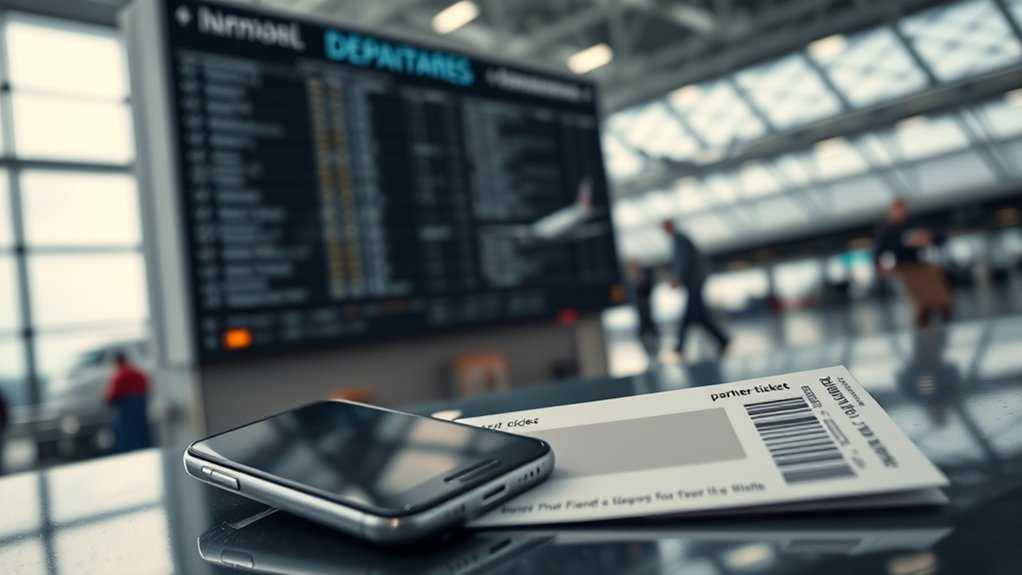
A partner itinerary may involve three different companies:
- Ticket seller: The airline or agency that accepted payment
- Ticketing airline: The airline whose ticket document was issued
- Operating airline: The airline flying the aircraft
Start with the company that sold or issued the ticket. The operating airline may help with airport operations, seats, check-in, or a same-day disruption, but it may not be able to reissue a ticket controlled by another airline or agency.
For a partner booking:
- Check the e-ticket receipt for the seller and ticketing airline.
- Confirm which airline operates each segment.
- Contact the travel agency first if an agency made the booking.
- Contact the loyalty program if the trip was booked with its miles.
- Ask whether every segment remains confirmed after the change.
- Request that checked baggage, seats, and special services be revalidated.
- Ask for a new e-ticket receipt after rebooking.
If the first airline sends you to a partner, ask the agent to note the reservation and identify exactly which company has authority to exchange the ticket.
How to Get a Better New Flight
Research alternatives before contacting support. Agents can work faster when you provide specific, realistic choices.
| Action | Why It Helps |
|---|---|
| Find two or three flight numbers | The agent can check exact options instead of starting a broad search. |
| Check nearby airports | A nearby departure or arrival airport may provide a better schedule, but confirm transportation costs. |
| Ask about partner flights | Some airlines rebook on partners under their own disruption policies when suitable seats are available. |
| Confirm the cabin and connection | A faster flight may still be unsuitable if it downgrades the cabin or creates a risky connection. |
| Request written confirmation | A new receipt helps you verify that all segments were reissued correctly. |
If the airline caused the disruption, do not lead with the price of a new ticket. First ask whether the preferred flight can be provided as an involuntary rebooking. If the request is voluntary, the current fare rules and fare difference may apply.
What to Do If the Airline or Agent Will Not Fix It
Ask for a case number and submit a written complaint to the airline or ticket agent. Include:
- Your contact details
- Confirmation code and ticket number
- Original and changed itinerary
- A short timeline
- Error screenshots
- Receipts and payment records
- The exact solution you requested
- The company’s response
If a U.S. refund or ticketing issue remains unresolved, you can file an Air Travel Service Complaint with the U.S. Department of Transportation. DOT recommends giving the airline or ticket agent an opportunity to resolve the matter first.
For a disability-related accommodation problem, ask for the airline’s Complaint Resolution Official. Airlines must make a CRO available during operating hours for disability-related air-travel issues.
Frequently Asked Questions
What is the United 45-minute rule?
The phrase usually refers to a common minimum check-in cutoff, but United does not present one universal 45-minute rule for every trip. United says minimum check-in, baggage, and boarding times vary by departure airport and destination. Check your itinerary and the official United check-in page before traveling.
Can I change my flight after it is booked?
Usually, but your fare rules determine whether a voluntary change is allowed and whether a fee or fare difference applies. If the airline changed or cancelled the flight, ask about involuntary rebooking and refund options before making a voluntary change.
Which airline should I stay away from?
No airline is automatically the wrong choice for every traveler. Compare nonstop availability, schedule frequency, fare restrictions, baggage fees, change policies, and customer-service commitments for your route. The DOT Airline Customer Service Dashboard can help you compare commitments for controllable delays and cancellations.
What is the 45-minute rule for American Airlines?
American generally requires passengers in most cities to be checked in at least 45 minutes before flights within the United States and 60 minutes before flights to or from destinations outside the United States. Some airports require earlier check-in, and online international check-in may close earlier. Confirm your airport on the American Airlines check-in page.
Why can’t I change my flight online?
The ticket may belong to a travel agency, include a partner flight, use miles or credits, contain special services, remain unticketed, or be under airport control. A website error can also block the process. Check the ticket receipt and contact the seller if technical fixes do not work.
Do I have to pay a fare difference after the airline changes my flight?
Not necessarily. Ask the airline to treat the request as an involuntary rebooking caused by its schedule change. The available alternatives depend on the airline’s policy. A fare difference is more commonly associated with a voluntary change requested by the passenger.
Does accepting a schedule change affect my refund?
Yes. Under the U.S. DOT automatic-refund rule, accepting or using the changed itinerary or an offered replacement flight generally means you are not entitled to a full refund based on that disruption. Review your options before accepting.
Who changes a flight booked through an online travel agency?
Contact the online travel agency first. The airline may be unable to exchange a ticket controlled by the agency. Check your payment statement to identify the merchant of record, especially when requesting a refund.
How long should an eligible U.S. airline refund take?
When a refund is due under the DOT rule, it must generally be processed within seven business days for a credit-card purchase and within 20 calendar days for other payment methods. The refund should return to the original form of payment unless you affirmatively accept another form of compensation.
Sources
- U.S. Department of Transportation: Refunds — refund eligibility, significant-change definitions, acceptance rules, and processing periods
- U.S. Department of Transportation: Aviation Consumer Protection Updates — July 2026 enforcement update for flight renumbering
- U.S. Department of Transportation: Buying a Ticket — travel-agency bookings, fare restrictions, and the 24-hour rule
- U.S. Department of Transportation: Air Travel Service Complaint Form — escalation for unresolved airline or ticket-agent issues
- American Airlines: Check-in and Arrival — American check-in deadlines and airport exceptions
- United Airlines: Flight Check-in — United check-in access and itinerary-specific timing guidance
Conclusion
When Manage Trip won’t let you change your flight, check the ticket status, identify who sold it, and determine whether the request is voluntary or caused by the airline. Try the technical fixes, research replacement flights, and contact the company that controls the ticket. Most importantly, review your refund rights before accepting or flying a changed itinerary.
