
Last Updated on July 28, 2026 by Tyler Morgan
Wired earbuds are one of the easiest ways to listen to airplane entertainment because many seatback systems still provide a standard 3.5 mm audio connection. They do not need pairing or batteries, and a small airline adapter can cover many dual-output seat jacks. Keep them in your carry-on, then check your aircraft before departure because entertainment systems and connectors vary by airline and plane.
Quick Answer
Yes. Wired earbuds with a standard 3.5 mm plug work with many airplane seatback entertainment systems. Some aircraft use two audio sockets instead, so a dual-prong airline adapter may be useful. USB-C earbuds usually cannot plug directly into a seat, and Bluetooth support depends on the aircraft.
Key Takeaways
- A normal 3.5 mm wired plug works directly with many seatback entertainment systems.
- Some aircraft use two audio outputs, so a dual-prong airline headphone adapter is a useful backup.
- USB-C or Lightning earbuds are not the same as 3.5 mm earbuds and generally cannot plug directly into an airplane audio jack.
- Bluetooth may be built into some newer entertainment systems; otherwise, a Bluetooth transmitter can send seatback audio to wireless headphones.
- Follow crew instructions for electronics and keep the volume low enough to hear safety announcements.
At a Glance
| Time Required | About 1–5 minutes to check your setup and connect |
| Difficulty | Easy |
| Tools Needed | 3.5 mm wired earbuds; optional dual-prong airline adapter; optional Bluetooth transmitter |
| Cost | $0 if you already own compatible earbuds; verified basic 3.5 mm models were roughly $13–$19 in July 2026, with adapters sold separately |
Disclosure: As an Amazon Associate I earn from qualifying purchases. Some links on this page are affiliate links, at no extra cost to you.
Why Wired Earbuds Still Matter on Flights
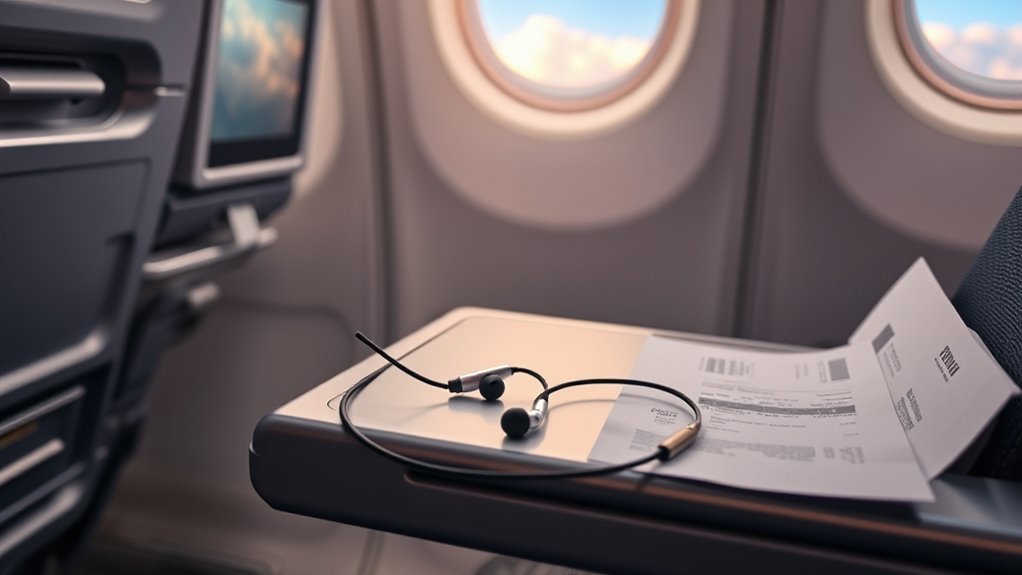
Wireless earbuds are convenient, but wired earbuds remain useful on flights because many seatback entertainment systems provide an analog headphone output. Depending on the aircraft, that can be a single 3.5 mm jack or a dual-output arrangement that needs an airline adapter.
With a passive pair of wired earbuds, there is no Bluetooth pairing process and no earbud battery to run down halfway through a movie. You plug them in and listen.
They are also a useful backup when an aircraft does not support direct Bluetooth pairing or when your wireless headphones are out of power. Your own earbuds may also fit better and sound better to you than complimentary airline headsets.
The key is the connector. A pair with a standard 3.5 mm analog plug gives you the broadest compatibility with traditional seatback audio.
Note: The FAA allows airlines to approve portable electronic devices for use during flight, but passengers must follow airline and crew instructions. Phones and similar devices should have cellular service disabled or be placed in airplane mode. Keep safety announcements audible even when using headphones.
What Airplane Entertainment Systems Need
Airplane entertainment is not identical from one flight to the next. Some aircraft have seatback screens with an analog headphone jack, while others rely heavily on entertainment streamed to your own phone, tablet, or laptop.
For example, American Airlines says entertainment is available on many flights through passengers’ personal devices, while select aircraft also offer seatback systems. That means the headphones you need may depend on whether you are listening to the seat or to your own device.
Single 3.5 mm vs. Dual Airplane Headphone Jacks
A single 3.5 mm headphone jack is the simplest setup: plug normal analog earbuds directly into it.
Other aircraft use two audio outputs side by side. Manufacturer documentation from Bose confirms that airline audio configurations can include single or dual 3.5 mm outputs. A proper dual-prong airline headphone adapter lets conventional headphones connect to compatible dual-output systems.
Warning: Do not confuse an airline headphone adapter with a phone headset splitter or other random two-plug audio adapter. Airline sockets vary, so use an adapter specifically intended for in-flight audio and follow the headphone manufacturer’s instructions.
What About USB-C or Lightning Earbuds?
USB-C and Lightning earbuds are digital accessories and generally cannot plug directly into a traditional airplane 3.5 mm audio jack.
A USB-C-to-3.5 mm headphone adapter is useful in the opposite situation: it lets a compatible USB-C phone send audio to headphones that have a 3.5 mm plug. It does not turn USB-C earbuds into 3.5 mm airplane earbuds, and passive wired earbuds do not need charging.
If airplane compatibility is your priority, a simple pair with an actual 3.5 mm plug is the least complicated backup.
Why Airline Headphones Don’t Cut It
Airline-provided headphones can be perfectly adequate for a movie, but quality and comfort vary. Bringing your own pair gives you a familiar fit and means you do not have to depend on whatever model is available onboard.
Poor Sound Quality
Basic complimentary headphones are designed to serve large numbers of passengers at low cost. They may provide less isolation and detail than headphones you already use at home.
- Dialogue can be harder to hear over cabin noise.
- Weak isolation may tempt you to turn the volume up.
- Bass and fine detail can be harder to hear.
- Your own familiar ear tips may create a better seal.
- Better isolation can improve clarity without simply increasing volume.
Sound quality also depends on the aircraft’s audio system, so expensive earbuds cannot fix a poor source signal. Even Bose notes that airline audio quality may differ from what you hear from a home or portable source.
Lack of Comfort
Fit matters even more on a long flight. Airline headphones are made for general use, while your own earbuds can use the tip size and shape that suits your ears.
| Feature | Airline Headphones | Your Wired Earbuds |
|---|---|---|
| Fit | One-size-fits-most | Familiar or adjustable |
| Isolation | Varies | Can be better with sealed tips |
| Availability | Depends on airline/flight | Available whenever you pack them |
Hygiene Concerns
Airline headset practices vary. Some carriers provide disposable earbuds, while other headsets may be collected and prepared for reuse.
There is no need to assume an airline headset is unsafe. The simpler advantage of bringing your own earbuds is that you control their cleanliness and do not need to share equipment.
- You know when your ear tips were last cleaned.
- You can use your preferred fit and materials.
- You avoid relying on a shared or complimentary headset.
- You can store the earbuds in a clean case between uses.
How to Pack Wired Earbuds for Travel
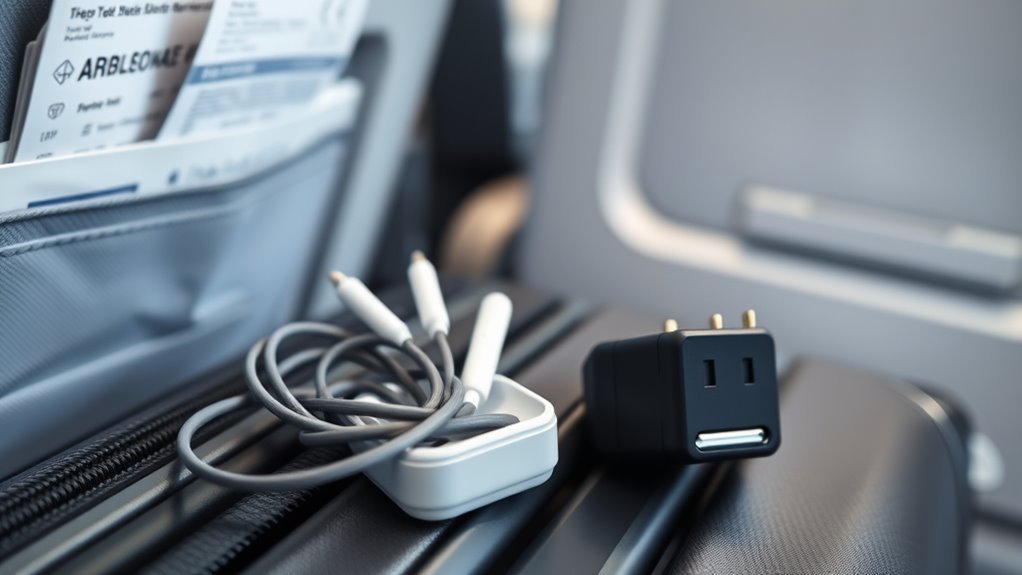
Pack your wired earbuds in your carry-on or personal item where you can reach them after boarding. A small case or pouch prevents the cable from tangling around chargers and other travel gear.
For a flexible airplane setup, pack:
- A pair of earbuds or headphones with a 3.5 mm plug
- A compact dual-prong airline adapter
- A spare pair if audio is important to you
- A USB-C-to-3.5 mm adapter only if your phone uses USB-C and you also want to use the same 3.5 mm headphones with your phone
- A charged Bluetooth transmitter if you plan to use Bluetooth-only headphones with a non-Bluetooth seatback screen
Battery-powered headphones and Bluetooth transmitters are best kept in the cabin. FAA guidance recommends carrying portable lithium-battery electronics in carry-on baggage where possible, and spare lithium batteries must remain in carry-on baggage.
Pro Tip: Keep the airline adapter attached to your earbud case instead of loose in your bag. It is small enough to disappear easily, and you will only remember you need it after you see a dual-output socket at your seat.
Best Wired Earbuds for In-Flight Use
For seatback entertainment, prioritize the connector, fit, and isolation before extra features. A microphone is useful for phone calls but usually adds little value when connected to an airplane’s audio output.
Three verified examples are:
- Sony MDR-EX15AP: lightweight in-ear headphones with a standard 3.5 mm plug. They need no battery or Bluetooth pairing.
- Apple EarPods with 3.5 mm Headphone Plug: a simple analog option that plugs directly into compatible single-jack seat systems.
- Shure SE215: a more premium in-ear option with a detachable 3.5 mm cable and multiple sleeves for a tighter passive seal.
For travelers who prefer over-ear active noise cancellation, the Sony WH-1000XM4 and WH-1000XM5 support analog listening through a headphone cable. Sony lists a stereo mini-jack input and cable support on these models.
Warning: A product being “wired” does not automatically mean it fits an airplane jack. The Logitech H390, for example, is a USB computer headset rather than a 3.5 mm headset, so it does not plug directly into a normal airplane headphone socket. Its advertised noise cancellation applies to the microphone, not active noise cancellation for your ears.
How to Use Wireless Headphones on Planes
You can use wireless headphones during many flights, but there are two very different ways to connect them to entertainment.
Direct Bluetooth Pairing
Some newer seatback systems provide their own Bluetooth pairing menu. When that feature is installed and enabled, put your headphones into pairing mode and follow the instructions on the seatback screen.
This feature is aircraft-specific. For example, American Airlines has announced Bluetooth-capable seatback entertainment on its Airbus A321XLR, but that does not mean every American aircraft—or every aircraft on another airline—offers the same feature.
Using a Bluetooth Transmitter
If the seat has a 3.5 mm audio output but no Bluetooth, a small Bluetooth transmitter can bridge the gap. The transmitter plugs into the seat and sends the audio wirelessly to your headphones or earbuds.
If the aircraft uses a dual-output socket, the transmitter may also need a compatible airline adapter to receive full stereo audio.
Charge the transmitter before the flight and keep wired earbuds as a backup. A transmitter with a dead battery is no more useful than uncharged wireless headphones.
Start by placing your phone and other transmitting personal electronics in airplane mode, then enable permitted wireless functions as allowed by the airline. Always follow crew instructions.
What to Check Before a Flight
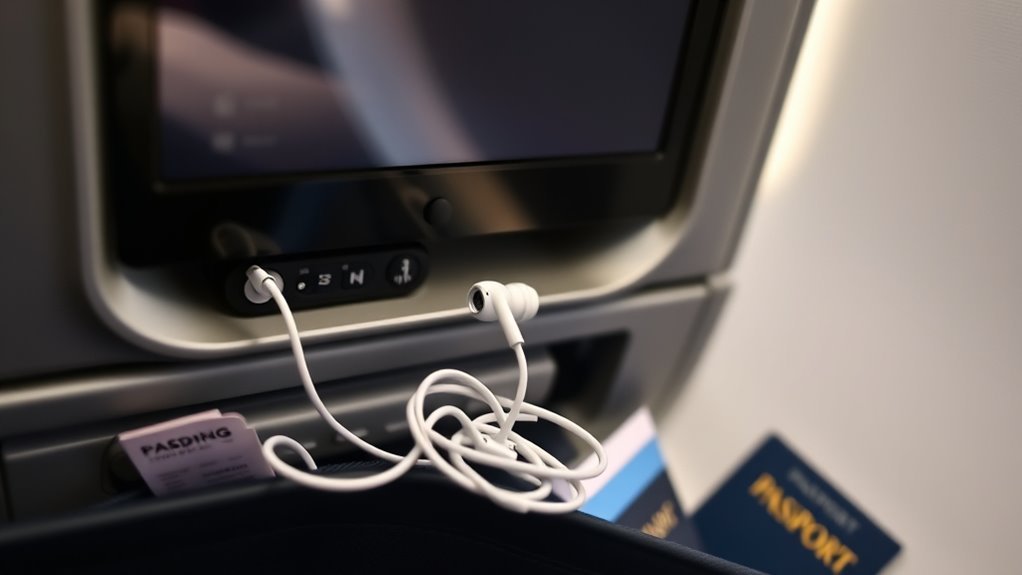
Before you fly, check what kind of entertainment your flight is expected to offer. An aircraft with personal-device streaming creates a different headphone setup from one with a seatback screen.
Before boarding, check whether your flight uses seatback entertainment, personal-device streaming, direct Bluetooth, or an analog headphone jack.
Then run through this checklist:
- Confirm that your wired headphones actually have a 3.5 mm analog plug.
- Pack a dual-prong airline adapter if you want maximum compatibility with older or differently configured IFE systems.
- Do not assume USB-C or Lightning earbuds will fit the seat.
- Check whether your aircraft advertises Bluetooth pairing.
- Charge Bluetooth headphones or a transmitter before leaving for the airport.
- Keep your headphones and adapter in an easy-to-reach pocket.
- Follow crew instructions about electronics during all phases of flight.
Remember that aircraft substitutions happen. Even if an airline’s website shows a particular entertainment system, a last-minute aircraft change can alter what is available onboard.
Noise Cancellation Tips for Better Flights
Cabin noise makes quiet dialogue harder to hear, which can tempt you to raise the volume. A good physical seal or active noise cancellation helps by reducing background sound before it reaches your ears.
ANC for Cabin Noise
Active noise cancellation is particularly effective against steady, low-frequency sounds such as engine and ventilation noise. This can make movies and music easier to hear at a lower playback level.
- Low-frequency cabin drone becomes less intrusive.
- Dialogue can be easier to understand.
- You may not need to raise the playback volume as much.
- Long listening sessions can be more comfortable.
Over-ear models such as the Sony WH-1000XM4 and WH-1000XM5 support both Bluetooth and analog cable use, making them flexible for aircraft with a 3.5 mm output.
By contrast, the Sony WF-1000XM4 is a truly wireless earbud and does not accept a 3.5 mm audio cable. To hear seatback audio through that type of earbud, the seat must support Bluetooth or you need a separate Bluetooth transmitter.
Earbud Fit Matters
A secure seal can reduce cabin noise even without electronic ANC. In-ear models with several tip sizes let you choose a better fit, while over-ear cable routing on models such as the Shure SE215 can help keep the earpieces stable.
Do not force an ear tip that feels painful or creates excessive pressure. Comfort matters more than maximum isolation during a long flight.
Note: The World Health Organization recommends keeping personal-device volume below about 60% of maximum and, when possible, below an average listening level of 80 dB. Well-fitting or noise-canceling headphones can help you resist turning the volume up in noisy surroundings.
Budget-Friendly Wired Earbuds to Pack
You do not need an expensive audiophile setup for occasional airplane entertainment. A basic, comfortable pair with a genuine 3.5 mm plug is enough for many seatback systems.
At the time this article was verified in July 2026, Sony listed its MDR-EX15AP wired in-ear headphones at about $13, while Apple listed its 3.5 mm EarPods at $19. Prices and availability can change.
- Sony MDR-EX15AP: inexpensive, light, silicone in-ear fit, standard analog plug
- Apple EarPods 3.5 mm: inexpensive open-fit alternative with a standard analog plug
- Shure SE215: pricier, but offers replaceable cables and stronger passive isolation
- Generic marketplace earbuds: verify that the listing specifically shows a 3.5 mm analog plug rather than USB-C
Do not buy based only on phrases such as “wired,” “noise canceling,” or “travel headset.” Check the connector shown in the manufacturer specifications. A USB headset such as the Logitech H390 is wired, but its USB connection is not compatible with a normal analog airplane jack.
How to Fix In-Flight Audio Problems
When your in-flight audio cuts out, sounds weak, or only plays through one side, work through the connection before assuming the earbuds have failed.
No sound? Check the plug, seat volume, connector type, and adapter first. A mismatched airplane jack is often easier to fix than a broken pair of earbuds.
- Push the plug in fully. A partly inserted 3.5 mm connector can cause silence, weak sound, or a missing channel.
- Raise the seat system’s volume gradually. The seat may have its own volume setting independent of your headphones.
- Check the connector. If there are two airplane audio sockets, use the correct dual-prong adapter.
- If you hear only one side, check the dual-output connection. Using only part of a dual-output system can result in incomplete audio on some aircraft.
- Test a second pair if available. This tells you whether the problem is your headphones or the seat.
- Ask the cabin crew if the seat audio appears faulty. The entertainment system itself may need to be reset.
If you are using Bluetooth, confirm whether you are pairing directly with the seat or with your own transmitter. Delete an incorrect old pairing if your headphones keep reconnecting to another device.
Also remember that inline microphones, remote buttons, and volume controls on phone-oriented headsets may not work with the airplane system even when the actual headphone speakers work normally.
Frequently Asked Questions
Can I use wired earbuds on a plane?
Yes. Wired earbuds with a standard 3.5 mm plug work with many airplane seatback entertainment systems. Some aircraft use dual audio outputs and need an airline adapter, while flights without seatback entertainment may stream movies to your own phone or tablet instead.
What kind of earbuds do I need for an airplane?
For the simplest compatibility, choose comfortable earbuds with a standard 3.5 mm analog plug. Pack a dual-prong airline adapter as a backup. Good passive isolation is often more useful than a microphone or phone-specific controls.
How do I connect my earbuds to inflight entertainment?
Plug a 3.5 mm earbud connector into the seat’s headphone jack. If the aircraft has a dual-output socket, connect a proper airline adapter first and plug your earbuds into the adapter. Then adjust the entertainment system’s volume.
Can you use wireless earbuds to watch a movie on a plane?
Yes, when the seatback entertainment system supports direct Bluetooth pairing. If it does not, a Bluetooth transmitter can plug into the seat’s analog audio output and send the sound to compatible wireless earbuds. Availability varies by aircraft.
Do USB-C earbuds work with airplane headphone jacks?
Usually not directly. Traditional airplane headphone outputs are analog 3.5 mm connections, while USB-C earbuds are digital accessories. A USB-C-to-3.5 mm phone adapter is designed to connect 3.5 mm headphones to a USB-C device; it does not normally convert USB-C earbuds for an airplane jack.
Do I need a two-prong airplane headphone adapter?
Only when your seat uses a compatible dual-output audio socket. A normal single 3.5 mm jack does not need one. Because aircraft configurations can change, carrying a small airline adapter is useful if you frequently fly on aircraft with seatback entertainment.
Can I wear earbuds during takeoff and landing?
Airlines can permit portable electronic devices during different phases of flight, but crew instructions always take priority. Keep cellular service disabled or use airplane mode as directed, and keep the volume low enough to hear safety announcements and crew instructions.
Conclusion
A simple pair of 3.5 mm wired earbuds is still one of the most dependable backups for airplane entertainment. They work with many traditional seatback systems without batteries or Bluetooth pairing, while a small dual-prong airline adapter covers additional aircraft configurations.
The important part is checking the connector instead of assuming every “wired” headset will work. USB-only and USB-C headphones are different from standard analog earbuds, and Bluetooth availability varies by aircraft. Pack the right adapter, keep your setup within reach, follow crew instructions, and use enough isolation that you do not have to overpower cabin noise with excessive volume.
Sources
- Federal Aviation Administration — Flying Safe — current FAA guidance on airplane mode, cellular connections, Wi-Fi, and following crew instructions.
- Bose QuietComfort 35 Owner’s Guide — documents single and dual 3.5 mm airline audio configurations and airline-adapter use.
- Sony MDR-EX15AP Wired In-Ear Headphones — verifies the 3.5 mm wired connection and current product specifications.
- Shure SE215 Sound Isolating Earphones — verifies the detachable 3.5 mm cable and sound-isolating ear-tip design.
- Apple EarPods with 3.5 mm Headphone Plug — verifies Apple’s current analog 3.5 mm EarPods option.
- World Health Organization — Safe Listening — supports safe headphone-volume and noise-isolation guidance.

