
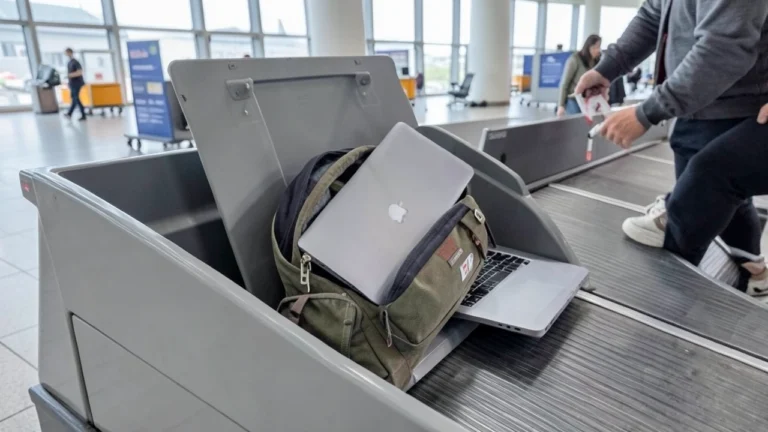
A laptop is one of the most valuable things in your bag, so where you pack it matters. If you are asking can you bring a laptop on a plane, the answer is yes. TSA allows laptops in carry-on and checked luggage, but the carry-on is the safer and recommended choice because of theft, damage and battery rules.
This guide covers screening, battery limits, PreCheck, what happens to a laptop in checked baggage and how to protect it in transit.
Quick Answer
Yes. A laptop can go in your carry-on or checked bag. TSA usually asks you to take it out of the bag at the checkpoint and place it in a bin, unless you are in a PreCheck lane or at a checkpoint with newer scanners. Keep it in the cabin when possible, since lithium batteries are safest there.
Key Takeaways
- Laptops are allowed in both carry-on and checked baggage.
- Standard screening lanes require you to remove laptops from the bag; PreCheck lanes usually do not.
- Laptops in checked bags must be powered off, not in sleep mode.
- Keeping a laptop in your carry-on reduces theft and damage risk.
- Spare lithium batteries must be in the cabin and protected.
Laptop Screening at TSA
At a standard checkpoint, you take the laptop out and put it in a bin by itself so the X-ray can see through it. TSA PreCheck members, and passengers at lanes with CT scanners, can often leave it in the bag. Look for signs at each lane, because rules differ by airport and scanner type.
For tips on moving through the line quickly, see our guides on faster airport screening and TSA backpack rules.
Putting a Laptop in Checked Luggage
It is allowed, but not recommended. FAA rules say a laptop with a lithium battery in checked luggage should be completely switched off, not in sleep or hibernate, and protected from damage. Checked bags are handled roughly, and theft from checked luggage is a known risk. Airlines generally suggest keeping electronics in the cabin.
| Where | Rule | Risk |
|---|---|---|
| Carry-on | Allowed, remove at standard lane | Low |
| Checked bag | Allowed if powered off | Damage and theft |
| Spare laptop battery | Cabin only, protected | Fire risk in hold |
| Laptop with damaged battery | Do not fly | Safety hazard |
Some airlines ban recalled laptop models, so check the manufacturer’s notice before you fly.
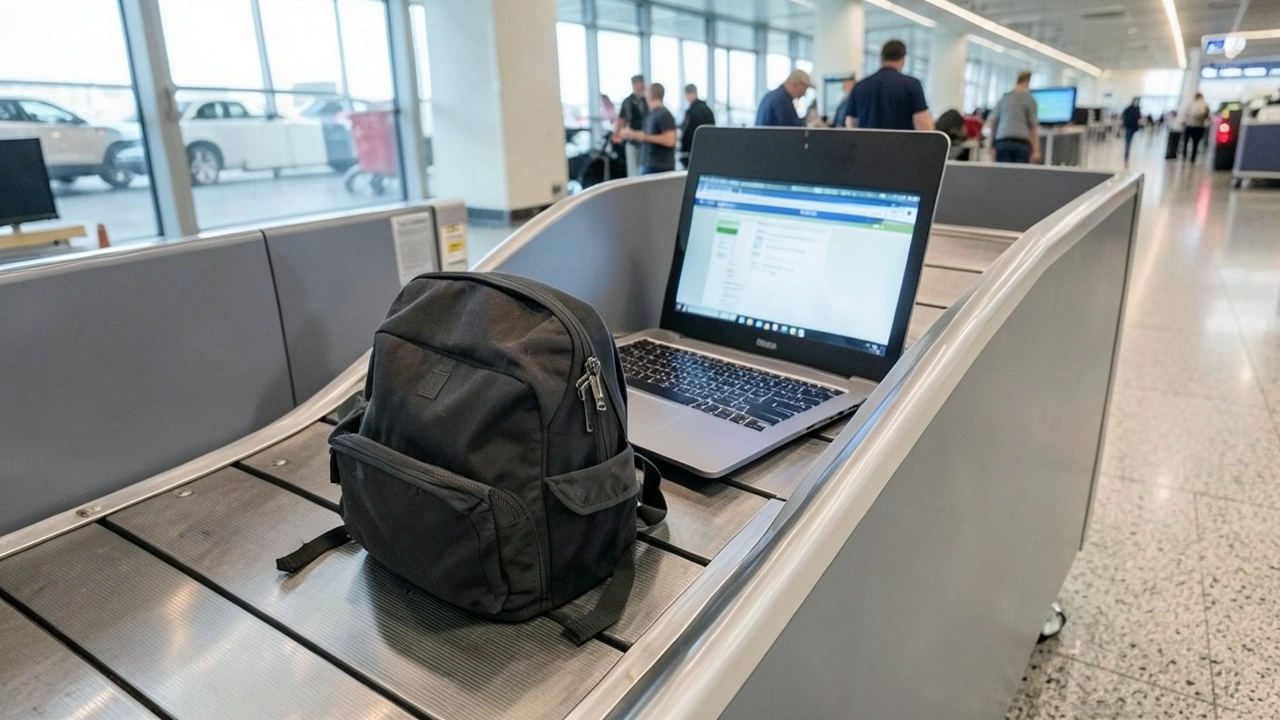
How to Protect Your Laptop
- Use a padded sleeve and place it in a dedicated compartment.
- Back up your files before you leave.
- Power off completely if you must check it.
- Enable encryption and find-my-device features.
- Keep chargers and adapters in a pouch so they do not rattle against the screen.
Other Gear That Travels With It
Many travelers carry tablets, chargers and power banks with a laptop. Our guide on packing a power bank covers batteries, and the related article on electric toothbrushes shows how other small electronics are treated.
Frequently Asked Questions
Do you have to take your laptop out at security?
At a standard checkpoint, yes. PreCheck lanes and some CT scanner lanes allow it to stay in the bag.
Can you put a laptop in checked luggage?
Yes, if it is completely powered off, but carry-on is safer.
Can you bring two laptops on a plane?
Yes, though each must be screened. See our guide on traveling with two laptops.
Are laptops allowed in the cabin on international flights?
Yes, on almost all routes. Check your airline if the route has special security measures.
Can a laptop battery explode on a plane?
Rarely, but lithium battery fires are why airlines prefer devices in the cabin.
Conclusion
So, can you bring a laptop on a plane? Yes. Put it in your carry-on, take it out at standard screening lanes, and keep it powered off if you ever have to check it.
Keep Reading
- Speeding Through Airport Security: Tips for Faster Screening: Faster security screening
- TSA Rules for Backpacks: Quick Guide & Helpful Tips: Backpack rules
- How to Pack Power Bank in Carry on Backpack: Easy Steps & Pro Tips: Battery rules
- Two Laptops on a Plane: TSA & Airline Guide [2026]: Two laptops in one trip
