
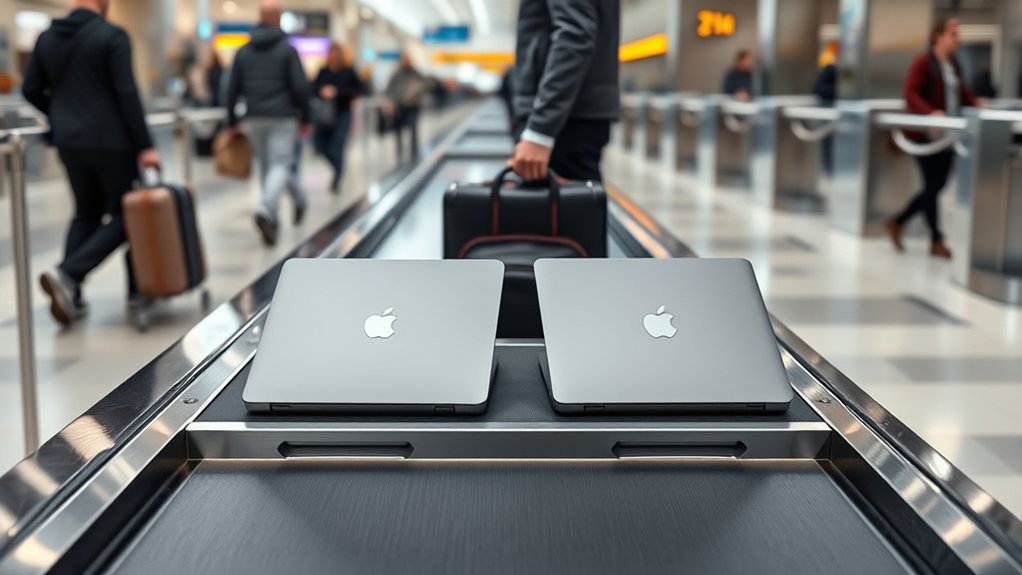
Last Updated on July 27, 2026 by Tyler Morgan
carry-on, as long as you follow your airline’s size and weight rules. TSA doesn’t set a limit on the number of laptops, but security will usually ask you to remove each one for X-ray screening unless you have TSA PreCheck or pass through a lane with 3D CT scanners. Pack them in a padded backpack with separate compartments, and check your airline’s carry-on policy before you fly so nothing catches you off guard at the gate.
Quick Answer
Yes, you can bring two laptops on a plane in your carry-on bag or personal item. TSA imposes no limit on the number of personal devices you can carry. However, each laptop must be removed for separate X-ray screening unless you use TSA PreCheck or CT scanner lanes. Always confirm your airline’s carry-on size and weight limits before travel.
Disclosure: As an Amazon Associate I earn from qualifying purchases. Some links on this page are affiliate links, at no extra cost to you.
Can You Bring Two Laptops on a Plane?
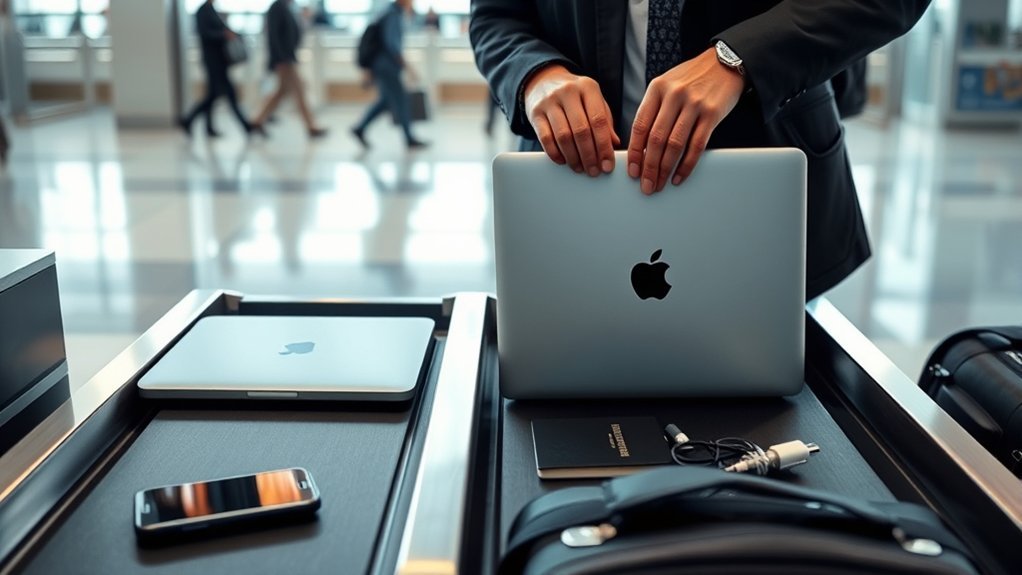
Yes, you can bring two laptops on a plane in your carry-on luggage or personal item, provided both bags stay within your airline’s size and weight restrictions. You can divide them between your main overhead bag and under-seat bag or pack both together in a single dedicated backpack. Pay close attention to total weight, as international and budget carriers frequently weigh carry-ons at check-in or the boarding gate.
Lithium-ion batteries are the most critical safety rule for air travel. Laptop batteries must travel with you in the cabin—never in checked luggage—because of thermal runaway and fire risks in unpressurized cargo holds. Federal aviation rules restrict most consumer lithium-ion batteries to 100 watt-hours (Wh) each, which comfortably covers standard 13-inch to 16-inch laptops. If you carry specialized workstation laptops or large external power banks, verify that their capacity ratings stay under 100 Wh (or up to 160 Wh with prior airline permission).
Note: Laptops, tablets, and spare lithium power banks should never go in checked luggage. Always keep both laptops with you in the cabin for safe monitoring.
What Are the TSA Rules for Laptops?
At standard TSA security checkpoints, travelers can bring multiple laptops without restriction—TSA does not cap device counts. Official TSA screening guidance requires passengers to remove each laptop from its bag and place it in a separate bin so X-ray machines can capture clear images. TSA PreCheck members are exempt from this requirement and can leave laptops, shoes, belts, and 3-1-1 liquids inside their bags.
Modern 3D computed tomography (CT) scanners are also changing standard lane procedures. At airports equipped with CT technology, security officers may instruct all passengers to leave electronics inside their carry-on bags. Because checkpoint equipment varies by airport and terminal, always assume you must take both laptops out unless a TSA officer explicitly tells you otherwise.
Pro Tip: Pack both laptops near the top or in outer dedicated sleeves so you can pull them out and replace them in seconds without disturbing the rest of your luggage.
Expect stricter rules on international flights or during connecting layovers abroad. Many international airports require all laptops and large electronics to come out of bags regardless of domestic PreCheck status.
What Do Airlines Allow in Carry-On Bags?
Most major airlines permit one standard carry-on suitcase for overhead bins and one smaller personal item, such as a briefcase or laptop backpack, that fits beneath the seat in front of you. Carrying two laptops is completely acceptable as long as both devices fit comfortably inside these allowed bags without exceeding weight caps.
Carry-On Size Limits
Standard carry-on dimensions for domestic US airlines are typically 22 x 14 x 9 inches, while weight restrictions range from 15 to 22 pounds (7 to 10 kg) on European, Asian, and budget carriers. Double-check your airline’s weight policy before you travel—two heavy professional laptops plus chargers can quickly add 8 to 10 pounds to your bag.
At a Glance
| Item | Typical Size / Note |
| Carry-on bag | ~22 x 14 x 9 in — fits overhead bins |
| Electronics | Allowed in carry-on; subject to battery capacity limits (≤100 Wh) |
| Two-laptop setup | Keep both in carry-on/personal item; separate for security X-ray |
You can bring two laptops without issue as long as they fit within your single bag dimensions and pass baggage weight checks. Review your carrier’s specific rules before flying to prevent sudden gate fees. (For rules regarding traveling with family or minors, review guidelines on minor travel documentation requirements separately).
Personal Item Rules
If you prefer keeping laptops under your seat, check your airline’s personal item dimensions (typically around 18 x 14 x 8 inches). A dedicated tech backpack or tote works ideal as a personal item, keeping both computers protected and within arm’s reach throughout your flight.
Should You Use a Carry-On or Personal Item?
Deciding whether to store both laptops in a main carry-on suitcase or a personal under-seat bag depends on your travel routine:
- Use a personal item (backpack) if you need rapid access at security, want to guard fragile gear under your seat, and need built-in organizers for chargers, mice, and dongles.
- Use a carry-on suitcase if you prefer freeing up foot space and are carrying larger 17-inch laptops that don’t fit well under aircraft seats.
- Split them up by putting one laptop in your carry-on suitcase and one in your personal item backpack if total weight distribution is a concern.
How Do You Pack Two Laptops Safely?
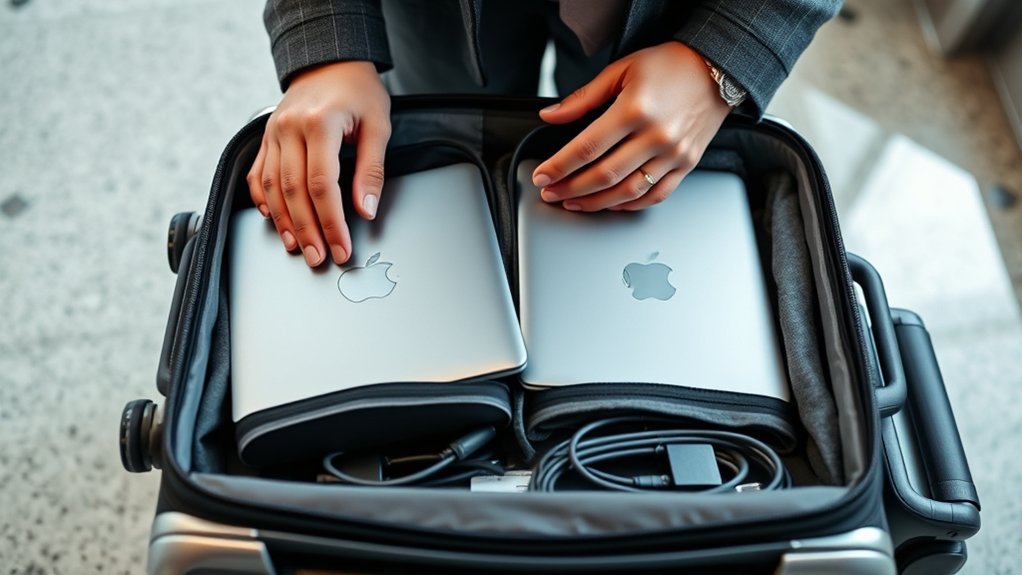
To protect sensitive components and screens from compression damage during transit, follow these core packing strategies:
Choose Padded Compartments
Never stack two bare laptops directly on top of each other in the same pocket. Metal edges and keys can easily scratch finishes or crack screens under pressure.
- Select a bag engineered with dual suspended tech sleeves.
- Slide individual neoprene protective sleeves over each laptop if your bag has only one padded compartment.
- Position heavier laptops closest to the back panel for ergonomic weight distribution.
Separate Chargers And Cables
Store power bricks and heavy cables in individual organizational pockets away from screens. Use Velcro cable straps to bundle cords tightly, preventing loose metal plugs from scratching laptop surfaces during movement.
Keep Laptops Accessible
Organize your bag so both devices can be unzipped and lifted out in seconds without dumping other clothes or items onto security counters.
Warning: If overhead bins become full on crowded flights and flight attendants require you to gate-check your carry-on bag, you MUST pull both laptops out before handing the bag over. Airlines strictly forbid lithium-ion batteries in cargo holds due to fire safety hazards.
What Makes a Good Two-Laptop Backpack?
A solid dual-laptop bag requires specific structural features to carry extra weight comfortably:
* Dedicated Dual Sleeves: Separate padded compartments with false bottoms that protect corners from ground impacts.
* Ergonomic Harness: Thickly padded shoulder straps and a sternum strap to distribute 10–15 pounds of tech weight evenly.
* Checkpoint-Friendly Design: Bags that lay flat 180 degrees can pass through security X-rays without removing devices (where local TSA regulations allow).
* Weather-Resistant Fabric: Ballistic nylon or coated polyester shell to protect screens from rain during commutes.
What Else Should You Check Before Flying?
Before departing on a multi-device trip, complete this final pre-flight checklist:
- Airline Weight Limits: Confirm the combined weight of your gear stays below strict airline thresholds.
- International Customs Rules: Carrying multiple brand-new or high-value laptops through international customs can raise questions about commercial resale. Carry proof of ownership or employer authorization if traveling abroad.
- Power Adapters: Verify voltage compatibility and pack universal plug adapters if traveling across international borders.
- Insurance & Backups: Perform full cloud backups before flying and confirm travel insurance covers electronic loss or damage.
Key Takeaways
- TSA imposes no limit on the number of laptops you can bring in carry-on luggage.
- Each laptop usually must be removed for individual X-ray screening unless you have PreCheck or enter a CT scanner lane.
- Laptops must stay in carry-on baggage due to FAA/IATA lithium-ion battery fire rules (100 Wh cap).
- Always extract laptops immediately if your bag is forcibly gate-checked at the aircraft door.
- Use separate padded sleeves to prevent screen friction and screen compression damage.
Frequently Asked Questions
Can I fly with two laptops in my carry-on?
Yes. You can fly with two laptops in your carry-on or personal item as long as your bags meet your airline’s size and weight limits. Keep them accessible for airport security screening.
Am I allowed to travel with two laptops?
Yes. Aviation authorities and airlines allow travelers to carry multiple personal or work laptops. Always pack them in hand luggage rather than checked baggage due to lithium-ion battery regulations.
How many computers can I bring through TSA?
TSA does not place a limit on the number of computers you can bring through security. Standard security lanes require each laptop to be placed flat in its own separate screening bin.
How many laptops are allowed in hand carry?
There is no official cap on hand-carry laptops. Traveling with two laptops (such as one work and one personal device) is common. Just ensure your bag stays under your airline’s carry-on weight allowance.
Conclusion
Flying with two laptops is straightforward as long as you follow airline carry-on policies and security protocols. Keep both devices safely packed in carry-on baggage, protect them in dedicated padded compartments, and keep them easily accessible for checkpoint screening. With smart packing and early preparation, moving through airport security with multiple laptops is quick, safe, and stress-free.
Sources
- TSA Official Guidance — Laptops — Official airport security screening requirements and PreCheck exemptions.
- Federal Aviation Administration (FAA) Pack Safe — Official safety regulations for lithium-ion batteries and personal electronics onboard aircraft.
- International Air Transport Association (IATA) — Global passenger dangerous goods guidelines for portable electronic devices.
