

Last Updated on September 11, 2026 by Daniel Globe
An airfare pickup receipt is not usually one combined document. For a business trip, keep the airline’s e-ticket receipt or confirmation and a separate receipt for any taxi, rideshare, shuttle, train, rental car, parking, toll, or business mileage. Together, those records should show what you paid, when and where you traveled, and why the trip was business related.
Quick Answer
Keep the airline receipt, itinerary, payment record, and separate ground-transport receipts or mileage log. Your records should establish the amount, travel dates, destination, and business purpose. Receipts are generally required for lodging and for other expenses of $75 or more, subject to limited IRS exceptions.
Key Takeaways
- An airline itinerary alone may show the trip, but the receipt or payment record shows what you actually paid.
- IRS records should establish the amount, time, place, and business purpose of each travel expense.
- Keep documentary evidence for all lodging and generally for other expenses of $75 or more.
- A credit card statement can support payment, but it may not prove the business purpose or what was purchased.
- Follow your employer’s expense policy even when it requires more documentation than federal tax rules.
At a Glance
| Time Required | About 5–10 minutes per trip when records are saved promptly |
| Difficulty | Easy |
| Tools Needed | Email access, receipt-scanning app or camera, expense log, and secure storage |
| Cost | Usually free with tools you already use |
Note: This article provides general U.S. recordkeeping information, not individualized tax or legal advice. Your employer, client, state, or tax situation may require additional records.
Disclosure: As an Amazon Associate I earn from qualifying purchases. Some links on this page are affiliate links, at no extra cost to you.
What Is an Expense Receipt?
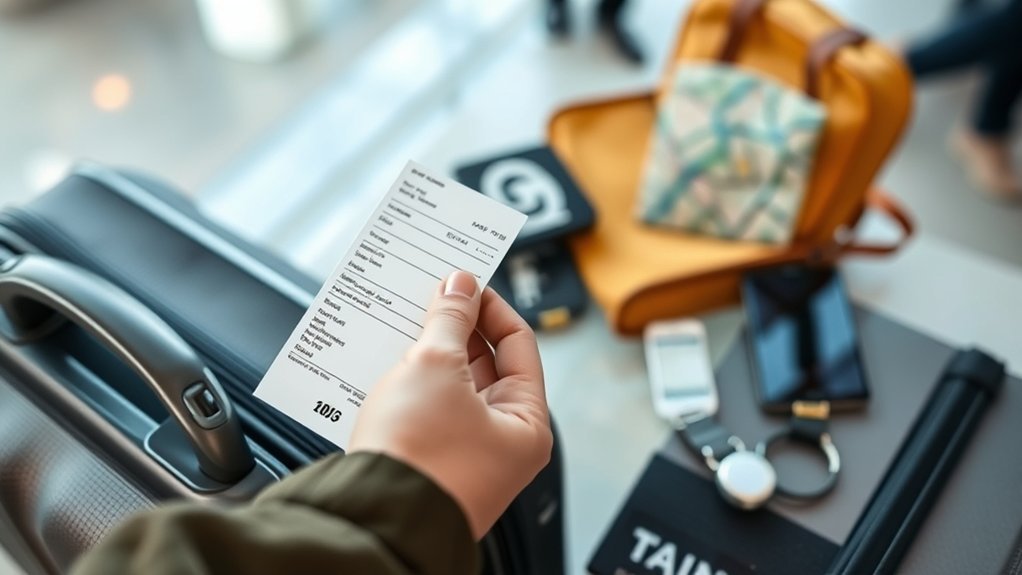
An expense receipt is documentary evidence that a purchase occurred and shows the amount, date, place, and nature of the expense. Unlike an invoice, which may request payment, a paid receipt confirms that the transaction was completed. For travel, the receipt works with your itinerary, expense log, and business-purpose note to support reimbursement, bookkeeping, and any allowable tax treatment.
A card or bank statement can help prove that money left your account, but it often does not show the full route, itemized charges, number of travelers, or business reason. Keep the detailed vendor receipt whenever possible and use the statement as supporting evidence rather than the only record.
What an Airfare Receipt Should Show
A useful airfare receipt or e-ticket confirmation should clearly identify the transaction and the trip. Save a PDF, email, or screenshot that includes as many of these details as the airline provides:
- Passenger name
- Airline and ticket or confirmation number
- Origin, destination, and connecting cities
- Departure and return dates
- Base fare, taxes, fees, and total paid
- Payment method or last four digits of the card
- Refund, credit, exchange, or cancellation details, when applicable
Also keep a short note that explains the business purpose, such as the client meeting, conference, temporary work assignment, or site visit. A boarding pass may help show that you traveled, but it does not replace the receipt showing the cost.
Pro Tip: Save the original booking receipt and any later change, refund, or flight-credit notice in the same trip folder. That creates a clear record of the final amount you actually paid.
IRS Requirements for Expense Receipts
Under IRS Publication 463, you must be able to substantiate business travel with adequate records. For travel expenses, your records should establish the amount, dates, destination or area of travel, and business purpose. Documentary evidence is generally required for all lodging and for other expenses of $75 or more.
The $75 rule is not a rule that lets you ignore smaller expenses. You still need a timely record showing the required details. The IRS provides limited exceptions when an expense other than lodging is under $75, when a transportation receipt is not readily available, or when qualifying per diem rules apply under an accountable plan.
| Record | What It Should Establish |
|---|---|
| Airfare or train receipt | Amount, traveler, route, and travel dates |
| Expense log | Business purpose, destination, and date |
| Hotel folio | Hotel name and location, stay dates, and separate charges |
| Meal receipt or allowance record | Date, place, amount, business purpose, and required relationship details |
| Mileage log | Date, starting point, destination, business purpose, and business miles |
Warning: Do not estimate or round up travel costs without adequate support. The IRS states that deductible travel expenses generally cannot be based only on approximations.
How Long to Keep Travel Receipts
Three years is a common federal retention period, but it is not universal. The IRS says to keep records as long as they may be needed to support the return. Some situations require six years, seven years, or indefinite retention. Review the IRS record-retention periods, and keep records longer when your employer, insurer, grant, contract, or state rules require it.
Business Travel Receipt Types
Business travel creates several records, and each one supports a different part of the trip. The expense must be ordinary and necessary, connected to business, and not already reimbursed in a way that prevents another deduction.
Airfare and Rail
Keep the ticket receipt, itinerary, change notices, baggage-fee receipts, seat-fee receipts, and any refund or travel-credit record. If a ticket was obtained entirely with frequent-traveler miles, the IRS states that your transportation cost is zero; only qualifying out-of-pocket charges may create an expense.
Pickup, Ground Transport, and Mileage
Save receipts for taxis, rideshares, shuttles, public transportation, rental cars, parking, and tolls used for business. For your own vehicle, keep a contemporaneous mileage log. Normal commuting between home and your regular workplace is generally personal, but business transportation at the destination or between qualifying work locations may be deductible.
The 2026 IRS business standard mileage rate is 72.5 cents per mile for January 1 through June 30 and 76 cents per mile for July 1 through December 31. The rate is optional, and your employer may use a different reimbursement rate.
Lodging
Keep the complete hotel folio showing the property name and location, dates of stay, and separate charges for lodging, meals, parking, telephone, and other services. For an individual claiming actual lodging costs, there is no optional standard lodging deduction similar to the standard meal allowance. Employer per diem arrangements follow separate accountable-plan rules.
Meals
Business-travel meals are generally subject to a 50% deduction limit after the expense otherwise qualifies, although exceptions exist. You may use actual costs or, when eligible, the standard meal allowance. If you use the allowance, you still need records of the time, place, and business purpose of the trip. For actual meal costs, keep an itemized receipt and record the business purpose and business relationship when relevant.
Business Purpose and Mixed Personal Travel
A receipt proves payment, but it does not by itself prove that the cost was business related. Record why the trip was necessary, who or what business activity was involved, where it occurred, and which dates were devoted to business.
For a U.S. trip primarily for business, the transportation to and from the business destination may generally qualify even if you add personal days, but personal lodging, meals, side trips, and other personal costs do not. A trip primarily for personal reasons is not converted into a business trip by adding minor business activity. International travel has additional allocation rules, so review Publication 463 or seek tax advice for mixed foreign travel.
How to Organize Receipts for Business Travel
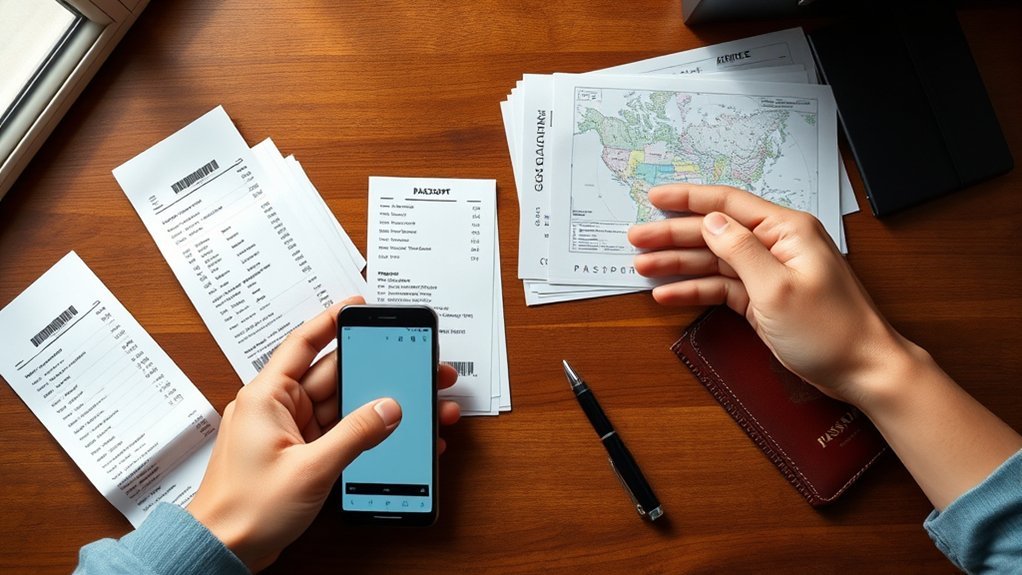
Sort business travel receipts by trip and then by category, such as airfare, lodging, meals, ground transportation, mileage, and incidentals. This keeps each charge connected to the correct travel dates and business purpose.
- Create one folder for the trip using a consistent name, such as 2026-07_Client-Meeting_Chicago.
- Save the airline receipt and itinerary first.
- Add each hotel, meal, pickup, shuttle, train, parking, toll, or rental-car receipt.
- Enter mileage and cash expenses in a timely log.
- Match each receipt to the card or bank transaction.
- Record refunds, credits, reimbursements, and personal portions so you do not overstate the expense.
- Review the folder before submitting the expense report or preparing the tax records.
Review receipts during the trip instead of waiting until the end. A few minutes each day reduces missing records and makes the final report easier to verify.
How to Create an Expense Report
Build the expense report by listing each charge with its date, vendor, amount, category, payment method, and business purpose. Group entries by airfare, lodging, meals, ground transportation, mileage, and incidentals. Separate personal costs and subtract refunds, credits, or amounts already paid directly by the employer.
- Match every receipt to the correct trip day and expense category.
- Check that the final charged amount agrees with the receipt and payment record.
- Convert foreign-currency charges using the amount shown on the card statement or your organization’s approved method.
- Attach the required receipts, itinerary, mileage log, and business-purpose notes.
- Review the employer or client deadline and submit the report on time.
- Keep a copy of the submitted report and approval or reimbursement record.
Expense software such as QuickBooks or Expensify can reduce manual entry, but you should still review OCR results, categories, duplicates, and currency conversions before submitting.
Accountable Plan and Employer Deadlines
Employer reimbursement rules can be stricter than the tax rules. Under an accountable plan, an employee must incur a business expense, substantiate it within a reasonable period, and return any excess advance. IRS Publication 15 says a commonly accepted safe-harbor timeline is to account for expenses within 60 days and return excess advances within 120 days. Your employer may require a much shorter deadline.
Most employees cannot claim a federal deduction for unreimbursed travel expenses, although limited exceptions apply. Employees should focus on timely reimbursement and should review IRS Topic 511 before assuming an unreimbursed cost is deductible.
How to Scan and Store Receipts Digitally
You can scan each receipt with a scanner or mobile app so the full document remains readable. Save digital files with a consistent format, such as YYYY-MM-DD_Vendor_Amount_Category, and keep the files in a secure trip folder. Back up important records and protect folders that contain payment or personal information.
Scan With OCR
Optical character recognition can turn receipt images into searchable files and may extract the date, vendor, amount, and category. OCR is useful, but it is not always accurate, especially with faded paper, tips, taxes, foreign currencies, and handwritten totals.
- Flatten the receipt and capture the full document in good light.
- Confirm that the vendor, date, line items, taxes, tips, and total are readable.
- Review every extracted field and correct errors.
- Save the original image or PDF with the expense entry.
- Check for duplicate uploads before finalizing the report.
The IRS applies recordkeeping requirements to electronic records as well as paper records. Your system should preserve a complete, accurate, and accessible copy of the information. See the IRS guidance on recording business transactions electronically.
Store in the Cloud
Cloud storage can make receipts available from multiple devices and protect them from paper loss or fading. Create folders by year, trip, and category, and use account security features such as a strong unique password and multifactor authentication.
Do not delete an older receipt merely because a newer file exists unless you have confirmed that the replacement is complete and your retention period has ended. Keep a backup or export so your records are not trapped in one app or vendor account.
What to Do If a Receipt Is Lost
First, ask the airline, hotel, restaurant, rideshare company, or other vendor for a duplicate. Many vendors provide receipts through an app, online account, email search, or customer-service request.
If you cannot obtain the original, build the strongest replacement record available. Keep the card statement, booking confirmation, itinerary, calendar entry, meeting agenda, mileage log, and a written explanation of the amount and business purpose. IRS Publication 463 allows incomplete records to be supported by a detailed statement plus other sufficient evidence, but reconstructed records are weaker than timely original documentation.
Note: A homemade “lost receipt” form may satisfy an employer’s policy, but it does not automatically guarantee federal tax substantiation. Keep all independent evidence available.
Best Practices for Receipt Compliance
To keep airfare and pickup expenses well documented, retain the e-ticket receipt, itinerary, relevant boarding pass, ground-transport receipts, mileage log, payment record, and business-purpose note. Confirm that the final records reflect any refund, exchange, credit, or personal portion of the trip.
The strongest travel record connects four facts: what you paid, when and where you traveled, and why the expense was business related.
- Capture receipts when the expense occurs.
- Use one folder and one naming system for each trip.
- Keep itemized vendor receipts, not only card statements.
- Separate business and personal expenses.
- Record mileage at or near the time of travel.
- Reconcile refunds, credits, advances, and reimbursements.
- Keep records for the applicable tax and employer retention periods.
Frequently Asked Questions
Can I claim miles after my flight?
You may be able to claim or seek reimbursement for business miles driven after a flight, such as travel from the airport to a temporary work location, client site, or hotel. Keep a mileage log showing the date, route, business purpose, and miles. Normal commuting remains personal.
How many airline miles are used for a $500 flight?
There is no fixed conversion. Award prices depend on the airline, route, date, cabin, availability, and demand. For business-expense records, a ticket obtained entirely with loyalty miles generally has no deductible cash airfare cost, although qualifying taxes or fees you paid may still need documentation.
Can I get a receipt for inflight purchases?
Usually. The airline may email the receipt, show it in your account, or provide it through a receipt-request page or customer service. Keep the itemized record and note the business purpose. Not every inflight purchase is a deductible or reimbursable business expense.
Will 20,000 miles buy me a plane ticket?
It may, but it is not guaranteed. Some short routes may be available for 20,000 miles or less, while other flights may require far more. Award pricing changes, and taxes or carrier fees may still be due.
Do I need a receipt for a business expense under $75?
The IRS generally does not require documentary evidence for a non-lodging expense under $75, but you still need a timely record of the amount, date, place, and business purpose. Your employer may require a receipt for every amount.
Is a credit card statement enough without a receipt?
It can support the payment, but it may not identify what you bought or establish the business purpose. Keep the itemized receipt when available and use the statement as supporting evidence.
Sources
- IRS Publication 463: Travel, Gift, and Car Expenses — travel deductions, substantiation, receipts, meals, lodging, and incomplete records
- IRS Topic 511: Business Travel Expenses — deductible travel categories and employee limitations
- IRS: How Long Should I Keep Records? — federal retention periods
- IRS: How Should I Record My Business Transactions? — electronic record requirements
- IRS Publication 15: Employer’s Tax Guide — accountable-plan substantiation and return-of-excess timelines
- IRS Standard Mileage Rates — current business mileage rates
Conclusion
Treat every airfare, pickup, lodging, meal, and mileage record as one part of the same business-travel file. Save the detailed receipt, connect it to the correct trip and business purpose, record the expense promptly, and reconcile any refund or reimbursement. A simple system protects your time, supports accurate expense reports, and gives you stronger records if an employer, client, accountant, or tax authority asks questions.

