
Last Updated on November 21, 2026 by Caleb Warren
A drone that will not connect, turn on or take off is usually suffering from a simple problem. Most faults come down to power, pairing, calibration, firmware or damage to a motor or propeller, and many can be checked in minutes.
This guide walks through the common causes and a safe order for troubleshooting.
Quick Answer
If your drone is not working, check the batteries in both the drone and the controller, re-pair them, calibrate the compass and sensors, update firmware, confirm propellers are fitted in the right positions and inspect motors for damage. Always keep propellers stationary and clear before testing, and resolve any app warnings before flying.
Key Takeaways
- Low batteries in the drone or controller are a common reason a remote will not connect, according to iFixit.
- Drone propellers installed in the wrong positions can prevent takeoff, according to iFixit.
- A flashing yellow light can mean sensors did not calibrate properly, according to iFixit.
- Outdated firmware can cause connection and GPS problems, according to iFixit.
- Keep propellers stationary and the propeller lock engaged before troubleshooting, according to VEX guidance cited by Position Is Everything.
Check Power First
Charge the drone battery and replace or charge the controller batteries, since weak power causes many connection and response problems. Make sure the battery is fully seated and the power switch is on. If the drone does not respond at all, try a different charger or outlet.
Common Problems and Fixes
| Problem | Likely fix |
|---|---|
| Controller will not connect | Re-pair, check antennas and update firmware |
| Will not take off | Check propeller positions and calibrate |
| Drifts or will not hover | Calibrate compass and inspect propellers and motors |
| GPS will not lock | Update firmware and fly in the open |
| Camera or gimbal issue | Check connections and clean the lens |
Calibration and Firmware
Calibrate the compass away from metal and power lines, place the drone on a level surface for takeoff and update both drone and app. Resolve any firmware, aircraft status, GPS or compass messages in the app before flight, because a connected icon alone does not mean the drone is ready to fly.
Safety and When to Get Help
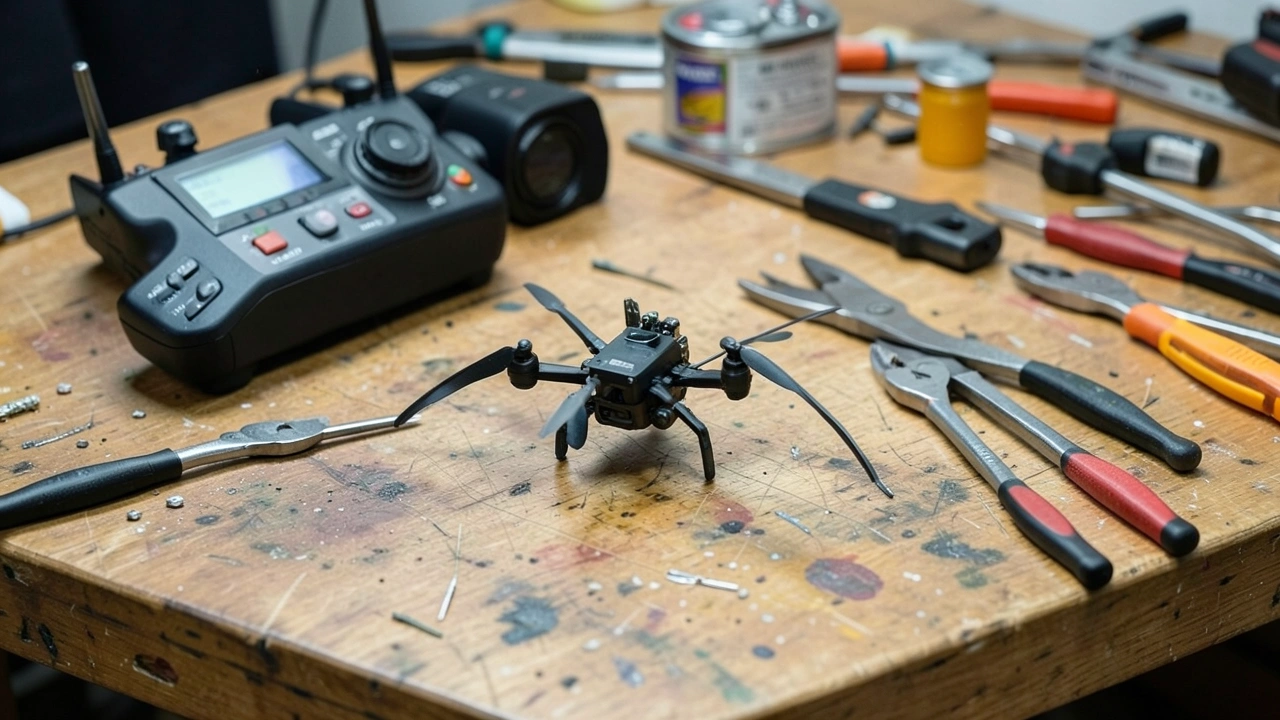
- Remove props before bench tests. Protect your hands.
- Inspect for damage. Cracked props and bent arms cause crashes.
- Contact the maker. Persistent faults may need repair.
- Follow local rules. Check drone laws before flying.
Related Reading
For more drone help, see why a drone keeps crashing, how to use a GPS device for hiking and how much your camper is worth.
Quick Planning Checklist
| Step | Action |
|---|---|
| 1 | Charge all batteries |
| 2 | Re-pair controller and drone |
| 3 | Calibrate the compass and sensors |
| 4 | Update firmware |
| 5 | Inspect propellers and motors |
Practical Tips
- Fly in a wide open area for GPS.
- Keep spare propellers.
- Check the app for warnings.
- Store batteries at a safe charge level.
Best Time to Visit and Who It Suits
| Question | Answer |
|---|---|
| When should you go? | Calm, dry weather for test flights. |
| Who will enjoy it most? | Hobbyists and photographers. |
| Insider tip | Test after repairs in a safe, open space with the drone held low. |
Whatever the season, check official websites for current opening hours, fees and any closures before you set out, since details change from year to year. Build in some flexibility so that bad weather or a crowded attraction does not derail your plans, and save a little time to wander without an agenda, because the best moments on a trip are often the unplanned ones.
Budget and Planning Notes
Costs add up faster than most people expect, so build a simple budget before you go that includes taxes, tips, transport and extras. Compare prices across dates, since weekdays and shoulder seasons are often cheaper, and look for bundled offers only when you will really use every part of them. Keep a small cushion in your plans for delays or weather, and confirm important details such as hours, fees and requirements on the official website shortly before you travel.
Frequently Asked Questions
Why is my drone not working?
Often power, pairing, calibration or firmware.
Why will it not take off?
Check propeller positions and calibration.
Why does the controller not connect?
Low battery, antenna position or old firmware.
Should you update firmware?
Yes, before flying.
When should you seek repair?
When faults persist after basic checks.
Conclusion
Work through power, pairing, calibration and firmware before suspecting damage.
Keep Reading
- Why Does My Drone Keep Crashing? Common Causes and Fixes: Why a drone keeps crashing
- How to Use a GPS Device for Hiking: Basics and Backup Tips: How to use a GPS for hiking
- How Much Is My Camper Worth? How to Estimate Value: How much is my camper worth
- How to Avoid Getting Lost While Hiking: Navigation Basics: Avoid getting lost
Sources
- iFixit: DJI Mavic Pro troubleshooting: antenna and GPS
- iFixit: DJI Mini 2 troubleshooting: connection and hovering causes
- iFixit: Dronium 3x troubleshooting: propeller positions
- iFixit: 3DR Iris Plus troubleshooting: calibration light
- iFixit: DURA VR troubleshooting: batteries and antennas
- Position Is Everything: Mini drone fixes: safety and app messages
