
Last Updated on July 30, 2026 by Daniel Globe
Checking a hotel room for hidden cameras does not need to turn into a full technical sweep. A calm, focused inspection can help you spot obvious warning signs while avoiding damage to hotel property or safety equipment. The key is to check objects with a clear view of private areas, understand what each detection method can and cannot find, and report anything suspicious without touching it.
Quick Answer
To check a hotel room for hidden cameras, scan objects facing the bed, bathroom, or changing area for unexplained holes, lenses, duplicate devices, or wiring. Then use a flashlight and, with caution, your phone or an RF detector. No method is foolproof, so report suspicious hardware without touching, opening, or disabling it.
Key Takeaways
- Start with objects that have a direct view of the bed, bathroom, shower, or changing area.
- A flashlight may reveal a lens reflection, but glass, polished screws, and LEDs can create false alarms.
- A phone camera can sometimes show active infrared lights, but it cannot detect every camera.
- RF detectors and network scans only help with certain transmitting or visible devices and may react to normal hotel electronics.
- Do not dismantle a device or tamper with a smoke alarm. Leave the room, document the concern, and contact management and local authorities when appropriate.
At a Glance
| Time Required | About 5–10 minutes for a basic room check |
| Difficulty | Easy, but results are not conclusive |
| Tools Needed | Phone, flashlight, and an optional RF detector |
| Cost | Usually free with tools you already have; optional detector prices vary |
No single consumer check can prove that a room is camera-free. The safest approach combines a visual inspection with limited technical checks and careful reporting.
Disclosure: As an Amazon Associate I earn from qualifying purchases. Some links on this page are affiliate links, at no extra cost to you.
Inspect Common Hiding Spots
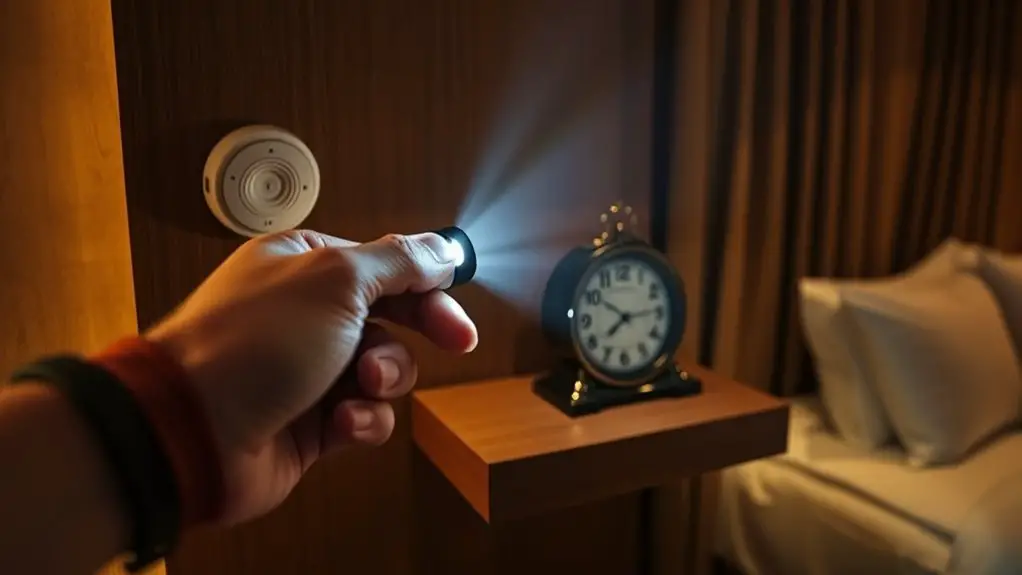
Begin with a slow visual scan before unpacking or changing clothes. A hidden camera needs a useful line of sight, so give the most attention to objects facing the bed, bathroom, shower, desk, or changing area.
Common objects worth checking include smoke and carbon monoxide alarms, clocks, lamps, USB chargers, power strips, air purifiers, speakers, televisions, picture frames, wall decorations, shelves, vents, and decorative plants. Look for a small dark opening, a glassy circle, an extra LED, an unexplained memory-card slot, a device that appears newer than everything around it, or two similar objects when only one seems necessary.
Do not assume every sensor is a camera. Hotels may use legitimate smoke, occupancy, temperature, motion, or noise-monitoring equipment. Focus on unusual placement, a direct view into a private area, or physical details that do not match the object’s normal purpose.
Pro Tip: Stand where a camera would need to be to capture the bed or bathroom, then trace that sightline back to clocks, chargers, vents, mirrors, shelves, and ceiling devices. This is faster than checking every object with equal attention.
Use a Flashlight to Detect Camera Lenses
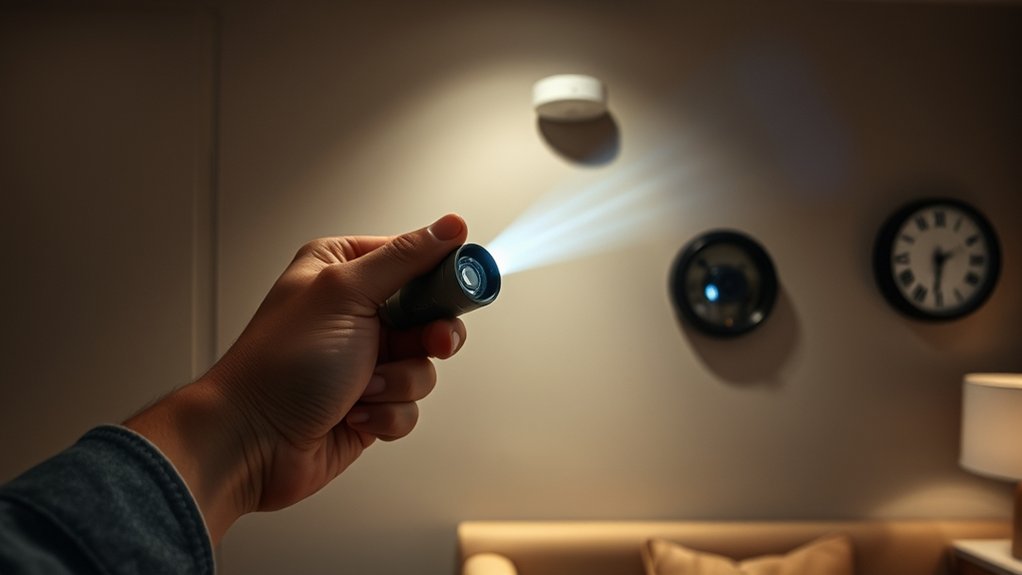
Turn off the room lights and close the curtains. Hold a flashlight near your eye level and sweep a narrow beam across suspicious objects. A camera lens may return a small, bright, focused reflection when the light and viewing angle line up.
Shine Light Slowly
Move the beam from several angles and distances rather than making one quick pass. Check smoke alarm openings from the floor, clock faces, USB ports, lamp bases, speaker grilles, air vents, picture frames, and electronics facing private areas.
| Area to Check | What May Look Suspicious | Safer Check |
|---|---|---|
| Smoke alarms | A glassy opening that does not match the alarm design | Inspect visually from below; do not open or remove it |
| Clocks and speakers | A tiny centered hole aimed at the bed | Sweep the face from more than one angle |
| Vents | A reflective point behind one slat | Use a narrow beam without inserting anything |
| Picture frames | A pinhole outside the normal glass surface | Check the edges and backing without removing fixed frames |
| Chargers and electronics | An extra hole, lens-like circle, or unexplained slot | Compare the opening with the device’s controls and ports |
Look for Reflections Without Treating Them as Proof
A bright point is only a reason to inspect more closely. Polished screws, chrome trim, glass, indicator lights, and glossy plastic can all reflect a flashlight. Research on hidden-camera detection shows that reflection-based methods can produce false positives and work only when the angle is favorable. USENIX researchers also found serious limits in commercial lens detectors and detection apps.
Note: A lens can be too small, recessed, blocked, turned off, or outside your viewing angle. Failing to see a reflection does not prove the room is clear.
Check for Unusual Wires or Devices
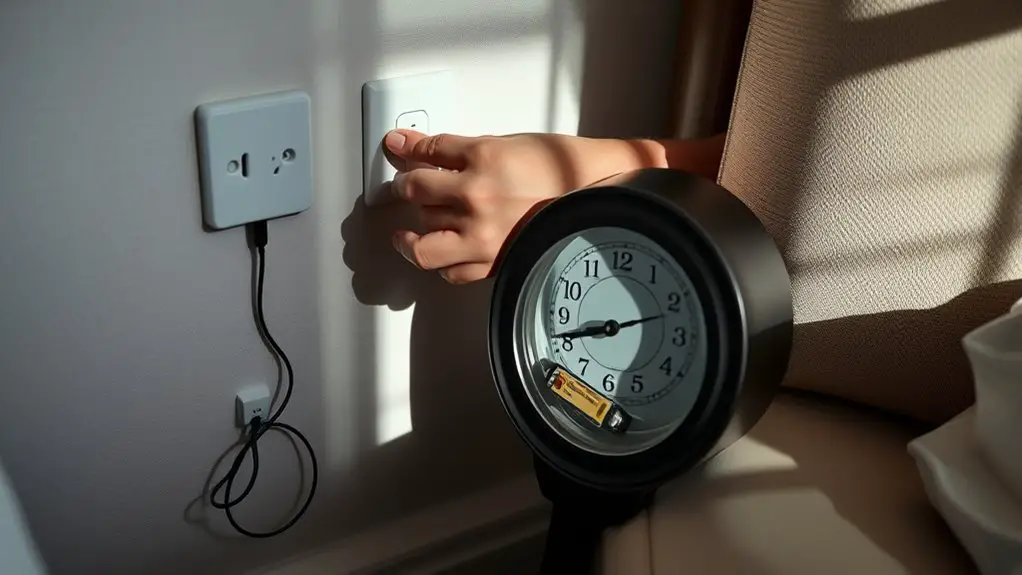
Look for cables that disappear behind furniture, chargers with no clear purpose, power adapters placed at eye level, or devices plugged in where the hotel does not appear to need them. A hidden camera may also have a microSD-card slot, a reset hole, an unfamiliar brand label, or a casing that does not sit flush.
Inspect only what is visible and safely accessible. Do not insert tools into outlets or vents, open electrical devices, cut wires, or unplug built-in hotel equipment. If a device appears altered or improperly installed, photograph it from a safe distance and ask hotel management to identify it.
Use Your Smartphone Camera Carefully
Some night-vision cameras use infrared LEDs that the human eye cannot see. A phone camera may show those LEDs as white, purple, or pink points in a dark room, but results depend on the phone, the selected camera, and whether the suspected device is actively using infrared light.
- Test the phone first. Point a known infrared TV remote at the phone camera and press a button. If the screen shows a flashing light from the remote, that camera can see at least some near-infrared light. Some modern remotes use Bluetooth or radio signals, so use a remote you know has an infrared emitter.
- Darken the room. Turn off the lights and close the curtains.
- Scan suspicious objects slowly. Try both front and rear cameras because one may filter infrared more strongly than the other.
- Compare the screen with what your eyes see. A steady glowing point that appears only on the phone may be an infrared source, but it is not proof of a camera.
Ordinary phone-camera scans should not be confused with specialized research systems. For example, the LAPD research prototype used a phone’s time-of-flight sensor and laser reflections, hardware and software that are not available on every phone or in typical “hidden camera detector” apps.
Warning: Do not stare into, block, cover, remove, shake, or dismantle a smoke alarm or other life-safety device. The U.S. Fire Administration warns against disabling smoke alarms. Ask hotel staff to inspect a suspicious unit.
Use an RF Detector Only as a Secondary Tool
An RF detector responds to radio-frequency energy. It may help locate a wireless camera while that camera is actively transmitting, but it usually cannot tell you whether the signal comes from a camera, phone, router, smartwatch, Bluetooth device, smart TV, or other normal electronics.
- Put your own phone in airplane mode and turn off personal Bluetooth devices to reduce nearby signals.
- Do not unplug hotel safety devices or built-in equipment.
- Start with a low sensitivity setting, note the normal background level, and move slowly toward suspicious objects.
- Repeat the sweep from different directions. A signal that rises sharply only near one object deserves closer visual inspection.
RF detection can miss wired cameras, cameras that record to a memory card, devices using cellular service outside the detector’s range, and cameras that are asleep or scheduled to transmit later. Commercial detectors can also produce false alarms. Treat an RF alert as a clue, not a verdict.
Optional: Scan the Hotel Network
A network-scanning app can list some devices visible on the same Wi-Fi network as your phone. Unknown names containing words such as “camera,” “IPC,” or a camera brand may justify asking the hotel for an explanation, but many hotels isolate guests from one another, hide device names, or place building equipment on separate networks.
This method also misses cameras that use local storage, wired connections, cellular data, or a private network. Research comparing detection approaches notes that Wi-Fi traffic methods are limited to wireless cameras that are actively streaming. The CamRadar paper summarizes these limits and the tradeoffs of reflection, network, and thermal methods.
Note: Use network tools only to view devices your own guest connection can normally see. Do not try passwords, access camera feeds, intercept traffic, or probe hotel systems.
Review the Room’s Layout and Furniture
Step back and consider which objects have a useful viewing angle. A camera hidden behind a chair or pointed at a blank wall would be less useful than one placed high in a corner or aimed toward a bed, shower, mirror, or desk.
Identify Hidden Spots
Check ceiling corners, shelves, furniture, ventilation grilles, wall-mounted electronics, and decorative objects. Look for a pinhole, an opening that is not repeated elsewhere on the same object, unfamiliar wiring, mismatched screws, or a bulky section that seems unnecessary.
| Area | Potential Hiding Place | What to Look For |
|---|---|---|
| Ceiling corners | Alarms, sensors, vents | A lens-like opening or device aimed at a private area |
| Shelves | Books, speakers, decorations | Unusual holes, duplicate objects, or hidden cables |
| Mirrors and art | Frames, wall cavities, nearby fixtures | A pinhole, visible space behind the surface, or suspicious sightline |
| Furniture | Lamps, clocks, charging docks | A new-looking device, extra opening, or unexplained power source |
| Air-conditioning area | Vents, grilles, wall controls | A reflective point, separate module, or wire that does not match |
Inspect Common Devices
Check clocks, lamps, power adapters, air purifiers, televisions, speakers, and charging stations for openings that do not match their controls. Compare similar devices in the room when possible. A normal sensor, microphone opening, status light, or remote-control receiver can resemble a camera lens, so do not jump to a conclusion based on one feature alone.
Check Mirrors Carefully
Do not rely on the popular fingertip “gap test.” The result depends on how a mirror is made and which surface carries the reflective coating, so it cannot confirm whether a mirror is two-way.
Instead, check whether the mirror is mounted like a normal wall fixture, whether its edges reveal an unusual opening or space, and whether any nearby hole or device has a direct view through or around it. Do not pry a mirror from the wall or remove a fixed frame. If the installation looks more like a window into a cavity than a normal mirror, leave the area and report it.
Examine Smoke Detectors and Air Vents Safely
Smoke alarms, carbon monoxide alarms, occupancy sensors, and vents are common ceiling fixtures and may have openings, LEDs, or test buttons that are completely normal. Check them visually from the floor with a flashlight. Look for a second lens-like opening, a separate module, an odd viewing angle, or a unit that does not match similar devices in the hall or room.
Do not tap, shake, twist, cover, open, disconnect, or remove an alarm. Do not insert a phone, wire, or tool into a vent. If you hear buzzing or clicking, note where it comes from and ask hotel staff to identify the device.
Look Around Mirrors and Picture Frames
Inspect the visible edges, backing, and nearby wall area for a pinhole, loose cable, or added electronic module. You may gently turn a small freestanding frame, but do not take down a wall-mounted mirror or picture. A camera can be concealed near a reflective surface, but the reflective surface itself is not evidence.
Use your flashlight from several angles and compare any bright point with normal glare from glass or metal. If a frame appears fixed over a hole, has unexplained power, or is aimed directly at a private area, document it and report it rather than dismantling it.
Understand What Each Method Can Detect
| Method | May Help Find | Main Limits |
|---|---|---|
| Visual inspection | Poorly concealed lenses, odd objects, wiring | Misses well-hidden or very small devices |
| Flashlight reflection | An exposed lens at a favorable angle | False reflections; limited angle and line of sight |
| Phone infrared check | Some active infrared LEDs | Phone-dependent; misses cameras without active IR |
| RF detector | Some actively transmitting wireless devices | False alarms; misses wired, local-storage, or sleeping devices |
| Network scan | Some devices visible on the same network | Guest isolation and separate networks hide devices |
Report Suspicious Findings to Hotel Management
If you find an object that appears to contain a camera or recorder, stop inspecting it. Do not touch, cover, unplug, remove, open, or destroy it. Leave the room with your belongings if you can do so safely, and avoid using the suspected device’s field of view for changing or private activity.
- Document from a safe distance. Take a wide photo showing where the object is in the room, then a closer photo or video. Record the room number, date, time, and what made the object suspicious.
- Contact management and hotel security. Call from the lobby or another public place. Ask for a manager, a written incident report, and a different room or checkout without penalty.
- Contact local law enforcement. Use the emergency number if you are in immediate danger; otherwise use the local non-emergency number. Follow the officer’s instructions about preserving the scene.
- Save records. Keep booking receipts, messages, names of staff members, photos, videos, and any incident or police report number.
- Protect your location. Avoid posting live details or confronting the suspected installer.
Warning: A suspected camera may be evidence. Moving it can alter fingerprints, storage, wiring, or network information and may create an electrical or fire risk.
Privacy laws vary by country, state, and the facts of the case. In the United States, 18 U.S.C. § 1801 addresses certain nonconsensual video voyeurism in circumstances involving a reasonable expectation of privacy, but its federal jurisdiction and definitions are limited, and state laws may be broader. A 2025 U.S. House hearing also identified hotel rooms and short-term rentals as private spaces that warrant protection. This article is general safety information, not legal advice.
Frequently Asked Questions
Can hidden cameras record audio as well as video?
Yes. A hidden camera may have a built-in microphone, and an audio recorder can also be concealed without a camera. A flashlight or lens check will not find an audio-only recorder. Laws governing secret audio recording vary by location and may be stricter than video rules.
Are hotel staff legally allowed to install cameras in guest rooms?
Covert recording in bathrooms, sleeping areas, or other places where a guest reasonably expects privacy may violate criminal or civil law. Exact rules depend on the jurisdiction, consent, purpose, and device. Legitimate disclosed safety or occupancy sensors are not automatically cameras. Report suspected covert recording to management and local law enforcement rather than making a legal conclusion yourself.
What should I do if I find a camera but no staff member is nearby?
Leave the room, do not touch the object, and call the front desk or hotel security from a public area. Photograph the location only if you can do so safely. Contact local police, especially when the device faces a bed, bathroom, or changing area, and follow their evidence-preservation instructions.
Are hidden-camera detector apps reliable?
Do not rely on an app as proof that a room is safe. Apps may use the camera, magnetometer, or network scan, but phone hardware varies and ordinary electronics can trigger false alarms. Independent USENIX testing found that sampled commercial apps and a representative hardware detector performed poorly in a controlled lab.
How often should I check during a long hotel stay?
Perform a basic check when you first enter. Check again after a room change, maintenance visit, or when a new or moved device appears. There is no evidence-based need to repeat a full sweep every few days when nothing in the room has changed.
Can a hidden camera work without Wi-Fi?
Yes. A camera can save video to a memory card, use a wired connection, transmit over cellular service, or record only at scheduled times. That is why an RF detector or Wi-Fi scan cannot rule out every device.
Can my phone detect every hidden camera?
No. A phone may help reveal an exposed reflection, an active infrared LED, or a device visible on the same network. It can miss cameras that are off, recessed, outside the viewing angle, heavily filtered, locally recording, or connected another way.
Conclusion
A careful hotel-room check starts with sightlines and obvious physical clues, then uses a flashlight, phone, RF detector, or network scan only as supporting tools. Each method has blind spots, so avoid treating a clean scan as a guarantee. Never tamper with smoke alarms or suspected equipment. When something appears credible, leave the room, preserve evidence, and report it promptly.
Sources
- USENIX Security: Sneaky Spy Devices and Defective Detectors — evaluates the limits of commercial detection apps and hardware.
- ACM: LAPD Hidden Spy Camera Detection Using Smartphone Time-of-Flight Sensors — explains specialized phone-based lens-reflection research.
- ACM IMWUT: CamRadar — reviews limitations of Wi-Fi, reflection, and thermal approaches.
- U.S. Fire Administration: Smoke Alarms — supports the warning not to disable or tamper with alarms.
- Legal Information Institute: 18 U.S.C. § 1801 — federal video-voyeurism provisions and reasonable-expectation-of-privacy language.
- U.S. House Oversight Committee: Covert Surveillance in Private Spaces — discusses privacy concerns in hotel rooms and short-term rentals.
