
Last Updated on September 11, 2026 by Daniel Globe
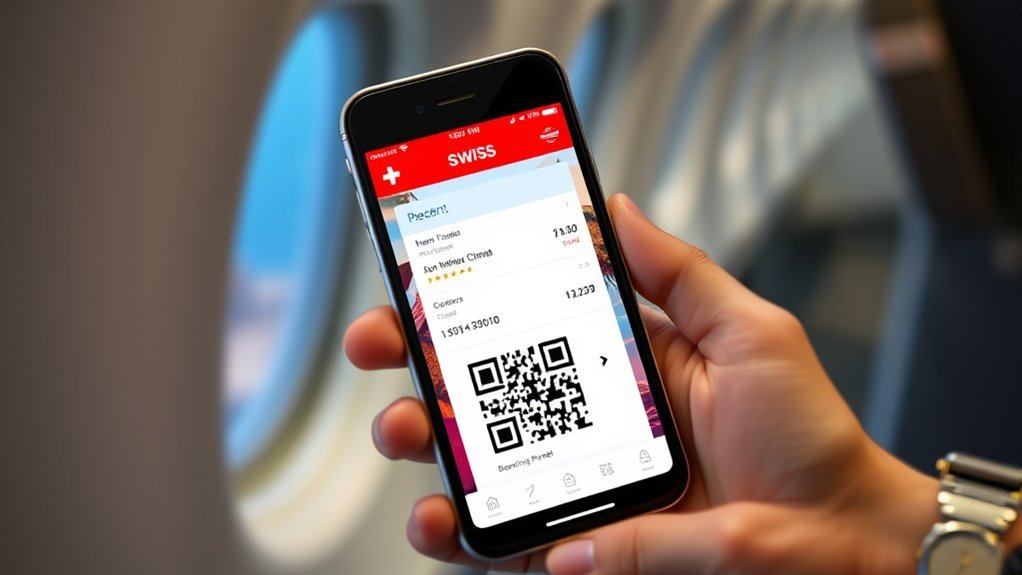
You can put each traveler’s Swiss Travel Pass ticket on their own phone by forwarding the correct PDF or QR code from the purchase confirmation. However, sharing a copy is not the same as transferring the pass. Each pass is personal, and the traveler’s name and date of birth must match the ticket.
Quick Answer
Forward each named traveler their Swiss Travel Pass PDF or QR code by private email or message, then have them save it offline. A pass cannot be transferred to a different person. During inspection, every traveler must show their own pass and an original passport or official ID card with matching details.
Key Takeaways
- You may send a ticket copy to the person named on that ticket, but you cannot reassign the pass to someone else.
- Forwarding the complete PDF or purchase email is usually more reliable than sending only a cropped QR-code screenshot.
- A regular pass can appear in SBB Mobile only under certain purchase conditions. Swiss Travel Pass Flex cannot be integrated into the app.
- Every traveler should save the pass offline, carry a printed backup, and bring an original passport or official ID card.
At a Glance
| Time Required | About 3 to 5 minutes per traveler |
| Difficulty | Easy |
| Tools Needed | Purchase email, smartphone, PDF viewer, and a private email or messaging app |
| Cost | Free after purchasing the pass |
Disclosure: As an Amazon Associate I earn from qualifying purchases. Some links on this page are affiliate links, at no extra cost to you.
How to Share Your Swiss Travel Pass Tickets on Your Phone
The safest method is to send each person the complete ticket issued in their own name. One person may purchase several passes, but the purchaser must enter the correct name and date of birth for every traveler.
- Open the purchase confirmation. Find the email or order that contains the Swiss Travel Pass tickets.
- Match the ticket to the traveler. Check the name and date of birth before sending anything. Do not assume that every QR code in the order belongs to the same person.
- Send the correct PDF or QR code privately. Email is usually best because it preserves the complete ticket. You may also use a private WhatsApp, iMessage, or similar conversation.
- Save the ticket on the recipient’s phone. Store the PDF in Files, Downloads, or another offline folder. Do not rely only on opening the original email while traveling.
- Test the ticket before the first journey. Open it, zoom in, and confirm that the QR code, name, and validity details are clear.
- Carry the required identification. The traveler must have the original passport or official ID card that matches the ticket.
Warning: A Swiss Travel Pass is personal and non-transferable. Sending the ticket to the traveler named on it is allowed, but another person cannot use that pass. SBB also requires the original passport or official ID card during inspection. A photocopy or phone photo of the identification is not accepted.
Sharing a Ticket Copy Is Not Transferring the Pass
“Sharing” can describe two different actions, and only one of them is valid:
- Allowed: You purchase a pass for your spouse using your account and send your spouse the ticket bearing their name and date of birth.
- Not allowed: You send your own pass to a friend and let the friend travel with it.
According to the SBB conditions for electronic tickets, electronic tickets are personal and non-transferable. The identification and ticket details must belong to the person traveling.
The important question is not who paid for the pass. The important question is whose name and date of birth appear on it.
Emailing Tickets and Saving Them on Your Phone
Option 1: Forward the PDF or Purchase Email
Email is the most dependable method because it lets the named traveler keep the full ticket on their own device. Forward the official purchase email or attach the correct PDF, then ask the recipient to download it before traveling.
The recipient does not need their own SBB account to display an emailed QR code or PDF. However, receiving the file does not add the pass to their personal SBB account.
Option 2: Display the Pass in SBB Mobile
A regular Swiss Travel Pass can appear in the SBB Mobile app when it was purchased online through SBB while the buyer was signed in with a login. The same login must be used in the app. The pass should then appear under Tickets & Travelcards.
There are important limits:
- A pass purchased as a guest cannot normally be added to SBB Mobile afterward.
- A pass purchased from another seller may be available only as a PDF or QR code.
- A Swiss Travel Pass Flex cannot be integrated into SBB Mobile.
- A ticket does not automatically move into a co-passenger’s separate SBB account.
Official purchase and app instructions are available on the SBB Swiss Travel Pass purchase page.
Option 3: Use Apple Wallet or Your Phone’s Files
If the ticket displays an official Add to Apple Wallet option, you may use it for faster access. SBB also allows eligible tickets stored in Apple Wallet to be forwarded, provided the ticket belongs to the recipient and the recipient carries matching identification.
Do not assume that every purchase supports a wallet. SBB Mobile does not currently support Google Wallet. On Android, or whenever no wallet option appears, save the PDF in the phone’s Downloads or Files folder instead.
Note: SwissPass and Swiss Travel Pass are different. SwissPass is the account and card system used by Swiss public transport customers. Swiss Travel Pass is the tourist travel product for eligible visitors from outside Switzerland and Liechtenstein.
How to Share Swiss Travel Pass Tickets via QR Codes
A QR code can be sent through a private message, but the full PDF or purchase email is usually better because it also shows the traveler’s name, validity, and other ticket details.
- Open the correct ticket in the email, PDF, order history, SBB Mobile, or Apple Wallet.
- Confirm that the ticket belongs to the intended recipient.
- Forward the official PDF or email when possible.
- If you use a screenshot, capture the full ticket area rather than cropping tightly around the QR code.
- Ask the recipient to open the file and check that the code is sharp and unobstructed.
- Keep the ticket in a private conversation and remove accidental public uploads.
Pro Tip: Save two offline copies on the phone, such as one in Files and one in the photo gallery. Also carry a printed copy in a separate bag in case the phone is lost, damaged, or out of power.
Which Sharing Method Works for Your Purchase?
| How the pass was purchased | Where it can be shown | Best way to share it |
|---|---|---|
| Regular Swiss Travel Pass bought on SBB.ch while signed in | SBB Mobile under the purchasing login, purchase email, PDF, or eligible Apple Wallet ticket | Forward the named traveler’s PDF or purchase email |
| Regular pass bought as a guest on SBB.ch | Email, QR code, PDF, or printed copy | Forward the official email or PDF; it cannot be imported into SBB Mobile later |
| Swiss Travel Pass Flex | Email, QR code, PDF, or printed copy | Send the named traveler their PDF or QR code because Flex cannot be integrated into SBB Mobile |
| Pass bought through another authorized seller | The format provided by that seller, usually a PDF or QR code | Forward the seller’s original ticket file and follow its delivery instructions |
Tips for Effective Sharing of Swiss Travel Pass Tickets
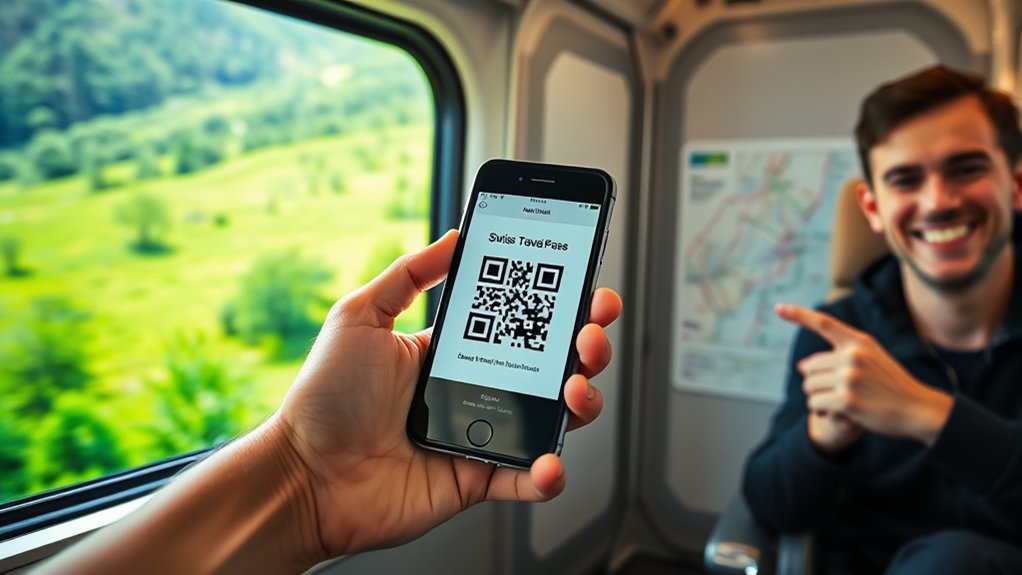
Use these checks before your group’s first train, bus, or boat journey:
- Verify every traveler: Match each pass with the traveler’s full name and date of birth.
- Use private sharing: Send tickets through a private email or direct message, not a public group or social media post.
- Keep the complete ticket: A full PDF is safer than a tightly cropped QR-code image.
- Save it offline: Download the file before leaving your hotel or Wi-Fi connection.
- Increase screen brightness: A bright, clean screen helps the inspector scan the code.
- Carry a paper backup: Store it separately from the phone.
- Bring original identification: Every traveler should carry the original passport or official ID card matching the pass.
- Correct errors early: If the name, birth date, start date, class, or pass type is wrong, contact the seller before using the ticket.
How to Fix Common Ticket Sharing Problems
| Problem | Likely reason | What to do |
|---|---|---|
| The pass does not appear in SBB Mobile | It was bought as a guest, through another seller, with a different login, or it is a Flex pass | Use the emailed PDF or QR code. If it was a logged-in SBB purchase, confirm that the app uses the same login. |
| All passes appear only in the buyer’s account | Tickets remain associated with the purchasing account | Forward each traveler the PDF or QR code issued in their name. Do not expect an account-to-account transfer. |
| The recipient cannot open the ticket | The email link expired, the PDF did not download, or no PDF viewer is installed | Download the file again from the order, send it as an attachment, and test it before travel. |
| There is no Google Wallet option | SBB Mobile does not support Google Wallet | Save the PDF in Files or Downloads. Use Apple Wallet only when an official option is displayed. |
| The QR code will not scan | Low brightness, glare, a damaged screen, or a blurred screenshot | Open the original PDF, increase brightness, clean the screen, and use the printed backup if needed. |
| The traveler’s details are wrong | Incorrect information was entered during purchase | Do not edit the PDF or let another person use it. Contact the original seller before the pass is used. |
| The phone is lost or has no power | The traveler relied on one digital copy | Use the printed backup or retrieve the ticket from the purchase email on another device. |
| The traveler has only a photo of their passport | The original identification was left elsewhere | Carry the original passport or official ID card. SBB states that copies and smartphone photos are not valid for Swiss Travel Pass inspection. |
Frequently Asked Questions
How do I share a ticket from the SBB app?
There is no universal account-to-account transfer for a Swiss Travel Pass. For another named traveler, forward the corresponding PDF or QR code from the purchase confirmation. If an eligible ticket has been added to Apple Wallet, you may also use the Wallet sharing option.
How do I forward a ticket from Apple Wallet?
Open the eligible ticket in Apple Wallet, use the available sharing control, and send it privately to the traveler named on the ticket. The recipient must carry matching identification. If no sharing control or Wallet ticket is available, send the official PDF instead.
How do I share a mobile Swiss Travel Pass ticket?
Forward the complete PDF, purchase email, or correct QR code to the named traveler. Ask the recipient to save it offline and test that the code opens clearly. A private email is normally safer than posting the ticket in a large group chat.
Can I transfer an electronic Swiss Travel Pass to someone else?
No. The pass is personal and non-transferable. You may send the ticket file to the person whose name and date of birth are already printed on it, but you cannot change the traveler by forwarding the file.
Does the recipient need an SBB account?
No SBB account is needed to display an emailed PDF or QR code. An account is relevant only when an eligible pass was purchased while signed in and is being displayed through SBB Mobile.
Can one phone hold several Swiss Travel Pass tickets?
Yes. A buyer may keep several correctly issued passes on one phone. However, giving each traveler their own offline copy and printed backup is safer if the group separates or the buyer’s phone stops working.
Do I need my passport when using a Swiss Travel Pass?
Yes. SBB states that the Swiss Travel Pass is valid only with the traveler’s original passport or official ID card. The personal details must match, and copies or smartphone photos of the identification are not accepted.
Sources
- SBB: Swiss Travel Pass — official eligibility, mobile display, and identification requirements
- SBB: Buy Swiss Travel Pass Online — logged-in purchases, guest QR codes, and Swiss Travel Pass Flex app limitations
- SBB: Help With Tourist Travel Passes — purchase methods and SBB Mobile availability
- SBB: Conditions for Electronic Tickets — non-transferability and proof-of-identity rules
- SBB Mobile Help — Apple Wallet sharing, Google Wallet support, and mobile-ticket inspection guidance
Conclusion
Sharing Swiss Travel Pass tickets is simple when each traveler receives the pass issued in their own name. Forward the complete PDF or official QR code, save it offline, and keep a printed backup. Most importantly, remember that forwarding a ticket does not transfer it to another person. Every traveler must carry the original passport or official ID card that matches the pass.
