
Last Updated on September 11, 2026 by Daniel Globe
Navigating public transit in Switzerland with a companion often raises an important question: can two people share a SwissPass, or store both digital tickets on a single smartphone? While each traveler must always hold an individual, non-transferable ticket issued in their own name, you can manage and present multiple valid tickets or Swiss Travel Passes on a single mobile device. Understanding the difference between a SwissPass account and a Swiss Travel Pass, as well as how the SBB Mobile app handles co-passengers, is essential for a seamless journey across the Swiss rail network.
Quick Answer
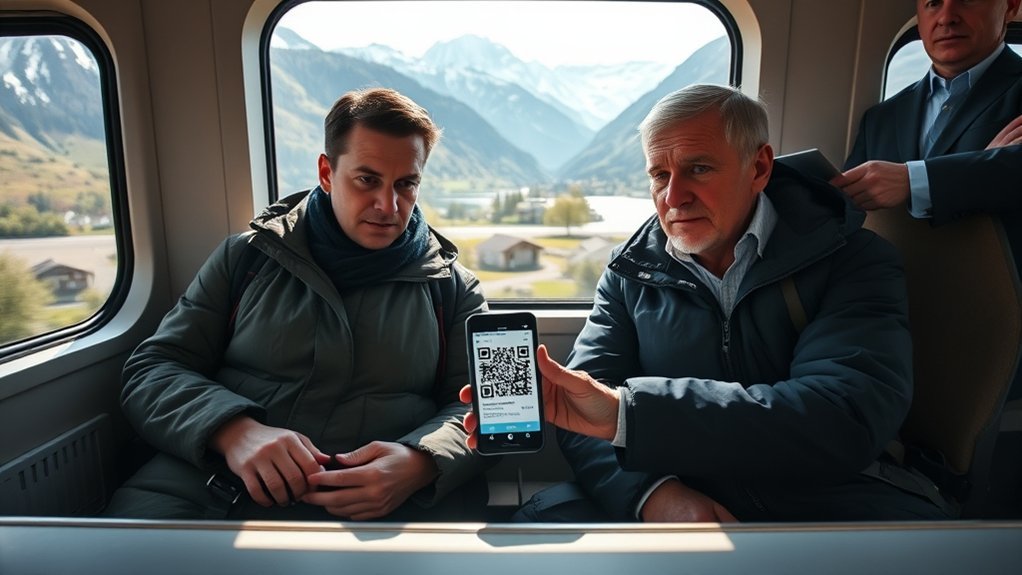
No, two people cannot share one SwissPass or Swiss Travel Pass because all passes are strictly personal and non-transferable. However, one phone can hold separate passes for two people. You can store both digital Swiss Travel Pass PDFs or Apple Wallet passes on a single device, or purchase joint tickets by adding a co-passenger in the SBB Mobile app.
Key Takeaways
- Strictly Non-Transferable: Every passenger aged 6 and older must have a ticket or pass matching their official passport or government ID.
- Single Device Management: One smartphone can display multiple Swiss Travel Pass QR codes (via PDF, Apple Wallet, or email) during ticket inspections.
- SBB Mobile App Co-Passengers: You can add travel companions under your SBB account to buy point-to-point and supersaver tickets together on one phone.
- Account Limitations: The SBB Mobile app links to only one personal SwissPass login at a time, but this does not prevent you from holding companion tickets.
- Mandatory ID Checks: Train conductors routinely check physical passports or national ID cards alongside digital QR codes.
At a Glance
| App Required | SBB Mobile (iOS & Android) or digital wallet / PDF reader |
| Account Policy | 1 SwissPass login per app installation |
| Multiple Passes on 1 Phone? | Yes (as separate PDF files, Apple Wallet passes, or SBB companion tickets) |
| Required Verification | Physical passport or official ID for each passenger |
Disclosure: As an Amazon Associate I earn from qualifying purchases. Some links on this page are affiliate links, at no extra cost to you.
Can Two People Use One Phone for SwissPass and Swiss Travel Pass?
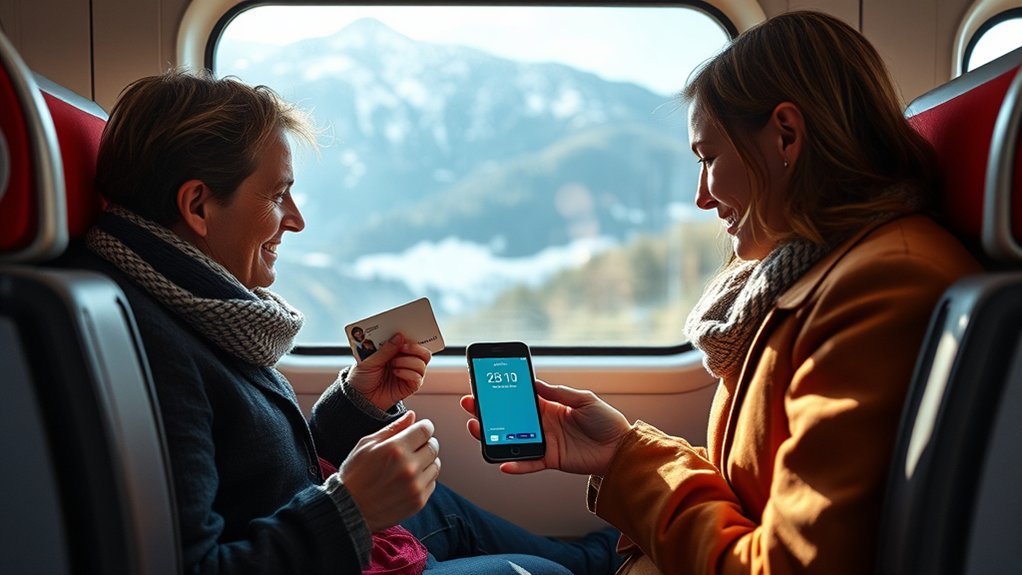
Every traveler using public transport in Switzerland must have an individual ticket or travelcard tied specifically to their legal name and date of birth. Sharing a single pass between two individuals is strictly prohibited under Swiss Federal Railways (SBB) transport regulations. If you and your companion board a train, bus, or ferry together, both of you must be covered by individual fares.
However, you do not necessarily need two separate smartphones to travel together. A single smartphone can be used to hold, organize, and present separate digital passes for both travelers. Whether you carry two separate Swiss Travel Pass electronic documents or purchase individual point-to-point tickets under one SBB Mobile checkout, conductor staff will accept both tickets shown sequentially on one screen as long as both passengers are present with matching identification.
SwissPass vs. Swiss Travel Pass: Key Differences
Much of the confusion around multi-passenger digital ticketing stems from the distinction between the SwissPass and the Swiss Travel Pass:
- SwissPass: This is a physical red RFID card and digital login ecosystem (SwissPass.ch) primarily used by Swiss residents and long-term visitors for subscriptions like the GA Travelcard, Half Fare Travelcard, or regional network passes. The SBB Mobile app can link only one SwissPass account per installation.
- Swiss Travel Pass: This is an all-in-one tourist travel pass issued for consecutive periods (3, 4, 6, 8, or 15 days) by the Swiss Travel System. It comes as an electronic PDF ticket containing a 2D Aztec/QR code and does not require an active SwissPass account login to display or validate.
- Swiss Half Fare Card: A 1-month tourist card granting 50% discounts on trains, buses, boats, and mountain railways. Like the tourist pass, it is issued individually to a specific named traveler.
Note: If you are visiting Switzerland as tourists on a Swiss Travel Pass or Swiss Half Fare Card, you do not need to register separate SwissPass accounts on your phones. You only need to keep the PDF e-tickets accessible on your device.
Managing Two Travelers in the SBB Mobile App
The standard SBB Mobile app allows one registered user to book tickets for multiple people on a single transaction. While the application is tied to the account holder’s login, its built-in companion management features make group and partner travel straightforward.
When booking standard tickets, Saver Day Passes, or Supersaver tickets, you can add your co-passenger’s profile directly to your app. Once added, the app calculates the correct fare for each traveler (for example, applying Half Fare rates if a passenger holds a Half Fare Card) and generates a joint ticket containing inspection barcodes for both individuals.
How to Buy Tickets for a Co-Passenger in SBB Mobile
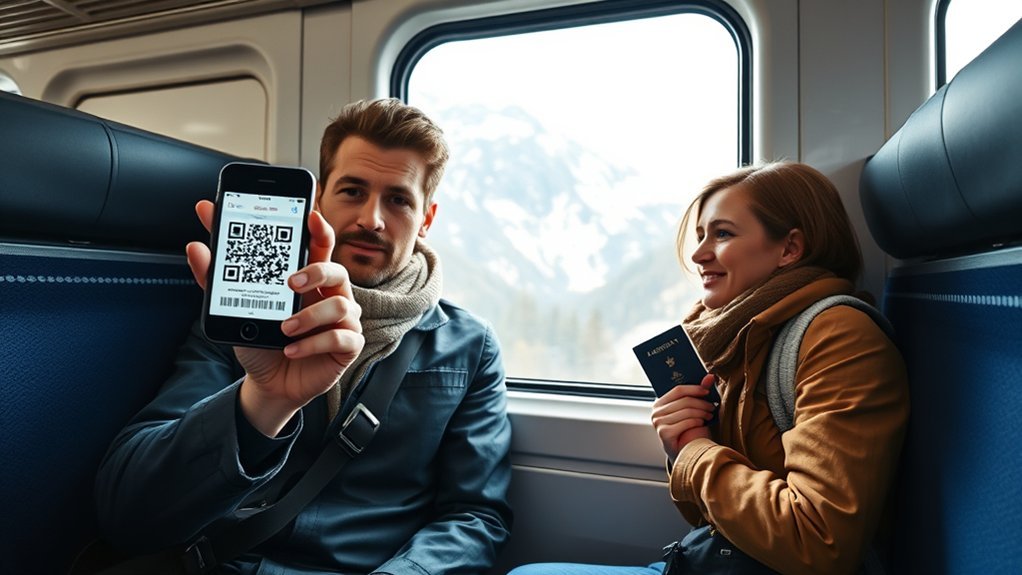
Purchasing a ticket for someone traveling with you in the SBB Mobile app takes only a few steps. Ensure all passenger details match their travel documents exactly to prevent inspection issues on board:
- Open SBB Mobile: Select your desired departure station, destination, and travel time.
- Edit Passengers: Tap on the traveler icon or “Passengers” section before proceeding to payment.
- Add Co-Passenger: Select “Add passenger” and enter their exact legal first name, last name, and date of birth.
- Assign Discount Cards: Indicate whether your companion holds a Swiss Half Fare Card or is traveling without discounts.
- Complete Purchase: Confirm the booking. The resulting digital ticket will display valid travel authorization for all listed individuals under “My Trips” or “Tickets”.
Pro Tip: In SBB Mobile, save your co-passenger’s details under Settings > Travel Companions. Once saved, you can add them to any future train, tram, or boat ticket with a single tap.
Storing Multiple Swiss Travel Passes in Apple Wallet and Offline Files
If you have purchased separate Swiss Travel Passes for yourself and a companion, you can keep both passes ready on one phone without logging in and out of any application.
- Apple Wallet: When receiving your Swiss Travel Pass confirmation email, tap “Add to Apple Wallet” for each traveler’s pass. You can swipe between both digital passes in your Wallet app when the ticket collector arrives.
- PDF Readers (Apple Books / Files / Google Drive): Save the official PDF e-tickets to your smartphone’s internal storage or offline reading app. Create a dedicated folder so both barcodes can be pulled up instantly without an internet connection.
- Email Star/Offline: Mark the ticket confirmation email with a star and ensure offline caching is enabled in your mobile mail client.
Warning: While official PDF e-tickets can be displayed as documents, do not rely on cropped screenshot images for dynamic app-based tickets (such as EasyRide check-ins). SBB inspection staff require live QR codes or official, unmodified PDF tickets.
What Conductor ID Checks Look Like in Switzerland
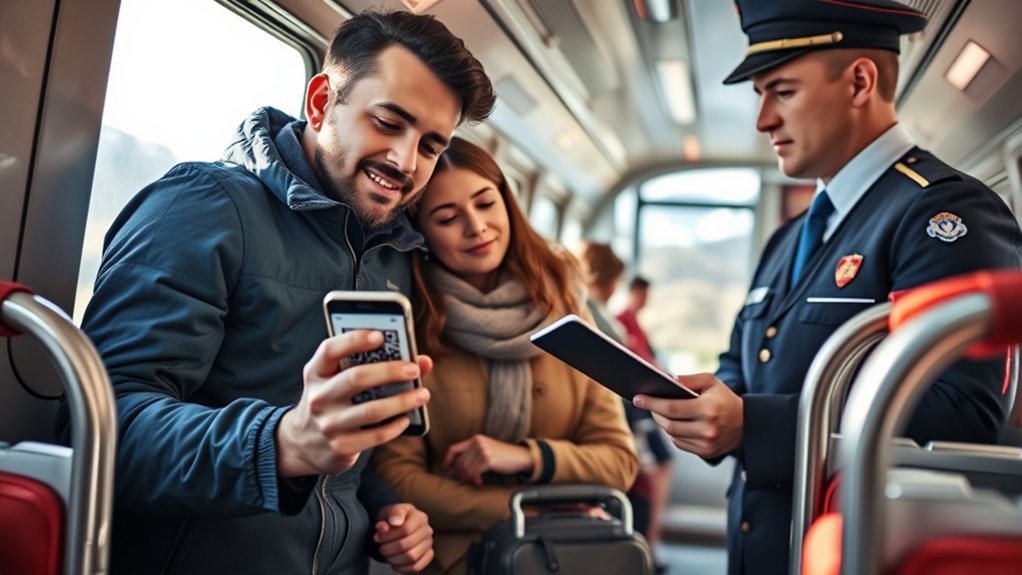
Ticket inspections across the Swiss transport network are routine and systematic. When a train conductor (Zugbegleiter) enters your carriage, they scan the digital QR/Aztec code using a handheld terminal. If multiple tickets are stored on one device, simply tell the inspector you have two tickets and swipe to the second QR code.
Because digital tickets and tourist passes are non-transferable, conductors have a strict mandate to verify passenger identity. You and your companion must each present an official, physical identification document—such as a passport or national identity card. The name and birth date on the document must correspond exactly to the digital pass displayed on your screen.
Battery and Offline Access Considerations
Relying on a single smartphone for two travelers introduces a single point of failure. If your device battery dies or you lose access to your digital files, both travelers risk traveling without valid tickets, which can lead to on-the-spot surcharges.
- Keep a Physical Backup: Print a paper copy of each traveler’s Swiss Travel Pass PDF or confirmation and keep it in your daypack. Swiss conductors readily scan paper printouts.
- Download Offline Maps & Passes: Swiss mountain routes frequently pass through long tunnels and high-altitude dead zones. Download all tickets to local device storage before boarding.
- Carry a Portable Power Bank: Ensure your phone remains charged throughout long transit days, particularly when using location-heavy features like SBB timetable tracking.
Traveling with Children: The Swiss Family Card
If you are traveling with children aged 6 to 15, you do not need to purchase separate adult tickets or passes for them. When purchasing a Swiss Travel Pass or Swiss Half Fare Card, you can request a complimentary Swiss Family Card.
The Swiss Family Card allows children aged 6 to under 16 to travel entirely free of charge across the Swiss public transport network when accompanied by at least one parent holding a valid Swiss Travel System pass. The Family Card can also be stored digitally on your smartphone alongside your adult passes.
Troubleshooting SBB App and Ticket Display Issues
- Cannot Add Second SwissPass Account to SBB Mobile: The SBB app is designed for one primary account holder. To manage a companion’s travelcard, use the “Travel Companions” feature during ticket checkout rather than attempting to log into two accounts simultaneously.
- QR Code Fails to Scan: Ensure your screen brightness is set to maximum and disable any dark mode or screen-dimming filters that might distort 2D barcode contrast.
- Name Spelling Error on Ticket: If a co-passenger’s name was misspelled during booking, contact SBB customer support or visit a staffed SBB ticket counter at any major station (such as Zurich HB or Geneva) before boarding to have the ticket corrected.
Frequently Asked Questions
Can two people share one Swiss Half Fare Card?
No. The Swiss Half Fare Card is strictly personal and non-transferable. Each adult traveler must purchase their own Half Fare Card to benefit from 50% discounts on train, bus, and boat fares.
Can I show two Swiss Travel Passes on one phone?
Yes. You can store both Swiss Travel Pass PDF files or Apple Wallet passes on a single phone. When the conductor arrives, present each QR code along with both passengers’ passports.
Is it cheaper to buy train tickets online or at the station in Switzerland?
Standard point-to-point fares cost the same online as at station ticket counters or vending machines. However, purchasing online via SBB Mobile allows you to secure advance Supersaver tickets and Saver Day Passes at substantial discounts.
How do I put my Swiss Travel Pass on my phone?
Download the PDF attached to your booking confirmation email to your phone’s file storage, or tap the “Add to Apple Wallet” / digital wallet button provided in your confirmation email.
What happens if my phone dies while holding tickets for both travelers?
If you cannot present valid digital tickets during inspection, the conductor may issue a penalty fee notice. To prevent this, always carry printed paper copies of your digital passes or carry a portable power bank.
Conclusion
While Swiss transit regulations strictly prohibit two people from sharing a single SwissPass or Swiss Travel Pass, managing two separate passes on one smartphone is practical and fully permitted. By adding co-passengers in the SBB Mobile app or saving digital passes in Apple Wallet and offline storage, you can streamline your journey across Switzerland. Keep official IDs within reach, download your barcodes before heading into alpine areas, and you will enjoy efficient, worry-free travel throughout the Swiss rail network.
Sources
- SBB CFF FFS Official Portal — Official fare conditions, co-passenger ticketing guidelines, and digital mobile ticket standards.
- SwissPass Alliance — Account management regulations, cardholder requirements, and electronic transit card specifications.
- Swiss Travel System — International visitor passes, Swiss Travel Pass terms of use, and Swiss Family Card regulations.

