
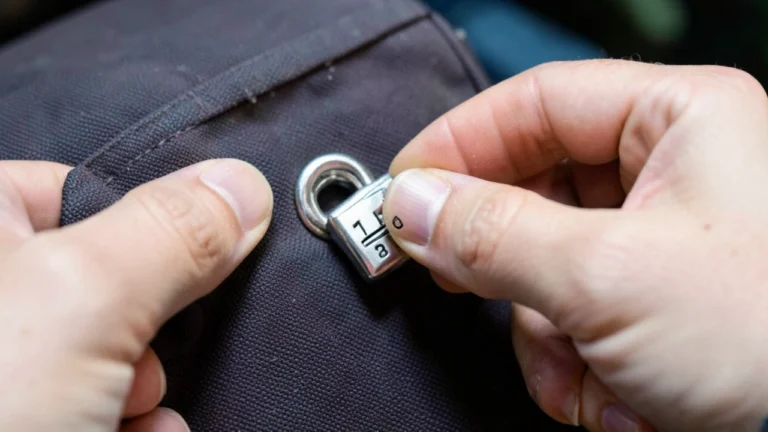
A new TSA lock usually comes with a default code, and you have to set your own before you travel. If you are asking how to set tsa luggage lock, the steps are quick for most models: set the dials to the default code, open the reset mechanism, choose a new code and lock it in place.
The exact steps differ by brand, so check the instructions that came with your lock, but the general process below works for most three-digit TSA combination locks.
Quick Answer
Set the dials to the factory code, usually 000. Find the small reset button, lever or slot near the shackle or the dials, and press or turn it as the instructions say. Choose your new three-digit code, return the reset mechanism to its normal position, and test the lock before you close your bag.
Key Takeaways
- Most locks start with a default code of 000.
- A reset button, lever or slot lets you choose a new code.
- Return the lever to the lock position, or the code will not stay.
- Test the lock a few times, and write the code down.
- Follow your lock’s manual if it differs.
Step-by-Step Instructions
- Turn each dial to 0, so that the code reads 000, unless the manual lists a different default code.
- Open the lock by pulling the shackle, or push in the release button, depending on the model.
- Find the reset mechanism. It might be a small button, a slider or a lever on the side or the bottom of the lock body.
- Press or turn the reset mechanism, and hold it in place, as described in the manual.
- Turn the dials to your new code. Choose digits that are easy for you to remember, but not obvious like 123.
- Release the reset mechanism, and return it to its starting position.
- Scramble the dials, close the shackle and test that your new code opens the lock.
Common Variations
| Lock style | Where the reset is | Notes |
|---|---|---|
| Shackle lock with a rotating shackle | Turn the shackle 90 degrees and push | Common on small padlocks |
| Cable lock | Reset button near the cable end | Follow the manual |
| Built-in suitcase lock | Reset button inside the lock | Check the suitcase manual |
| Key-and-combination lock | Separate key and code | Keep the key safe |
| Digital lock | Programmed on a keypad | Remember to charge or replace batteries |
If the lock does not respond, make sure that the dials are on the default code, and that the reset lever has been pressed fully.
Common Mistakes
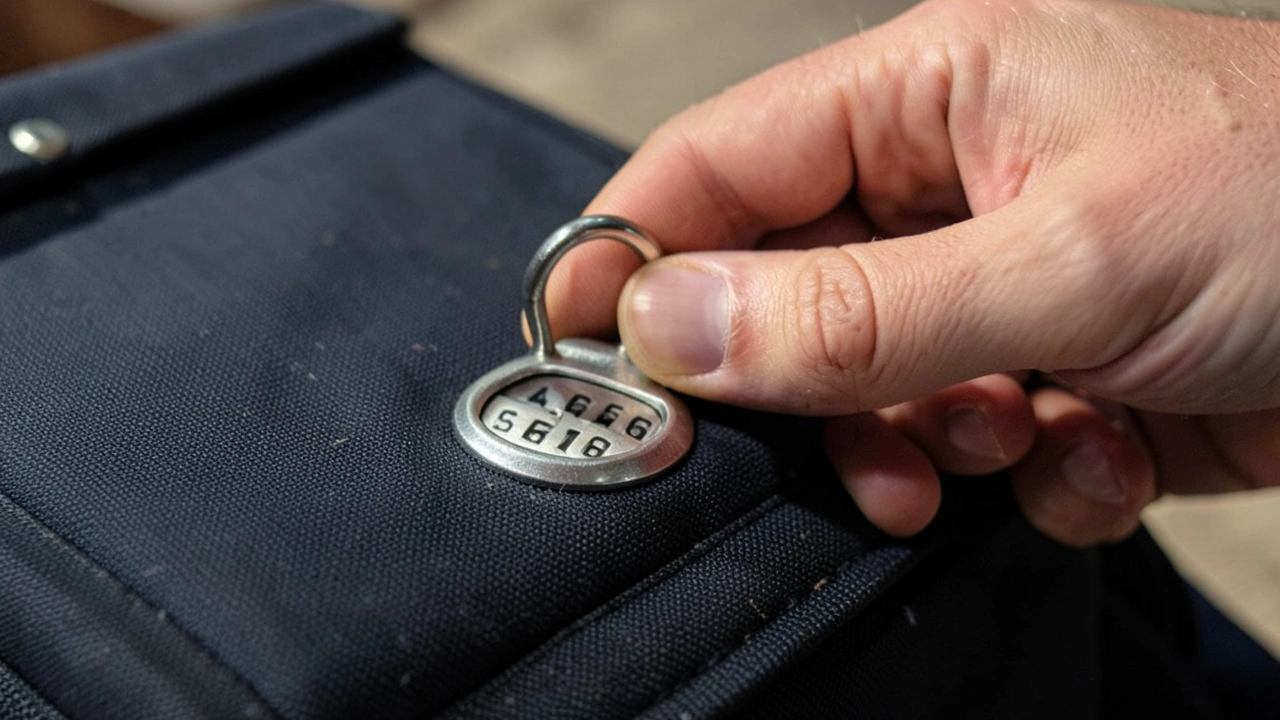
- Setting a new code without returning the reset lever, so the old code still works.
- Forgetting the code after changing it, so write it down in a safe place.
- Locking the bag before testing the lock.
- Using a code that is too easy, such as 000 or 123, which makes the lock less useful.
If Something Goes Wrong
If you forget the code, see how to unlock a luggage lock. To understand what a TSA-accepted lock is and what it protects, read our TSA lock guide.
Frequently Asked Questions
What is the default code on a TSA lock?
Usually 000, but check the manual.
How do you reset a TSA lock?
Set the dials to the default, press the reset lever, set a new code and return the lever.
Why will my TSA lock not reset?
The reset lever may not be fully pressed, or the dials may not be at the default code.
Can you set a TSA lock after locking it?
No. You need to open it first.
Do you have to use a code with 3 digits?
Most TSA locks use three digits, but some use four.
Conclusion
So, how to set tsa luggage lock? Start at 000, use the reset lever, choose a new code, return the lever and test it. Write the code down in a safe place before you travel.
Keep Reading
- What Is a TSA Lock on Luggage? How TSA-Approved Locks Work: TSA lock basics
- TSA Rules for Backpacks: Quick Guide & Helpful Tips: Carry-on basics
- Speeding Through Airport Security: Tips for Faster Screening: Security tips
Sources
- TSA: Accepted identification at airport checkpoints
