
Last Updated on September 27, 2026 by Caleb Warren
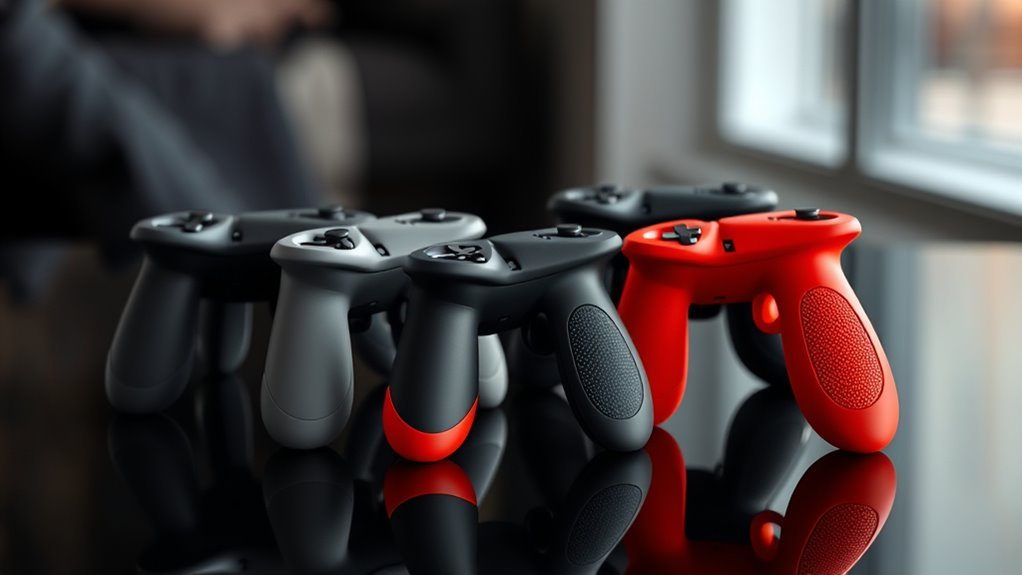
The right drone controller thumb grips can make your control sticks more comfortable and easier to handle. Whether you need replacements for lost sticks or soft covers for a firmer thumb grip, controller compatibility comes first.
The 2PCS Replacement Joystick for DJI Remote Controllers is our overall pick for replacing the removable sticks on compatible DJI RC and RC 2 controllers. For a softer contact surface, consider the Universal Soft Rubber Thumb Stick Extensions.
These selections focus on controller fit, materials, installation, grip texture, and practical use. The products include both complete replacement sticks and soft grip covers, so check which type you actually need before ordering.
Drone Controller Thumb Grips Compared
| Product | Best for | Type | Material | Package |
|---|---|---|---|---|
| Best overall replacement | Removable replacement sticks | Aluminum alloy | 2 sticks | |
| Best for colorful spares | Removable replacement sticks | Aluminum alloy | 4 sticks | |
| Best for red metal sticks | Removable replacement sticks | Aluminum alloy | 2 sticks | |
| Best soft grip extensions | Slip-on grip covers | 3D-printed TPU | 2 covers |
| 2PCS Replacement Joystick for DJI Remote Controllers | Durable Design | Compatibility: DJI Mini 3 Pro, Mini 4 Pro, Air 3 | Material: Aluminum alloy | Installation: Easy snap-in replacement | VIEW LATEST PRICE | Read Our Analysis | |
| Lasuroa Mini Joystick Replacement for DJI Controllers | Colorful Variety | Compatibility: DJI Mini 3 Pro, DJI RC Smart Controller | Material: Aluminum alloy | Installation: Two-step attachment | VIEW LATEST PRICE | Read Our Analysis | |
| DJI RC Controller Replacement Joystick Thumb Sticks | Ergonomic Comfort | Compatibility: DJI Mini 3 Pro, Mini 4 Pro, Air 3 | Material: Aluminum alloy | Installation: No tools required, snap into place | VIEW LATEST PRICE | Read Our Analysis | |
| Universal Soft Rubber Thumb Stick Extensions for DJI | Enhanced Accuracy | Compatibility: DJI FLIP/AIR3S/NEO/Mavic/Air/Mini/Avata | Material: 3D printed TPU soft rubber | Installation: Slip on or remove covers | VIEW LATEST PRICE | Read Our Analysis |
More Details on Our Top Picks
2PCS Replacement Joystick for DJI Remote Controllers
If you’re looking to enhance your flying experience with DJI drones like the Mini 3 Pro or Mini 4 Pro, the 2PCS Replacement Joystick is your ideal choice. This newly designed joystick is made from sturdy aluminum alloy, ensuring durability for long-term use. Its non-slip design on the top and sides provides improved control, letting you navigate effortlessly. You can easily replace your original joystick without losing that familiar feel, as its length matches perfectly. Plus, it conveniently stores on the back of your remote control. Just remember, it’s compatible with specific models, so check before you buy!
- Compatibility:DJI Mini 3 Pro, Mini 4 Pro, Air 3
- Material:Aluminum alloy
- Installation:Easy snap-in replacement
- Design:Non-slip design
- Package Contents:2 joysticks
- Customer Rating:4.6 out of 5 stars
- Additional Feature:Non-slip design for control
- Additional Feature:Sturdy aluminum alloy construction
- Additional Feature:Compact storage on remote
Lasuroa Mini Joystick Replacement for DJI Controllers
The Lasuroa Mini Joystick Replacement is an ideal choice for drone enthusiasts who own a DJI Mini 3 Pro or DJI RC Smart Controller, as it offers a perfect blend of durability and precision. Made from premium aluminum alloy, these sticks resist breakage and deformation, ensuring long-lasting performance. The anti-slip texture enhances your grip, allowing for precise control even during intense flights. Installing them is a breeze—just remove your old sticks and attach the new ones in two simple steps. Remember to confirm your controller model before purchasing, as these sticks aren’t endorsed by DJI or associated brands.
- Compatibility:DJI Mini 3 Pro, DJI RC Smart Controller
- Material:Aluminum alloy
- Installation:Two-step attachment
- Design:Anti-slip texture
- Package Contents:4 thumb sticks (2 color pairs)
- Customer Rating:Not specified
- Additional Feature:Four sticks in two colors
- Additional Feature:Anti-slip grip for precision
- Additional Feature:Quick two-step installation
DJI RC Controller Replacement Joystick Thumb Sticks
For drone enthusiasts seeking enhanced control, the DJI RC Controller Replacement Joystick Thumb Sticks are an excellent choice. Compatible with DJI RC/RC 2 remote controllers and models like the Mini 3 Pro and Air 3, these joysticks are crafted from high-quality aluminum alloy for durability. You’ll appreciate the ergonomic, non-slip design that reduces fatigue during long flights, allowing for better thumb control. Installation is a breeze—simply snap them into place without any tools. With a customer rating of 4.6 out of 5 stars, these thumb sticks promise a balanced flying experience that every pilot deserves.
- Compatibility:DJI Mini 3 Pro, Mini 4 Pro, Air 3
- Material:Aluminum alloy
- Installation:No tools required, snap into place
- Design:Ergonomic non-slip design
- Package Contents:2 joysticks
- Customer Rating:4.6 out of 5 stars
- Additional Feature:Ergonomic design reduces fatigue
- Additional Feature:Snap-in installation process
- Additional Feature:Balanced flying experience ensured
Universal Soft Rubber Thumb Stick Extensions for DJI
Pilots seeking enhanced control and precision will find the Universal Soft Rubber Thumb Stick Extensions for DJI an excellent choice. These 3D printed TPU rubber extensions are designed for various DJI models, including FLIP, AIR3S, and Mavic. Weighing only 2g, they won’t add unnecessary bulk. The extended design improves operational accuracy and minimizes slippage, allowing for smoother maneuvers. Installation is straightforward—simply slip them onto your joysticks or remove original silicone covers for standard controllers. With a solid customer rating of 4.2 stars, these thumb grips are a must-have for any serious drone pilot looking to elevate their flying experience.
- Compatibility:DJI FLIP/AIR3S/NEO/Mavic/Air/Mini/Avata
- Material:3D printed TPU soft rubber
- Installation:Slip on or remove covers
- Design:Extended design for accuracy
- Package Contents:1 pair (2 pieces)
- Customer Rating:4.2 out of 5 stars
- Additional Feature:3D printed TPU material
- Additional Feature:Lightweight at 2 grams
- Additional Feature:Extended design for accuracy
Thumb Grip Fit Notes, Pros and Cons
1. 2PCS Replacement Joystick for DJI Remote Controllers
Bottom line: Choose these aluminum replacement sticks when you need to replace lost or worn removable control sticks on a compatible DJI RC or RC 2 controller.
- Type: Replacement sticks, not rubber caps.
- Material: Aluminum alloy, with textured contact surfaces.
- Compatibility: DJI RC and RC 2 controllers; verify the controller model.
- Package: Two control sticks.
- Aluminum alloy construction.
- Textured gripping surfaces.
- Two replacement sticks included.
- Removable design allows compact storage.
- Not a cushioned silicone or rubber grip.
- Controller compatibility must be checked.
- Does not replace a damaged internal joystick module.
2. Lasuroa Mini Joystick Replacement for DJI Controllers
Bottom line: The Lasuroa set gives compatible DJI controller owners four removable sticks in two color pairs, making it useful when you want extras.
- Type: Replacement sticks, not slip-on covers.
- Material: Aluminum alloy.
- Compatibility: DJI RC controller; confirm the exact version.
- Package: Four sticks in two color pairs.
- Four replacement sticks included.
- Two color options.
- Aluminum alloy construction.
- Textured gripping surfaces.
- Not a soft rubber grip.
- Aftermarket accessory rather than an official DJI part.
- Not suitable for every DJI controller.
3. DJI RC Controller Replacement Joystick Thumb Sticks
Bottom line: These red aluminum replacement sticks suit DJI RC and RC 2 owners who prefer a textured metal contact surface and need a matching pair.
- Type: Removable replacement sticks.
- Material: Aluminum alloy.
- Compatibility: DJI RC and RC 2 controllers.
- Package: Two sticks.
- Aluminum alloy construction.
- Textured contact surface.
- Two matching sticks included.
- Removable design for storage.
- Metal surface does not provide rubber cushioning.
- Not a universal fit for every DJI remote.
- Does not repair internal stick mechanisms.
4. Universal Soft Rubber Thumb Stick Extensions for DJI
Bottom line: These TPU extensions fit over compatible existing sticks. Choose them when you want a softer thumb contact surface rather than complete replacement sticks.
- Type: Slip-on grip extensions.
- Material: 3D-printed TPU soft rubber.
- Compatibility: Selected DJI consumer-drone controllers.
- Package: One pair of covers.
- Soft TPU contact surface.
- Extended grip design.
- Lightweight pair.
- Fits over compatible existing control sticks.
- Cannot replace a missing metal control stick.
- Fit depends on the original stick dimensions.
- May require removing existing silicone covers.
Replacement Sticks vs Soft Extensions: Which Should You Get?
The main difference is whether you need to replace the removable control stick or change its contact surface. A metal replacement is useful when your original stick is lost. A soft cover makes more sense when your original stick works but feels uncomfortable.
- Replacement: The 2PCS Replacement Joystick supplies two complete removable sticks.
- Grip material: The Universal Soft Rubber Extensions provide a TPU surface.
- Installation: Compatible metal sticks attach to the controller’s mounts; soft extensions fit over existing sticks.
- Storage: Check whether extensions fit your controller’s storage slots or carrying case before leaving them installed.
Which Drone Controller Thumb Grips Should You Buy?
- Lost or worn removable sticks: Get the 2PCS Replacement Joystick.
- Extra pairs and color options: Get the Lasuroa Mini Joystick Replacement.
- Red aluminum sticks: Get the DJI RC Controller Replacement Thumb Sticks.
- Soft thumb contact: Get the Universal Soft Rubber Extensions.
- Damaged internal joystick mechanism: Seek the appropriate controller repair or replacement module rather than an external grip.
How We Chose
We compared these drone controller thumb grips using the information available for their listed models and the practical differences between complete sticks and grip covers.
- Controller fit: Compatibility with the specified DJI RC or RC 2 controller, rather than the drone name alone.
- Construction: Metal replacement sticks versus flexible TPU covers.
- Grip design: Texture, contact surface, and extension style.
- Installation: How each product attaches and whether existing sticks must be removed.
- Practical use: Package contents, portability, and storage requirements.
Product specifications were checked against available listings and DJI’s published controller and accessory information. No independent flight testing is claimed.
Factors to Consider When Choosing Drone Controller Thumb Grips
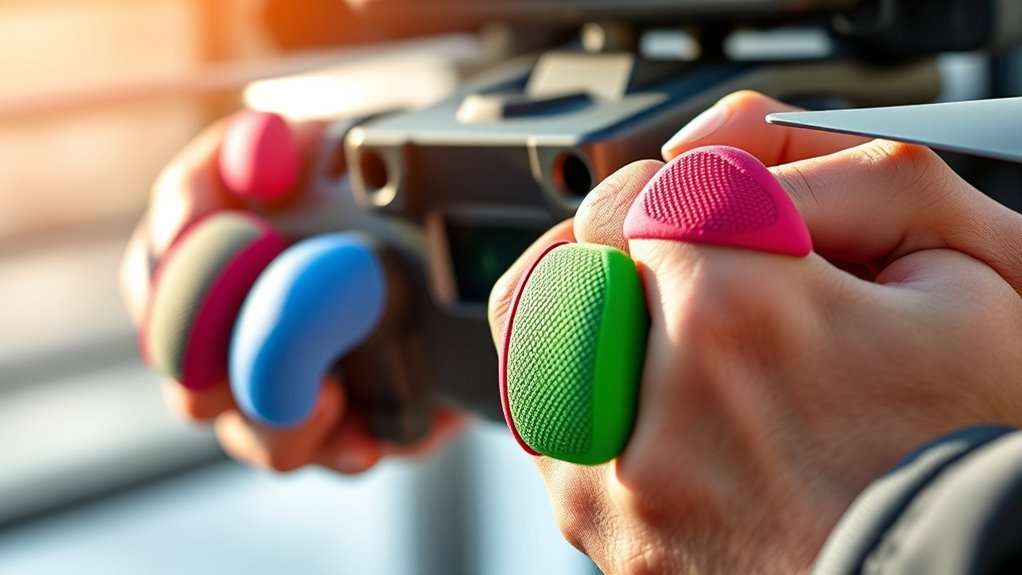
Before buying drone controller thumb grips, check compatibility, material, shape, and installation. The right choice depends on your controller and whether you want replacement sticks or covers for your existing ones.
Compatibility With Your Controller
Controller compatibility is the first thing to check. A drone may support several remote controllers, and their control sticks are not necessarily interchangeable.
For example, DJI lists separate control-stick accessories for the RC/RC 2 and RC-N controller families. Check the controller name printed on your device and compare it with the accessory’s compatibility information.
Never assume that a grip works with your controller simply because the product listing names your drone.
Material Quality and Durability
Aluminum alloy is commonly used for removable replacement sticks. It provides a rigid structure and can incorporate a textured surface for thumb contact.
Soft TPU covers serve a different purpose. They fit over compatible sticks to change the contact surface and may add a small amount of height.
If your original sticks are missing, choose a complete replacement. If the sticks work but feel uncomfortable, consider a soft cover instead.
Design and Ergonomics
The shape of a thumb grip affects how you hold and move the control stick. Some pilots use the tip of the thumb, while others pinch the stick between the thumb and index finger.
Textured metal surfaces can provide a firm contact point. Soft rubber extensions offer a different feel and may suit pilots who prefer a wider or more cushioned surface.
Neither shape guarantees better flying. Choose a design that lets you reach the full range of stick movement comfortably.
Installation Process Ease
Installation depends on the product type. Compatible removable DJI control sticks attach to the controller’s threaded mounts. Soft grip covers are fitted over existing sticks.
Before installation, turn off the controller and examine the mounting point. Do not force a stick that does not thread on smoothly.
If the accessory is a slip-on cover, make sure it fits securely and does not interfere with stick movement.
Grip Texture and Control
Grip texture can help your thumb maintain contact with the control stick, especially during longer flying sessions.
Metal replacement sticks may use textured tops and sides. TPU covers provide a softer contact surface.
Check that the accessory stays secure during normal stick movement. A loose cover or poorly fitted replacement can distract you while flying.
Weight and Balance
Most thumb-stick accessories are small, but their weight and dimensions can affect how the controller feels in your hands.
More important than the added weight is whether the grip changes the stick’s height, reach, or movement. A longer grip may make small physical movements easier for some users, while others prefer the shorter original design.
Try the controller with the aircraft safely grounded before using unfamiliar grips in flight.
Color and Aesthetic Options
Replacement sticks are available in different colors, including silver and red. Color is mainly a matter of personal preference.
The Lasuroa set offers two color pairs if you want spare sticks with a different appearance.
Choose fit and grip design first. Color should not outweigh controller compatibility.
Price and Value Comparison
Compare the number of pieces included rather than judging a package by its appearance alone.
Some products include one pair of sticks or covers, while others provide additional replacements. Consider whether you need complete sticks, soft caps, or spare pairs.
Also check the material, compatibility information, and return policy. A low-cost accessory offers little value if it cannot fit your controller correctly.
Mistakes to Avoid When Buying Drone Controller Thumb Grips
- Shopping by drone model alone: Confirm the exact remote controller before buying.
- Confusing covers with replacement sticks: Slip-on grips do not replace missing metal sticks.
- Forcing installation: Stop if the threads or covers do not fit correctly.
- Ignoring storage clearance: Check whether the controller fits inside its case with the accessories installed.
- Assuming better flight performance: A grip changes the physical contact surface, not the aircraft’s flight hardware.
Frequently Asked Questions
Are These Thumb Grips Compatible With All Drone Models?
No. Drone controller thumb grips are not universally compatible. Different remote controllers can use different stick dimensions, threaded mounts, and grip shapes. Check your exact controller model against the accessory’s compatibility list before ordering. A listing that mentions your drone does not necessarily mean it fits every controller supplied with that drone.
How Do I Install the Thumb Grips on My Controller?
Installation depends on the design. Complete removable control sticks attach to their compatible controller mounts, while soft rubber covers fit over existing sticks. Turn off the controller first, follow the accessory instructions, and avoid forcing any part. Once installed, check that both sticks move freely and return normally to center.
Will Using Thumb Grips Affect My Drone’s Responsiveness?
Thumb grips can change how control inputs feel, but they do not increase the drone’s underlying electronic responsiveness. Longer or more textured grips may help you make small movements more comfortably. Results depend on your grip style and controller setup. Test new accessories carefully before using them for demanding flight maneuvers.
Can I Customize the Colors of the Thumb Grips?
Yes. Some replacement-stick sets offer different colors, allowing you to personalize the controller’s appearance. The Lasuroa set includes two color pairs. Choose a color option that matches the actual listing, but make sure the controller compatibility and mounting design are correct before making appearance your deciding factor.
Do These Grips Improve Comfort During Long Flights?
They may improve comfort if the original contact surface does not suit your hands. Soft rubber covers provide a different feel, while textured metal sticks offer a firmer surface. Comfort varies by user, grip style, and controller size. A secure fit and unrestricted control-stick movement remain more important than the material alone.
Are DJI RC and RC-N Control Sticks Interchangeable?
Do not assume they are interchangeable. DJI identifies RC/RC 2 control sticks separately from RC-N Series control sticks. Check the specific compatibility list rather than relying on a similar appearance. If you use an RC-N controller, choose accessories specifically listed for that controller family instead of assuming an RC or RC 2 replacement will fit.
Should I Remove the Thumb Grips Before Storing My Controller?
Remove them when required by the controller’s storage design or carrying case. DJI’s removable control sticks can be stored in dedicated slots on compatible controllers. Extended covers may change the required clearance, so check the case before closing it. Avoid placing pressure on installed sticks during transport.
Can Thumb Grips Fix a Damaged Joystick?
No. External grips and removable replacement sticks cannot repair a damaged internal control module. If a stick fails to return to center, moves incorrectly, or has damaged mounting threads, stop using the controller until the issue is assessed. Contact DJI or an appropriate repair service rather than covering the problem with a grip accessory.
Final Verdict
The right drone controller thumb grips depend on what you need to replace or improve. For compatible DJI RC and RC 2 controllers with missing removable sticks, the 2PCS Replacement Joystick is the overall replacement pick.
If your existing sticks work and you simply want a softer contact surface, choose the TPU extensions instead.
For softer contact, compare the Universal Soft Rubber Thumb Stick Extensions. If you prefer extra metal sticks in different colors, see the Lasuroa Mini Joystick Replacement.
