
Last Updated on September 11, 2026 by Daniel Globe
Breeze Airways does not use traditional seatback TV screens. Instead, it offers personal-device entertainment called BreezeOnBoard on eligible aircraft. You connect your phone, tablet, or laptop to the onboard network and watch free movies and TV series through the Breeze app or the BreezeWiFi.com portal. Availability can change, so bring downloaded backup entertainment.
Quick Answer
Breeze Airways does not have seatback TVs. On eligible flights, BreezeOnBoard lets you watch a free library of movies and TV series on your own phone, tablet, or laptop. Connect to the aircraft’s Wi-Fi network, then open the Breeze app or visit BreezeWiFi.com. You do not normally need to buy internet for the free library.
Key Takeaways
- Breeze uses personal-device entertainment instead of screens built into the seats.
- Free onboard movies and TV are separate from paid internet access.
- Connect to the BreezeWiFi.com network and use the Breeze app or a web browser.
- Entertainment and internet are not guaranteed because aircraft assignments and onboard systems can change.
- Download at least one movie, show, podcast, or book before departure as a backup.
At a Glance
| Time Required | About 1–2 minutes after the onboard network becomes available |
| Difficulty | Easy |
| Tools Needed | Charged phone, tablet, or laptop; headphones; Breeze app or web browser |
| Cost | The onboard movie and TV library is free when available; full internet access may be included with a bundle or sold separately |
What Are Breeze Airways TVs?
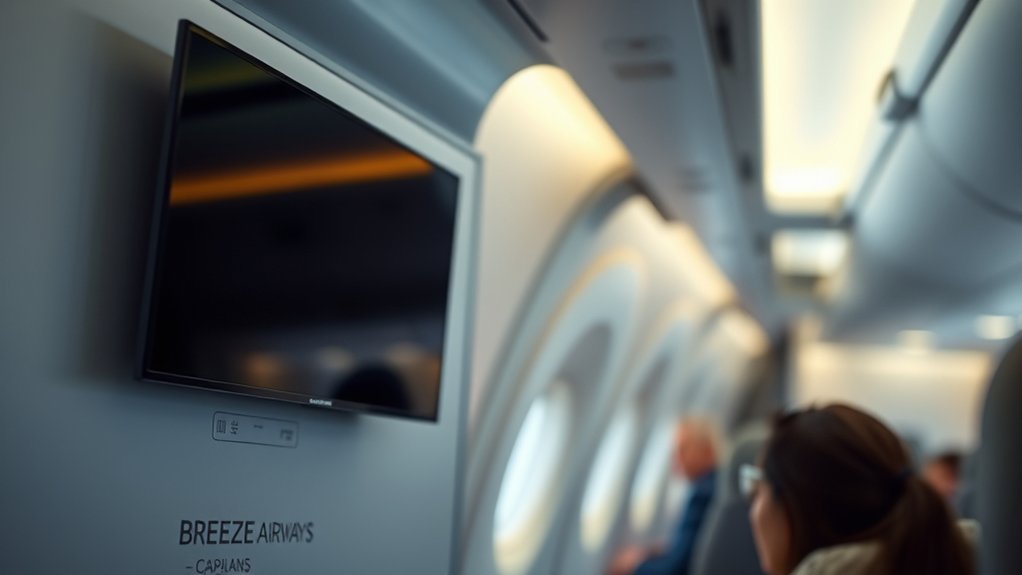
“Breeze Airways TVs” is an informal way to describe the airline’s inflight entertainment. The official service is called BreezeOnBoard. It does not use a television mounted in the seat in front of you. Instead, your personal device becomes the screen.
When the service is available, you connect to the aircraft’s local wireless network and open Breeze’s entertainment portal. The current catalog is promoted as a selection of movies and TV series. Titles can rotate, so a specific movie or show should not be expected on every trip.
The free library is also different from open internet access. A local onboard network can send entertainment from equipment on the aircraft to your device even when you have not purchased a full internet plan.
Breeze replaces the seatback screen with a bring-your-own-device system: free onboard movies and TV when available, plus optional internet access on equipped flights.
Which Flights Offer Breeze TVs?
According to Breeze’s inflight entertainment help page, BreezeOnBoard is available on its E-Jets and on A220 aircraft equipped with WiFi. Breeze also markets high-speed internet on A220-operated flights.
That does not guarantee that the service will work on every departure. An aircraft can be replaced before takeoff, an onboard system may be offline, or the crew may be unable to activate it. Breeze’s own preflight guidance recommends downloading entertainment before traveling because WiFi and entertainment are not always available.
Note: Entertainment is tied to the aircraft and its working onboard system, not simply to a route number. A flight that had entertainment last week may use a different aircraft today.
A220 Flights
Breeze’s current connection guide describes high-speed WiFi on A220-operated flights. On an equipped A220, the onboard portal may provide three separate types of service:
- Free onboard entertainment: Movies and TV series from Breeze’s local catalog.
- Free messaging: Basic messaging through supported services.
- Internet access: General browsing, email, social media, and outside streaming when included or purchased.
Internet access is included with certain bundles when available. Travelers without an included WiFi benefit may be offered the option to purchase access onboard. The price and availability shown during booking or on the aircraft should be treated as the current offer.
Entertainment-Enabled Flights
Do not rely only on the route name when checking for entertainment. Open your reservation in the Breeze app and review the listed amenities, but remember that the final aircraft assignment can still change.
- Open your trip in the Breeze app before departure.
- Review the flight details or amenities for WiFi information.
- Update the app while you still have a reliable ground connection.
- Download backup entertainment from your own services.
- Listen for the crew’s announcement about onboard connectivity.
How Do Breeze Airways TVs Work?
BreezeOnBoard sends entertainment wirelessly to your personal device through the aircraft’s onboard network. The device connects in much the same way it would connect to Wi-Fi at a hotel or café, but the free movie and TV catalog is stored or delivered through the aircraft’s entertainment system.
This is why joining the network does not automatically mean you have purchased internet. The local entertainment portal may load for free, while general websites and outside apps remain behind a separate internet-access option.
Personal Device Streaming
You can use a compatible smartphone, tablet, or laptop. A tablet often provides the most comfortable screen size, while a phone is easier to hold and store. A laptop may work after takeoff, but larger devices must be stowed when directed by the crew.
Breeze’s Contract of Carriage requires cellular service to be disabled during flight and requires headphones or earbuds for audible content. Always follow crew instructions about when a device must be put away.
Free Entertainment Access
The free onboard catalog does not normally require the purchase of a full internet package. However, you still need to turn on Wi-Fi and join the aircraft’s network. Think of it as connecting to a private library inside the plane rather than connecting directly to the wider internet.
| Service | What It Does | Extra Purchase Normally Needed? |
|---|---|---|
| BreezeOnBoard library | Streams Breeze’s available movies and TV series to your device | No, when the service is operating |
| Free messaging | Supports basic text messaging through compatible apps | No, when offered |
| Full internet | Provides access to websites, email, social media, and outside streaming services | It may be included with a bundle or available for purchase |
Playback Troubleshooting Tips
If a title will not open, first confirm that you are connected to the aircraft’s network rather than a saved airport network. Then reopen the Breeze app or visit BreezeWiFi.com in a browser.
Do not purchase full internet solely because the free library is failing. Paid internet and the local entertainment catalog are separate features, and buying internet is not a guaranteed repair for an unavailable onboard library.
How to Connect to BreezeOnBoard
- Enable airplane mode. The Federal Aviation Administration says cellular service should be disabled in flight. Wi-Fi may then be turned back on when the airline permits it.
- Turn on Wi-Fi. Wait until the onboard network becomes available.
- Select BreezeWiFi.com. Choose the network named BreezeWiFi.com on an equipped A220.
- Open the Breeze app or a browser. Launch the Breeze app, or enter BreezeWiFi.com in your browser.
- Choose entertainment or connectivity. Open the free movie and TV catalog, messaging option, or available internet package.
- Use headphones. Keep all audio private and follow crew instructions about device use.
Pro Tip: Install and sign in to the Breeze app before leaving home. The browser portal is a useful alternative, but preparing the app on the ground gives you two ways to reach the onboard menu.
What Can You Watch Onboard?
Breeze currently promotes a rotating selection of movies and TV series. The available titles may include recent releases, family programming, comedies, dramas, and shorter television episodes, but the exact catalog can change.
| Available Feature | What to Expect |
|---|---|
| Movies | A rotating catalog rather than a guaranteed list of specific titles |
| TV series | Individual episodes or groups of episodes suited to shorter viewing periods |
| Messaging | Basic messages where the free messaging service is available |
| Outside streaming apps | Requires working internet access and may depend on the package, app, bandwidth, and content provider |
Do not assume games are included. Games appeared in early descriptions of Breeze’s entertainment plans, but the airline’s current public materials consistently emphasize movies and TV series.
Which Devices and Apps Do You Need?
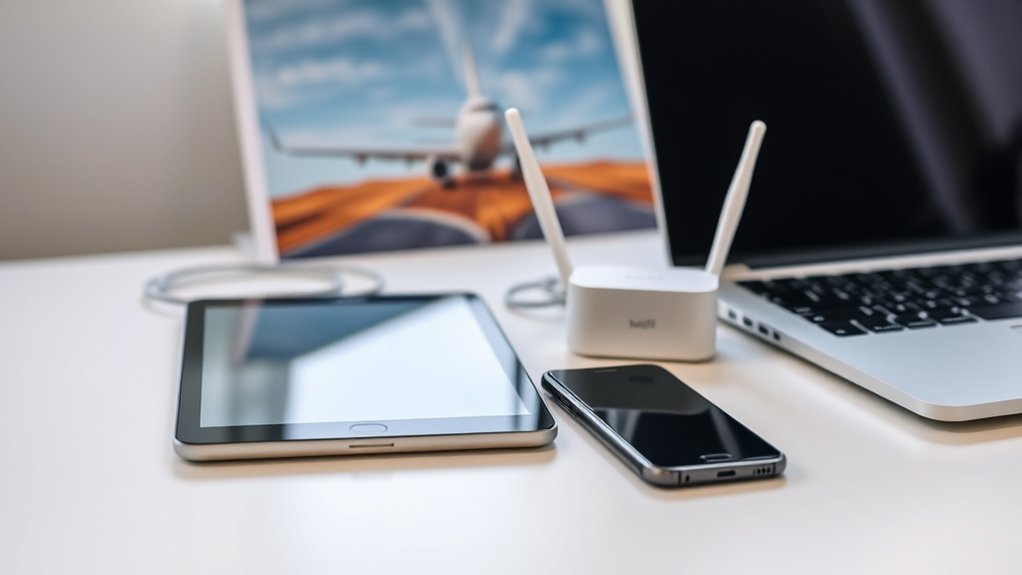
Bring a charged device with Wi-Fi capability and a modern web browser. The Breeze app is recommended because it also provides reservation, check-in, and flight information, but Breeze’s official instructions also allow access through BreezeWiFi.com in a browser.
- Smartphone: Compact and easy to hold, but the screen may feel small during a long movie.
- Tablet: Usually the best balance of screen size, battery life, and portability.
- Laptop: Provides a larger screen but must be stowed during taxi, takeoff, landing, or whenever the crew directs.
- Headphones or earbuds: Required for listening without disturbing other passengers.
- Charging cable: Helpful even when seat power is expected, since an outlet may be unavailable or inoperative.
Before departure, update your device, browser, and Breeze app. Sign in while you still have normal internet access. If you use a VPN, private relay, custom DNS service, or strict content blocker, be prepared to pause it temporarily because it can prevent an onboard sign-in page from opening.
Do You Need WiFi for Breeze TVs?
You need to connect to the aircraft’s Wi-Fi network, but you generally do not need to purchase full internet access to use Breeze’s free onboard movie and TV library.
The distinction is important:
- Wi-Fi network connection: Connects your device to equipment inside the aircraft.
- Internet service: Connects that onboard network to the wider internet.
BreezeOnBoard can use the first connection to deliver its local catalog. Opening Netflix, YouTube, email, news sites, or social media requires the second connection and may require an included or purchased internet package.
How Is Free Messaging Different From Streaming?
Basic text messages use much less data than video. That is why an airline can offer a limited free messaging connection while charging for broader internet use.
Free messaging should not be treated as a full phone-data replacement. Depending on the onboard settings, large photos, videos, voice notes, cloud backups, calls, and links to outside websites may be blocked or unreliable. Regular cellular SMS may also behave differently from internet-based messaging.
- Connect to the onboard network.
- Select the free messaging option if it appears.
- Use text-based messages rather than large attachments.
- Do not make voice or video calls unless the airline expressly permits them.
What Are the Most Common Playback Problems?
Playback problems may come from the aircraft system, the connection between your device and the onboard network, or the device itself. A problem affecting every passenger usually cannot be fixed from your phone.
| Problem | Likely Cause | First Step |
|---|---|---|
| Network does not appear | The system has not been activated, the aircraft is not equipped, or the service is unavailable | Wait for the crew’s announcement and ask whether connectivity is operating |
| Portal will not open | Browser redirect, VPN, private relay, or cached connection issue | Visit BreezeWiFi.com directly and temporarily pause the VPN or private relay |
| Video buffers or freezes | Weak cabin connection, overloaded system, or temporary playback error | Close the title, reconnect to the network, and try again |
| No sound | Muted device, disconnected Bluetooth, or incorrect audio output | Check volume and select the correct headphones |
| Outside app will not stream | No full internet plan, limited bandwidth, or a restriction from the streaming provider | Confirm that internet access is active and use downloaded content if needed |
How Can You Fix Breeze TV Problems?
Start with the onboard connection before changing app settings or restarting your entire device. The most effective troubleshooting order is to confirm availability, reconnect, reopen the portal, and then test another browser or device.
Check Device Playback
- Confirm that airplane mode is on and Wi-Fi is enabled.
- Make sure you joined the correct onboard network.
- Open BreezeWiFi.com directly instead of waiting for an automatic pop-up.
- Check that your browser permits cookies and JavaScript.
- Temporarily pause a VPN, private relay, or custom DNS service.
- Check the device volume and headphone connection.
If the Breeze network does not appear on any nearby device, the issue is probably not limited to your phone or tablet.
Refresh the Breeze App or Portal
Close and reopen the Breeze app. If that does not work, use a normal browser and enter BreezeWiFi.com manually. You can also turn Wi-Fi off for several seconds, turn it back on, and reconnect to the aircraft network.
A full device restart may clear a temporary network or media error, but it will not restore an onboard system that is offline. Ask a flight attendant whether entertainment is available before spending too much time changing settings.
Try Another Device
If one device fails while another connects normally, the first device may have a browser, software, permission, or network-profile problem. Try another phone, tablet, or laptop if one is available.
When changing devices, repeat the complete connection process rather than copying the previous device’s settings. Put the second device in airplane mode, enable Wi-Fi, connect to the onboard network, and open the Breeze portal.
Accessibility Note: Breeze’s current help information says closed captioning is not available with BreezeOnBoard. Travelers who require captions should download captioned movies or shows to their own device before departure.
Tips for Better Breeze TV Streaming
- Charge your device fully before reaching the airport.
- Pack wired headphones as a backup for Bluetooth problems.
- Update and sign in to the Breeze app before departure.
- Keep at least one modern browser installed.
- Download personal entertainment before leaving home.
- Pause automatic cloud backups and large app updates during the flight.
- Choose a shorter TV episode if the flight is nearly over.
- Keep your device secure when the seatbelt sign is on.
- Follow all instructions about stowing laptops and larger electronics.
For the most dependable setup, prepare both online and offline options. Use BreezeOnBoard when it is available, but keep downloaded entertainment ready in case the aircraft changes or its connectivity system is out of service.
Frequently Asked Questions
Does Breeze Airways have free TVs?
Breeze does not have television screens built into the seats. Eligible flights offer a free personal-device library of movies and TV series through BreezeOnBoard. You must provide your own phone, tablet, or laptop.
Does Breeze Airways have seatback screens?
No. Breeze uses a bring-your-own-device entertainment system. Bring a charged device and headphones, then connect to the onboard network when the crew says it is available.
Do I have to buy WiFi to watch Breeze movies?
Normally, no. You must connect to the aircraft’s Wi-Fi network, but the free BreezeOnBoard library does not normally require a full internet purchase. Paid or included internet is used for general browsing and outside online services.
Can I watch Netflix or YouTube on Breeze?
Netflix, YouTube, and other outside services require working full internet access unless you downloaded the content before departure. Streaming quality can vary, and a provider may restrict some content. Downloading titles in advance is the safest option.
Does BreezeOnBoard offer closed captions?
Breeze’s current help information says closed captioning is not available with BreezeOnBoard. Download captioned content to your device before departure if captions are essential.
What should I know before flying Breeze Airways?
Review your flight details, baggage allowance, seat assignment, and listed amenities in the Breeze app. Charge your device, bring headphones, and download backup entertainment. WiFi and entertainment can be unavailable even when they were expected.
Why is Breeze Airways in a lawsuit?
On January 20, 2026, the Air Line Pilots Association announced that it had filed a federal lawsuit alleging that Breeze and its leadership engaged in bad-faith bargaining and interfered with the union’s representation of pilots. These are allegations in an employment and labor dispute, not findings about Breeze’s inflight entertainment or passenger WiFi.
Conclusion
Breeze Airways does not offer conventional seatback TVs, but BreezeOnBoard can provide free movies and TV series on your personal device. The correct setup is to enable airplane mode, connect to the onboard Breeze network, and open the Breeze app or BreezeWiFi.com portal.
Remember that free onboard entertainment, free messaging, and full internet access are separate services. Because aircraft assignments and onboard systems can change, charge your device, bring headphones, and download at least one backup option before every flight.
Sources
- Breeze Airways: Connect to WiFi — official airplane-mode, onboard-network, app, and browser instructions
- Breeze Airways: Inflight Entertainment — BreezeOnBoard aircraft availability and closed-caption information
- Breeze Airways: Inflight Experience and Entertainment — current overview of onboard entertainment and connectivity
- Breeze Airways: Know Before You Fly — availability warning and preflight preparation advice
- Federal Aviation Administration: Flying Safe — airplane-mode and onboard Wi-Fi guidance
- Air Line Pilots Association: January 2026 Breeze Lawsuit Announcement — source for the carefully attributed labor-dispute FAQ answer
