

Last Updated on September 11, 2026 by Caleb Warren
Disclosure: This article is reader-supported. When you click through Amazon links, we may earn a referral commission on qualifying purchases at no extra cost to you.
Choosing a compact thermal camera is mostly about tradeoffs: you want useful range and clear heat detection without carrying a full-size standalone unit. The Xinfrared T2 Pro takes a phone-first approach, pairing a small thermal module with an iPhone workflow for scanning, recording, and sharing what you see. Its strongest appeal is portability and a claimed long detection range, while its main limits are phone dependence, manual setup, and less refined imaging than premium dedicated thermal monoculars. This review helps you decide where the T2 Pro makes sense and where a FLIR, ZEISS, or Leica option may fit better.
Quick Verdict
Rating: Recommended with caveats
Best For: Buyers who want compact, phone-based thermal scanning for wildlife spotting, campsite checks, and basic property observation.
Bottom Line: The T2 Pro gives you a very small thermal setup with up to 15x zoom and easy phone-based recording. You give up the self-contained controls, battery system, and refined long-range viewing of a dedicated premium monocular.
Thermal Camera Comparison Snapshot
|
Category |
Product |
Best Fit |
|---|---|---|
|
🎯 Mobile Integration |
Compact field scanning |
|
|
🏆 Smartphone Inspection |
Phone-based inspection |
|
|
🚀 Dedicated Observation |
Long-range hunting use |
|
|
💼 Scope-Oriented Use |
Premium mounted setup |
Key Specifications
| Specification | Detail |
|---|---|
| Brand | Xinfrared |
| Model | T2 Pro |
| Product type | Smartphone-connected thermal imaging module |
| IR resolution | 256 × 192 |
| Dimensions | 26 × 26 × 26.6 mm with lens |
| Weight | Under 25 g with lens |
| Objective lens | 13 mm |
| Zoom | Up to 15x |
| Focus | Manual focus |
| Compatibility | iPhone-based workflow described in this review; confirm your exact phone and app support before buying |
| Claimed deer detection range | About 780+ yards for detection, not guaranteed identification |
| Power | Draws operating power through the connected smartphone rather than using a standalone field battery described in the original draft |
| Best use | Wildlife spotting, campsite checks, basic perimeter observation, and phone-based thermal recording |
Selection Criteria
This review weighs the factors that matter most for a compact thermal setup: detection range, usable image detail, focus control, phone compatibility, portability, app workflow, and how easily you can record or share a scan. For the comparison products, the emphasis shifts toward display quality, dedicated controls, long-range observation, and how much independence you get from a phone.
What Is the Xinfrared T2 Pro?
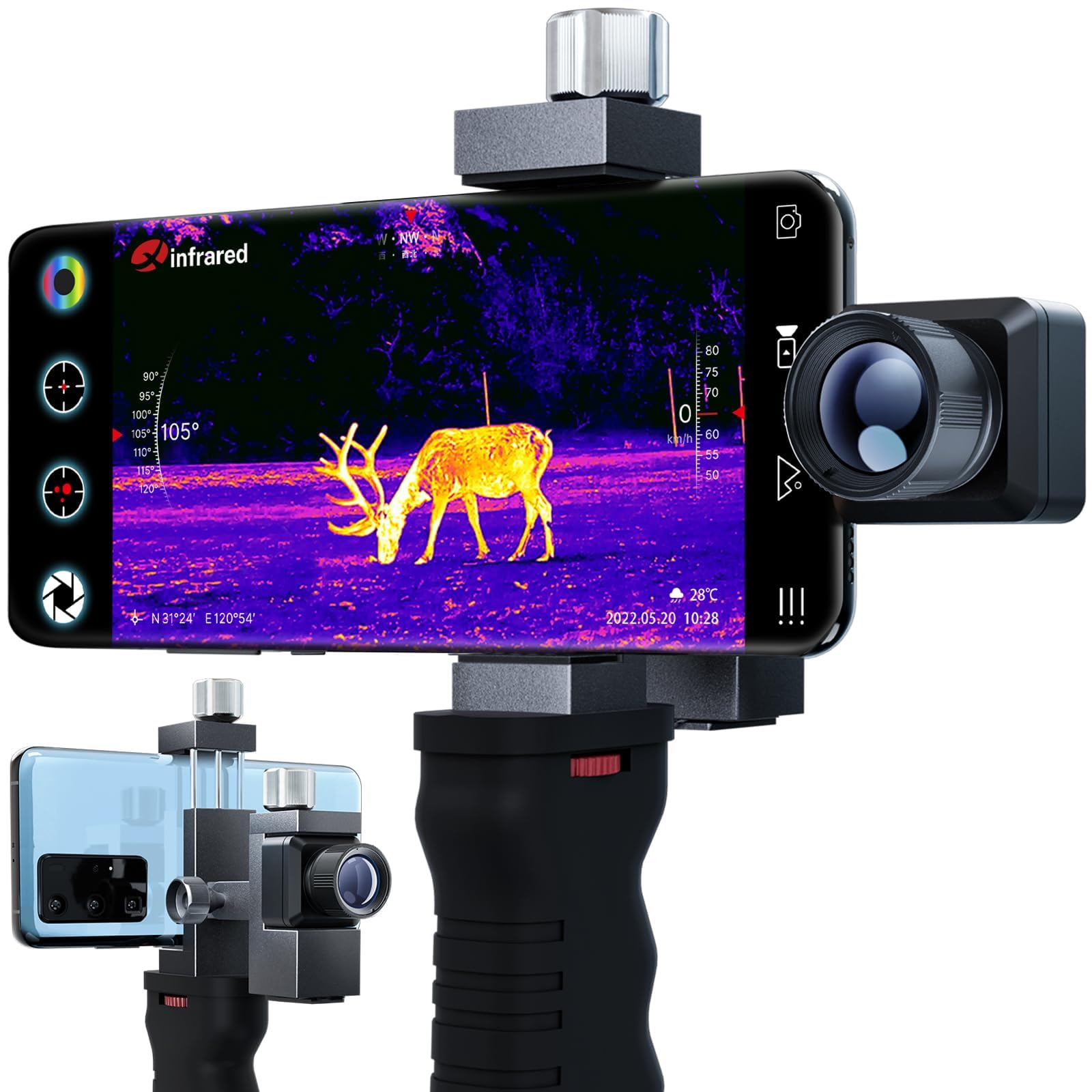
The Xinfrared T2 Pro is a compact thermal imaging accessory built around a smartphone display instead of a separate eyepiece. That keeps the hardware small and makes saving photos or video easier because your phone is already part of the setup.
Its 13 mm lens, manual focus, and up to 15x zoom give you more control than a basic fixed-view phone thermal module. The tradeoff is that you still have to manage the phone, app, connection, focus, and power draw as one system.
Buyer Feedback Snapshot
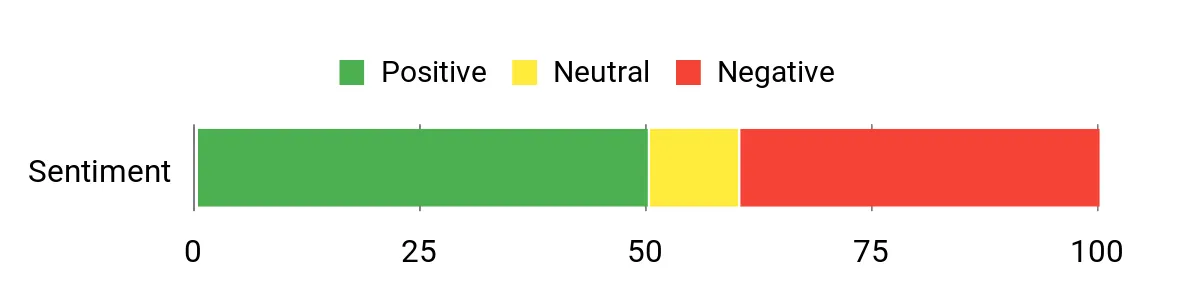
Existing feedback in the source article focuses on convenience, long-range heat detection, and easy recording through a phone. The same feedback also points to app polish and image refinement as the main areas where buyers may notice a gap versus more expensive dedicated thermal gear.
Overall Sentiment: Neutral
Design and Portability
The biggest design advantage is size. You can carry the T2 Pro without dedicating much pack space to a second screen or large monocular body. That is useful when you already carry a phone and only need thermal scanning as one part of a larger outdoor kit.
Thermal Performance and Range
The article lists a claimed deer detection distance of roughly 780+ yards. Treat that as a detection claim, not a promise that you will identify an animal clearly at the same distance. Target size, temperature contrast, weather, movement, and your ability to focus the image all affect what you can actually recognize.
The 15x zoom can help you inspect a smaller part of the image, but more zoom does not create extra thermal detail. For confident long-range identification, a dedicated unit with stronger native imaging and a purpose-built display may still be easier to use.
App and Phone Workflow
The phone workflow is one of the T2 Pro’s main reasons to buy. You can view the thermal image on a familiar screen and save or share clips without moving files from a separate monocular first.
Power and Battery Impact
The original draft described a rechargeable power source inside the T2 Pro, but the verified product information ties operating time to the connected phone’s battery. In practical terms, longer thermal sessions can reduce the battery you have left for maps, calls, photos, or emergency use.
Who Should Buy It?
Best For
- You want a compact thermal module instead of carrying a full-size dedicated monocular.
- You value phone-based recording and sharing for wildlife, campsite, or property checks.
- You are comfortable with manual focus, app setup, and checking device compatibility.
Skip If
- You need a completely self-contained thermal device with its own display and controls.
- You expect zoom alone to deliver premium long-range identification detail.
- You do not want your thermal session to depend on phone battery, app support, and connector compatibility.
Before You Buy: Confirm your exact iPhone model, connector, operating system, and Xinfrared app support. Also separate detection from identification: seeing a heat source at long range does not mean you can identify it with the same confidence.
How It Performs in Real Use
For Wildlife Scanning
The T2 Pro is most useful when your first goal is to find heat quickly, then move closer or use another optic for more detail. Manual focus gives you control, but you need a moment to dial it in, especially when switching between nearby cover and a distant field.
For Campsite and Perimeter Checks
A phone-based thermal view can help you scan around a campsite, outbuilding, or property edge without carrying another large device. The small size is the benefit here. For security decisions, use the thermal image as situational information rather than as your only way to identify a person, animal, or hazard.
For Recording and Sharing
This is where the smartphone design is strongest. You can capture thermal clips in the same device you already use for photos and messages, which is simpler than transferring files from some dedicated monoculars.
For Longer Sessions
Long observation sessions expose the main compromise. The phone is both your display and part of the power system, so screen use and thermal operation can compete with the battery you need for everything else. A dedicated thermal monocular is usually more convenient when continuous observation matters more than pack size.
Setup Tips Before First Use
- Install and open the companion app before you leave home so you are not troubleshooting software in the dark.
- Confirm the connector and phone fit with your normal case installed. A thick case can interfere with some plug-in accessories.
- Practice manual focus on targets at several distances so you know how much adjustment is needed.
- Keep your phone charged before a night outing because the thermal module depends on the connected phone for operation.
- Use a steady hand, support, or compatible tripod setup when you are trying to evaluate a small heat source at longer range.
Pro Tip: Do a five-minute setup test in daylight before each trip. Check the app, connector, focus, recording, and phone battery so you know the full workflow is ready before light fades.
Compatibility and Safety
For hunting or mounted use, follow the product instructions and all local rules that apply to thermal devices and hunting equipment. Do not attach or operate the unit in a way that blocks safe handling, normal controls, or your ability to identify a target by lawful and appropriate means.
Pros and Cons
Pros
- Very compact compared with a dedicated thermal monocular.
- Phone-based viewing makes saving and sharing clips straightforward.
- Manual focus helps you tune the image for different distances.
- Up to 15x zoom gives you flexible framing for scanning and inspection.
- Useful for wildlife spotting, campsite checks, and basic property observation.
Cons
- Compatibility depends on the phone, connector, operating system, and app.
- Long sessions use the same phone battery you may need for other tasks.
- Detection at long range should not be confused with detailed identification.
Is It Worth the Price?
The T2 Pro makes the most sense for buyers who value size and smartphone convenience more than a fully independent thermal platform. You are paying for a compact way to add thermal scanning to a phone-based field kit rather than for a premium standalone viewing experience.
How It Compares to Alternatives
The FLIR One Pro is the closer comparison if you want a phone accessory, especially for inspection work and image documentation. The ZEISS DTI 3/35 and Leica Calonox move in the other direction: they are purpose-built thermal devices for buyers who prioritize dedicated controls, field ergonomics, and more specialized observation.
FLIR One Pro
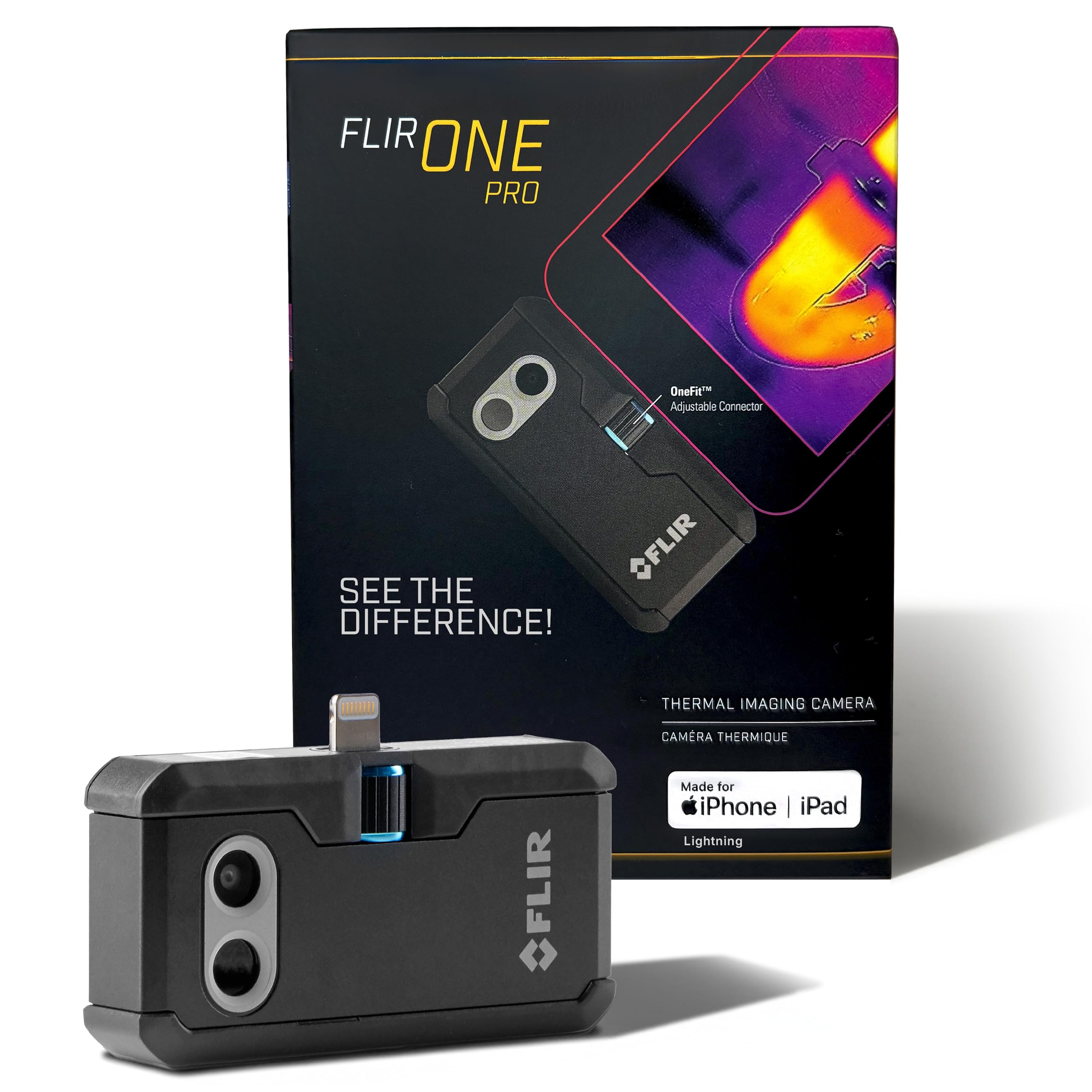
The FLIR One Pro is a compact phone-connected thermal camera aimed more at inspection and measurement than hunting. Its MSX and VividIR processing support image interpretation and documentation. The linked ASIN is the Lightning iOS version, so buyers with newer USB-C iPhones should confirm the correct connector version.
What People Say
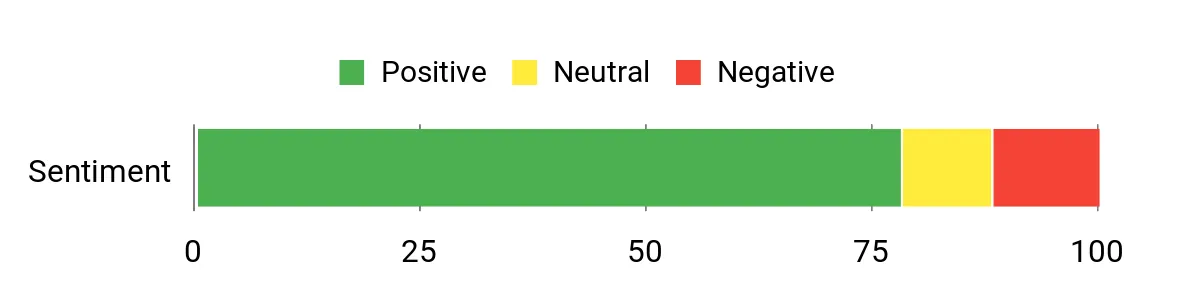
Customers commonly praise image clarity, portability, and the convenience of saving thermal images directly on a phone. Compatibility and connector fit remain the main practical checks before purchase.
Overall Sentiment: Positive
Key Benefits
- MSX image enhancement adds visible detail to thermal images for easier interpretation
- Super resolution improves the displayed image compared with the native thermal frame
- Small form factor makes it easy to keep in an inspection or travel kit
- Phone workflow supports quick capture, annotation, and sharing
Rating: 4.5 (total: 2,336)
ZEISS DTI 3/35
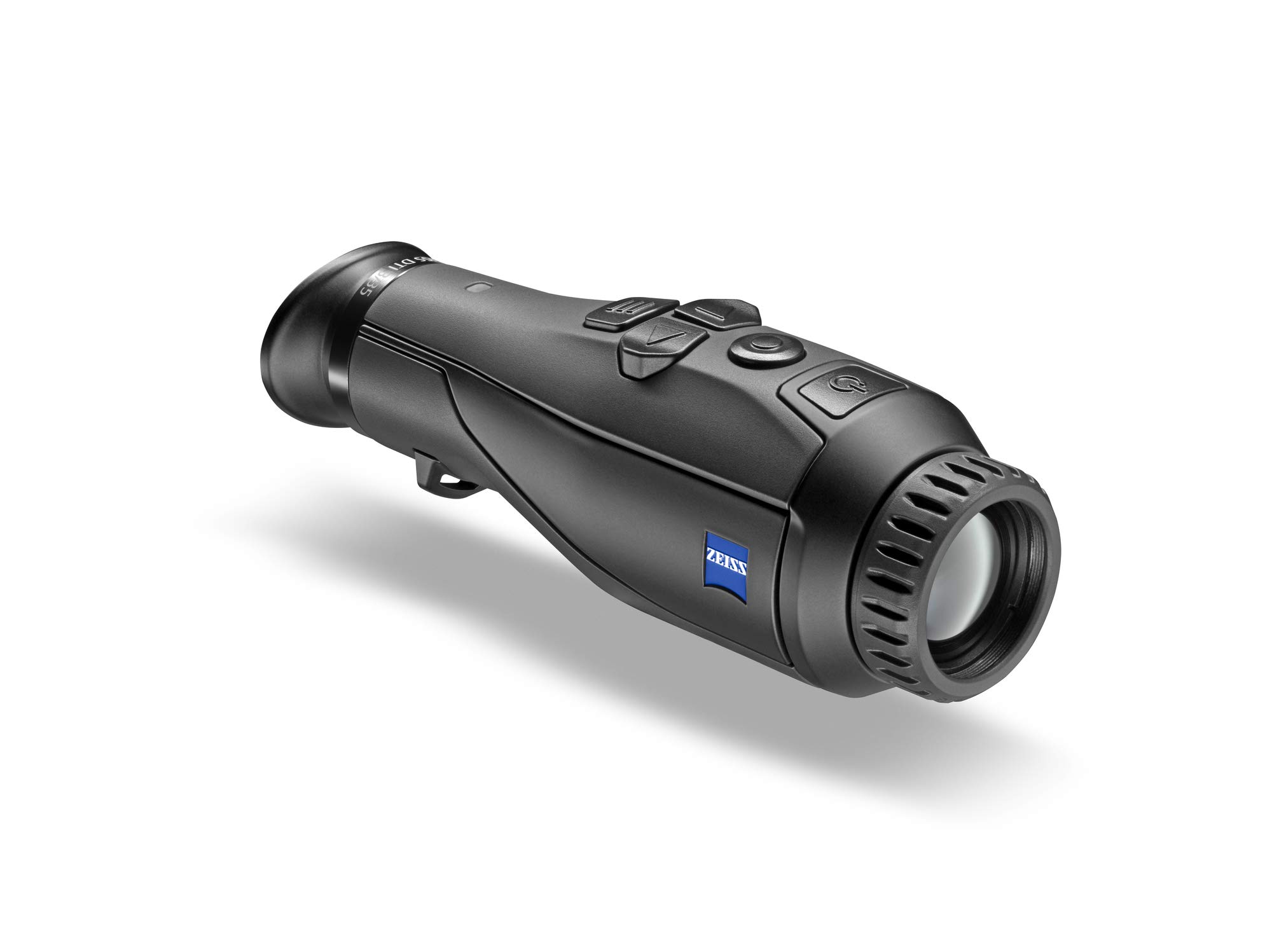
The ZEISS DTI 3/35 is a dedicated thermal monocular built for night hunting and wildlife observation. It gives you a self-contained display, glove-friendly ErgoControl layout, and fine zoom steps, so it is better suited to longer sessions than a phone accessory.
What People Say
Users often highlight image clarity, balanced ergonomics, and controls that are easy to find in the dark. It is a more focused field tool than the T2 Pro, so casual buyers may not need its dedicated design.
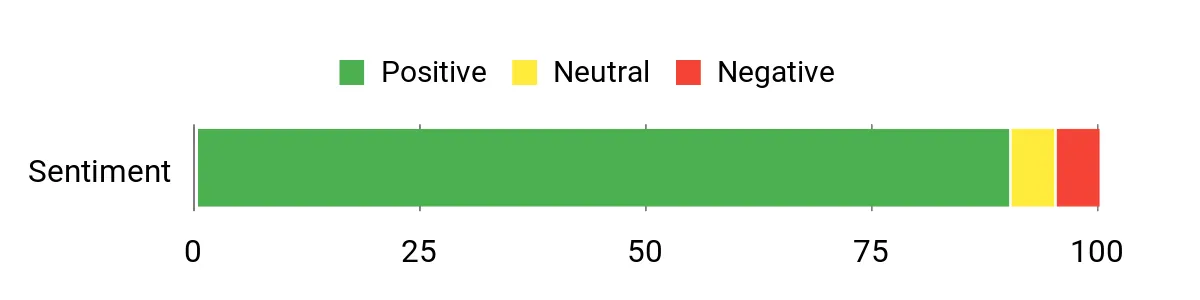
Overall Sentiment: Positive
Key Benefits
- Dedicated thermal display and field controls for self-contained use
- Designed for long-range hunting and wildlife observation
- ErgoControl layout supports use in dark or cold conditions
- Fine zoom increments give you more control over magnification
Leica Calonox
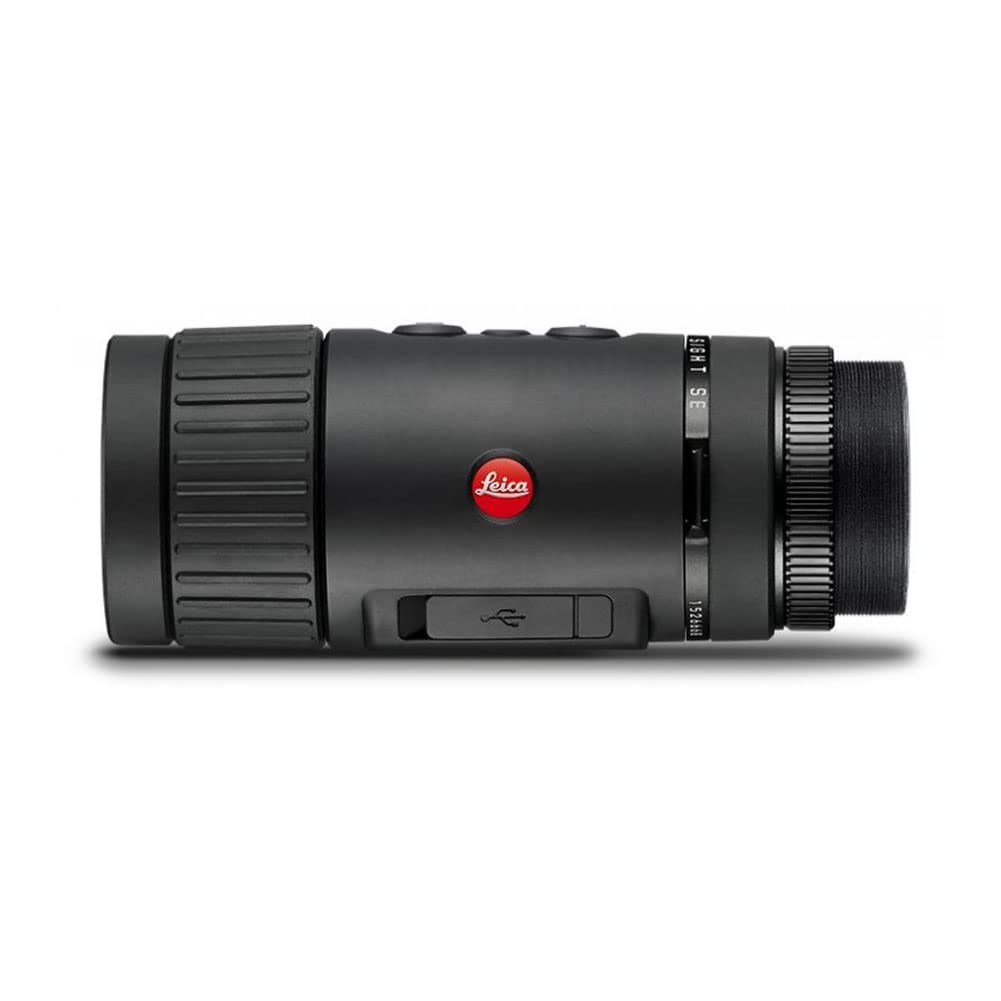
The Leica Calonox in this comparison is a premium thermal device built around high-contrast imaging and scope-oriented use. Its 1x optical setup and simple control approach make more sense for buyers who want a purpose-built hunting system rather than a phone attachment.
What People Say
Existing feedback in the source article emphasizes image quality, contrast, simple controls, and fit with hunting optics. That makes it attractive to a specialized buyer, but it is more equipment than you need for casual campsite scanning.
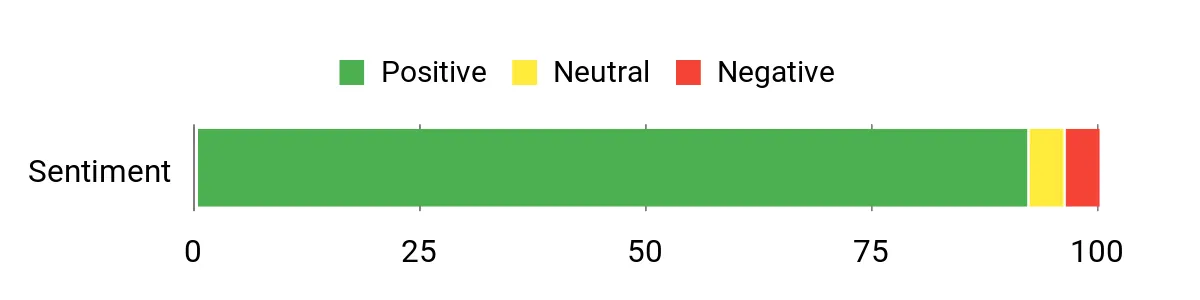
Overall Sentiment: Positive
Key Benefits
- High-contrast thermal image designed for field observation
- Protected rechargeable battery in the dedicated Leica unit
- Simple control layout for focused field use
- Designed to integrate with compatible hunting optics
Rating: 5.0 (total: 1)
Customer Preferences
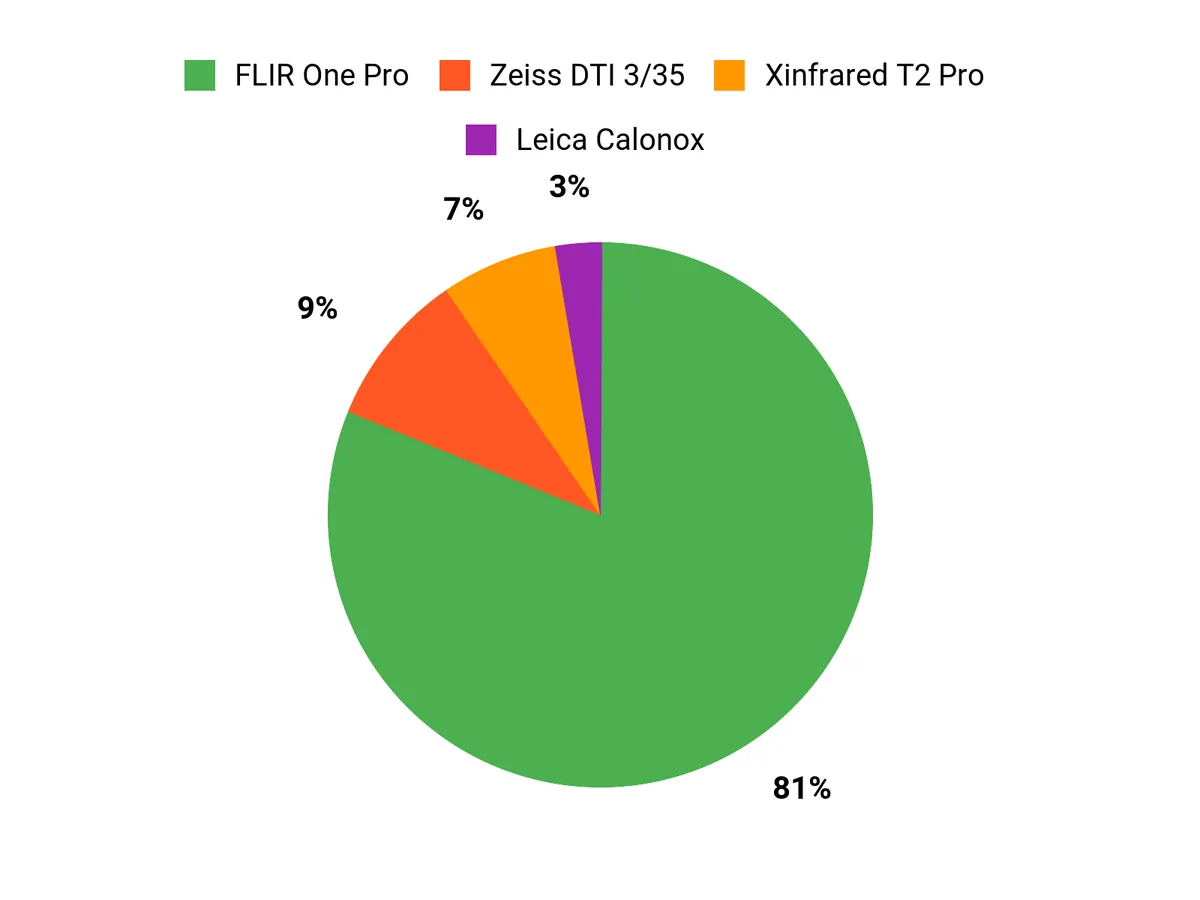
Your choice comes down to how much you value phone convenience versus a dedicated viewing system. The Xinfrared T2 Pro and FLIR One Pro suit buyers who want a compact module and easy file sharing, while the ZEISS and Leica options make more sense when dedicated controls, longer observation sessions, and hunting-focused ergonomics matter more.
Side-by-Side Comparison
| Product Name | Image | Rating | Magnification | Objective Lens Diameter | Battery Type |
|---|---|---|---|---|---|
| Xinfrared T2 Pro Thermal Night Vision Monocular |
|
Not reverified on Amazon US during this refresh | 15x | 13 mm | Powered through the connected phone |
| Flir One Pro Thermal Imaging Camera |
|
4.5/5 (2,336 reviews) | 1x (Thermal imaging) | N/A | 1 Lithium Polymer battery |
| Zeiss DTI 3/35 Thermal Imaging Monocular |
|
Not reverified on Amazon US during this refresh | N/A (High precision zoom, 0.5x increments) | N/A | N/A |
| Leica Calonox Thermal Imaging Monocular |
|
5.0/5 (1 review) | 1x | 42 mm | Rechargeable battery |
Frequently Asked Questions
Is the Xinfrared T2 Pro compatible with every iPhone?
Do not assume universal compatibility. Confirm your exact iPhone model, connector, operating system, and the current Xinfrared app requirements before buying.
Does the T2 Pro have its own rechargeable battery?
The verified product information ties operating time to the battery of the connected smartphone. Plan for phone power use during longer sessions instead of treating the T2 Pro like a self-powered dedicated monocular.
Can it really detect a deer at more than 780 yards?
The article and product materials cite a deer-size detection claim around that distance. Detection means noticing a heat signature, not necessarily identifying the animal clearly, and real results change with weather, contrast, focus, and target size.
Is 15x zoom the same as more thermal resolution?
No. Zoom enlarges the view you already have, but it does not create new thermal detail. At long range, native image quality and focus still matter more than the zoom number alone.
Is the T2 Pro better than the FLIR One Pro?
They serve different priorities. The T2 Pro is positioned more toward outdoor spotting and longer-distance viewing, while the FLIR One Pro is stronger for phone-based inspection, temperature work, and documentation.
Who should choose a ZEISS or Leica thermal device instead?
Choose a dedicated unit if you want a self-contained display, purpose-built controls, and a device designed for longer field observation. You carry more hardware, but you are less dependent on a phone and app.
What is the most common setup mistake?
The easiest mistake is waiting until dark to test the full setup. Check the app, connector, phone case fit, focus, recording, and battery before you leave so you are not solving compatibility problems in the field.
The Bottom Line
The Xinfrared T2 Pro is a practical choice if you want a compact, phone-based thermal scanner for wildlife spotting, campsite checks, and quick recording. Skip it if you want a fully self-contained system or expect premium long-range identification, because phone dependence and image limits are the main tradeoffs.
