


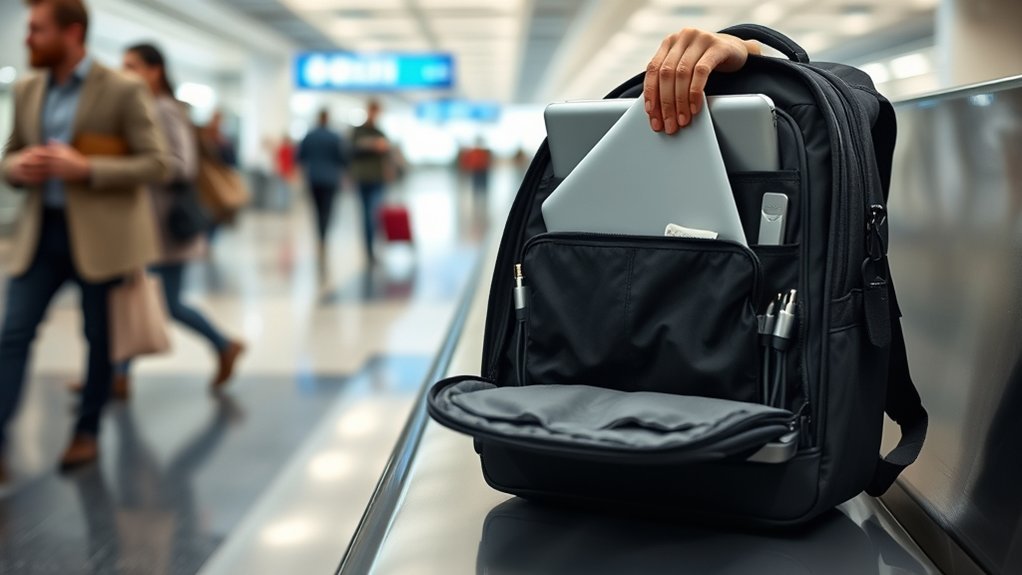
To keep your laptop safe in your backpack during flights, invest in a well-padded bag with a dedicated compartment. Use a snug-fitting protective sleeve to prevent jostling. Always power down your laptop completely before packing to avoid overheating. Keep your backpack in sight in crowded areas to deter theft, and attach a unique tag for easy identification. Following these simple steps can help guarantee your device’s safety, and you’ll find more tips to further protect your tech.
Assessing the Need for a Laptop on Your Trip

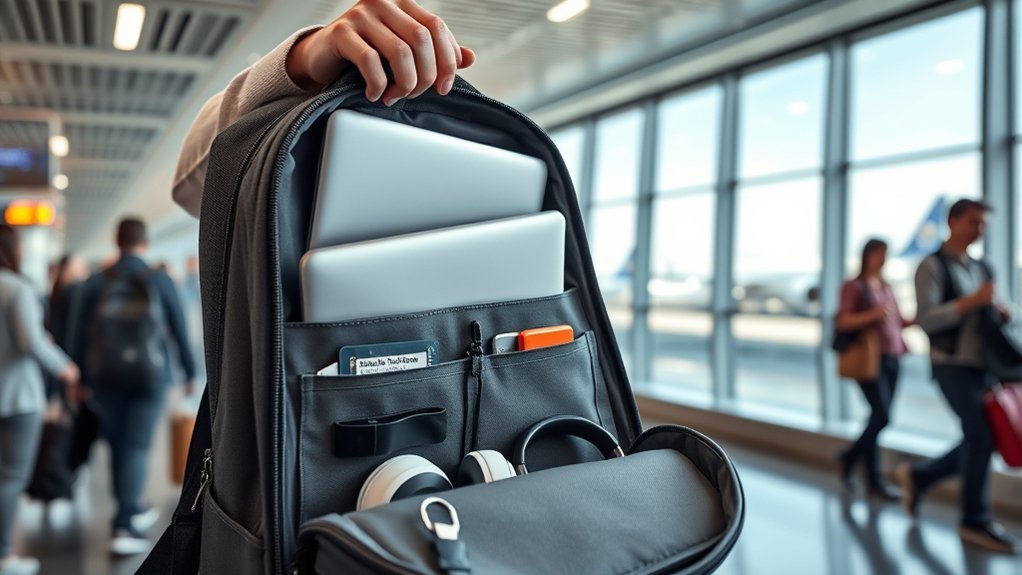
Have you ever thought about whether you really need your laptop on a trip? Before packing, consider if it’s essential. Leaving it at home can lighten your load and reduce travel hassle. Weigh the convenience of having your laptop against potential risks, like damage while traversing multiple cities or struggling with public transport. If you choose to bring one, opt for a lightweight model, such as the MacBook Air M2, which weighs just 2.7 pounds.
Examine the security of your accommodation, too; budget hotels and hostels often lack safe storage, increasing theft risks. Finally, think about access to power sources and internet connectivity at your destination. If you can’t guarantee the essentials, it might be better to unplug and embrace the freedom of travel without the tech burden. By evaluating these factors, you can make a decision that enhances your travel experience.
Choosing the Right Laptop Backpack
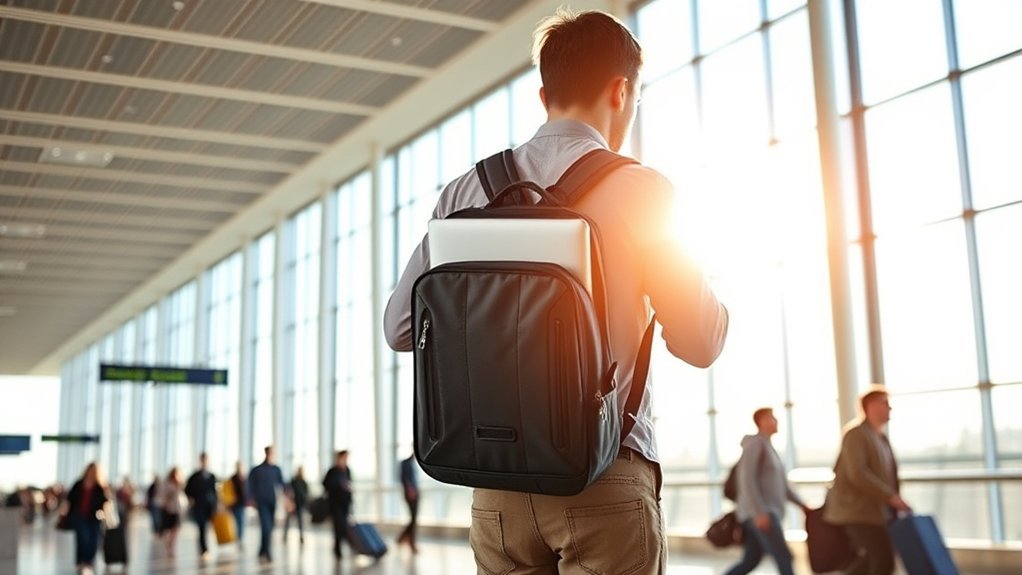
When selecting the right laptop backpack for your travels, prioritize a few key features that guarantee both protection and convenience. First, look for a dedicated, padded laptop compartment that snugly fits your device, preventing any movement during travel. You’ll also want thick, solid padding on the outside and inside walls, particularly at the bottom, to safeguard against drops and impacts.
Security is essential, so opt for backpacks with anti-theft elements like combination locks and cut-proof fabric. This extra layer of protection gives you peace of mind on the go. Choose a streamlined, compact design that fits easily under airplane seats, ensuring you can access your laptop quickly during security checks or in-flight use.
Lastly, make sure the backpack has comfortable shoulder straps. This will help alleviate discomfort, especially when you’re carrying a heavier laptop during extended travel. Your journey should feel liberating, not burdensome!
Packing Your Laptop Properly
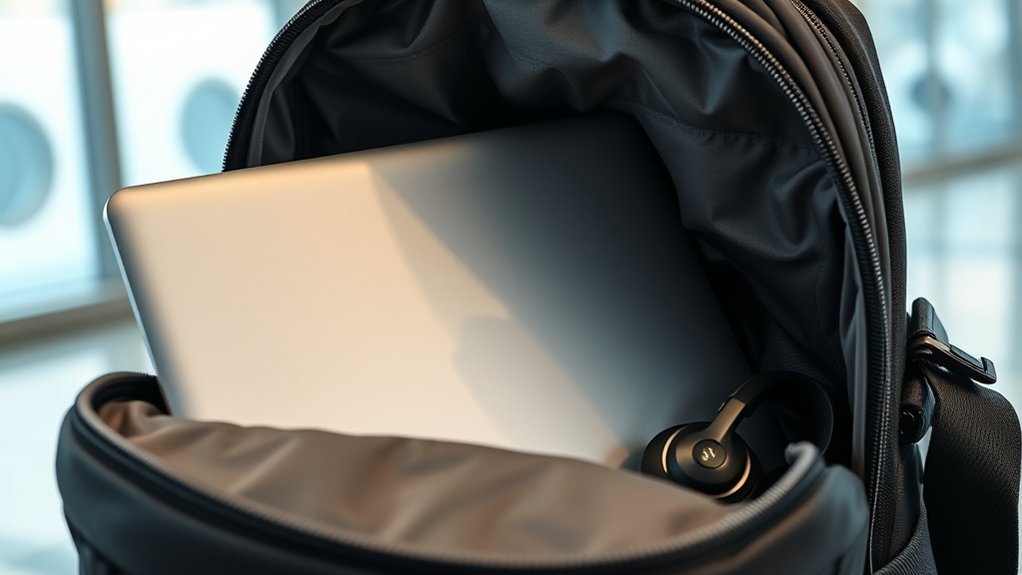
To keep your laptop safe during flights, start by packing it in a padded sleeve for extra protection. Organize your accessories efficiently around it, ensuring nothing jostles against your device. This thoughtful arrangement makes it easier to access your laptop while also safeguarding it from bumps and drops.
Use Padded Sleeves
Investing in a high-quality padded sleeve for your laptop is essential for ensuring its safety during flights. A sleeve specifically designed for laptops provides vital cushioning against drops and bumps, which can be common when traveling. Make sure the sleeve fits your laptop snugly to minimize movement, safeguarding against screen cracks and internal damage. When you pack, always place your laptop in the padded sleeve before putting it in your backpack for added protection from external pressure. Opt for a sleeve with water-resistant properties to shield your device from moisture in unpredictable weather. Additionally, consider a sleeve that doubles as a workspace, allowing you to set up your laptop on any surface without risking damage.
Organize Accessories Efficiently
Keeping your laptop accessories organized is essential for a smooth travel experience. Utilize dedicated compartments in your backpack designed for laptops to guarantee a snug fit, preventing unnecessary movement. Store all accessories—like power cords and peripherals—in separate pockets to minimize tangling and make them easy to access. Avoid overstuffing your bag; a comfortable fit protects your laptop’s surface from pressure damage. Elevate the laptop compartment off the ground while packing for added safety against impacts. Consider using packing organizers, such as packing cubes, to keep everything neat and reduce the risk of scratches or damage. By organizing efficiently, you’ll not only protect your gear but also enjoy a hassle-free journey.
Essential Laptop Travel Accessories
When you’re traveling with your laptop, having the right accessories can make all the difference in guaranteeing a smooth journey. Start with an international electrical plug adapter, as countries vary in plug configurations. A universal adapter is even better, accommodating multiple plug types for hassle-free charging.
Next, invest in a durable laptop sleeve or case. This extra layer of protection guards against drops and impacts, keeping your device safe. Consider adding a portable laptop stand to your travel gear; it promotes better posture and reduces strain while you work on the go.
Lastly, choose a high-quality protective backpack with a dedicated laptop compartment. This guarantees your laptop is securely cushioned and easily accessible during flights. By equipping yourself with these essential accessories, you’ll travel with confidence, knowing your laptop is protected and ready for use whenever you need it.
Keeping Your Laptop Secure During Travel
Traveling with your laptop requires more than just the right accessories; it’s about ensuring your device remains secure throughout the journey. Start by packing your laptop in a well-padded backpack with a dedicated compartment. This snug fit minimizes movement and protects against impacts. Always power down your laptop completely before placing it inside; this helps prevent overheating and extends its lifespan. For extra security, use a protective sleeve or case, even within the padded compartment—this shields your device from drops, spills, and scratches.
While traveling, keep your backpack within sight, especially in crowded areas like airports, to avoid theft or accidental damage. Finally, attach a unique luggage tag to your backpack. This makes it easily recognizable, reducing the risk of it being mistaken for someone else’s bag. With these steps, you can travel confidently, knowing your laptop is secure and protected.
Tips for Navigating Airport Security With Your Laptop
Maneuvering through airport security with your laptop can be a smooth process if you’re prepared. First, remember to remove your laptop from your backpack and place it in a separate bin for TSA screening. This step is essential, as all laptops must be screened independently. If you travel frequently, consider enrolling in TSA PreCheck, which lets you keep your laptop in your bag, speeding up the process.
While TSA doesn’t limit the number of laptops you can carry, check with your airline for any specific regulations. Familiarize yourself with the security procedures at your departure airport to avoid delays. If you’re unsure about anything, don’t hesitate to ask TSA agents for assistance. Finally, back up important documents and secure personal information, as customs may search electronics upon arrival. Being prepared not only eases your journey but also guarantees your laptop remains safe and sound.
Protecting Your Data While Traveling
While you might be excited about your trip, ensuring your laptop’s data is secure should be a top priority. Start by making sure your laptop is password-protected. This simple step can keep unauthorized eyes away from your sensitive information. Before you head out, back up important files using cloud storage or an external hard drive; this way, you won’t lose anything vital if your laptop goes missing or gets damaged.
Installing reputable antivirus software is essential, and consider encrypting your hard drive for added protection against malware. When using public Wi-Fi, always connect through a VPN to safeguard your internet activity from hackers. Additionally, explore theft recovery software to help track your laptop if it’s lost or stolen. Finally, investing in travel insurance that covers laptop theft can give you peace of mind, allowing you to focus on enjoying your journey.
Frequently Asked Questions
Can I Use a Laptop During a Flight?
Yes, you can use a laptop during a flight. Just make sure to follow the airline’s rules, switch it to airplane mode, and be mindful of your surroundings while enjoying your work or entertainment.
What Should I Do if My Laptop Gets Damaged During Travel?
If your laptop gets damaged during travel, document the damage with photos, report it to the airline or insurance, and check warranties. You’ve got options, so don’t despair—solutions are there waiting for you!
Are There Restrictions on Laptop Battery Sizes for Flights?
Yes, airlines often restrict lithium-ion batteries over 100 watt-hours. You should check your laptop’s battery specs before flying. Keeping your device below this limit guarantees a smoother journey and fewer worries at security checkpoints.
How Do I Handle My Laptop if I Miss My Connecting Flight?
If you miss your connecting flight, grab your laptop and head to the nearest airline desk. They’ll help you rebook. Keep your laptop secure while waiting, and make certain it’s easily accessible for security checks.
Can I Bring Additional Electronics Besides My Laptop in My Backpack?
Yes, you can bring additional electronics in your backpack, like tablets or e-readers. Just make certain they’re easily accessible for security checks, and consider their weight to avoid overloading your bag during travel.
Conclusion
To sum up, keeping your laptop safe during flights is all about preparation and smart choices. For instance, imagine a traveler named Sarah who secured her laptop in a padded compartment, used a TSA-friendly backpack, and backed up her data before her trip. When her bag was accidentally dropped at the airport, her laptop emerged unscathed, allowing her to continue working stress-free. By following these steps, you can protect your tech and enjoy your travels without worry.