


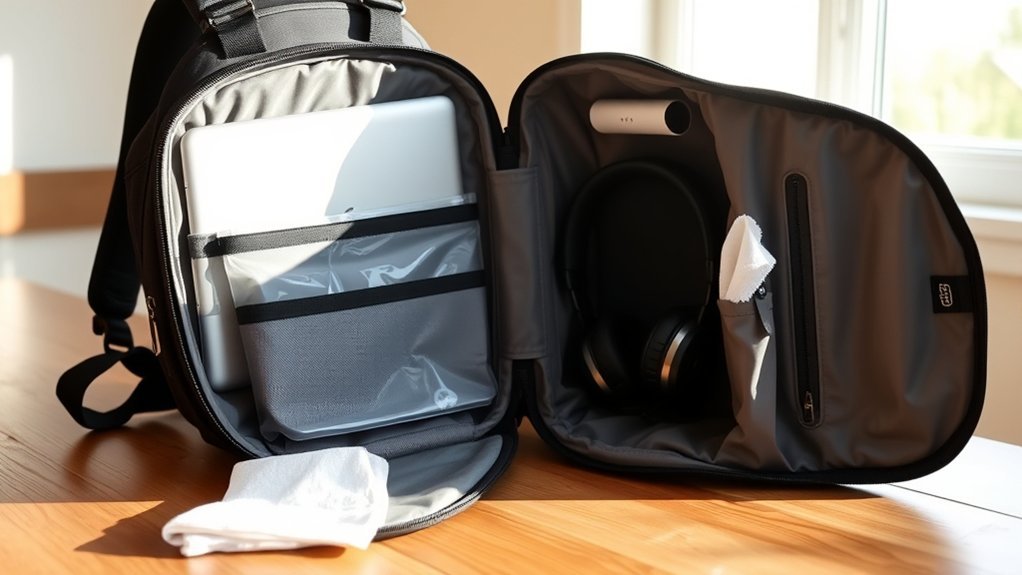
To protect your electronics in a backpack, start by choosing one with padded compartments and weather-resistant materials. Use laptop sleeves for extra cushioning. Organize your bag by keeping heavier items close to your back and separating liquids from devices. Prepare for unexpected weather with waterproof gear like rain covers. Stay alert in crowded areas to reduce theft risk and implement digital security measures. Keep your gear well-maintained. There’s more you can learn about effective protection methods.
Choose the Right Backpack for Your Electronics

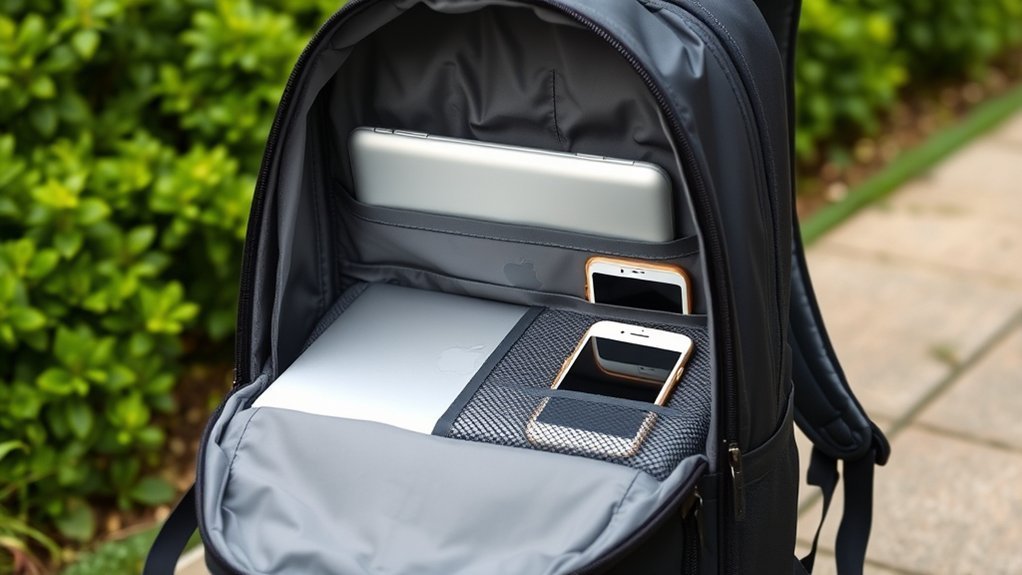
Choosing the right backpack for your electronics is vital to keeping your devices safe and secure. Look for a backpack specifically designed for electronics, featuring dedicated padded compartments that isolate your devices from other items. This padding absorbs shocks from bumps and drops, providing a significant layer of protection.
High-density foam padding and suspended compartments create buffer zones that safeguard against falls and impacts. Weather-resistant materials like polyester or nylon with PU or DWR coatings shield your gear from moisture during unexpected weather changes.
Additionally, verify your backpack has multiple organizational pockets for accessories. This prevents clutter and minimizes the risk of scratching your devices. Finally, check that the backpack is adequately sized for all your electronics. Overcrowding can lead to accidental damage, so prioritize space for each item. With the right backpack, you’ll liberate yourself from worry and enjoy your devices freely.
Utilize Laptop Sleeves for Added Protection
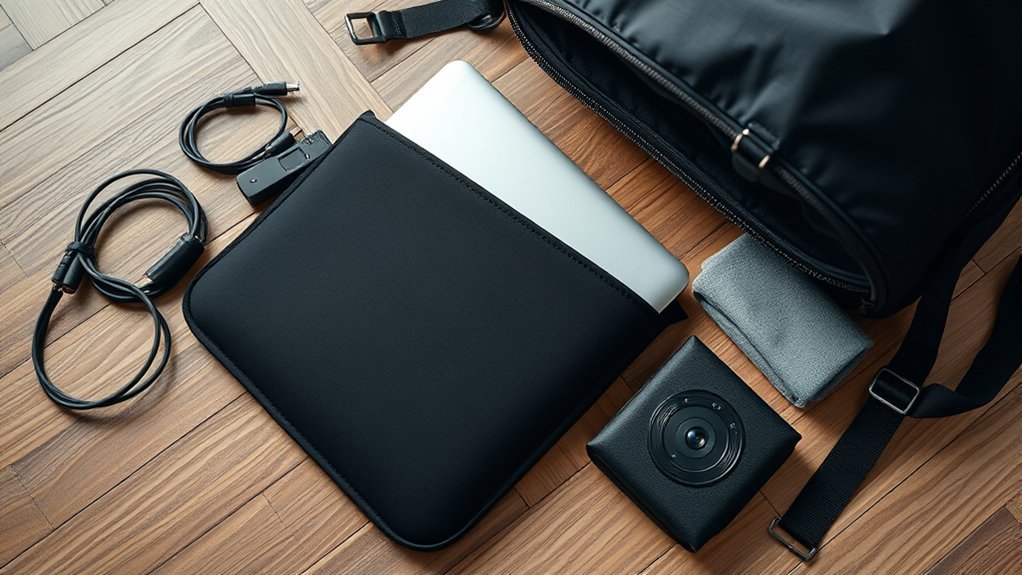
A laptop sleeve is an essential accessory for anyone serious about protecting their device while on the go. It acts as a second layer of protection, absorbing shocks and safeguarding vulnerable corners during drops. To maximize the benefits of a laptop sleeve, consider the following:
- Proper Fit: A snug fit enhances shock absorption and prevents your laptop from moving around.
- Material Matters: Opt for sleeves made from durable materials like neoprene or padded fabric for added protection.
- Compatibility: Verify your sleeve works well with your backpack for easy transport and organization.
Using a laptop sleeve alongside a padded backpack creates a formidable barrier against scratches, scuffs, and minor spills. By prioritizing these aspects, you can liberate yourself from worries about damage, allowing you to focus on what truly matters—your work and adventures.
Organize Your Bag for Safe Transport
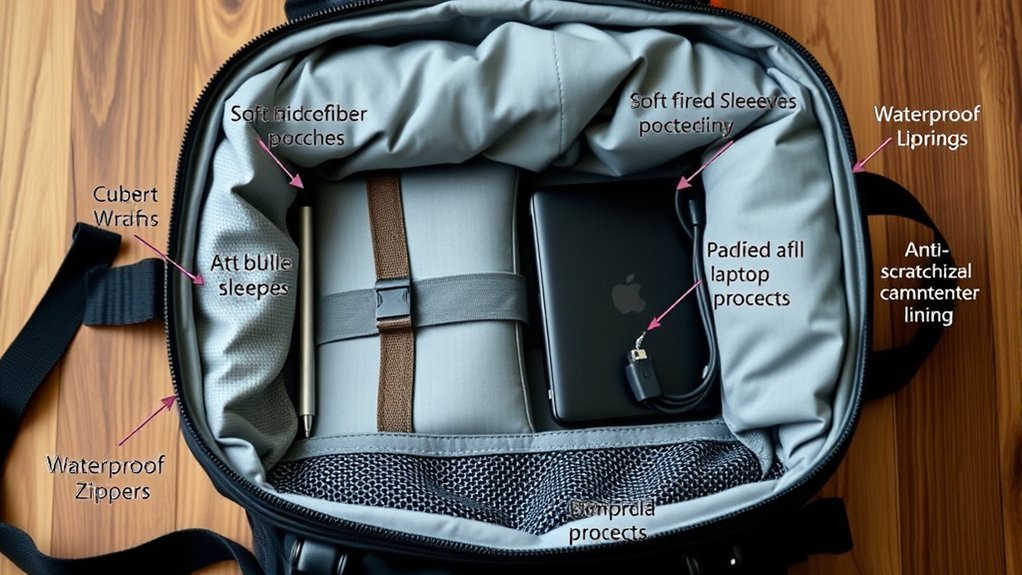
Effective organization in your backpack is essential for protecting your electronics during transport. Use dedicated compartments to keep your devices isolated from other items, reducing the risk of scratches and damage. Place heavier items closest to your back to maintain proper weight distribution, which minimizes strain while you carry your bag.
Keep liquids and hard objects separate from your laptop by utilizing multiple pockets. This guarantees a hazard-free environment for your devices. Regularly reassess your packing methods—adjusting the organization of your bag can maintain ease of access and minimize clutter around your electronics.
Consider using small pouches or tech organizers to neatly arrange charging cables and accessories. This prevents tangling and enhances overall organization, making it easier for you to grab what you need when you’re on the go. By staying organized, you’ll enjoy peace of mind knowing your electronics are well-protected.
Prepare for Weather With Protective Gear
When you’re out and about, having the right protective gear is essential for your electronics. Consider using a waterproof backpack or carrying a rain cover to safeguard against unexpected showers. Opt for weather-resistant materials to guarantee your devices stay dry, no matter the conditions.
Waterproof Backpacks Benefits
Investing in a waterproof backpack can be a game-changer for anyone who frequently travels or enjoys outdoor activities, as it provides essential protection for your electronics against unexpected weather. Here are a few benefits you’ll gain:
- Durable Materials: Waterproof backpacks use water-resistant nylon or polyester, ensuring your gear stays dry during rain or spills.
- Added Protection: Features like sealed zippers and rain covers offer extra defense against heavy downpours.
- Cost-Effective: Preventing damage to your electronics can save you money in the long run, especially during unpredictable weather.
Regular maintenance, such as inspecting and cleaning the coatings, keeps your backpack effective. With a waterproof backpack, you can confidently embrace the elements without worrying about your valuable devices getting soaked.
Rain Covers Essentials
To keep your electronics safe from sudden downpours, having a reliable rain cover for your backpack is essential. These covers create a waterproof barrier, shielding your gear from moisture during unexpected weather changes. While many premium backpacks come with built-in rain covers, regularly inspecting and maintaining them guarantees they remain effective. Make certain your rain cover fits your backpack well for maximum protection. Look for features like adjustable straps and lightweight materials to avoid adding bulk. For extra peace of mind, consider pairing your rain cover with dry bags, which provide full waterproof capabilities even if submerged. With the right rain cover, you can confidently navigate the elements without risking your valuable electronics.
Weather-Resistant Materials Choices
Choosing a backpack made from weather-resistant materials is essential for protecting your electronics during unpredictable weather. Look for options crafted from durable polyester or nylon, often treated with PU or DWR coatings to repel light rain. To enhance moisture protection, consider backpacks with sealed zippers.
Here are key features to prioritize:
- Robust waterproofing: Ideal for destinations with unpredictable weather.
- Additional barriers: Use rain covers or dry bags for extra protection.
- Regular maintenance: Inspect and maintain waterproof features to guarantee they remain effective.
Stay Aware of Your Surroundings
Stay aware of your surroundings to keep your electronics safe. Always secure your backpack in crowded places and watch for potential theft tactics, like someone trying to unzip your bag unnoticed. By observing your environment and being mindful, you can greatly reduce the risk of losing your valuable gear.
Observe Your Environment
Being aware of your surroundings is essential for protecting your electronics while on the go. Staying vigilant helps you spot potential theft risks and take action before anything happens. Here are some tips to enhance your situational awareness:
- Avoid distractions like your phone in crowded areas.
- Keep your backpack close—on your lap or secured to your body.
- Regularly scan your environment for suspicious behavior.
Secure Your Belongings
While maneuvering through crowded spaces, securing your belongings becomes essential to prevent theft. Always keep your backpack in sight or maintain physical contact with it. This simple action greatly reduces your risk of losing valuable items. Stay alert to your surroundings; watch for potential threats, like individuals loitering near your backpack. Never leave your bag unattended, as busy areas can attract opportunistic thieves. When resting your backpack, use secure spots like under your seat or between your feet to keep it close. Remember, being aware and proactive is your best defense. By taking these precautions, you can enjoy your day without the constant worry of theft, allowing you the freedom to explore with peace of mind.
Recognize Theft Tactics
How can you effectively protect your belongings in crowded spaces? Staying aware of your surroundings is key. Thieves often use distractions or groups to isolate their targets. Recognizing common theft tactics can make a significant difference:
- “Snatch and run”: A quick grab and dash.
- “Unzip and go”: Quietly opening your bag to steal items.
- Maintain contact: Keep your backpack close, as thieves avoid those who actively monitor their belongings.
When you’re not using your backpack, place it securely on your lap or a stable surface. Educate yourself on local crime trends to enhance your situational awareness. By staying vigilant and informed, you can safeguard your electronics and belongings from potential theft.
Implement Digital Security Measures
To keep your electronics secure, implementing robust digital security measures is essential. Start by using strong, unique passwords for all your devices and accounts; aim for at least 12 characters that include letters, numbers, and symbols. Enable encryption on your devices to safeguard sensitive data, ensuring it remains inaccessible if lost or stolen. Regularly back up important files to a secure cloud service or external hard drive to minimize data loss.
Utilize a Virtual Private Network (VPN) when connecting to public Wi-Fi, protecting your personal information from hackers. Finally, keep your software and operating systems updated to patch vulnerabilities.
| Measure | Action | Benefit |
|---|---|---|
| Strong Passwords | Use 12+ characters | Reduces unauthorized access |
| Device Encryption | Enable on all devices | Protects data if lost |
| Regular Backups | Use cloud or external storage | Minimizes data loss |
| VPN Usage | Connect to public Wi-Fi securely | Safeguards personal information |
Maintain Your Electronics Regularly
Maintaining your electronics regularly is essential for ensuring their longevity and performance. It’s not just about keeping them clean; it’s about being proactive. Here are some practical steps you can take:
- Clean your laptop and backpack to remove dust and debris, preventing scratches and performance issues.
- Inspect your backpack for wear and tear regularly, ensuring the padding and compartments are intact to protect your devices.
- Establish a routine for checking your electronics before and after travel to catch any potential damage early.
Additionally, practice disciplined cable management to avoid tangles and pressure on your devices. Don’t forget to back up your data periodically; this protects against potential loss from accidents. By making these practices a habit, you empower yourself to keep your electronics in peak condition, freeing you to focus on what really matters—your adventures!
Engage With the Community for Tips and Tricks
Have you ever wondered how fellow travelers keep their electronics safe on the go? Engaging with the community is a great way to gather tips and tricks. Share your experiences in the comments, and let’s create a supportive space for insights. Discussing protective sleeves or cases for your devices can lead to valuable recommendations.
Organizing cables and accessories is essential to prevent tangling and damage. Connect with others about their innovative packing methods that protect electronics from environmental factors.
Here’s a quick overview of topics to discuss:
| Topic | Suggestions | Community Favorites |
|---|---|---|
| Protective Gear | Sleeves, Cases, Padding | |
| Cable Management | Ties, Pouches, Organizers | |
| Waterproofing Solutions | Products, DIY methods |
Engage with your fellow travelers and discover what works best for everyone!
Frequently Asked Questions
What Types of Materials Are Best for Padded Tech Organizers?
For padded tech organizers, choose materials like neoprene, foam, or ballistic nylon. These provide durability, cushioning, and water resistance, ensuring your electronics stay safe and secure while you’re on the go.
How Can I Clean My Electronics Before Packing Them?
You can clean your electronics by using a microfiber cloth lightly dampened with water or a gentle cleaning solution. Avoid excess moisture, and make sure they’re completely dry before packing them away to prevent damage.
Should I Remove Batteries From Devices Before Traveling?
Yes, you should remove batteries from devices before traveling. It prevents corrosion and leaks that could damage your electronics. Plus, it lightens your load, making your journey smoother and more enjoyable. Keeping things simple matters!
How Do I Prevent Overheating During Travel?
Keep your devices in well-ventilated areas and avoid direct sunlight. Turn them off during long waits, and use insulated sleeves. You’ll help prevent overheating and guarantee your electronics stay functional throughout your travels.
Are There Specific Brands Recommended for Protective Cases?
For protective cases, check out brands like OtterBox, Pelican, and Incase. They offer unbeatable durability and style. You’ll feel like a tech superhero with your gear safe from drops, scratches, and the elements!
Conclusion
By following these easy steps, you can keep your electronics safe while on the go. Choosing the right backpack, using sleeves, and staying organized are essential for protection. Don’t forget to prepare for the weather and stay aware of your surroundings. Implementing digital security measures and maintaining your devices regularly will extend their lifespan. Engaging with others in the community can provide you with additional tips. With these strategies, you’ll guarantee your gear remains secure and functional.