


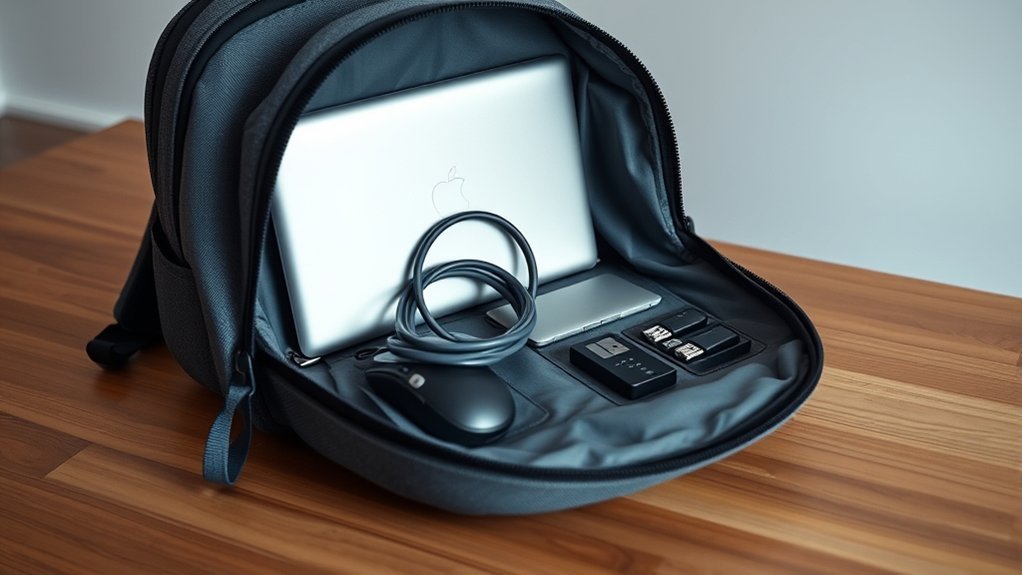
To pack your laptop in a carry-on backpack, start by using a padded sleeve for protection. Choose a backpack with a dedicated, well-padded compartment for easy access during TSA checks. Keep your charger in a separate pocket to minimize pressure on your laptop. Organize cables with packing cubes and avoid overstuffing bags. Remember to secure your backpack in crowded areas to prevent theft. There are more tips and accessories that’ll guarantee a smooth travel experience, too.
TSA Laptop Rules

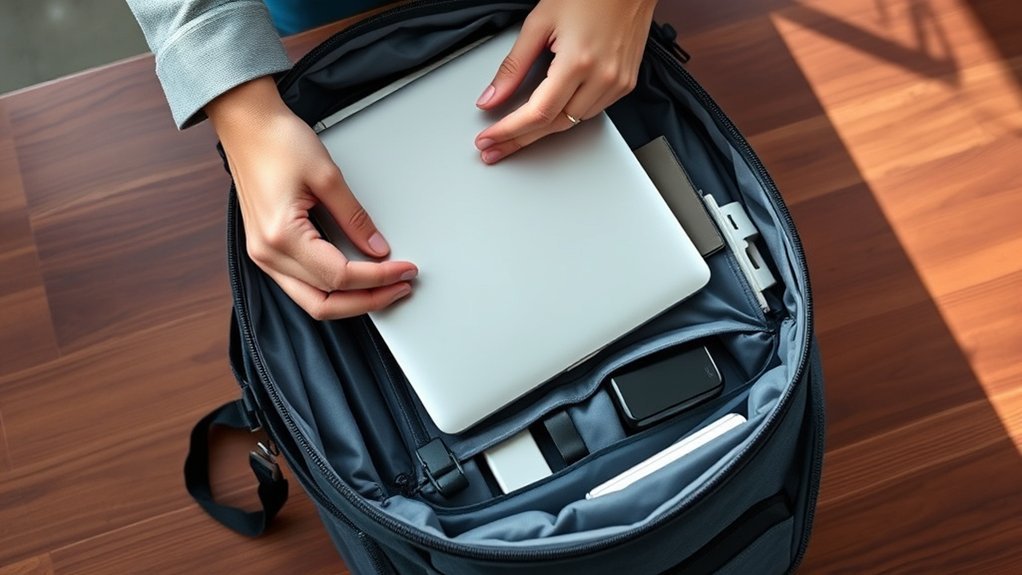
When you’re heading to the airport, knowing the TSA laptop rules can make your journey smoother. First off, you’ll need to remove your laptop from your carry-on bag for X-ray screening unless you’ve got TSA PreCheck. This program allows you to keep your laptop tucked away, giving you more freedom as you breeze through security.
Laptops are welcome on both domestic and international flights, so pack yours confidently in your carry-on. Chargers? They can stay in your bag, simplifying the screening process even further. However, steer clear of packing your laptop in checked luggage; it’s prone to damage and mishandling by baggage handlers. Staying up-to-date with TSA guidelines guarantees you’ll glide through security without a hitch. By knowing these essential rules, you’re empowering yourself to travel freely and efficiently, making your airport experience all the more enjoyable.
Packing Your Laptop Properly
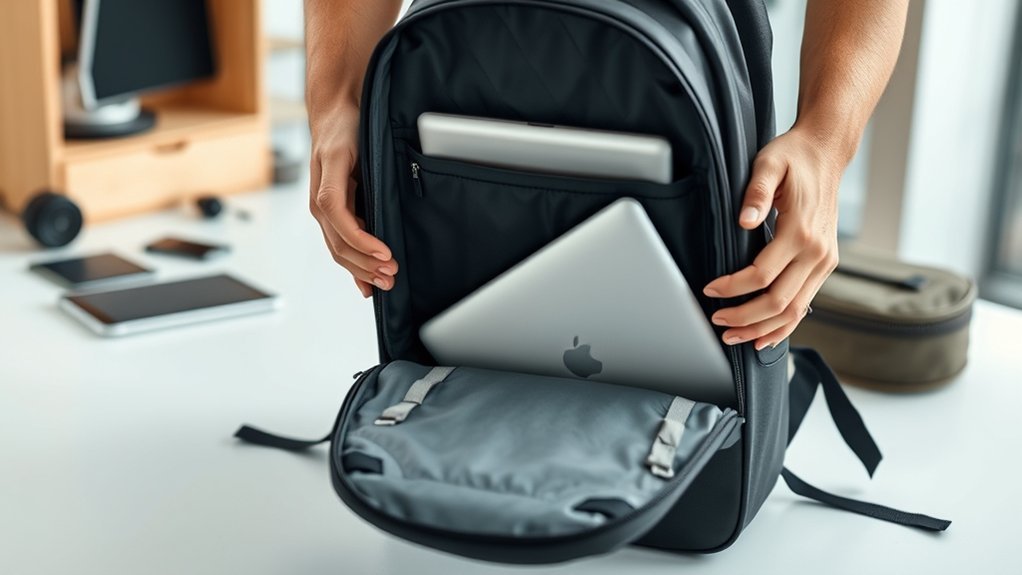
When packing your laptop, start by choosing a padded sleeve to shield it from bumps and scratches. Organizing your accessories efficiently will not only save space but also keep everything easily accessible. With the right setup, you’ll guarantee your laptop stays safe and ready for use whenever you need it.
Choose a Padded Sleeve
Choosing the right padded sleeve for your laptop is essential for ensuring it stays safe during your travels. A well-fitted sleeve absorbs shocks and prevents scratches, giving you peace of mind as you journey. Here are some features to evaluate when selecting a sleeve:
- Snug Fit: Keeps your laptop secure and prevents movement.
- Water Resistance: Protects against unexpected spills or rain.
- Built-in Workspace: Offers convenience for quick tasks on the go.
- Heat Protection: Always power down before placing your laptop inside to avoid overheating.
- Extra Layer: Even if your backpack has padding, a sleeve adds an additional safety net.
Investing in a quality sleeve is a small step towards liberating your travels from worries about your tech.
Organize Accessories Efficiently
Packing your laptop isn’t just about slipping it into a bag; it’s about creating a safe and organized environment for your tech. Start with a travel laptop backpack featuring a padded compartment that hugs your device snugly, preventing unwanted movement. Avoid overstuffing your bag; a little breathing room helps protect your laptop from pressure damage. Elevate the laptop compartment off the ground and position it near the top for easy access during security checks. Use handy pockets within the bag to secure power cords and peripherals, minimizing the risk of damage. For added safety, consider packing your laptop in a protective sleeve. This extra layer can safeguard against bumps and drops, ensuring your tech travels as smoothly as you do.
Choosing the Right Laptop Backpack
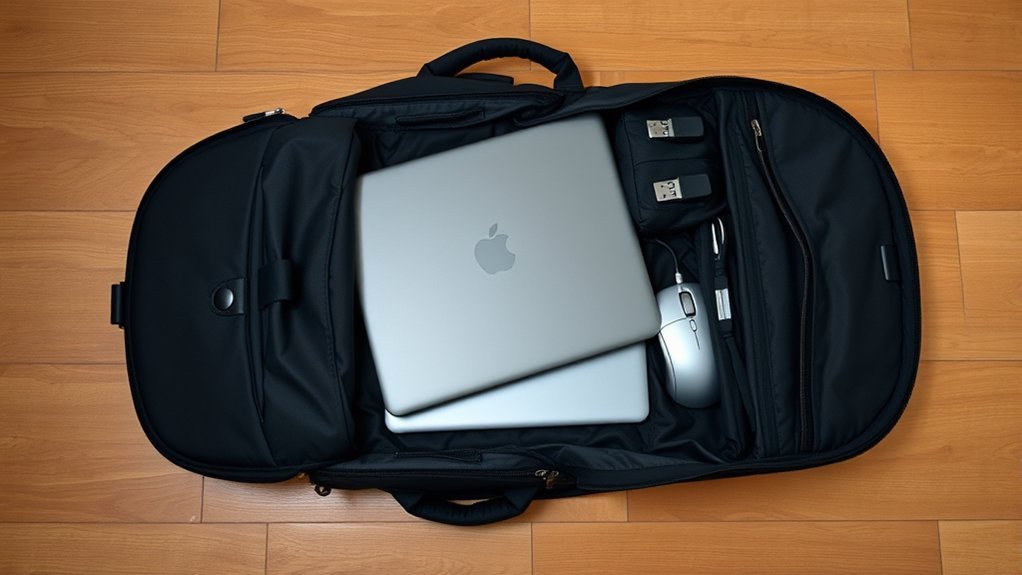
When picking a laptop backpack, focus on padding and protection features to keep your device safe from bumps and drops. You’ll also want to contemplate organizational compartments for easy access to your accessories and essentials. Don’t forget about anti-theft designs; they can provide peace of mind while you’re on the move.
Padding and Protection Features
Finding the right laptop backpack is essential for keeping your device safe and secure during travel. Prioritize padding and protection features to guarantee your laptop withstands the journey ahead.
- A dedicated compartment with thick, solid padding on both sides
- A snug fit to minimize movement and reduce damage risk
- Anti-theft features, like combination locks and cut-proof fabric
- An additional laptop sleeve or case for extra cushioning
- A streamlined design to keep weight manageable
With these elements in mind, you can confidently select a backpack that embraces your laptop’s safety. You’ll not only travel light but also enjoy the freedom of exploring without worrying about your device’s protection.
Organizational Compartments and Accessibility
To guarantee a smooth travel experience, choosing a laptop backpack with well-designed organizational compartments is essential. Look for a dedicated laptop compartment that’s padded inside and out, ensuring your device stays safe during your journey. A streamlined, compact design helps your backpack fit effortlessly under airplane seats, making storage a breeze. Opt for a laptop compartment that’s independently accessible, allowing you to whip out your laptop during TSA screenings without rummaging through your entire bag. Additionally, select a backpack with various organizational pockets to keep chargers, accessories, and essentials neatly arranged. A minimalist appearance can further help deter attention, keeping your valuable gear secure while you travel freely. With these features, you’ll feel liberated and organized on your adventures.
Anti-Theft Design Considerations
The right laptop backpack not only keeps your gear organized but also enhances your security while traveling. When choosing a bag, consider features that deter theft and provide peace of mind:
- Cut-proof fabric to thwart slashing attempts
- Hidden zippers and compartments to minimize opportunistic theft
- Adjustable straps to secure the bag to a stationary object
- RFID-blocking pockets to protect against electronic pickpocketing
- A minimalist design to avoid drawing unnecessary attention
With these considerations, you can embrace the freedom of travel knowing your laptop is well-protected. A thoughtfully designed backpack empowers you to navigate crowded spaces confidently, allowing you to focus on the journey ahead rather than the safety of your belongings.
Packing Your Chargers Separately
Packing your laptop charger separately can be a game-changer for your travel experience. By doing so, you reduce bulk and pressure on your laptop, minimizing the risk of damage during your journey. Utilize a dedicated pocket or pouch in your backpack to keep the charger organized and easily accessible for security checks. This not only speeds up the process but also keeps your essentials in order.
Consider investing in a compact, powerful charger like the Anker Nano II Fast Charger Adapter to save space and weight in your carry-on. Keeping your charger separate prevents it from tangling with other cables, making it easier to find what you need quickly. When packing, cushion the charger with soft items like clothing or a small towel for added protection against impacts. This simple step guarantees your gear stays safe and you travel with peace of mind.
Organizing Your Belongings
Keeping your laptop charger organized is just one step in creating a seamless travel experience. By utilizing travel packing organizers, like packing cubes, you can neatly arrange your cables and accessories, reducing the risk of scratches and damage to your laptop. A messy bag can lead to increased chances of accidents, so prioritize organization.
- Packing cubes for cables
- A dedicated compartment for your laptop
- Handy pockets for smaller necessities
- Secured power cords and peripherals
- A checklist for essential items
Don’t overpack your bag; if it’s hard to zip up, reconsider what you’re bringing. This not only protects your laptop from pressure but also encourages a lighter, more liberating travel experience. Keeping everything organized not only protects your device but enhances your journey, allowing you to focus on what truly matters as you explore the world.
Tips for Traveling Light With a Laptop
Traveling light with a laptop can transform your journey, making it smoother and more enjoyable. To help you streamline your packing, consider these essential tips:
| Tip | Description |
|---|---|
| Choose Lightweight Model | Opt for models like the MacBook Air M2 or iPad Pro to minimize weight. |
| Multi-Purpose Accessories | Pack a compact charger and portable stand to save space. |
| Use a Dedicated Compartment | Protect your laptop in a well-padded backpack compartment. |
| Embrace Minimalism | Assess your needs—sometimes a smartphone can replace a laptop. |
Utilizing packing organizers like cubes can keep your cables tidy, reducing bulk while enhancing accessibility. By embracing these strategies, you’ll feel liberated from excess baggage, allowing you to focus on your adventures ahead!
Essential Laptop Travel Accessories
When you’re on the go with your laptop, having the right travel accessories can make all the difference in guaranteeing a smooth journey. These essentials not only protect your device but also enhance your travel experience. Here’s what you should consider packing:
- High-quality laptop sleeve or case: Shields against dust, spills, and drops.
- Compact international electrical plug adapter: Guarantees your laptop stays powered up anywhere.
- Portable laptop stand: Provides ergonomic support for comfortable work sessions.
- Packing cubes or pouches: Keeps cables and accessories organized and tangle-free.
- Spill-proof keyboard cover: Guards against accidental liquid damage.
Equipping yourself with these accessories not only liberates you from worry but also elevates your productivity, no matter where your travels take you.
Security and Theft Considerations
Securing your laptop during travel is essential, especially in budget accommodations where safety might be an afterthought. Many cheap hotels and hostels lack adequate security, making it vital to find creative ways to safeguard your device. Since laptops often don’t fit in hotel safes, look for secure hiding spots or inquire about storage options if your flight times don’t align.
Consider investing in an anti-theft backpack featuring cut-proof fabric and combination locks to deter thieves. When you’re on public transport or moving between locations, stay aware of your surroundings. Keep your backpack close and secure your laptop in a way that minimizes visibility and risk.
Also, remember that many hostels lack lockable lockers, so think strategically about how you store your laptop. With a little planning and vigilance, you can enjoy your travels while keeping your tech gear safe and sound.
Travel Insurance for Your Tech Gear
While you might take every precaution to protect your laptop during your travels, unforeseen circumstances can still arise. That’s why investing in travel insurance for your tech gear is a smart move. It safeguards against loss, theft, or damage, giving you peace of mind as you explore.
Consider these essential aspects when choosing your policy:
- Coverage limits should exceed your laptop’s value.
- Standard policies may cap claims at $500 for individual items.
- Keep receipts and serial numbers handy for easy claims.
- Read the fine print for exclusions that could affect your gear.
- Assess your overall travel needs to find the right plan.
Frequently Asked Questions
Can I Use a Laptop During the Flight?
Yes, you can use your laptop during the flight, but you’ll need to wait until the aircraft reaches cruising altitude. Just guarantee your device’s battery is charged, and follow the crew’s instructions for usage.
How Do I Protect My Laptop From Damage While Traveling?
An ounce of prevention is worth a pound of cure. To protect your laptop while traveling, use a padded sleeve, avoid extreme temperatures, and keep it secure in your backpack to prevent bumps and scratches.
Should I Remove My Laptop From Its Sleeve at Security?
Yes, you should remove your laptop from its sleeve at security. It makes the screening process smoother, ensuring your device gets the attention it needs while minimizing the risk of damage during inspection.
What Should I Do if My Laptop Is Too Large for My Backpack?
If your laptop’s too large, consider using a dedicated laptop bag. Imagine a sleek, padded case that fits comfortably over your shoulder, allowing easy access while keeping your device protected during your travels.
Are There Any Restrictions on Laptop Battery Sizes?
Yes, there are restrictions on laptop battery sizes. Most airlines limit lithium-ion batteries to 100 watt-hours. If your battery exceeds this, check with your airline for specific guidelines to avoid issues at security checkpoints.
Conclusion
When traveling with your laptop, remember that around 25% of travelers report losing or damaging their tech gear on the road. By following these packing tips and choosing the right backpack, you can greatly reduce that risk. Keep your laptop accessible during security checks, pack your chargers neatly, and use travel accessories to stay organized. With a little planning, you’ll guarantee your tech stays safe and sound, letting you focus on enjoying your journey. Safe travels!